Booking retires at the end of September 2026. Use Reservations instead.
For table reservations, open Admin > Dine-in > Reservations to view the book, set Opening hours, and use Copy link for the public /reserve URL. See Reservations. Customers book at take.app/your-store/reserve.
Once Reservations is set up, your Booking link moves over by itself. As soon as your store has at least one table with seats and opening hours with a bookable time, customers opening your old /book link land on /reserve, and Booking stops taking new bookings. Bookings you already have stay in Booking. Until then, Booking keeps working as before.
You'll see a Legacy notice on the bookings list and settings that links to Reservations, and Table Booking is marked Legacy under Settings > Advanced.
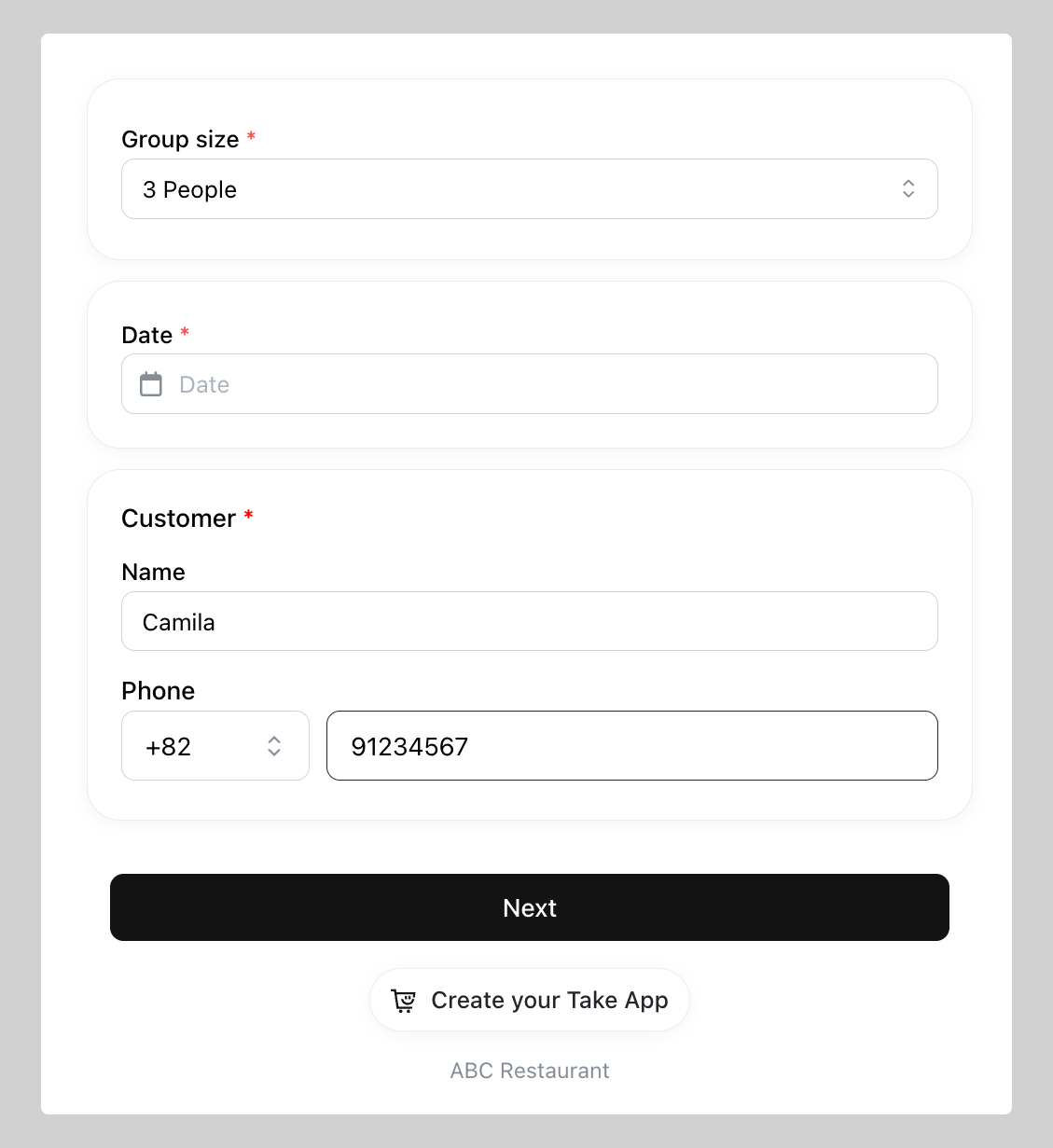
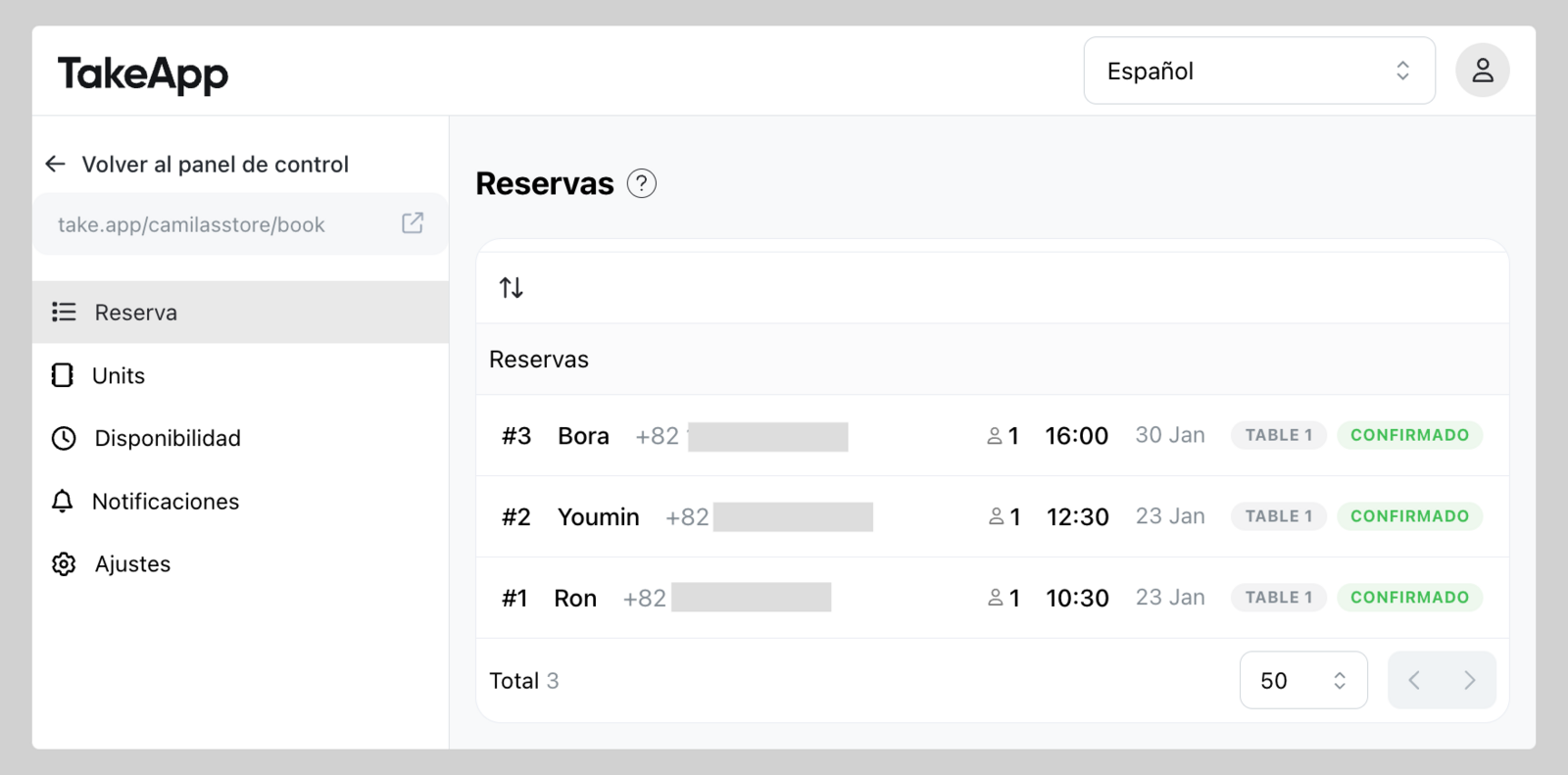
You can let your customer book tables or any other unit prior to their reservation date and time. Bookings live in their own admin section, with units and an availability schedule.
If instead you want to sell a reservation, appointment, or rental as a product — priced per night, per hour, or per slot — use a booking product. Booking products are separate and are not retiring.
How to set Booking
If your store has never used Booking, opening Booking setup now sends you to POS. Use Reservations instead (Admin > Dine-in > Reservations).
If your store already has Booking:
-
Go to Admin and click
Booking -
Set your initial booking settings then click
Create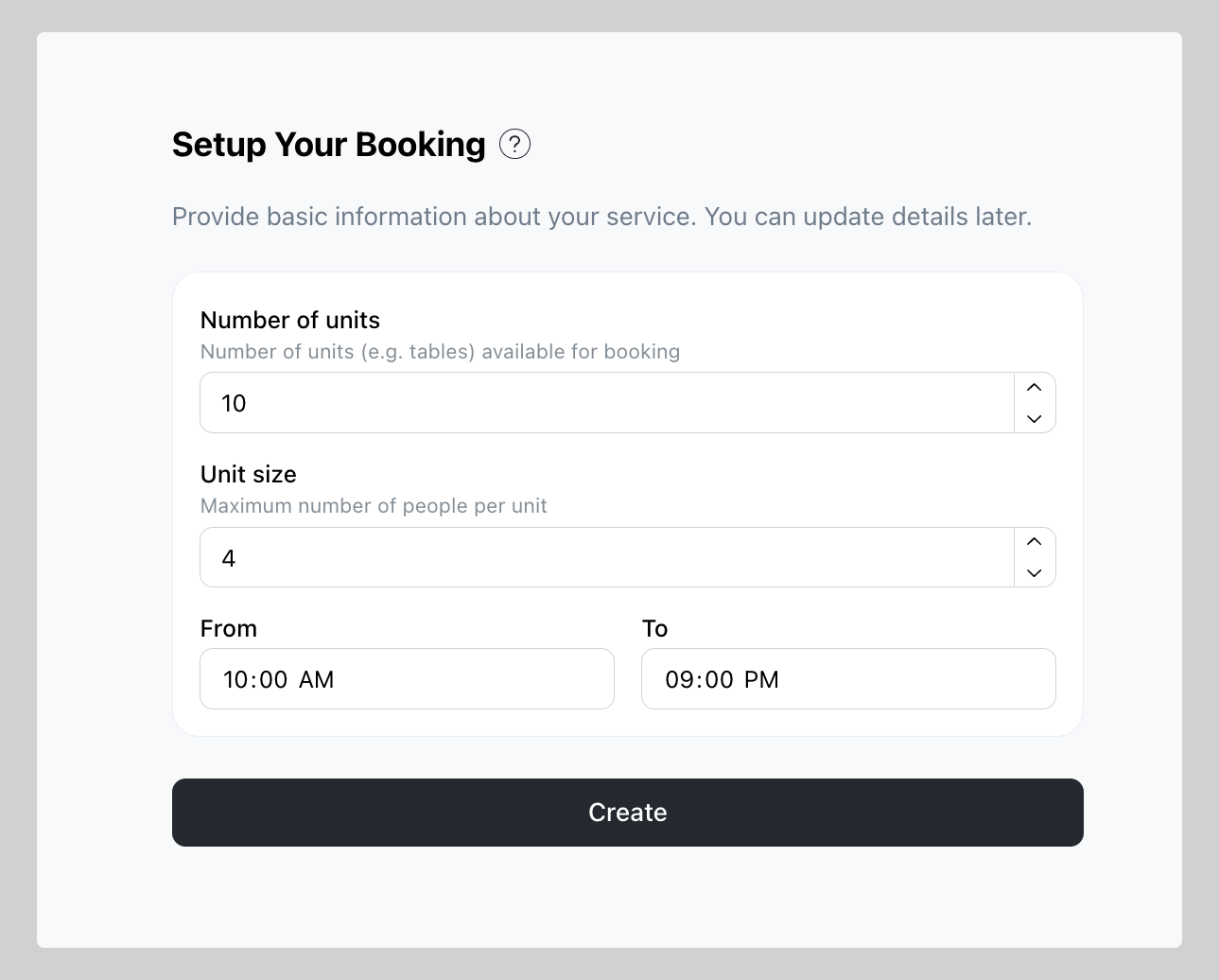
What to do after Booking setup is complete
-
Share or attach the booking link on your preferred marketing channel
-
In
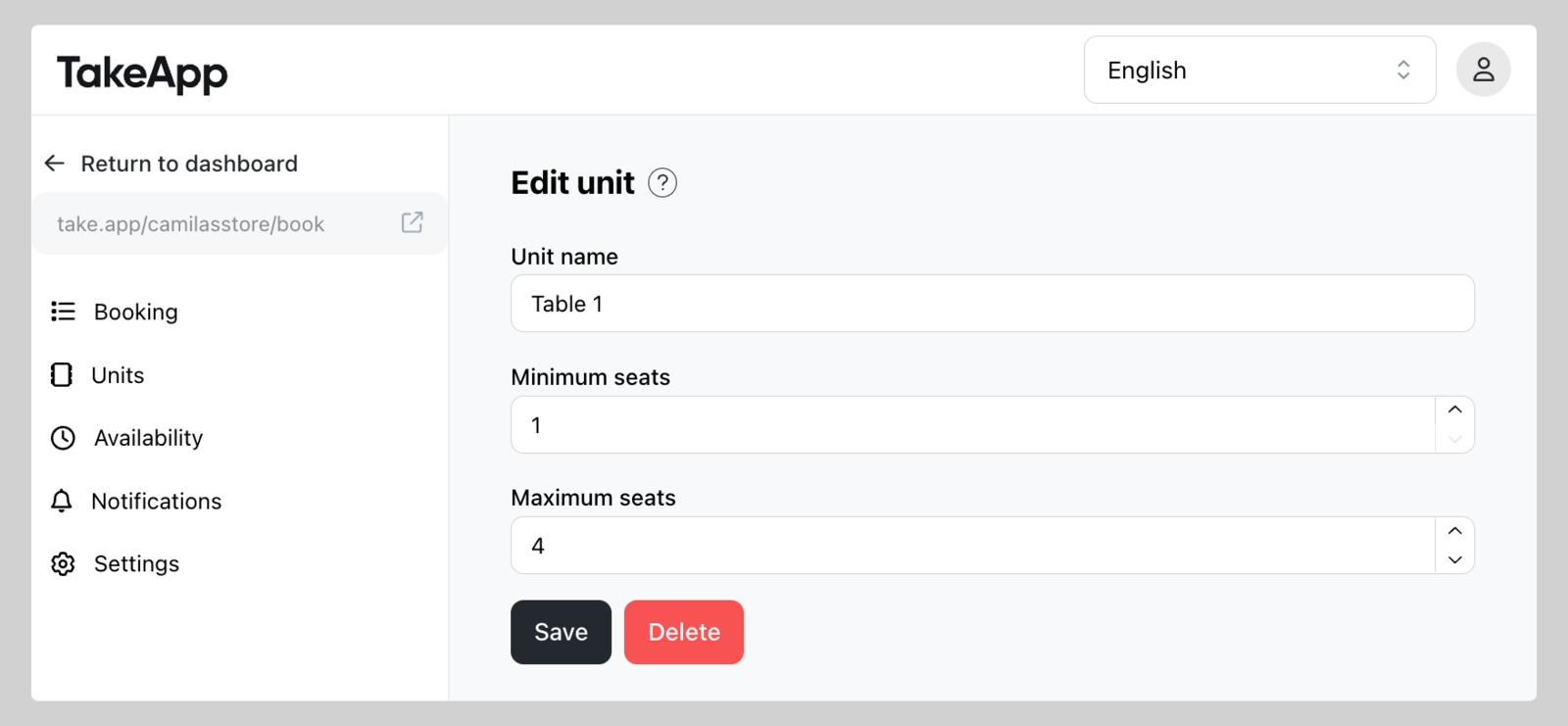
Unitsyou can modify the unit name and capacity as you prefer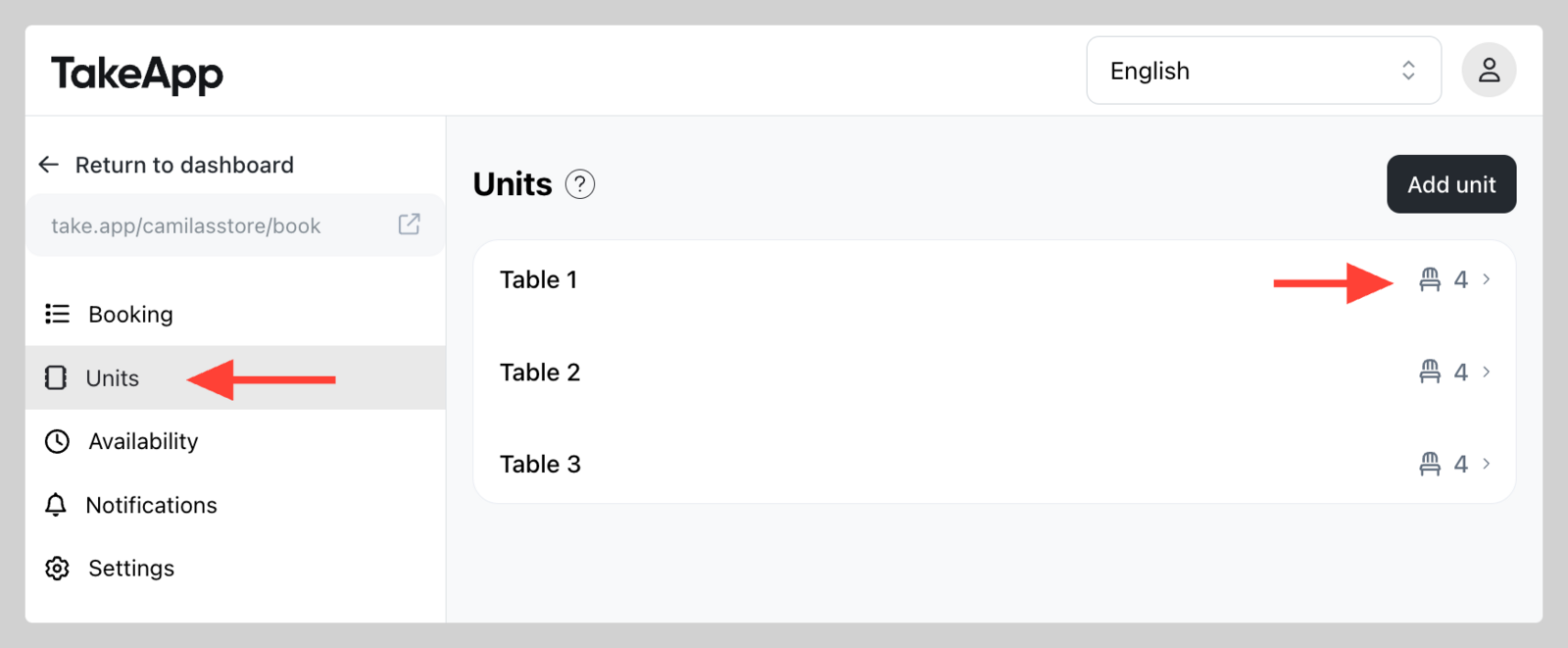
-
In
Availabilityyou can change the schedule.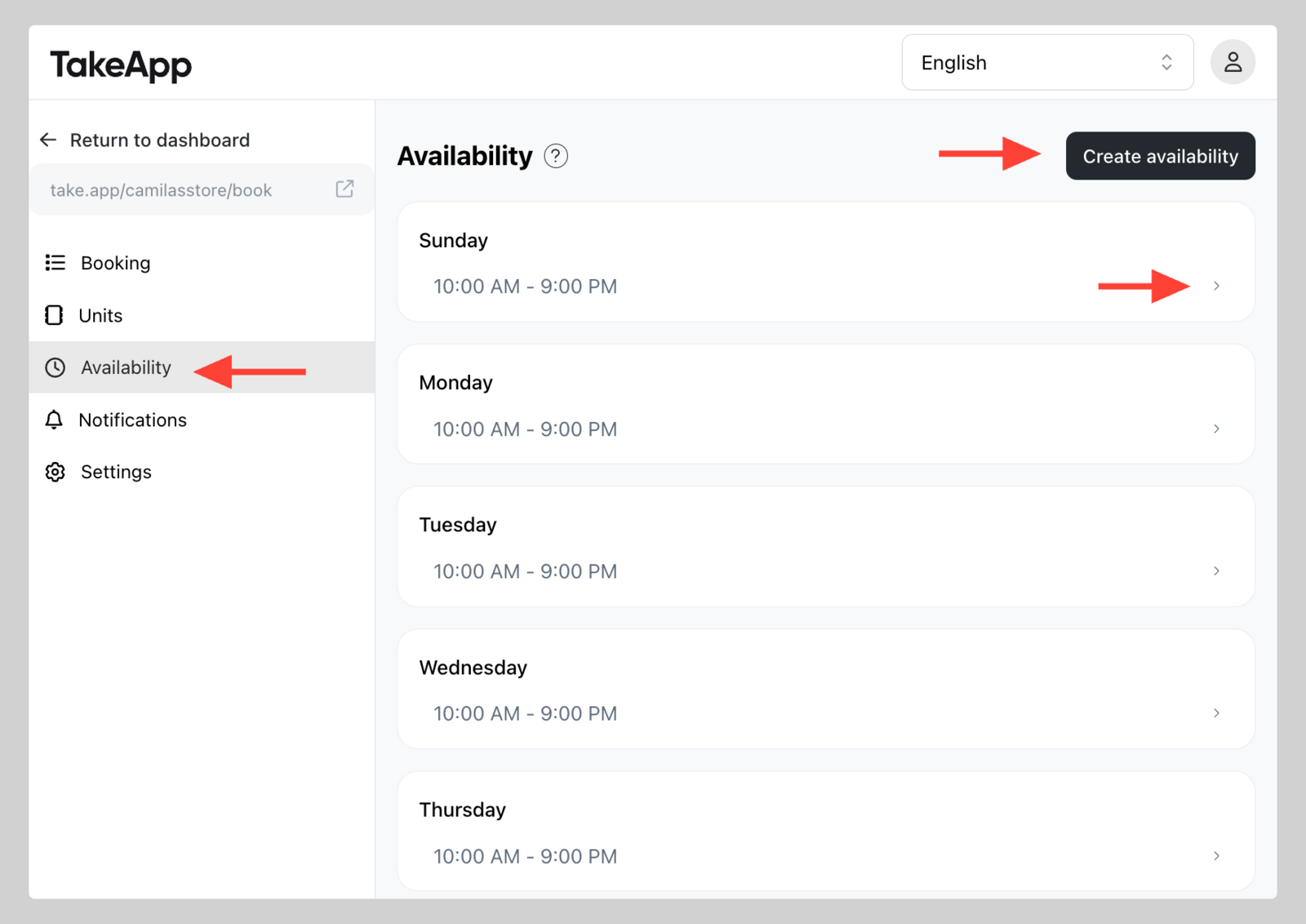
-
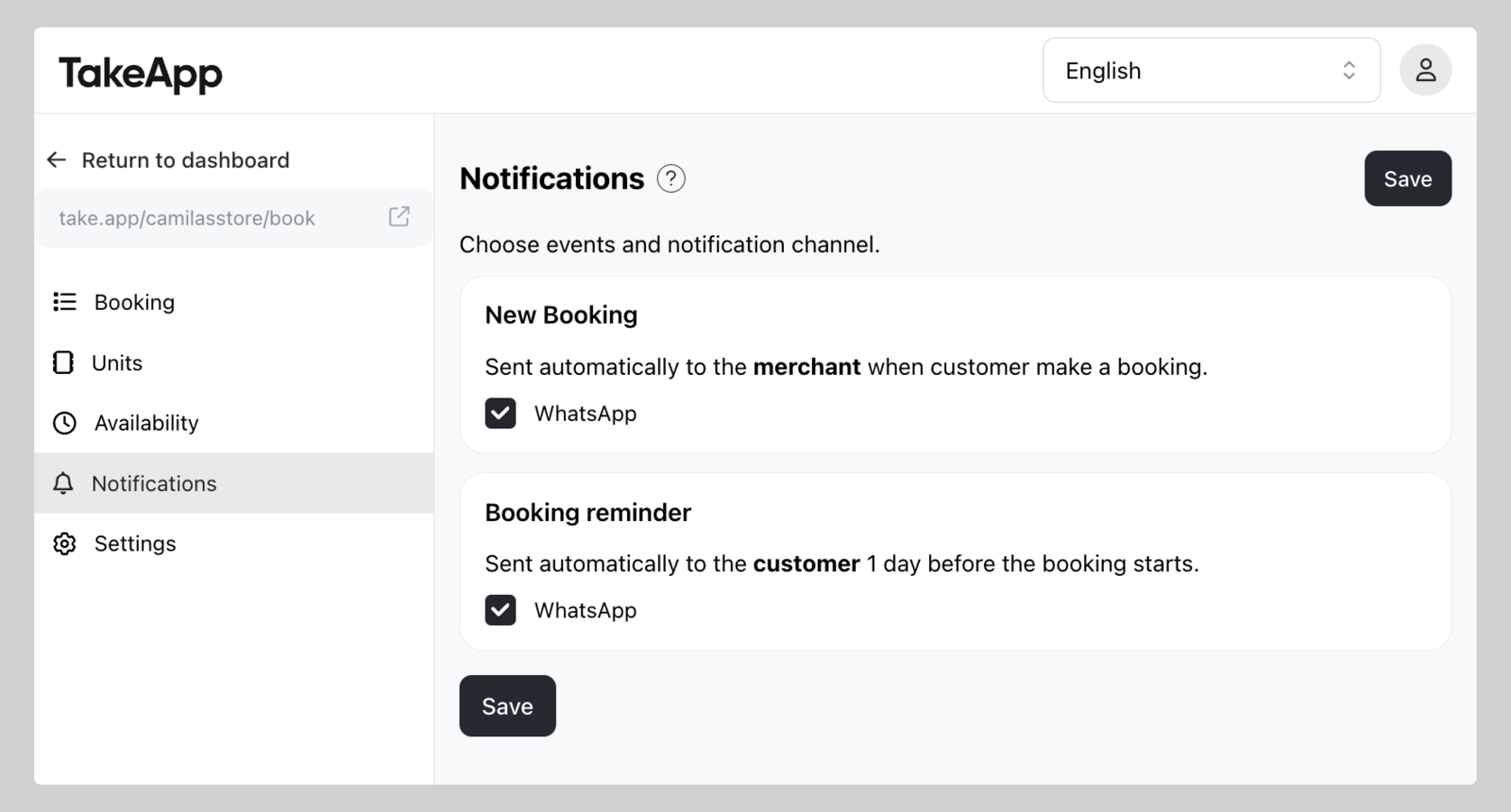
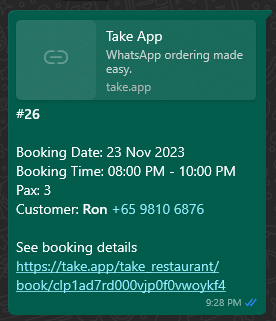
Turn on automatic notification for new booking (to admin phone) and booking reminder (to customer phone)