
Take App vs Loyverse
Loyverse is one of the few tills that is genuinely free, and it does that job well. What it has no version of is a customer ordering before they arrive. Take App is that half: the catalog, the order in WhatsApp, and the payment.
All comparisons



 PayNow
 PayPal
Short answer
This is not really a replacement — for most shops the right answer is both, and both can be free. Keep Loyverse on the counter and add Take App for the orders that arrive by DM: a catalog customers can browse, local payment methods, delivery and pickup slots, and a customer list you can message again. Switch outright only if you want one system for the counter and the chat, since Take App includes a point of sale on every plan. If every sale happens face to face and nobody ever orders ahead, Loyverse alone is fine.
Why businesses pick Take App
Customers order before they arrive: a catalog link in your bio or on a QR code, the order and the payment in WhatsApp, and nothing typed twice at the till.
Get paid at the order rather than at the counter — local wallets, bank transfer with a receipt to confirm, QR, or cash on delivery.
Message every past customer again. Loyverse holds a customer list; it has no way to send anything to it.
Feature by feature
The rows are what chat-first businesses ask us about most. Where Loyverse covers something through a paid add-on, or only in some countries, the cell says so instead of a cross.
| The monthly bill | Take App | Loyverse |
|---|---|---|
| Starts at | Free, then $50 / month | Free, add-ons from $9 / month |
| Free plan | Yes | Yes |
| Add-ons you also pay for | None — everything in the table below is included | $9 unlimited sales history, $25 employee management, $25 advanced inventory — each per store, per month |
| Commission on orders | None | None |
| Feature | Take App | Loyverse |
|---|---|---|
| Selling in the chat | ||
| Order form inside the WhatsApp chat | Yes | No |
| Automatic order & payment messages | Yes | No |
| Broadcast to past customers | Yes | No |
| Support & delivery updates in the same chat | Yes | No |
| Getting paid locally | ||
| Local wallets & bank transfer | Yes | No |
| Transfer receipt upload & confirmation | Yes | No |
| Cash on delivery | Yes | No |
| Card payments | Yes | Through a card terminal you connect, where that terminal is supported |
| Orders, delivery & counter | ||
| Dine-in QR ordering | Yes | No |
| Delivery & pickup scheduling | Yes | No |
| Local courier integrations | Yes | No |
| Point of sale | Yes | Yes |
| Online store with custom domain | Yes | No |
| Cost & getting started | ||
| Multiple stores & staff accounts | Yes5 stores & 5 staff | Extra stores are free; staff accounts are $25 per store a month |
| Live without a developer or agency | Yes | Yes |
How we compared
Loyverse plan prices and features were checked on August 28, 2026 against the pages linked below. Prices change and vary by country, so confirm with Loyverse before deciding. Take App's own plan details come from our pricing page.
Sources: loyverse.com/pricing, loyverse.com
Built for the market you actually sell in
100+ payment methods and local couriers across 180+ countries — the wallets, bank transfers, and cash on delivery your customers already use, not just cards.
Where Loyverse draws the line
Loyverse settles whatever is handed over at the counter: cash, or a card on a terminal you connect, in the countries that terminal covers. Nothing in it lets a customer pay before they arrive — which for a shop taking orders on WhatsApp is the entire transaction. Take App supports 100+ payment methods across 180+ countries, collected at the moment the order is placed.
Why WhatsApp, and not email
Across Southeast Asia, Latin America, Africa and the Middle East, a customer messages a shop long before they would open an email. Take App puts the order form, the payment reminder, the delivery update and the follow-up in that same thread — so nothing waits on an inbox nobody checks.
What you get on day one
No add-ons to install, no theme to build — every plan starts with the whole ordering flow.
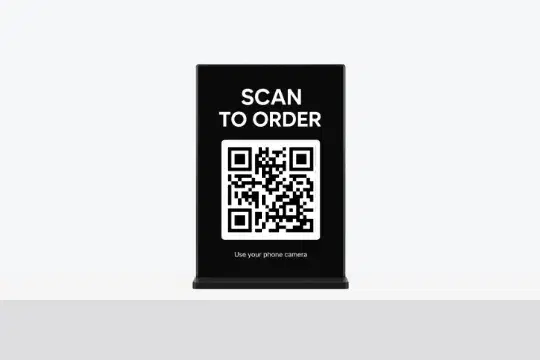
QR Ordering
Set up one QR code customers scan at your store to open your menu and place an order.
Learn more
Local Payment Options
Offer transfers, e-wallets, or COD. Make checkout easy for all buyers.
Learn more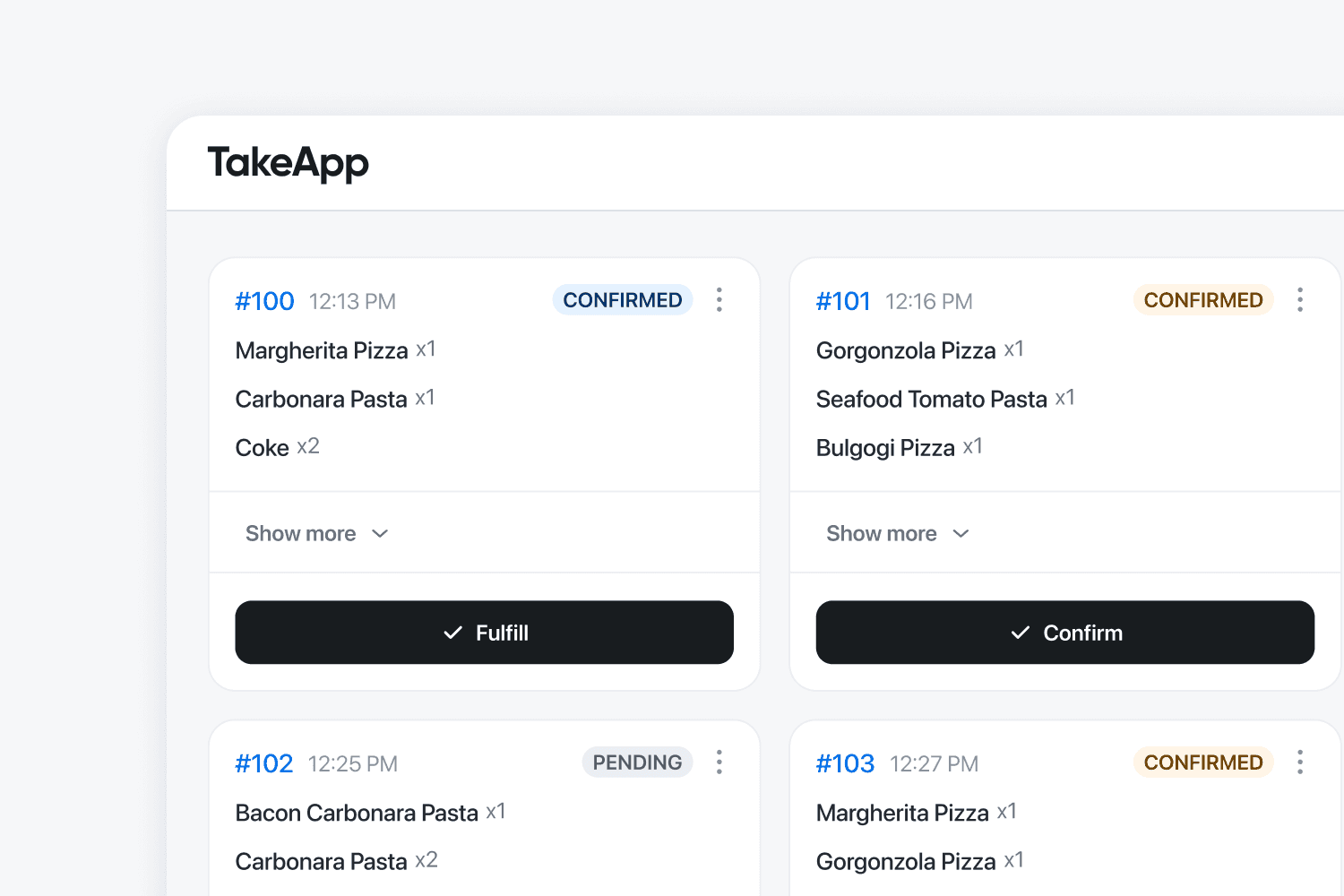
Kitchen Display
BusinessOrders appear on the kitchen screen instantly. Reduce errors and speed up service.
Learn more
Track your store growth
BusinessSee best-selling items with real data. Make smarter decisions and maximize profits.
Learn moreWhen Loyverse is the better choice
No tool wins everywhere. Choose Loyverse if this sounds like your business.
- Everything you sell is rung up in person and nobody orders ahead.
- You want a free till with barcode scanning, stock counts and shift reports, and genuinely nothing else.
- You already have somewhere for online orders to land and only need the counter side covered.
- Your staff know Loyverse, and retraining them costs more than the online orders would bring in.
What Customers Are Saying
Small businesses in 180+ countries run on Take App.
Common questions
Something out of date or unfair? Tell us and we'll fix it