
Take App vs Moka POS
Moka POS runs the counter — cashier, stock, QRIS, reports — billed per outlet, every month. Take App runs the half that happens before anyone walks in: the catalog, the order in WhatsApp, and the payment.
All comparisons
 PayNow
 PayPal
Short answer
If your customers message you before they collect, Take App is the closer and cheaper fit: free to start, no per-outlet fee, and the order form opens inside the chat instead of on the till. Moka POS is the better buy for a busy dine-in floor that needs table management, an EDC at the counter and shift reporting on hardware that never moves. A lot of outlets end up with both — Moka in front, Take App for everything that arrives by chat.
Why businesses pick Take App
Free to start, and no fee per outlet. Moka's entry plan is Rp299,000 per outlet every month, before hardware.
The order form opens inside the WhatsApp chat the customer already started, and they pay there too — QRIS, bank transfer with a receipt to confirm, or cash on delivery.
You still get a till: Take App includes a point of sale on every plan, sharing one stock count with the orders that arrive online.
Feature by feature
The rows are what chat-first businesses ask us about most. Where Moka POS covers something through a paid add-on, or only in some countries, the cell says so instead of a cross.
| The monthly bill | Take App | Moka POS |
|---|---|---|
| Starts at | Free, then $50 / month | IDR 299,000 / monthBasic, per outlet; Pro Rp499,000 and Enterprise Rp799,000 |
| Free plan | Yes | No |
| Add-ons you also pay for | None — everything in the table below is included | Hardware, plus the payment provider's own rate on every QRIS or card transaction through Moka Pay |
| Commission on orders | None | None on the subscription; Moka Pay's processing rate applies per transaction |
Moka POS's price gets searched in the local language, usually as “moka pos harga”, “harga moka pos per bulan” — and the table above is the answer, checked on the date below.
| Feature | Take App | Moka POS |
|---|---|---|
| Selling in the chat | ||
| Order form inside the WhatsApp chat | Yes | No |
| Automatic order & payment messages | Yes | No |
| Broadcast to past customers | Yes | No |
| Support & delivery updates in the same chat | Yes | No |
| Getting paid locally | ||
| Local wallets & bank transfer | Yes | QRIS and cards at the counter, through Moka Pay |
| Transfer receipt upload & confirmation | Yes | No |
| Cash on delivery | Yes | No |
| Card payments | Yes | Yes |
| Orders, delivery & counter | ||
| Dine-in QR ordering | Yes | Through Moka Order, its QR menu |
| Delivery & pickup scheduling | Yes | Moka Order takes pick-up and delivery orders |
| Local courier integrations | Yes | GoFood orders arrive in Moka; your own courier does not |
| Point of sale | Yes | Yes |
| Online store with custom domain | Yes | No |
| Cost & getting started | ||
| Multiple stores & staff accounts | Yes5 stores & 5 staff | Every outlet is a separate subscription |
| Live without a developer or agency | Yes | Yes |
How we compared
Moka POS plan prices and features were checked on August 28, 2026 against the pages linked below. Prices change and vary by country, so confirm with Moka POS before deciding. Take App's own plan details come from our pricing page.
Built for the market you actually sell in
100+ payment methods and local couriers across 180+ countries — the wallets, bank transfers, and cash on delivery your customers already use, not just cards.
Where Moka POS draws the line
Moka knows Indonesia and handles that part properly — QRIS at the counter, GoFood orders in the same app, reporting in Rupiah. What it has no answer for is the order that arrives in a chat at nine at night: no catalog link to send, no form in the thread, no way for the customer to pay before they come. Take App supports 100+ payment methods across 180+ countries and starts at the message.
Why WhatsApp, and not email
Across Southeast Asia, Latin America, Africa and the Middle East, a customer messages a shop long before they would open an email. Take App puts the order form, the payment reminder, the delivery update and the follow-up in that same thread — so nothing waits on an inbox nobody checks.
What you get on day one
No add-ons to install, no theme to build — every plan starts with the whole ordering flow.
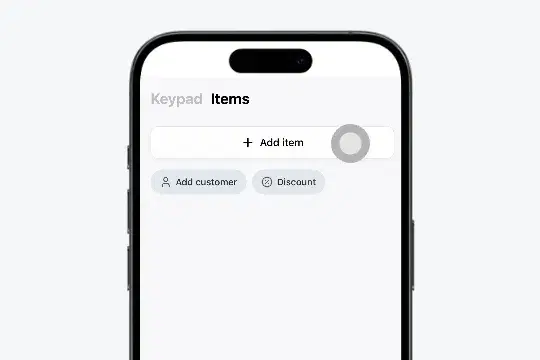
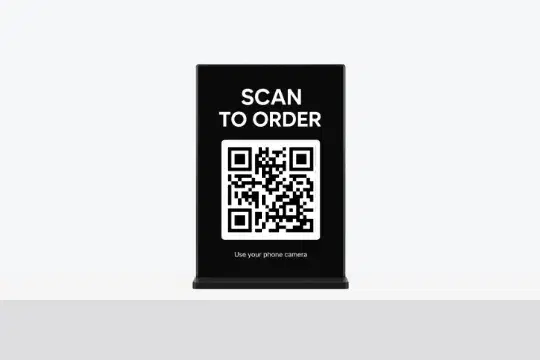
QR Ordering
Set up one QR code customers scan at your store to open your menu and place an order.
Learn more
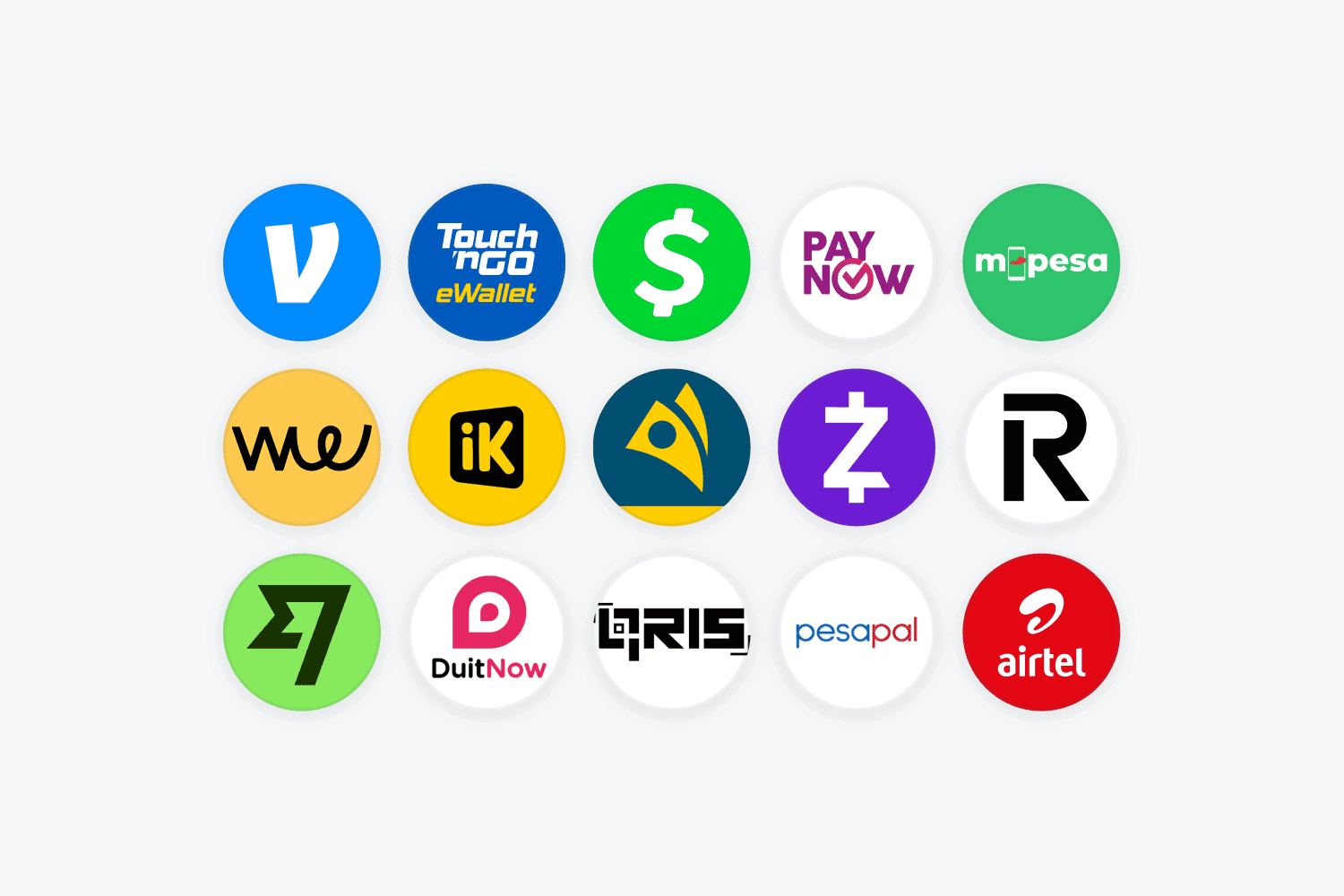
Local Payment Options
Offer transfers, e-wallets, or COD. Make checkout easy for all buyers.
Learn more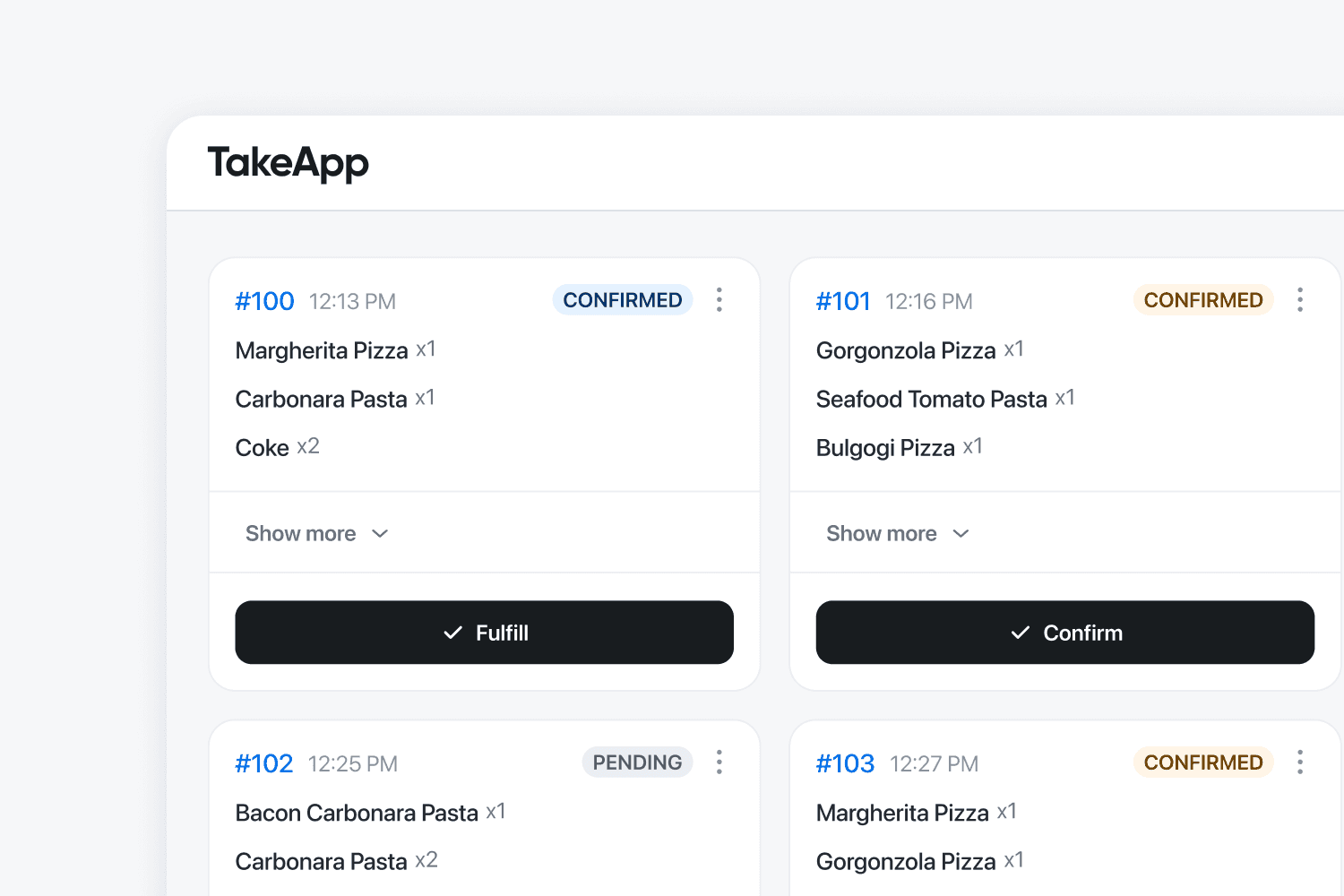
Kitchen Display
BusinessOrders appear on the kitchen screen instantly. Reduce errors and speed up service.
Learn more
Track your store growth
BusinessSee best-selling items with real data. Make smarter decisions and maximize profits.
Learn moreWhen Moka POS is the better choice
No tool wins everywhere. Choose Moka POS if this sounds like your business.
- You run a dine-in floor and need table management, split bills and shift handovers at the counter.
- You already own Moka's hardware and an EDC, and almost every sale happens face to face.
- You want GoFood and GrabFood orders landing on the same screen as your walk-ins.
- You run five or more outlets and want a dedicated account manager across them.
What Customers Are Saying
Small businesses in 180+ countries run on Take App.
Compare in your market
Local payment methods and prices differ by country. See how Take App works in yours.
Other comparisons
Common questions
Something out of date or unfair? Tell us and we'll fix it