
Take App now keeps an audit log of changes made to your products and customer records. Every edit — whether made by you or a team member — is tracked with a timestamp and the name of the person who made the change.
What the audit log tracks
- Product changes — Price updates, inventory adjustments, description edits, visibility changes, and more
- Customer record changes — Contact info updates, tag changes, and notes
How to access it
- Open any Product or Customer record in your dashboard
- Scroll to the Activity section at the end of the page
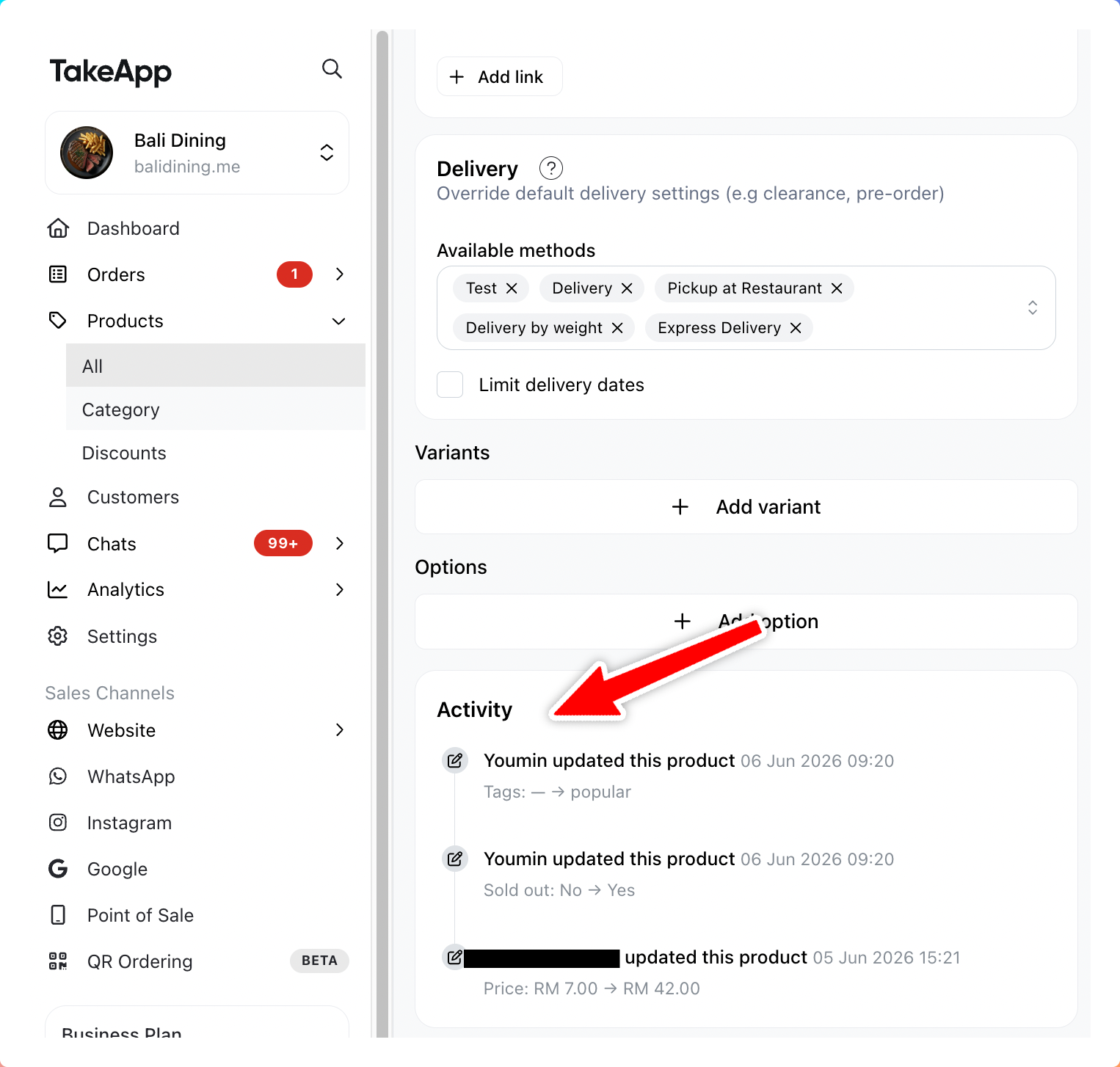
Each entry shows:
- What field or value was changed
- The team member who made the change
- The exact date and time