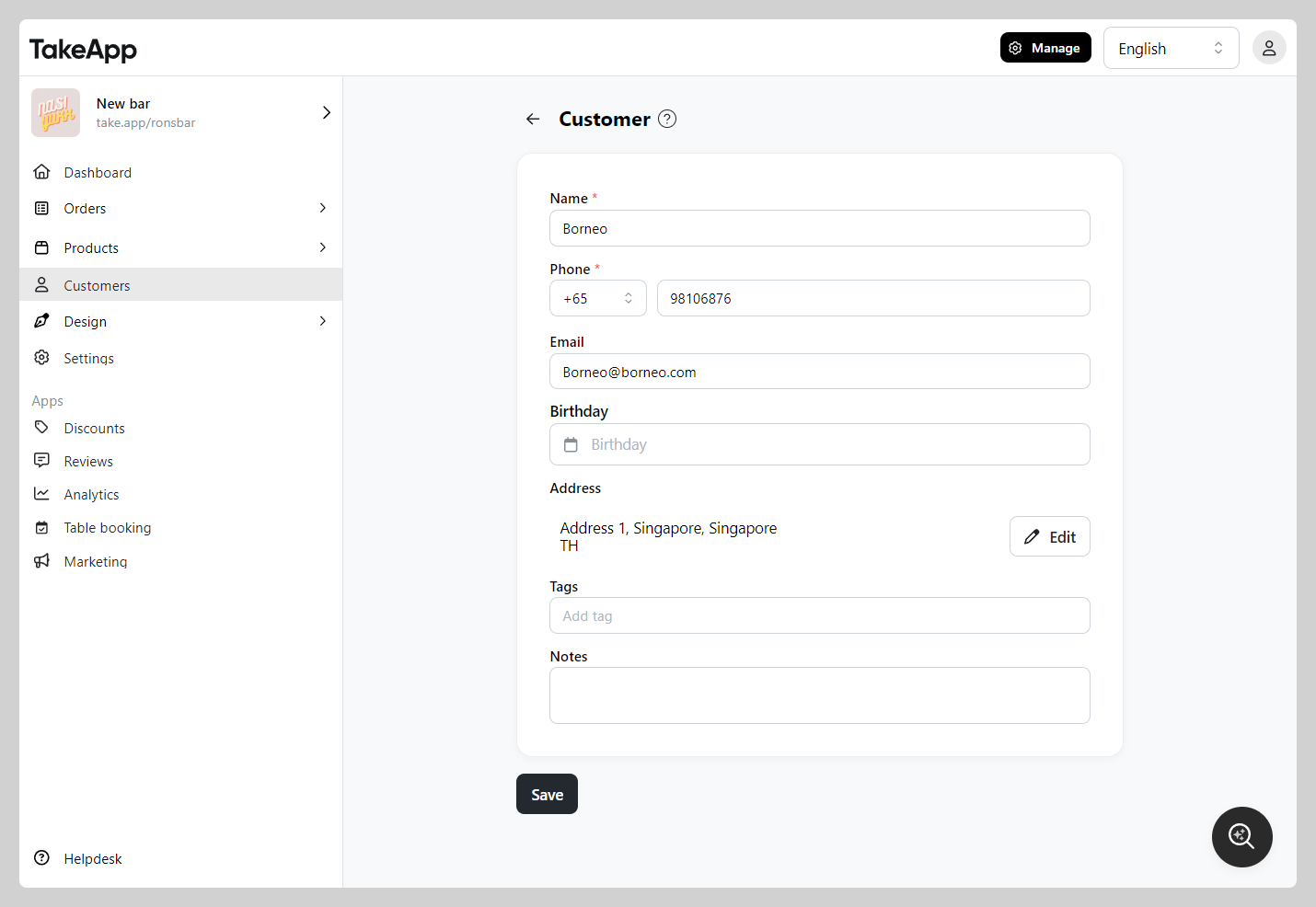
You can edit and manage customer data such as their name, phone number, and delivery address. In addition, you can also edit their store credit
How to edit customer data
-
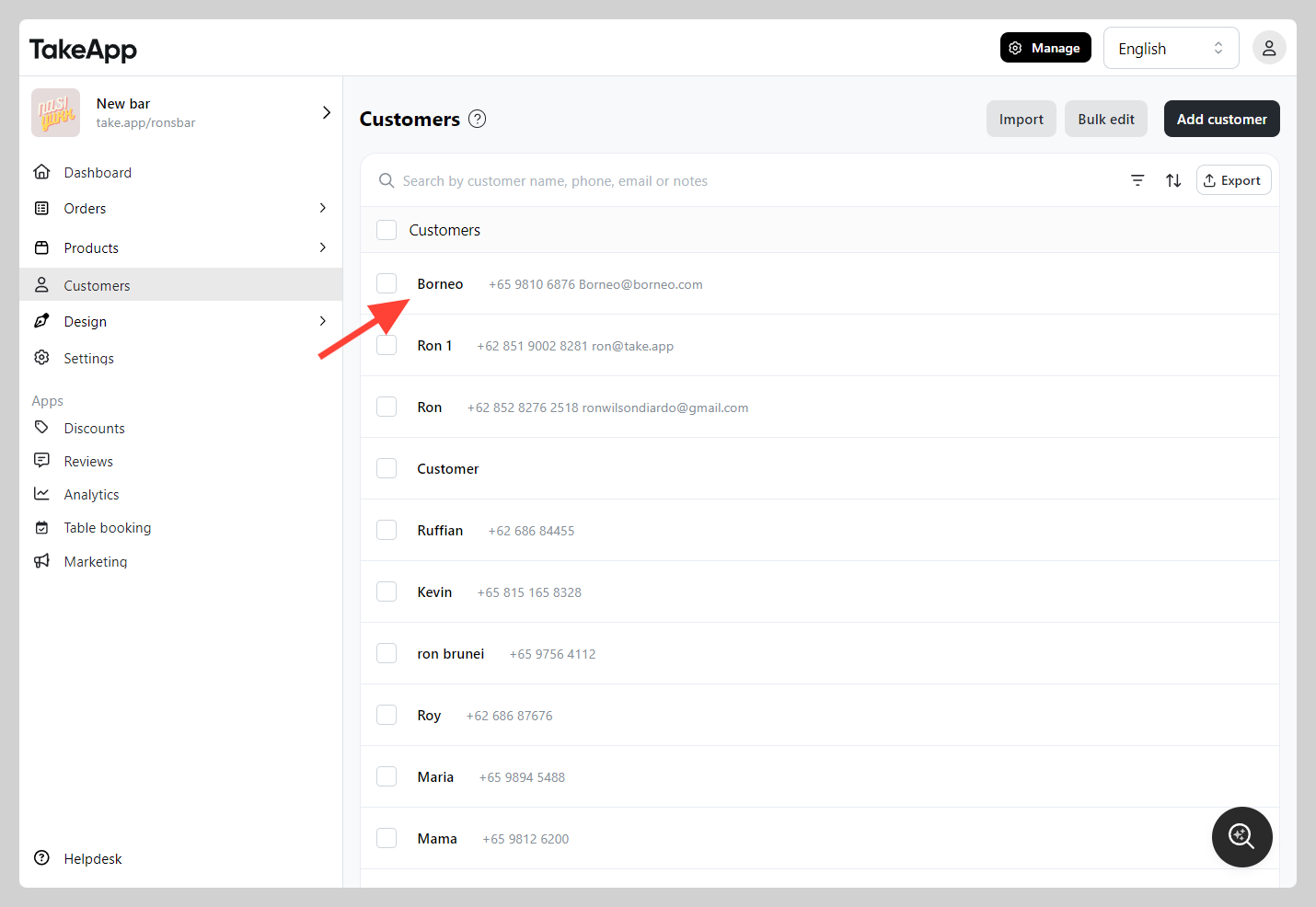
Go to Admin > Customers and click on a customer that you want to modify
-
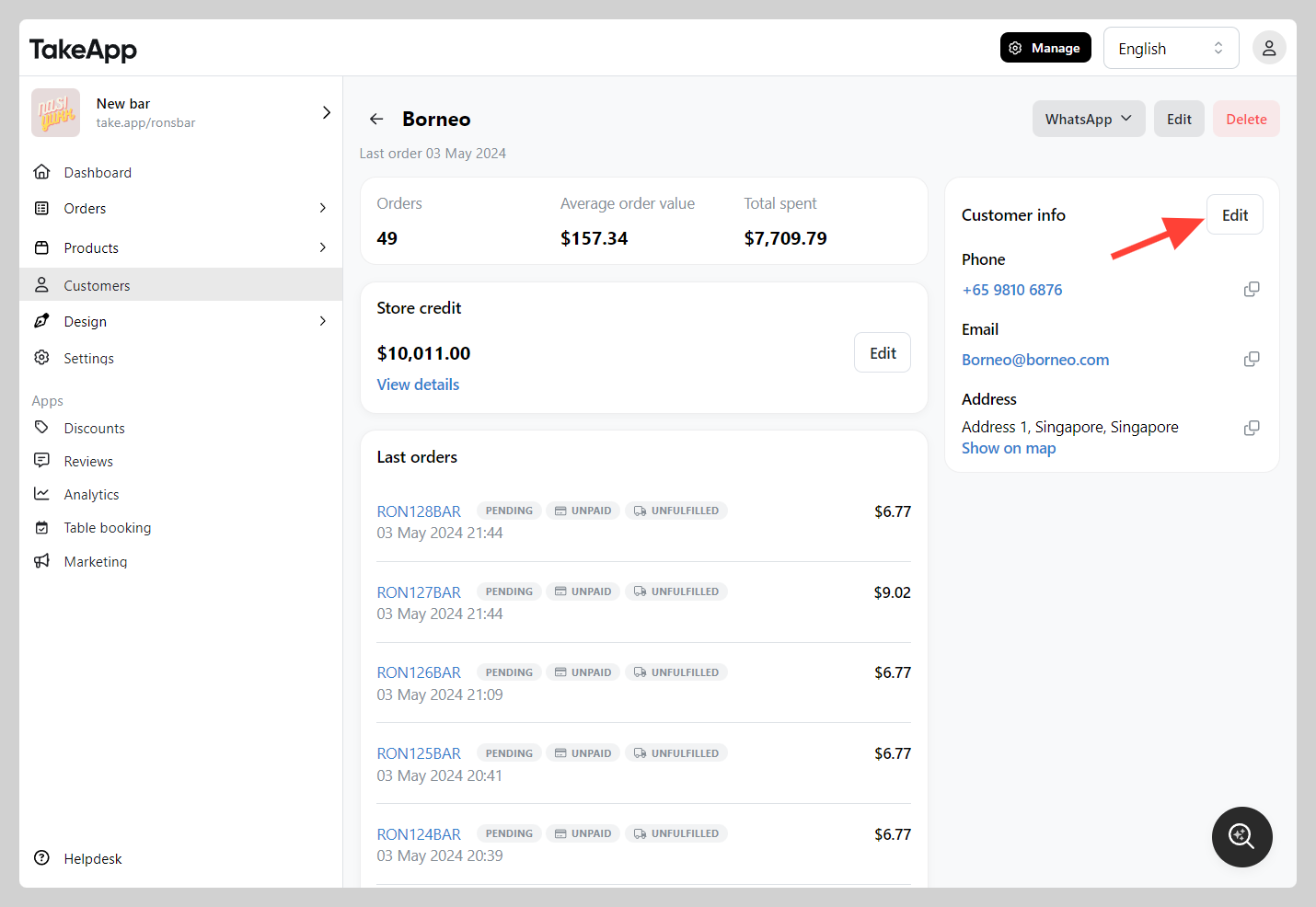
Click `Edit` and modify the detail as you prefer
-
Make sure all the details has been changed accordingly, click
Save