
The Customer Account Page allows your customers to easily view and manage their orders in one place.
Customer can access their Customer Account Page by following these steps:
- Tap the
☰menu button (the three horizontal lines at the top left of the screen) to open the side menu. - Scroll to the bottom and select “Login.”
- Enter their phone number and tap “Continue” to log in to your account.
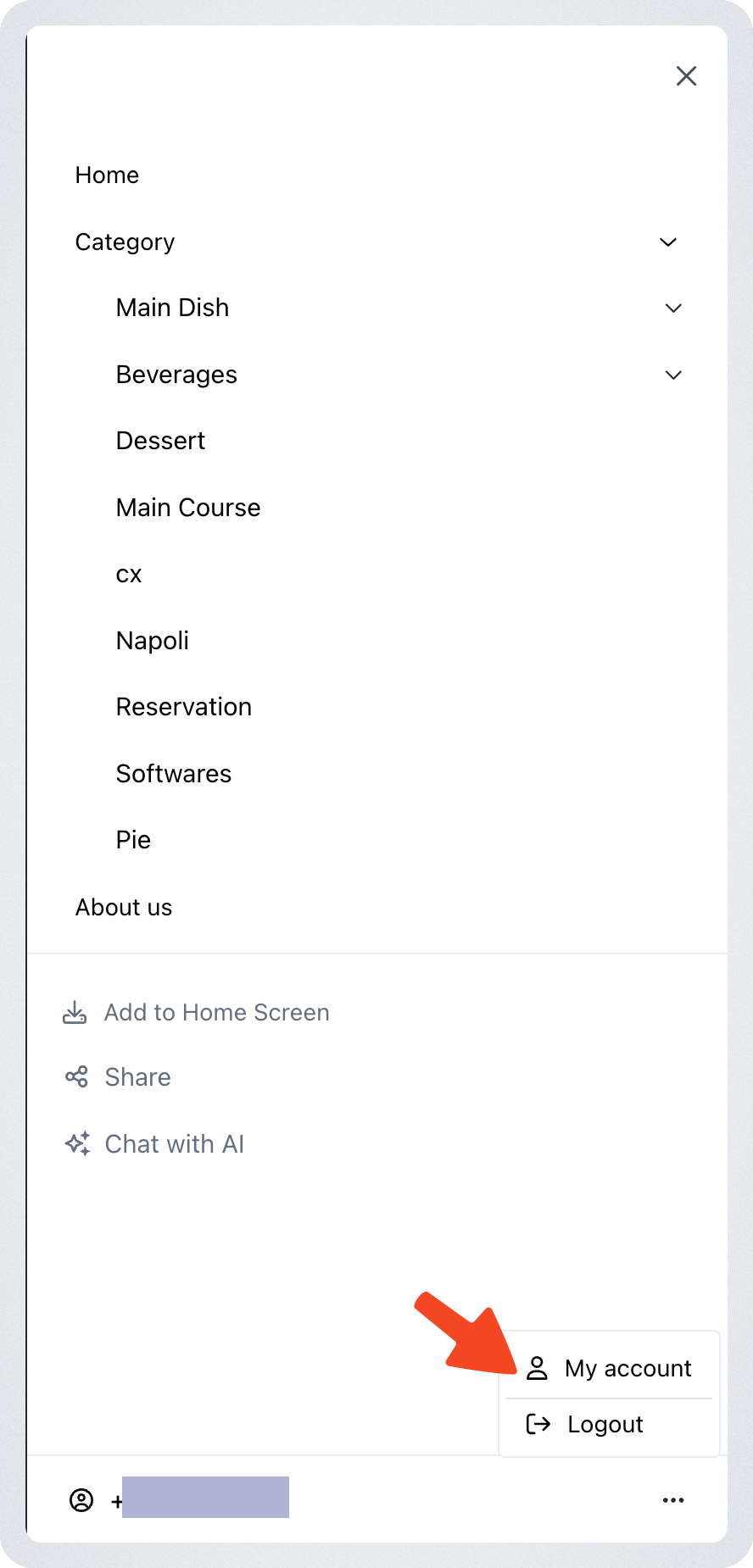
- Once logged in, the phone number will appear at the bottom of the menu.
- Tap the number, then select “My account.” → This will take you to the Customer Account Page, where your customer can view their past orders and store credit.
Store Credit
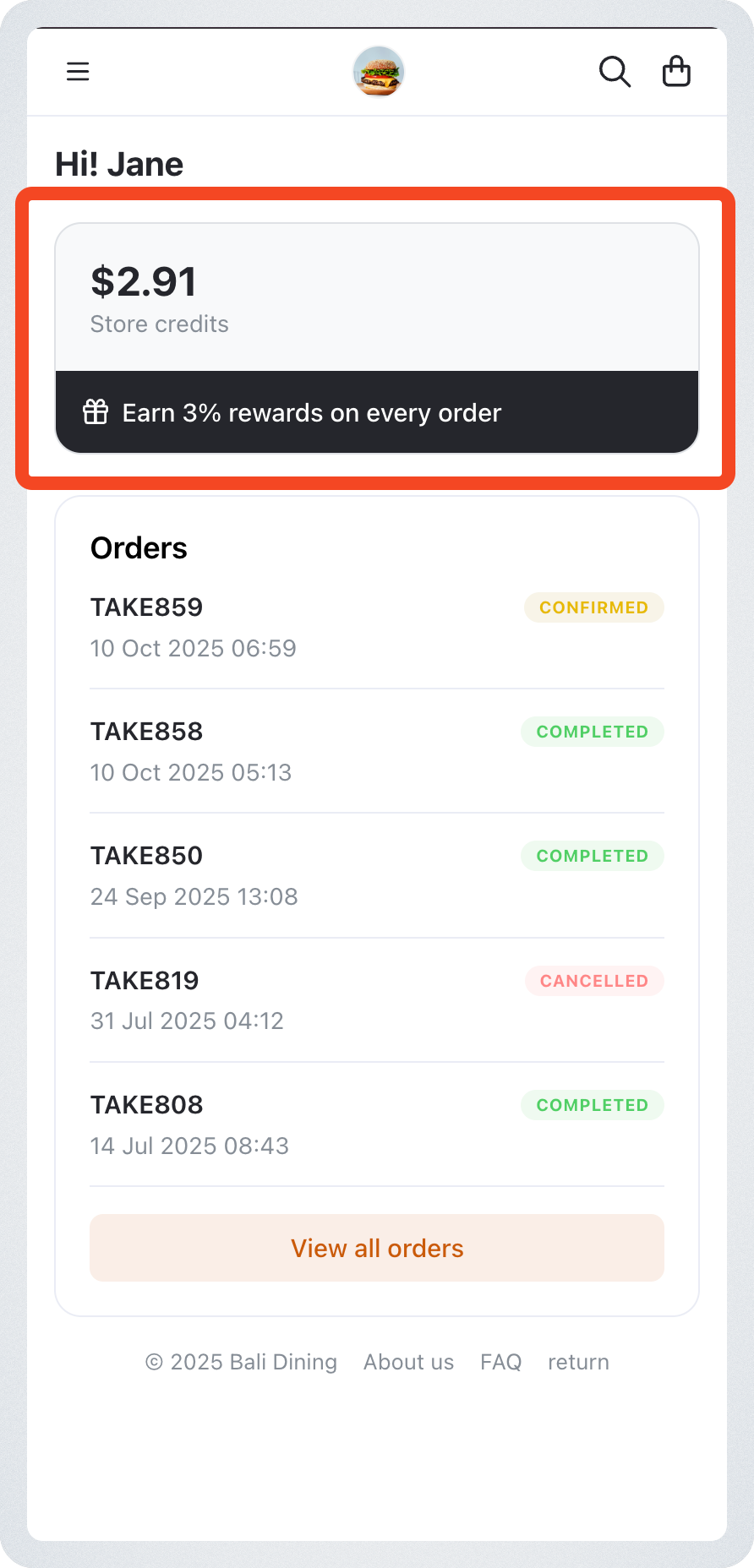
If your store uses Store Credit as a payment method:
- Customers can check their available balance.
- The credit can be used for future orders.
Note: Store Credit will only appear if your store has enabled this payment method.
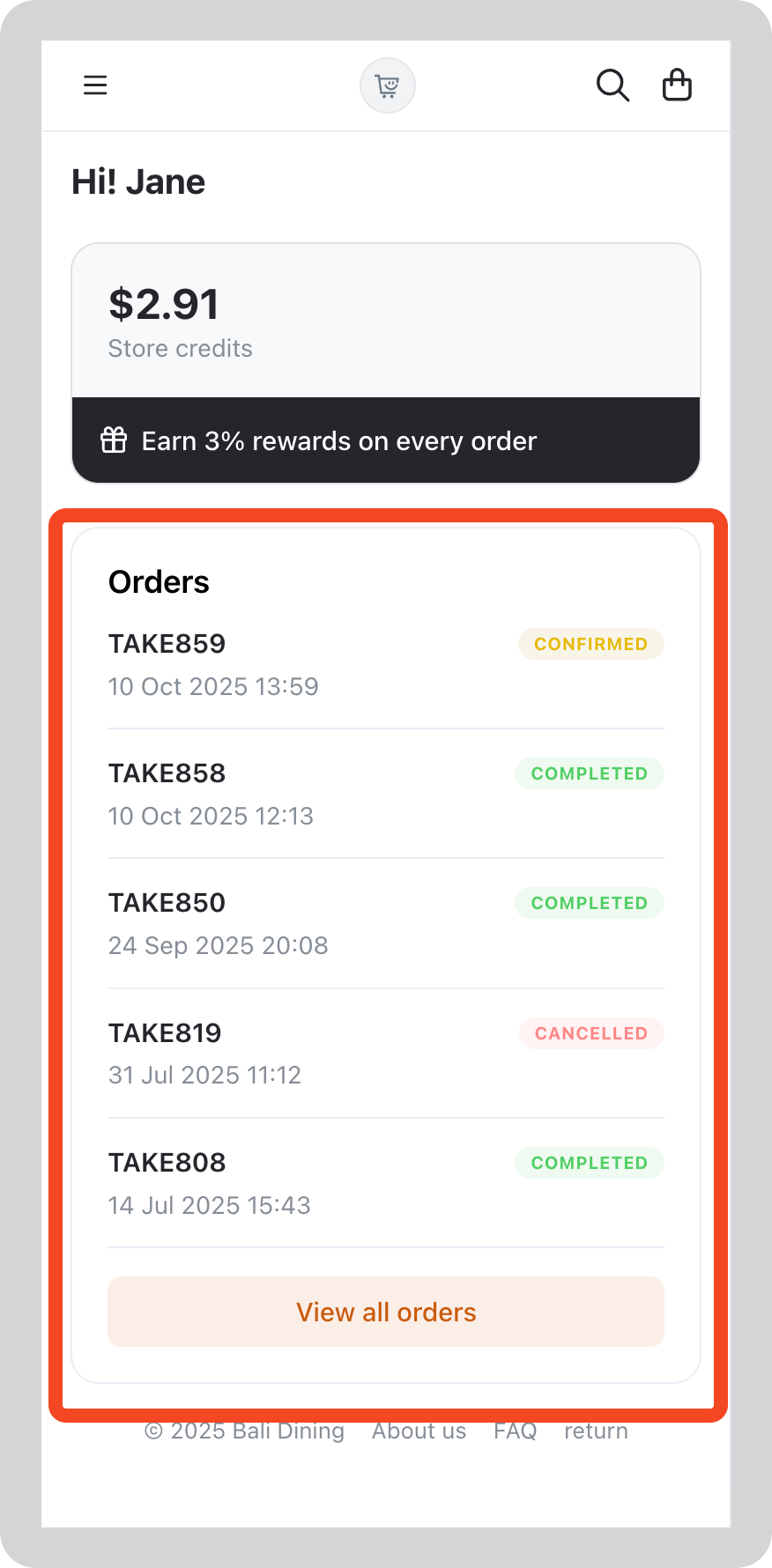
Order List
Customers can:
- View all their past orders.
- Check order details including product, status, and total.
Profile
Customers can view and update their profile details from the Customer Account Page:
- Email address can be edited.
- Delivery address can be edited.
Note: Updating these details changes what auto-fills on the customer's next order. It does not change orders that have already been placed.