Easily manage your customer database by bulk tagging contacts and organizing customer information in one place.
How to bulk tag customers
-
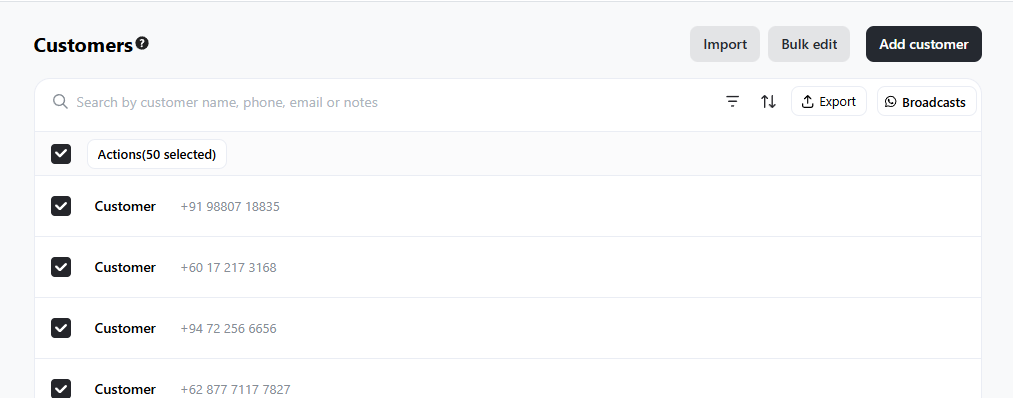
Go to Admin > Customers > Tick all customers that you want to tag
-
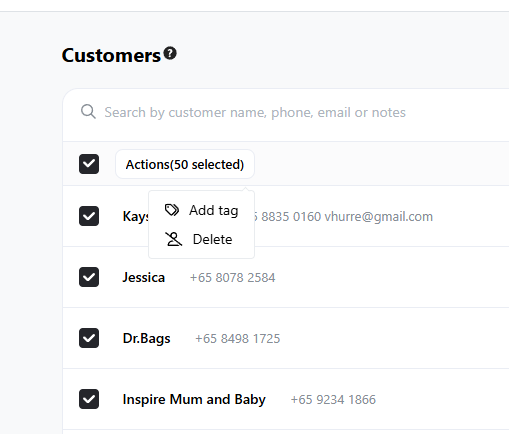
Click Actions > Add tag
-
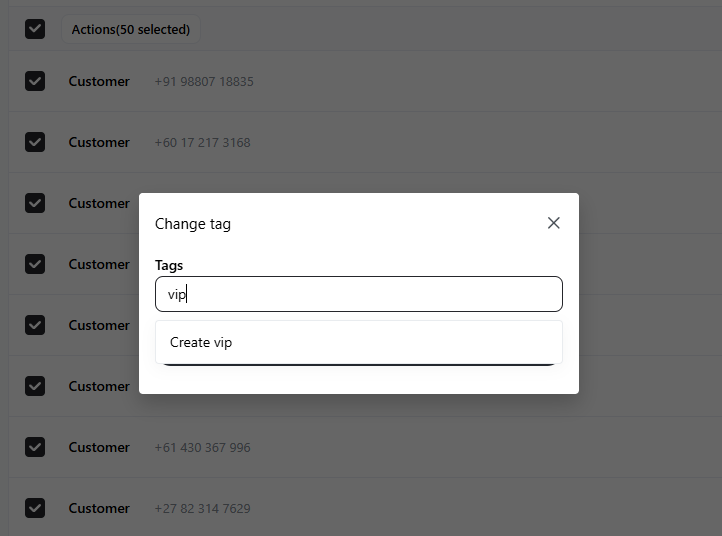
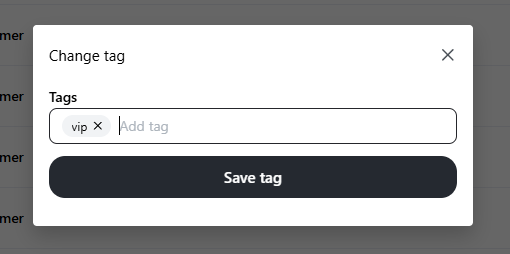
Create and save your tag for these customer groups