
In this article, you'll learn how to modify the names and prices of your customers' orders, including the option names and prices.
How to edit order item details
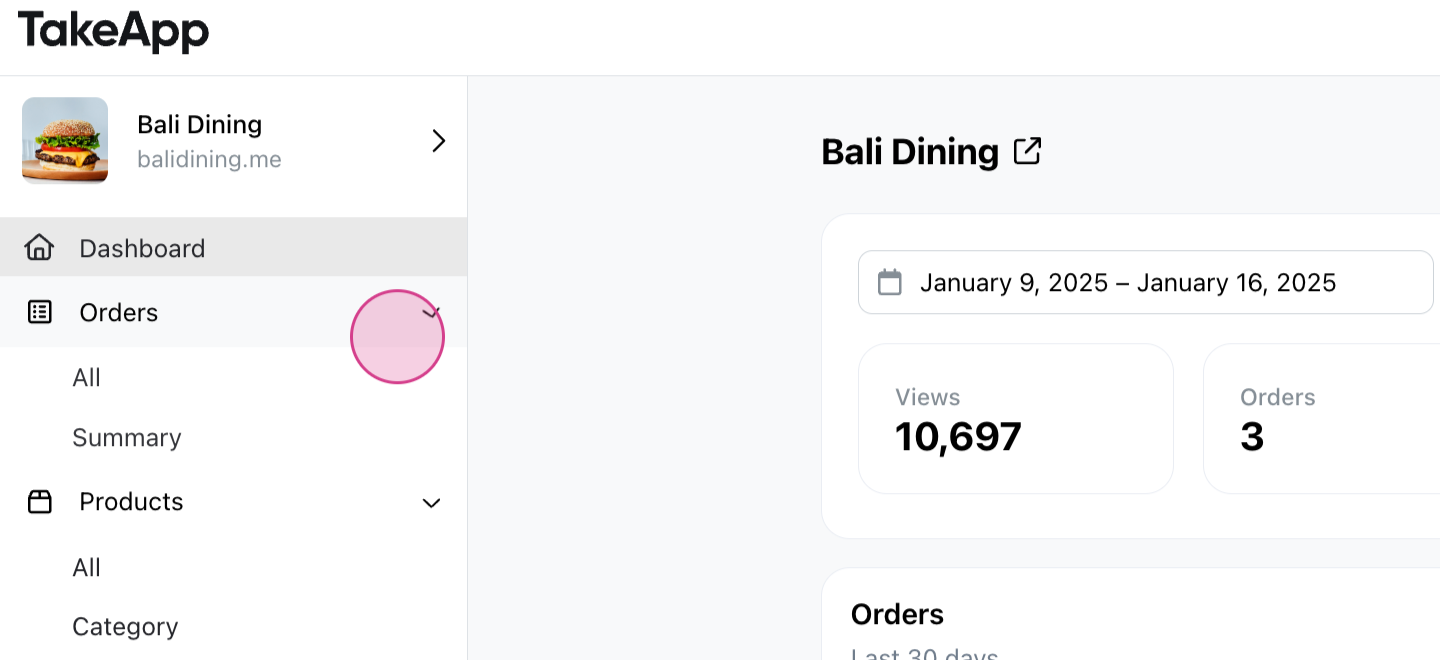
Step 1: Navigate to the Orders tab.
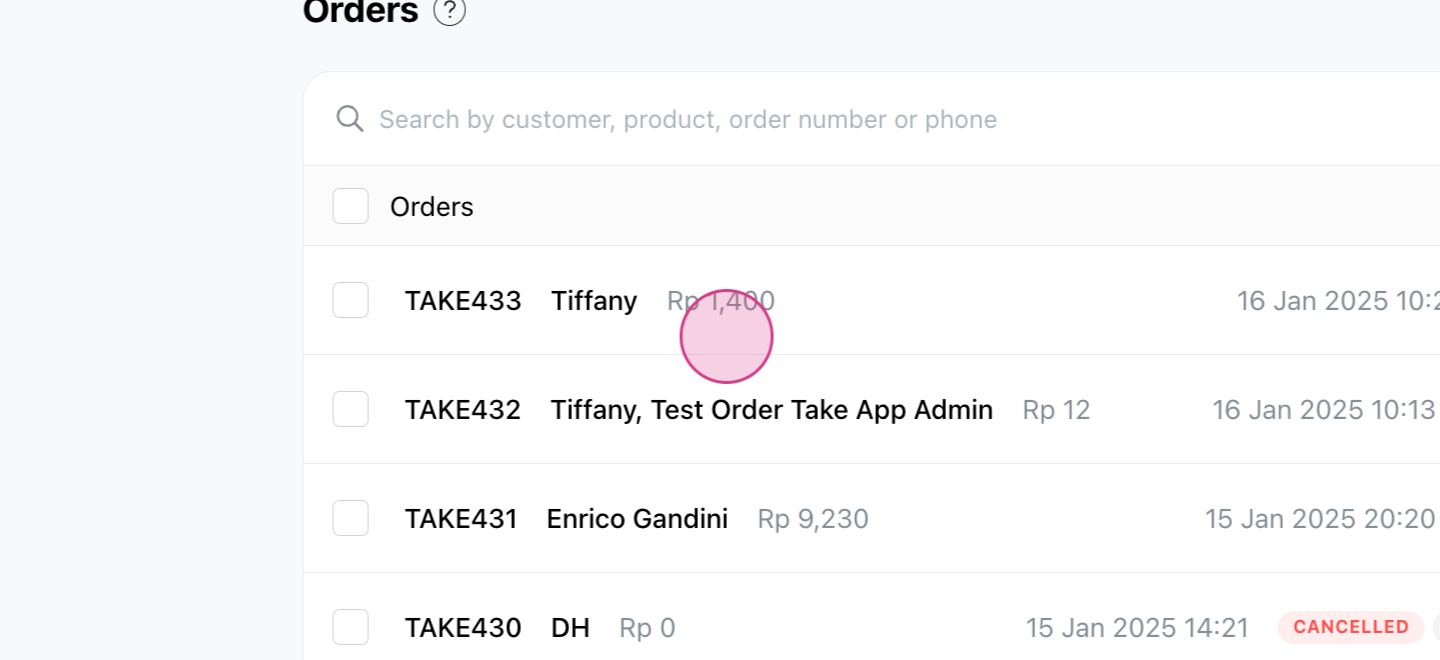
Step 2: Select the order you wish to modify.
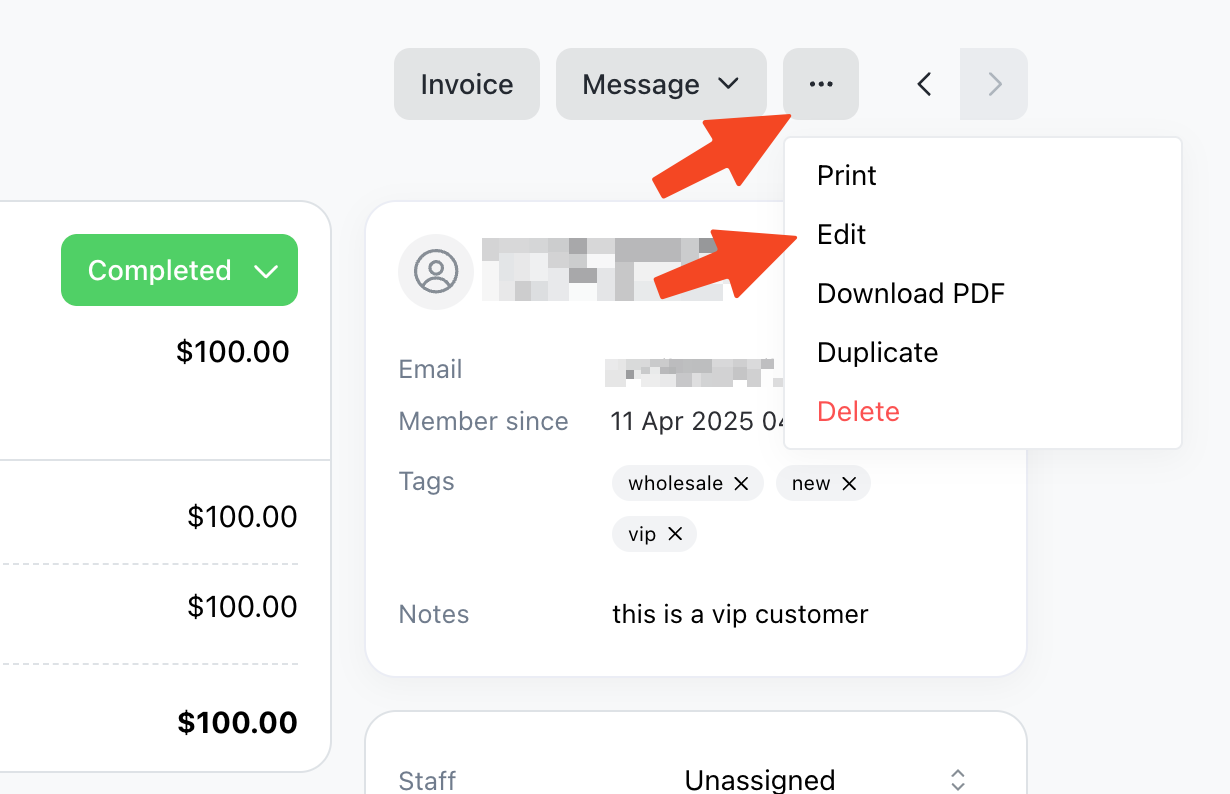
Step 3: Click on the ... button located at the top right corner. Then, click on "Edit"
Step 4: You'll now see the name of your customer's order.
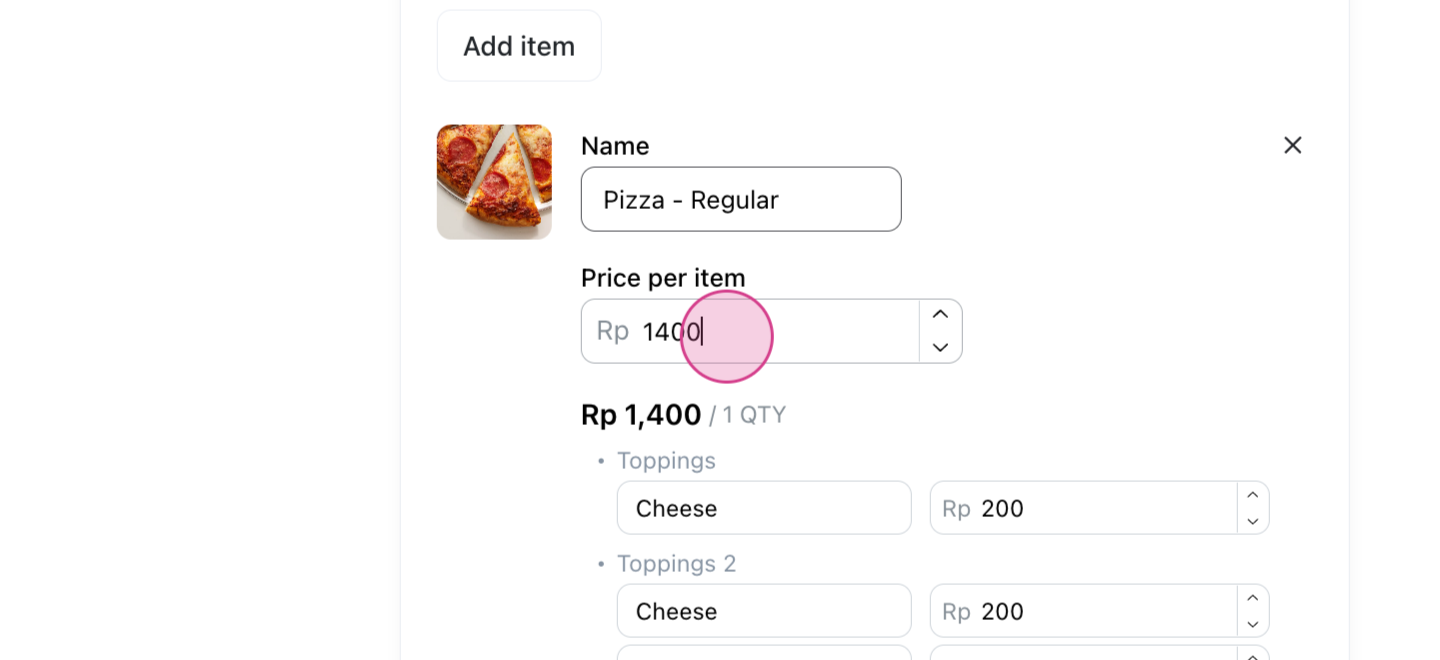
Step 5: To modify one option, simply adjust the number.
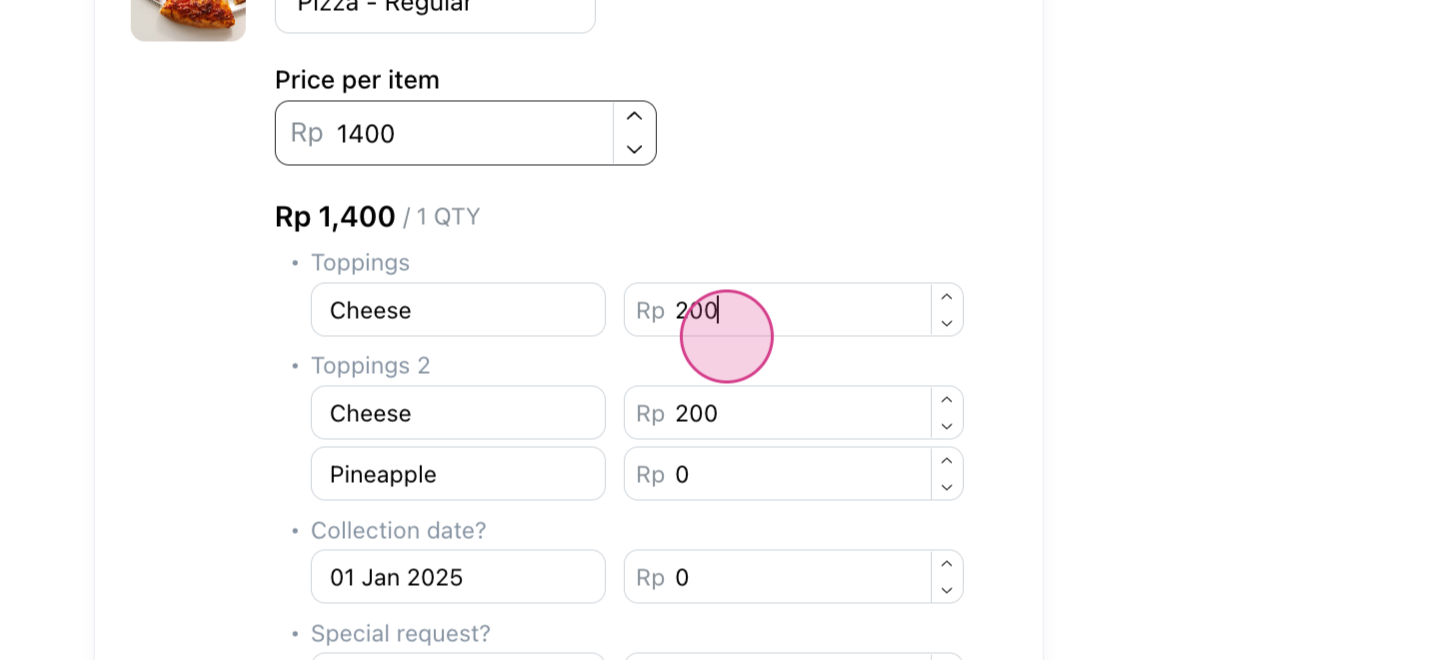
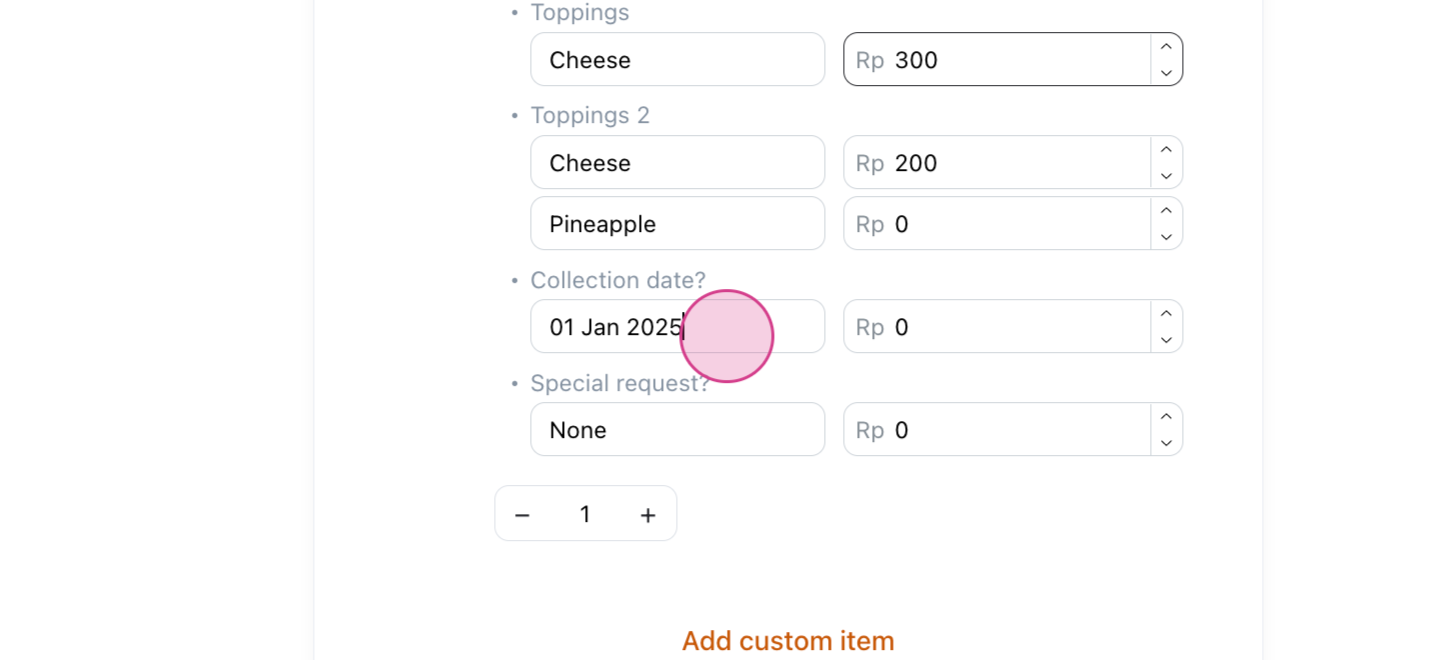
Step 6: You're also able to alter the text.
Step 7: Once you've made all necessary changes, hit Save.
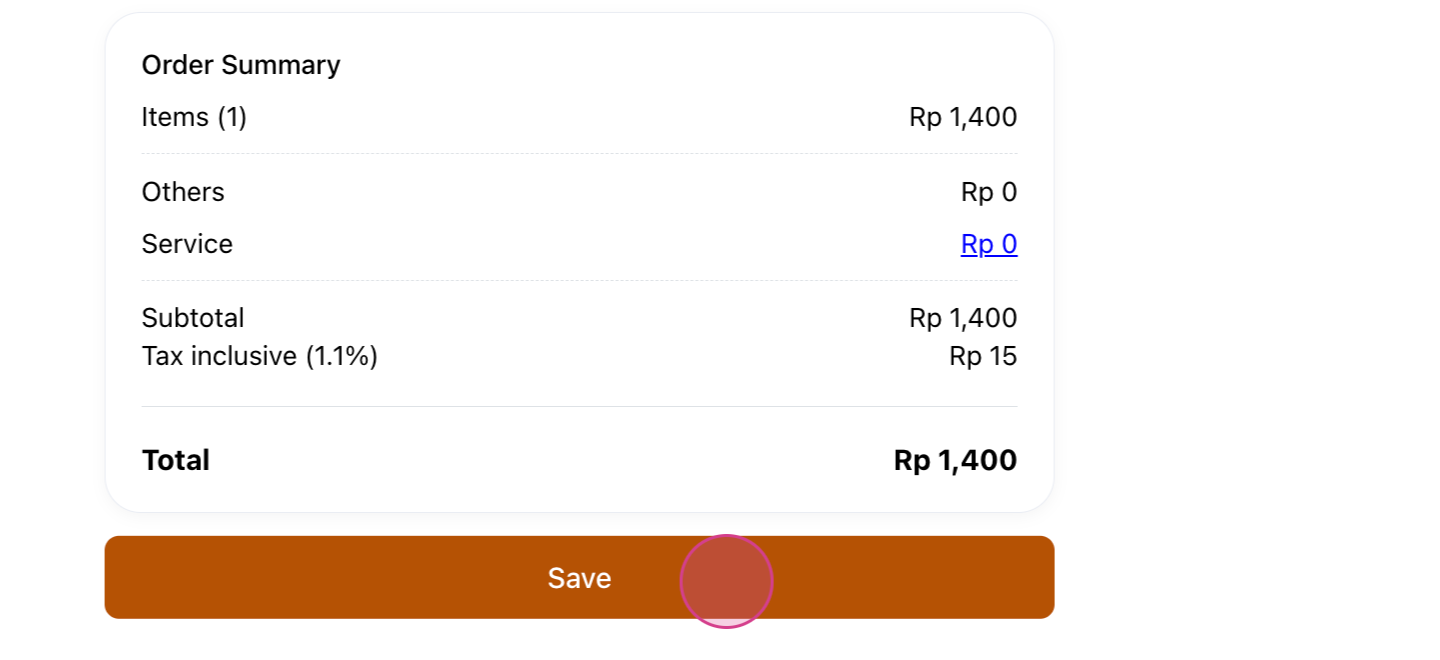
Now, all your changes should be reflected in the order details.
Mobile POS
On the Mobile POS app, tap a catalog product line while creating a new order or changing an unpaid order. The product picker opens with the saved variant and options so you can change them, then Save. See Create orders - Mobile POS App.