
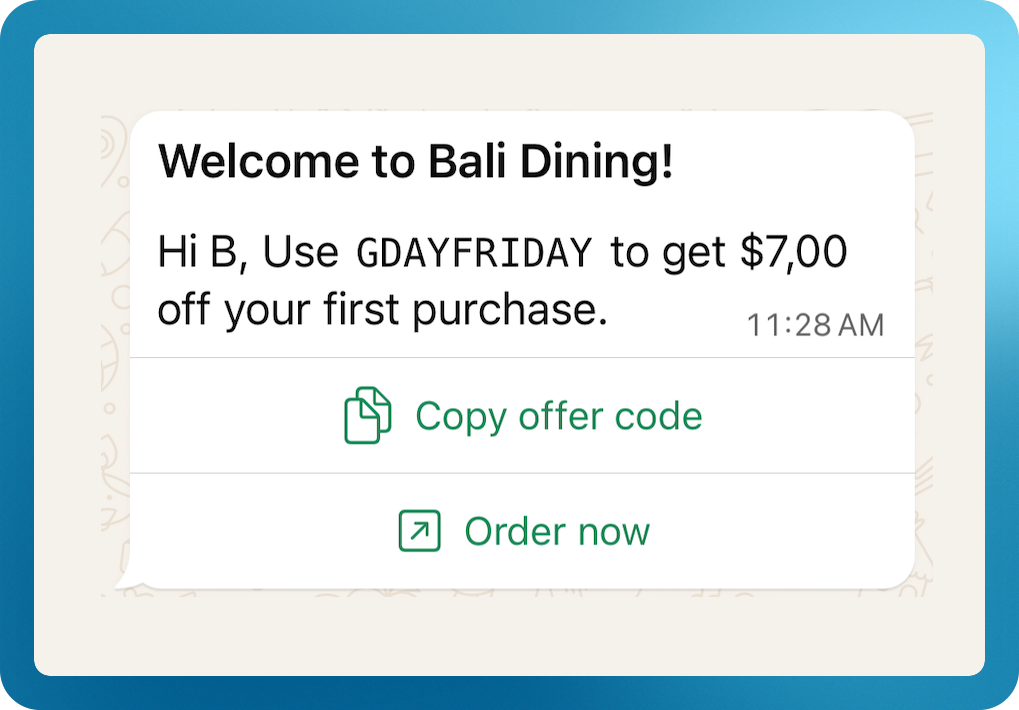
The Welcome Offer automatically sends new customers a welcome message and a discount code when they first sign up.
- Sent immediately after signup.
- For stores requiring customer approval, the message is sent after approval, on the customer’s first login.
- Existing customer will not receive the message.
How to Set Up
-
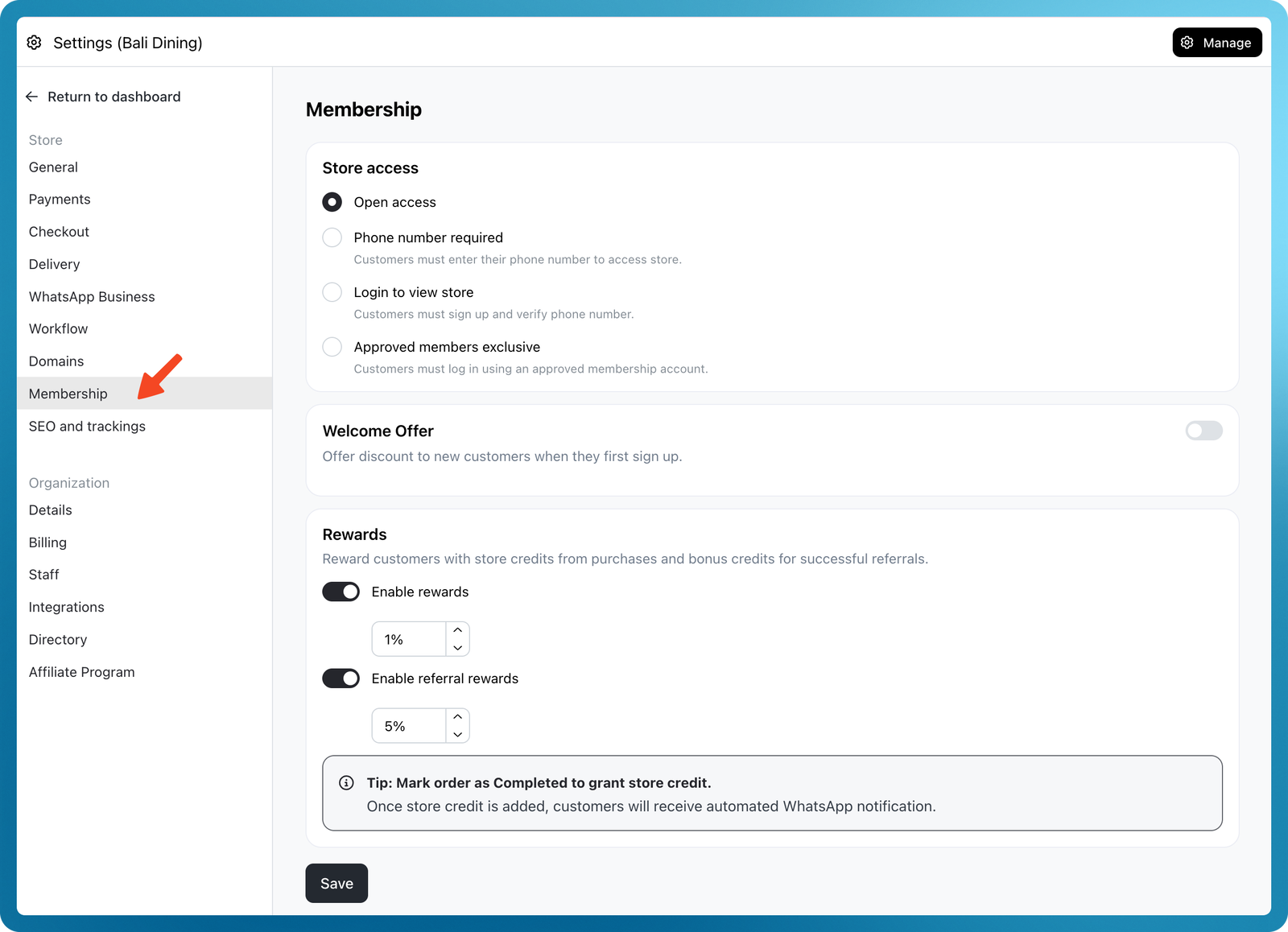
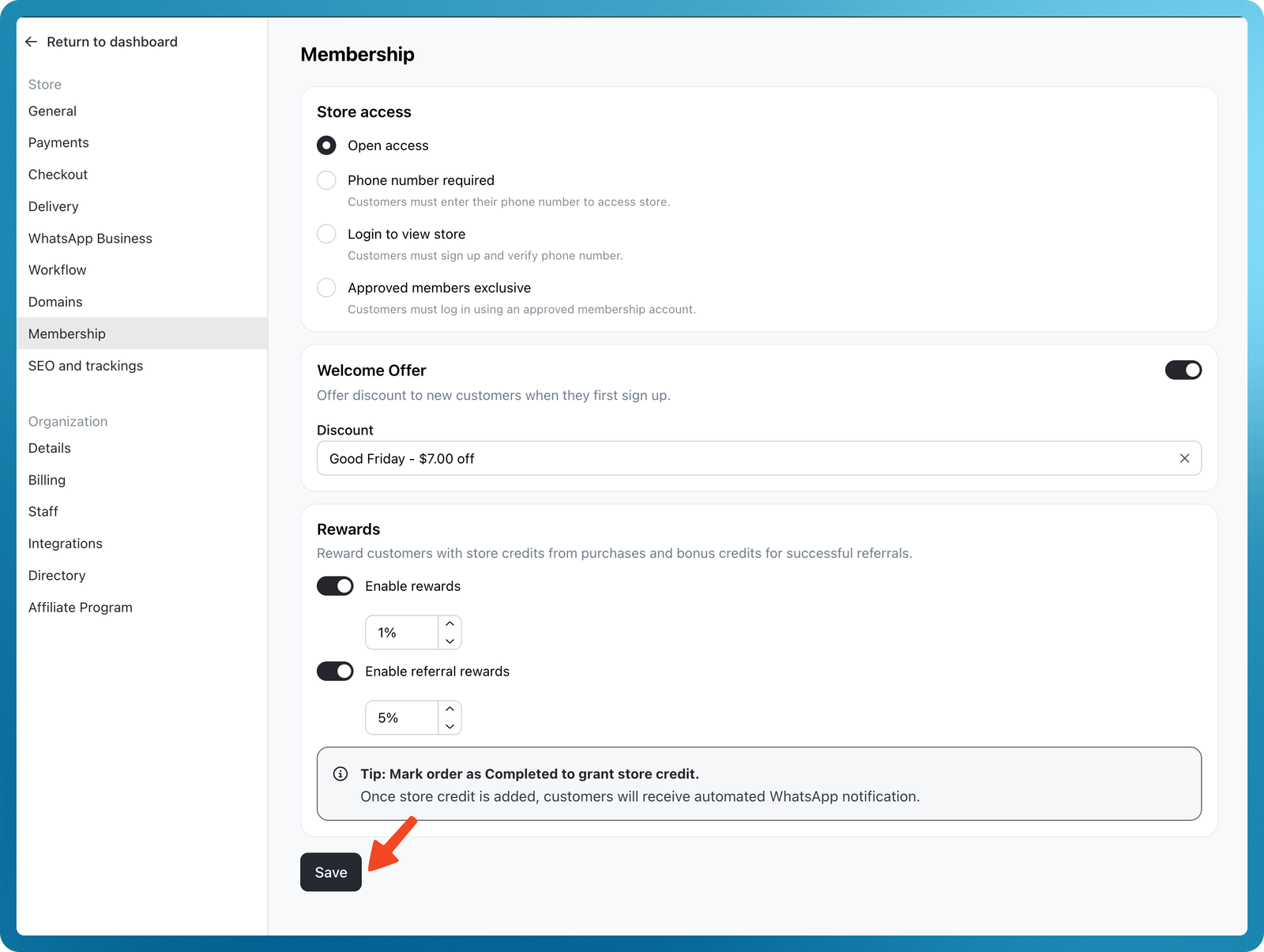
Go to Admin > Settings > Membership.
-
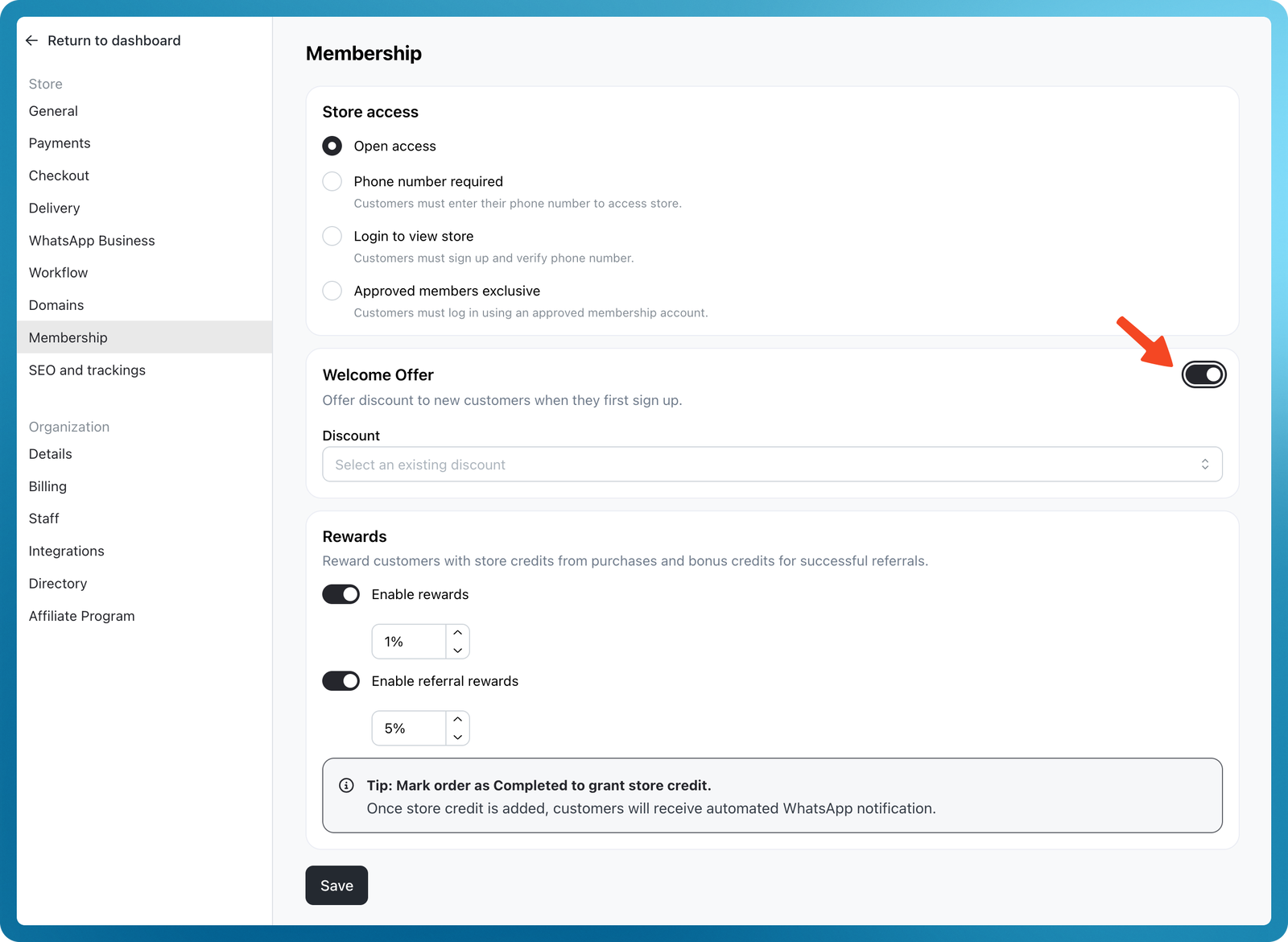
Turn on the toggle in the Welcome Offer card.
-
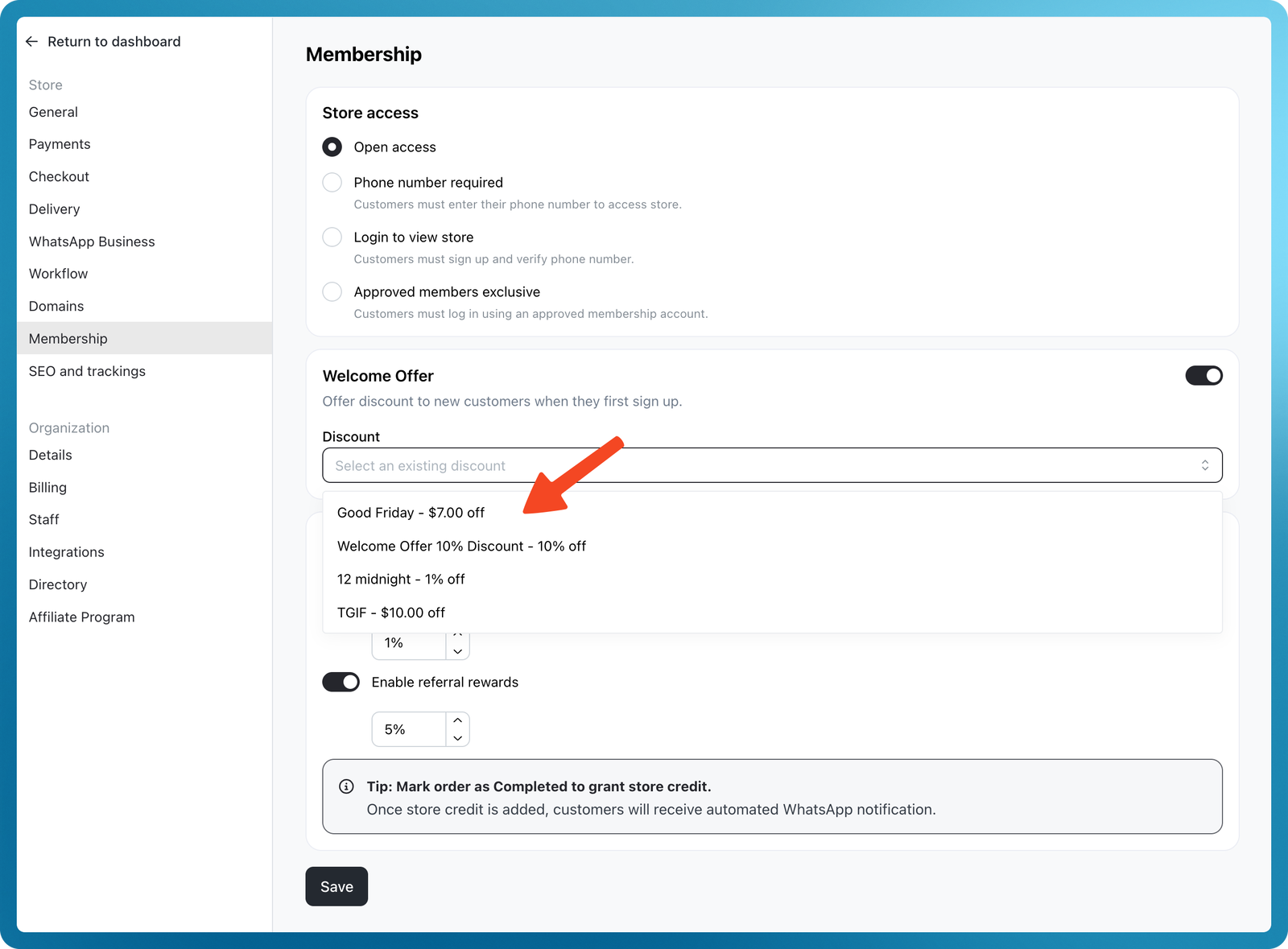
Select a discount code.
-
If you don’t have one, create a new discount in Products > Discounts with type
Discount code.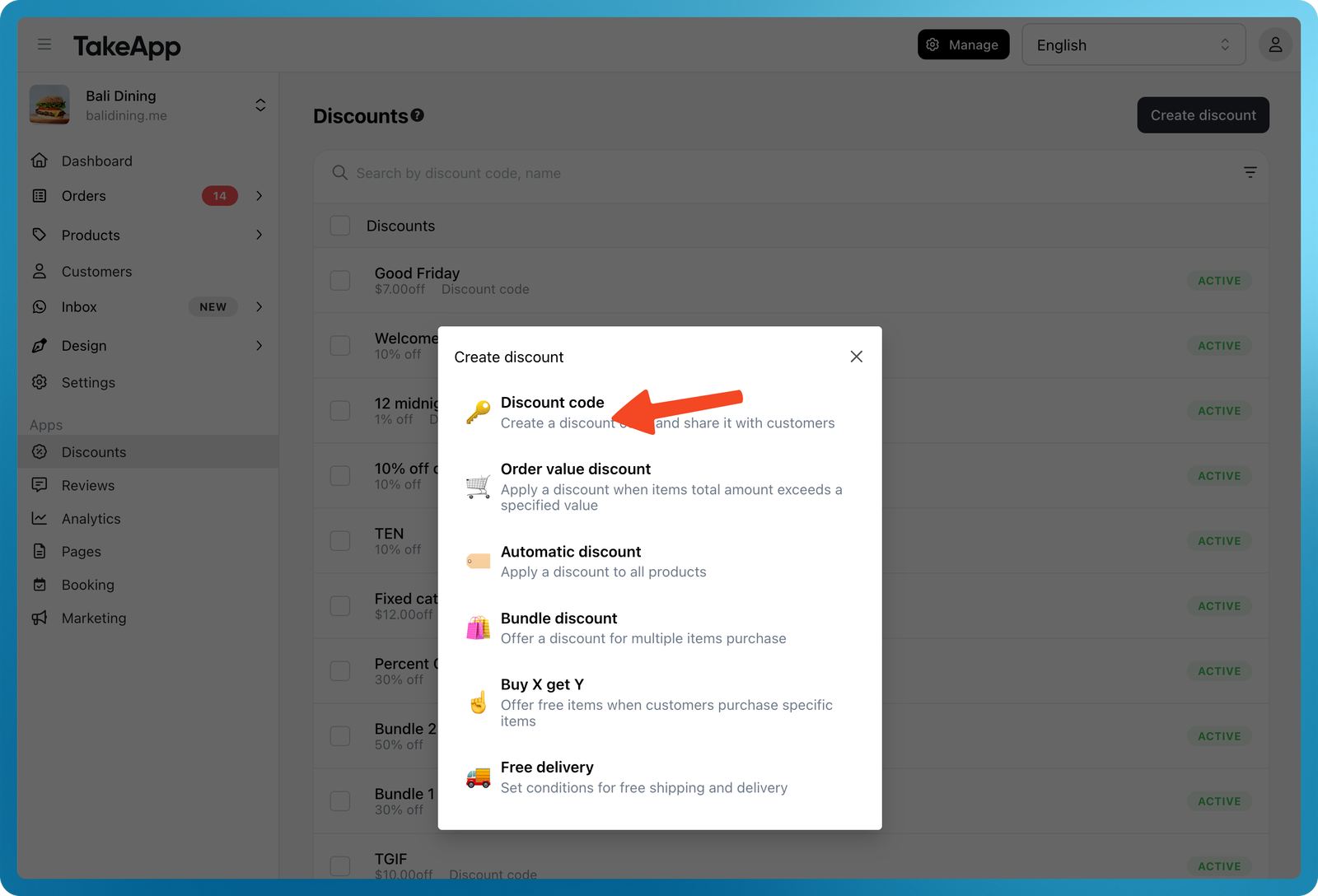
-
-
Click Save.
Example Message
Requirements
- Available on Business Plan.
- This feature uses the Automated WhatsApp quota