
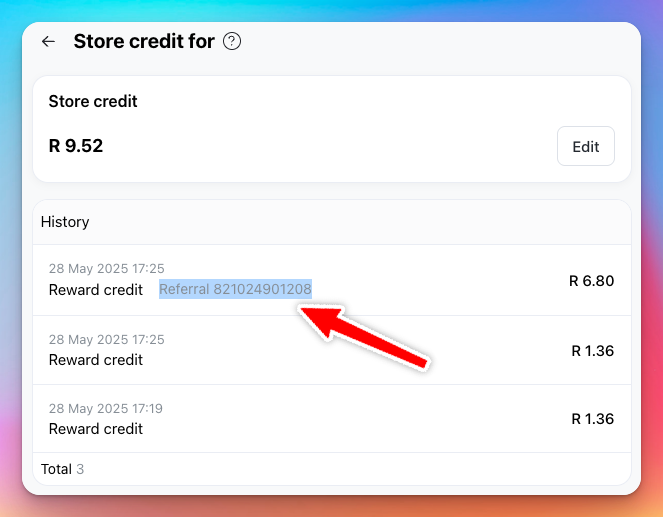
Referral codes are a great way to encourage your customers to spread the word about your store. When a customer refers a friend, both the referrer and the referee receive store credit rewards.
How it works
- Customers can share their unique referral code with friends or family.
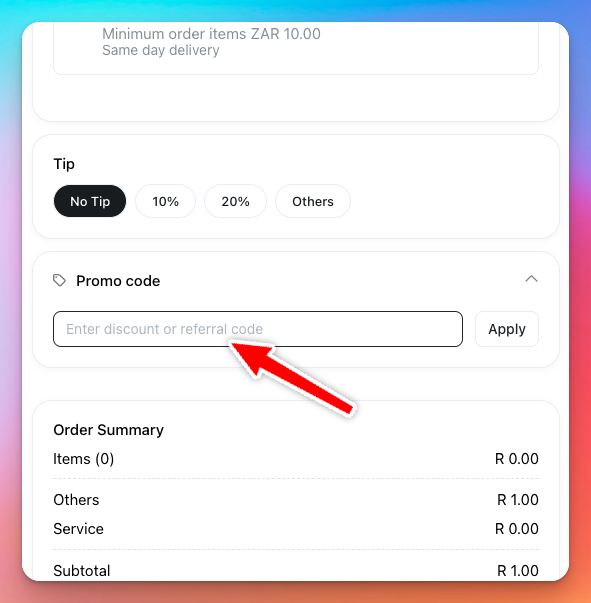
- The referee enters the referral code during checkout.
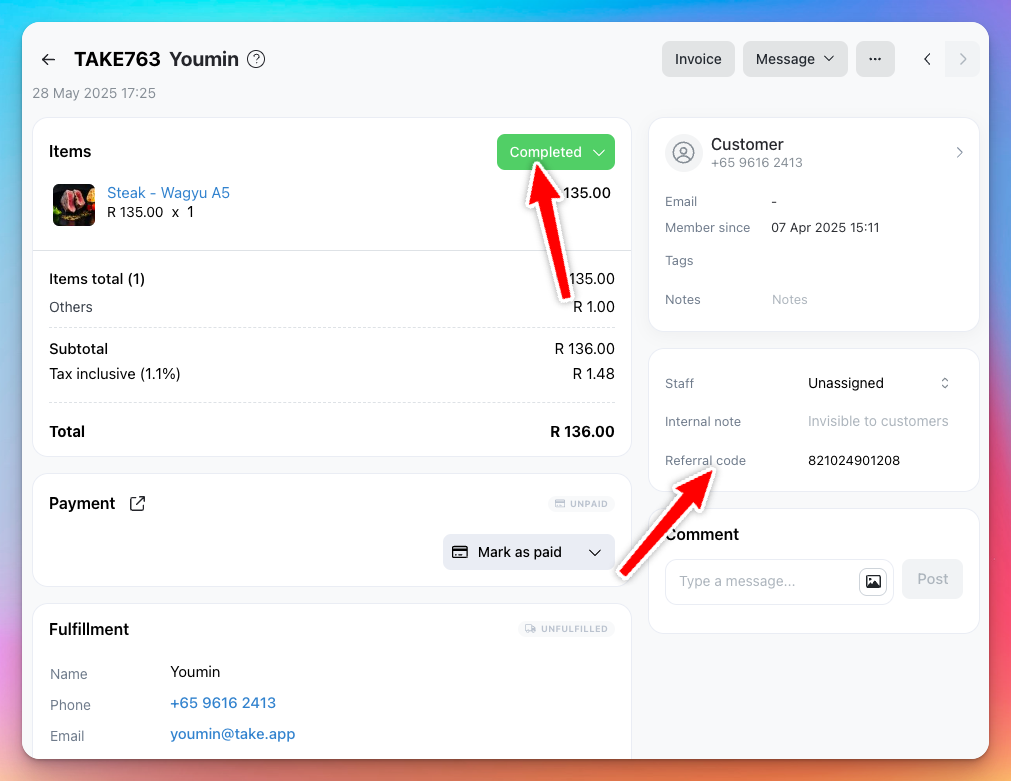
- Once the referee places and an order, and the store admin marks the order as "Completed", both parties receive rewards as store credits.
- Referral rewards are only granted for first-time customers using a valid code.
Referral Links
- In addition to using referral codes, logged-in customers also have a unique referral link.
- When shared, this link automatically applies the referral code during checkout, making it easier for new customers to use.
- Logged-in customers find their own link on their storefront account page, under Refer friends — it shows the reward, a copy button and a share button.
- You can also find each customer’s referral link in the Admin > Customers page.
Managing Referral Codes
- Each customer automatically gets a referral code, which is based on their phone number by default.
- You can view and edit referral codes from the Admin > Customers page.
- Admins can manually change the code for any customer if needed.
Using Referral Codes
- Customers can enter referral codes directly on the checkout page.
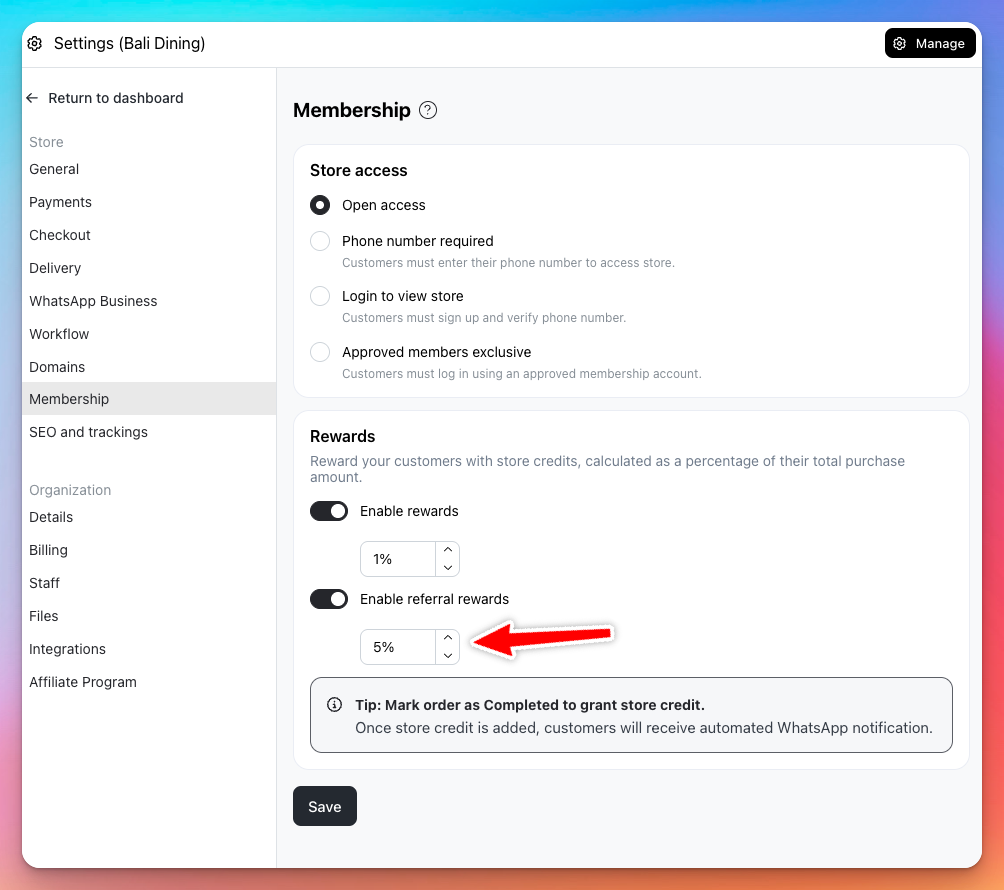
- Referral rewards and rules can be configured in Admin > Settings > Membership.
- You can track awarded store credits after the referred customer’s order is completed and confirmed
🚫 Self-referrals are not allowed. If a customer tries to use their own code, no rewards will be given.