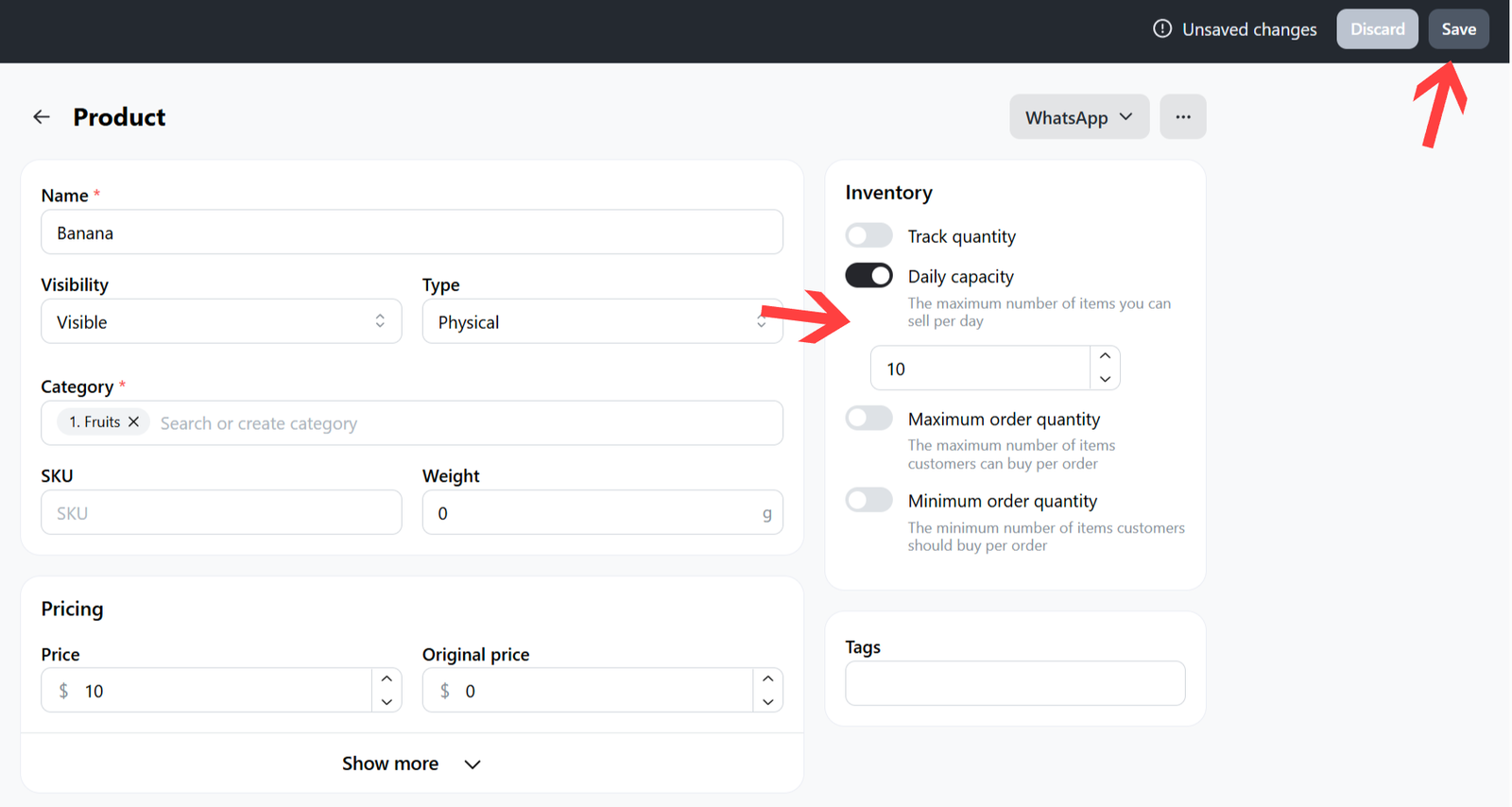
You can set a daily purchase limit for individual products, tied to the selected delivery date.
For example:
If your kitchen can prepare only a limited number of items per day—such as:
- 10 sourdough loaves
- 15 cookies
- 20 loaves of bread
You can configure each product with its own daily limit:
- Sourdough → Limit: 10
- Cookies → Limit: 15
- Bread → Limit: 20
Once a product reaches its daily limit for a specific delivery date, it will no longer be available for checkout by additional customers on that date.
The limits automatically reset for each new delivery dateYou can set a daily purchase limit for specific products, based on the selected delivery date.
Important: Make sure you have activated the delivery date picker.
How to set up daily capacity for a product
-
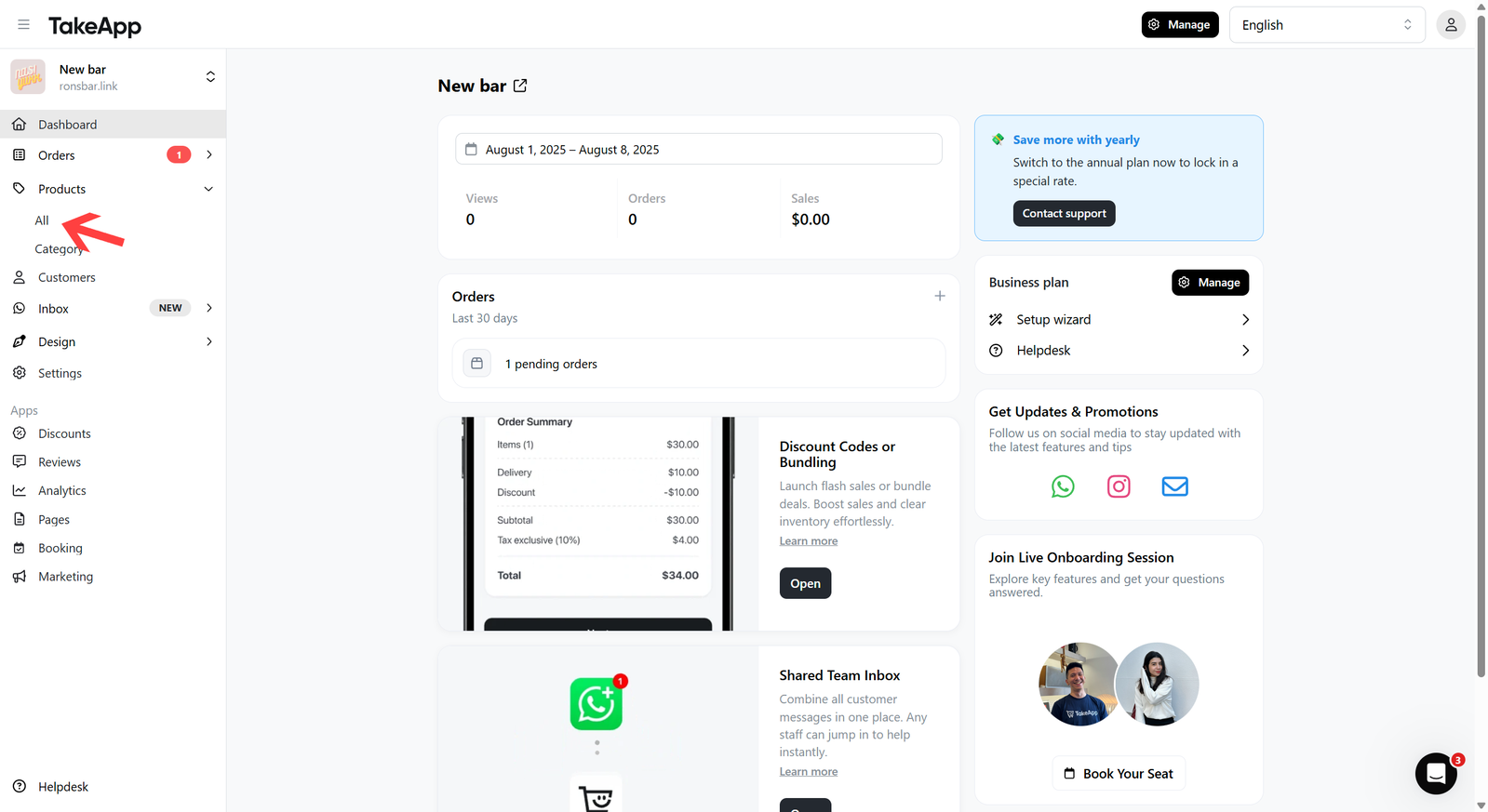
Start by navigating to Products > All
-
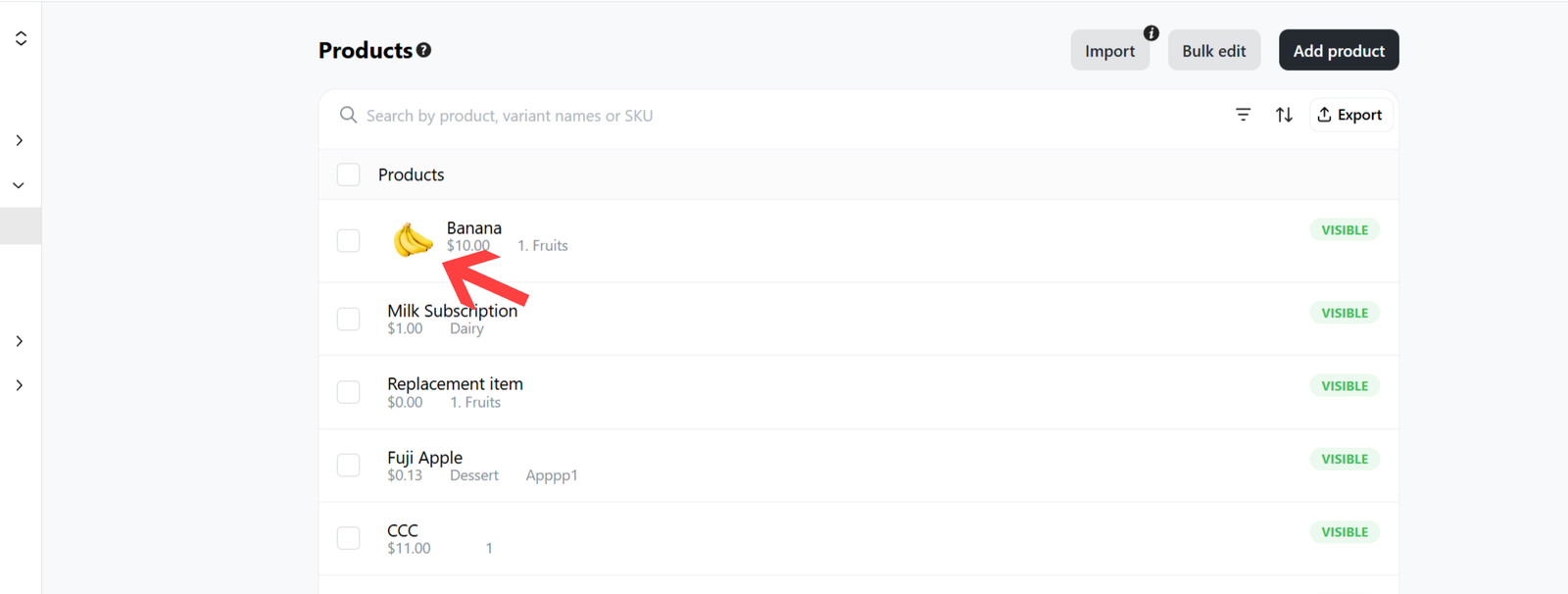
Choose the desired product that you wish to limit.
-
Navigate to inventory section and toggle-on
Daily Capacity> Set the daily amount > then clicksave