
This guide provides steps to filter and combine filters for your orders
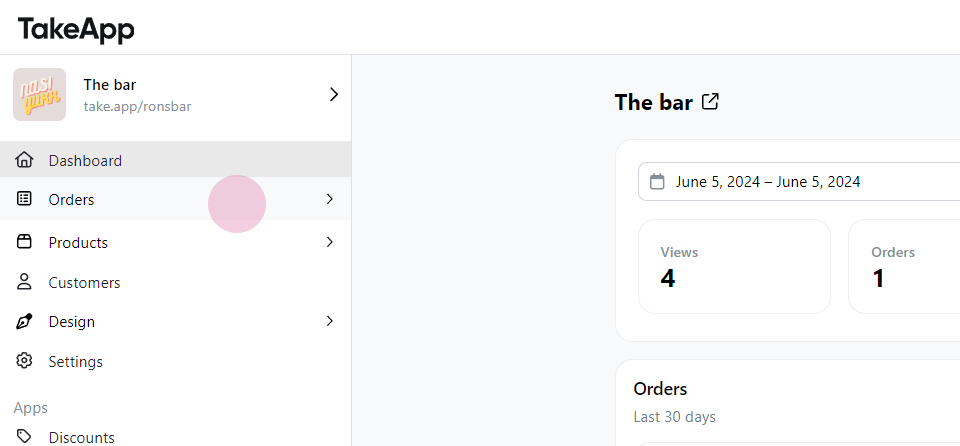
Step 1: Navigate to Order.
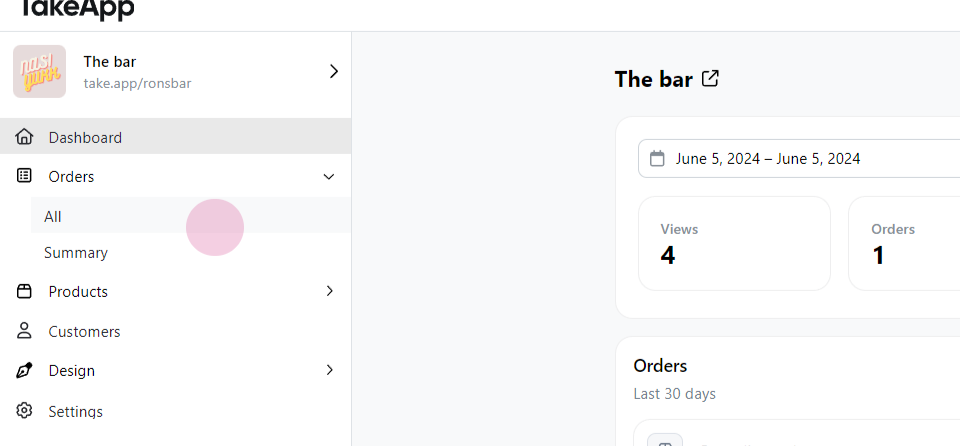
Step 2: Select All.
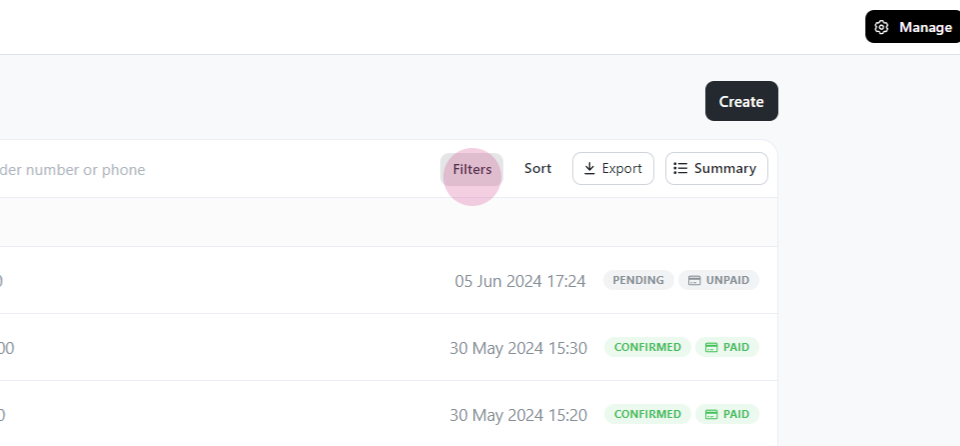
Step 3: Click on Filters, select the desired filter type. The filter is now applied.
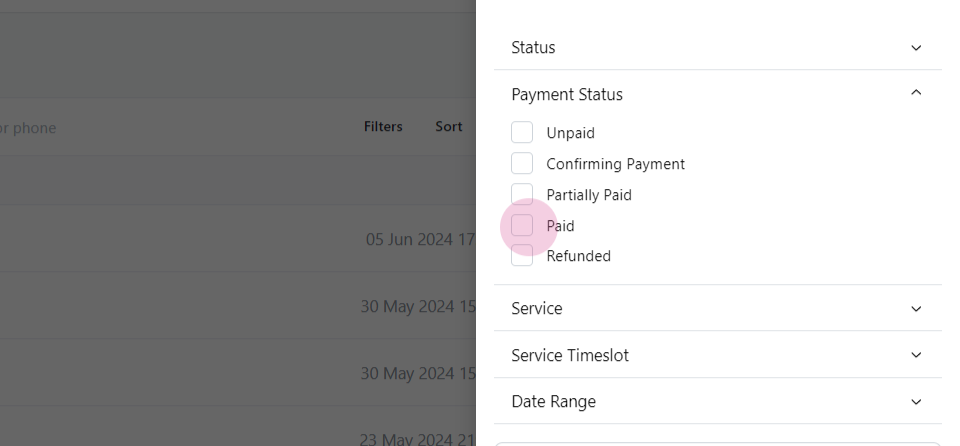
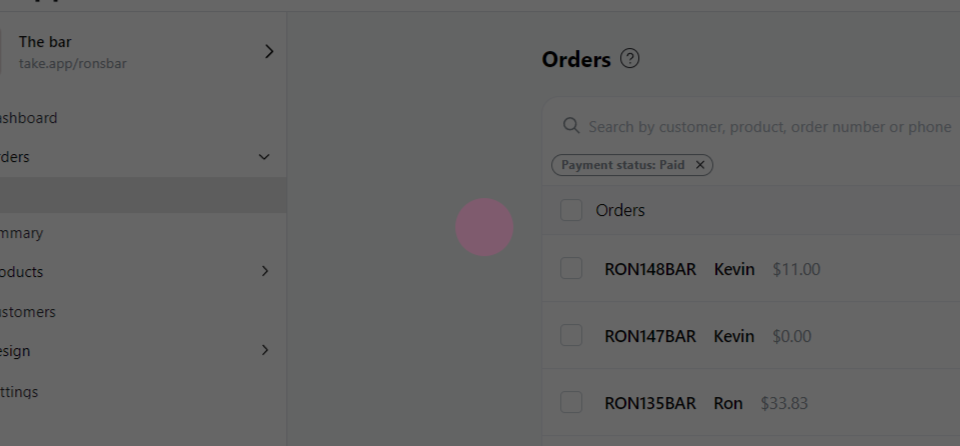
To combine filters, follow these steps
Step 1: Return to Filters.
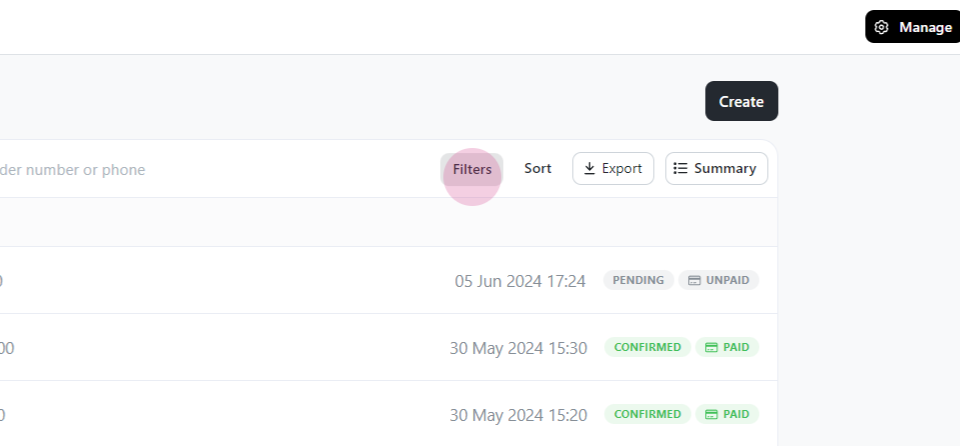
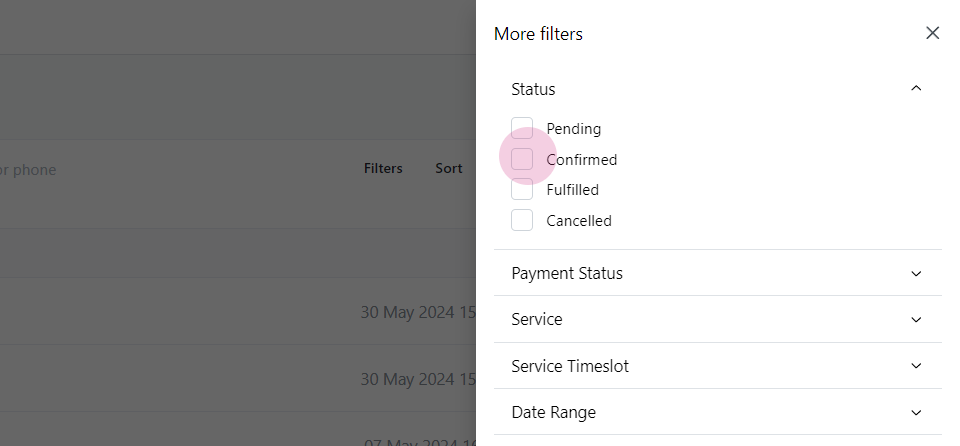
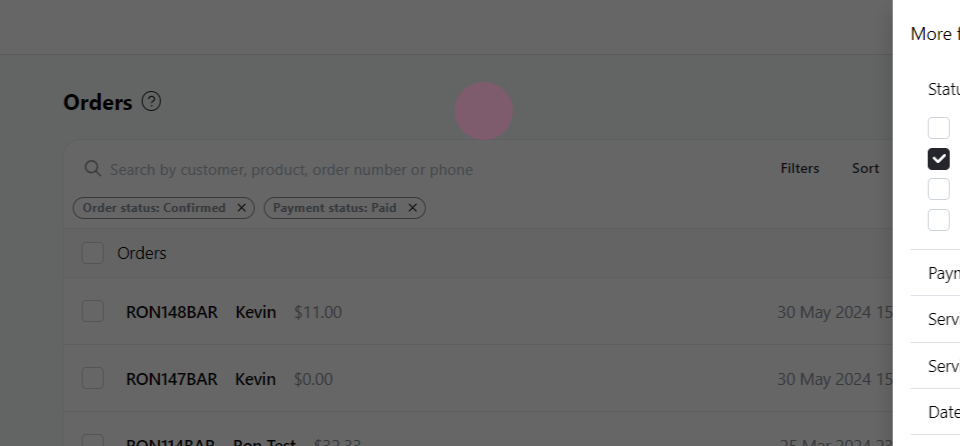
Step 2: Select another filter type. The combined order filter is now ready.
Draft orders
Draft orders are the exception: they never show under All, and no payment-status filter brings them back. To see them, select the Draft status tab above the list, or tick Draft under Filters > Status. See Draft orders.