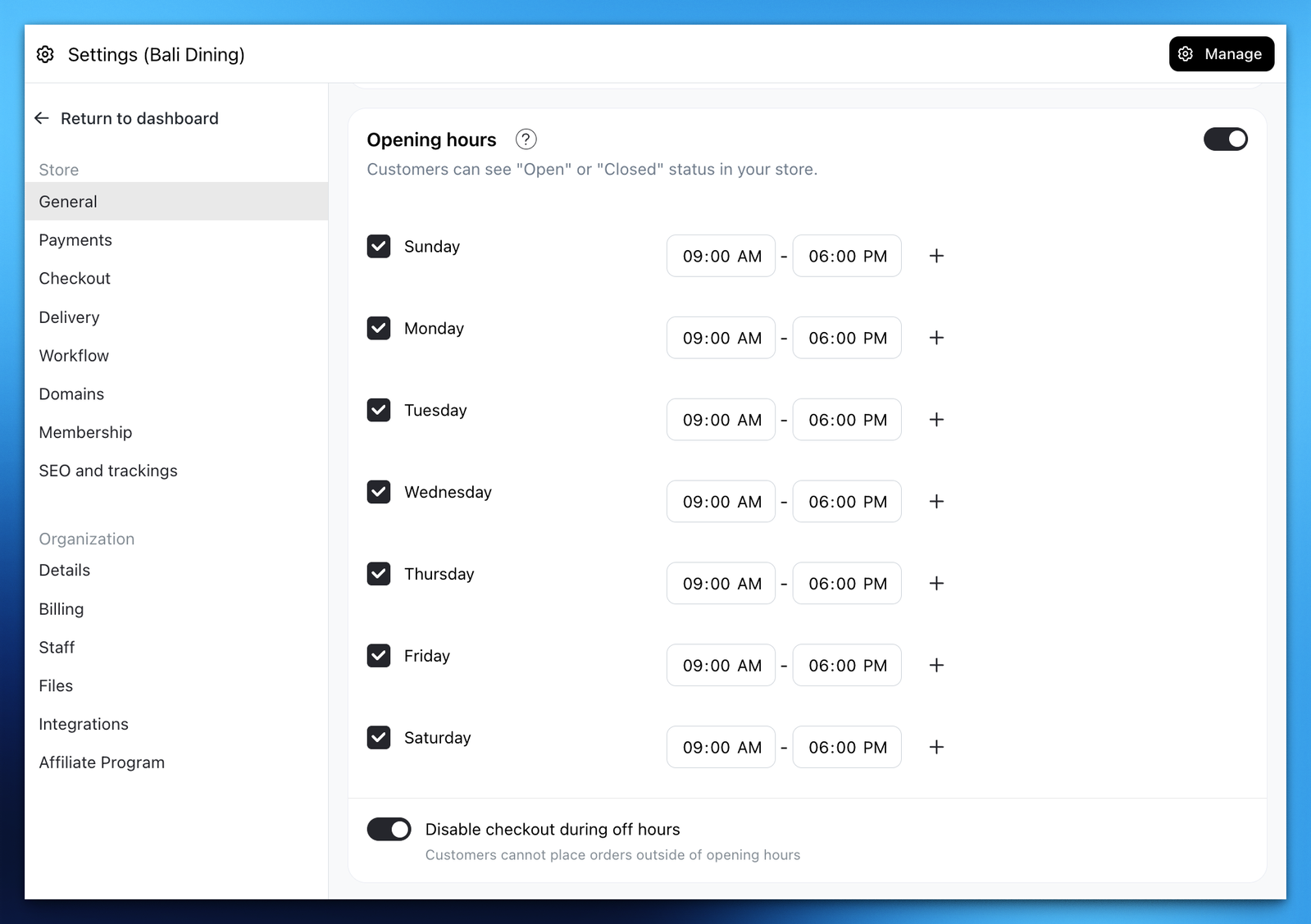
Easily turn your store ordering on or off with an automatic scheduled opening/closing time feature.
- Go to Admin > Settings > General
- Find "Opening hours" section and adjust your opening time
- Toggle on
Disable checkout on off hoursif you wish to auto-close the store outside the opening hours.