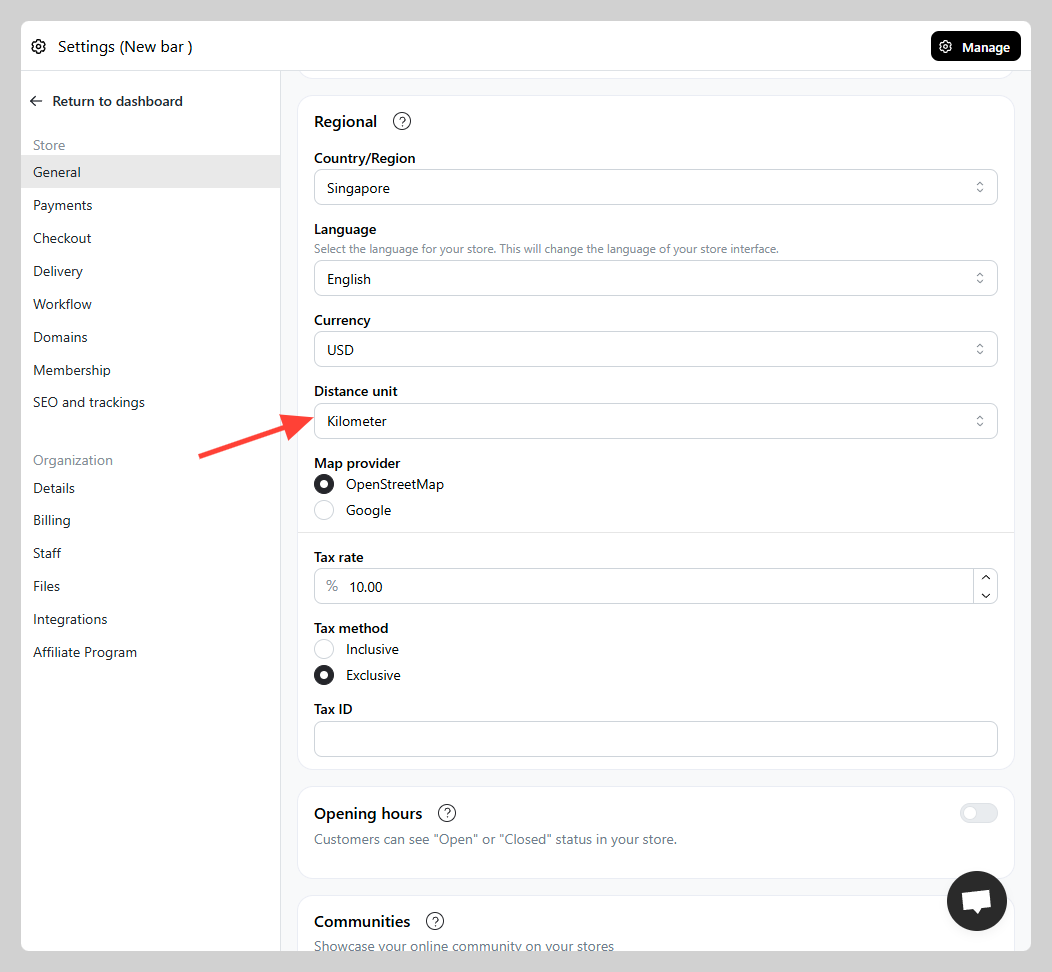
You can change your store's distance unit based on your region preferences (km/miles)
How to change distance unit
-
Go to Admin > Settings > Store details
-
Navigate to Regional section > find the "Distance unit" setting and adjust to your preferred unit. Click
save