
How to integrate Lalamove and use it to fulfill orders.
Navigate to Settings > Integrations
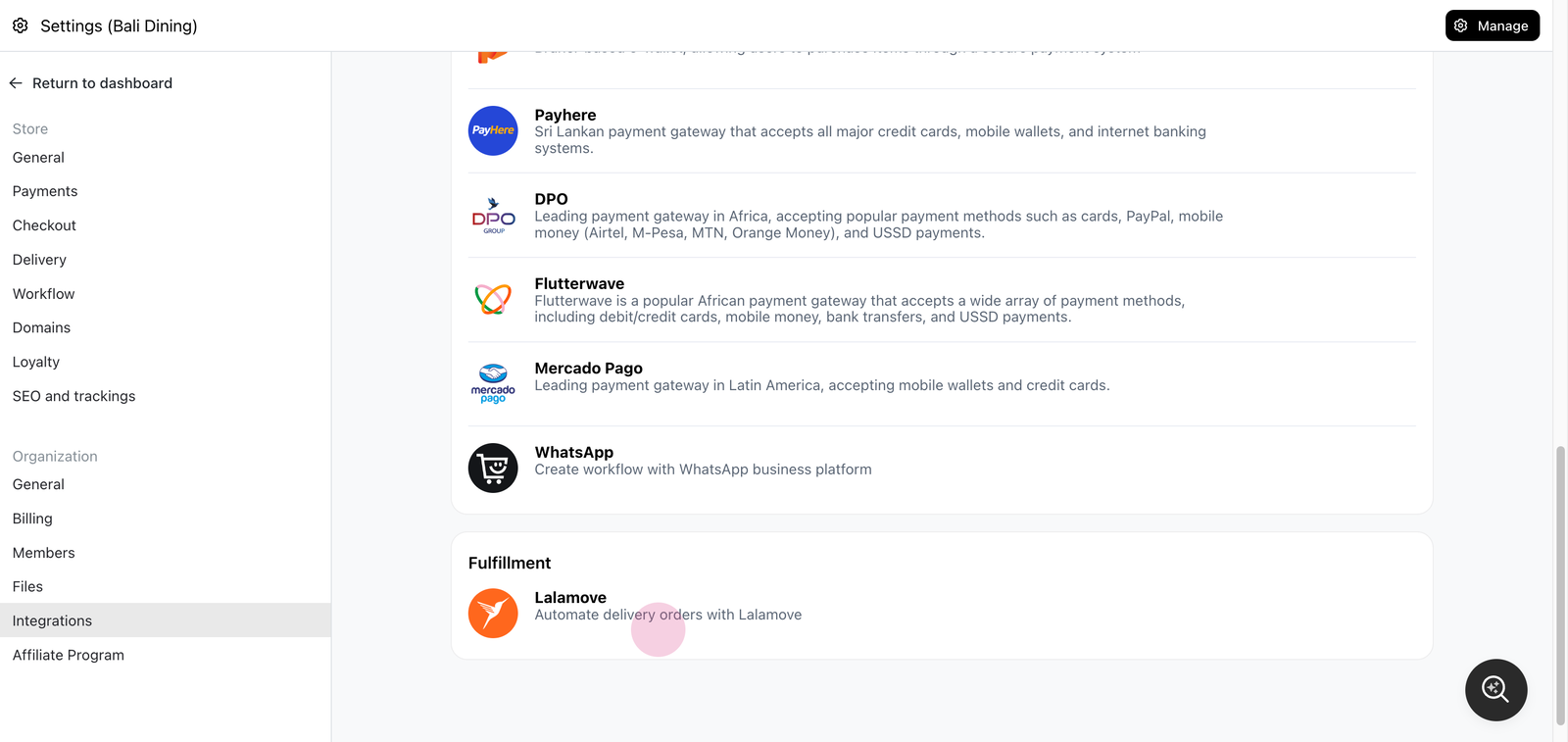
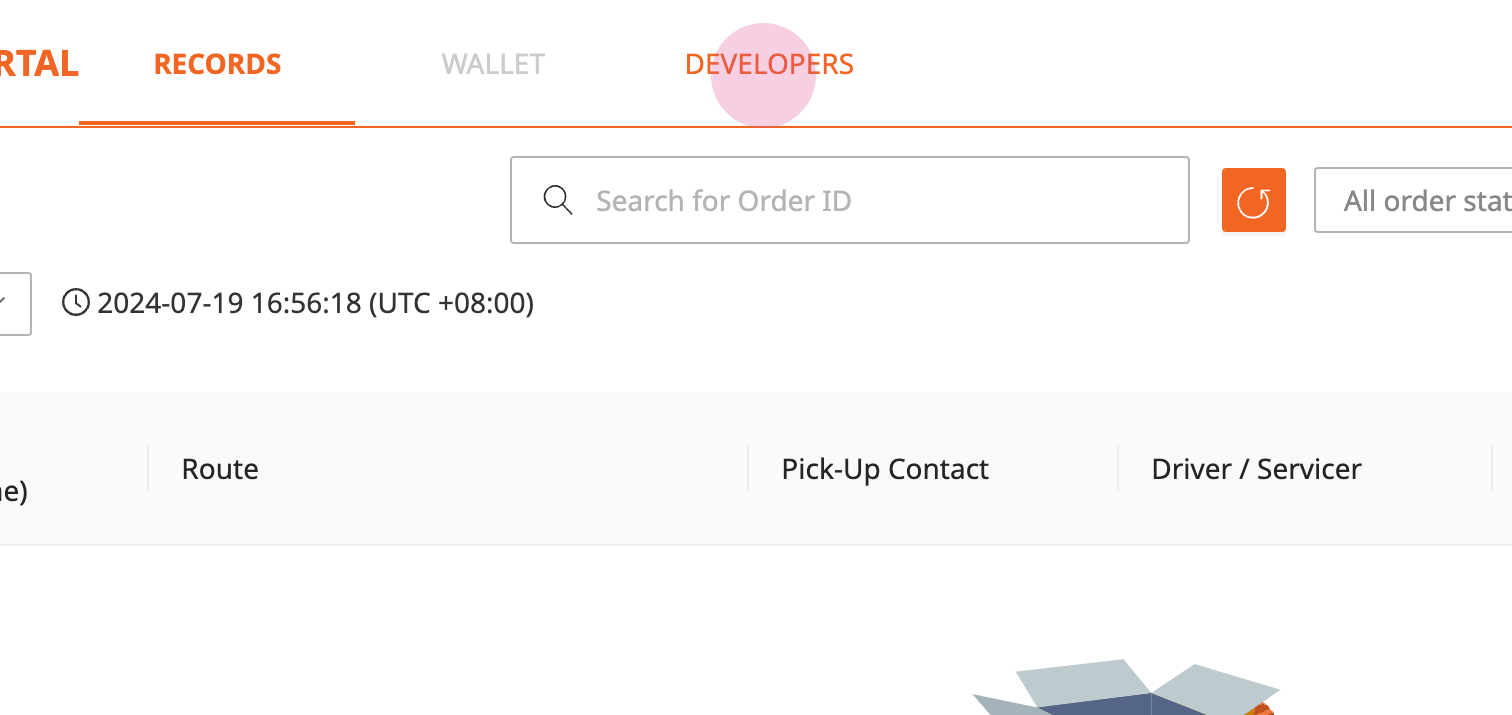
Access the Lalamove Partner Portal (partnerportal.lalamove.com) and click on the Developers tab.
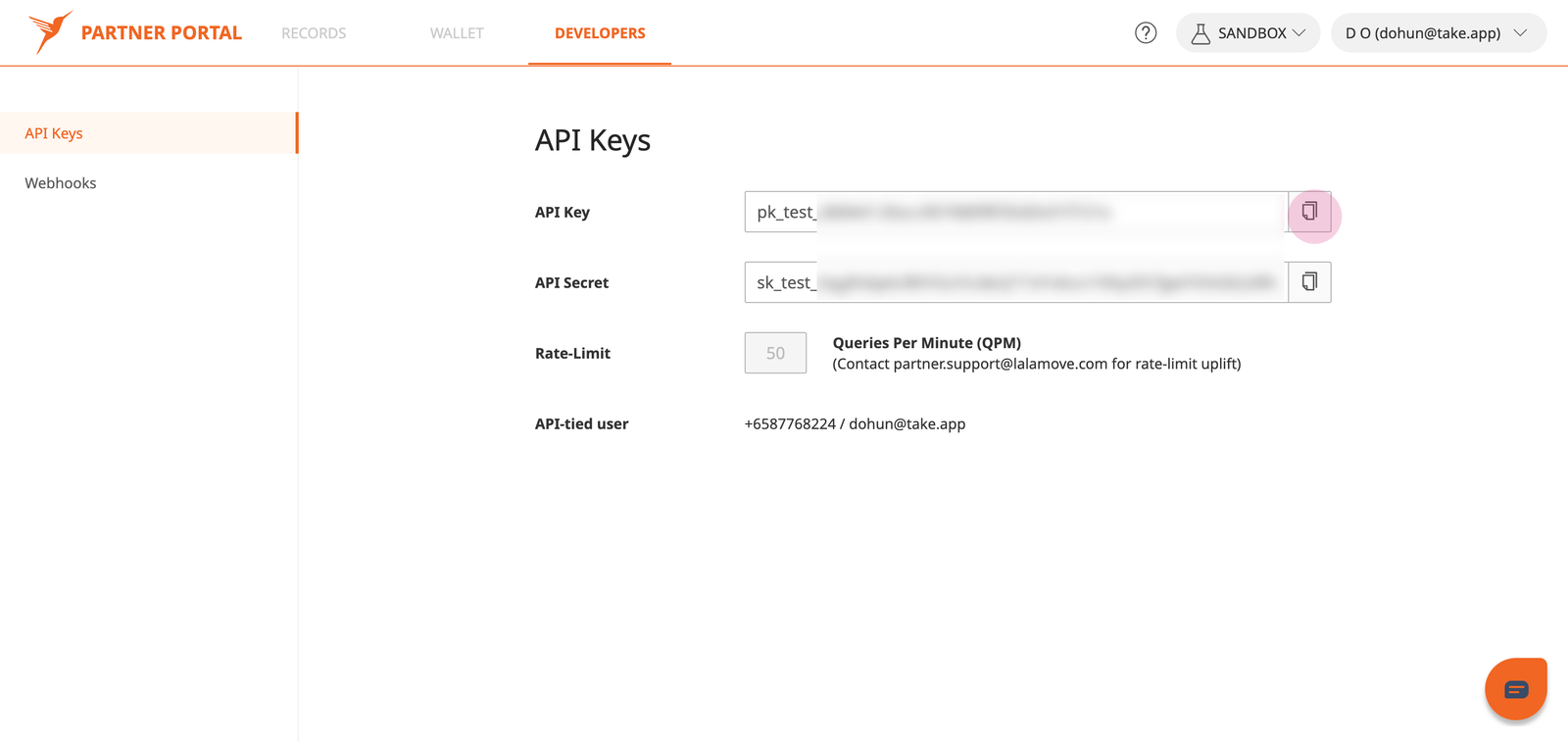
Copy your API key and secret. Make sure to use Production environment (Sandbox is used for demo purpose)
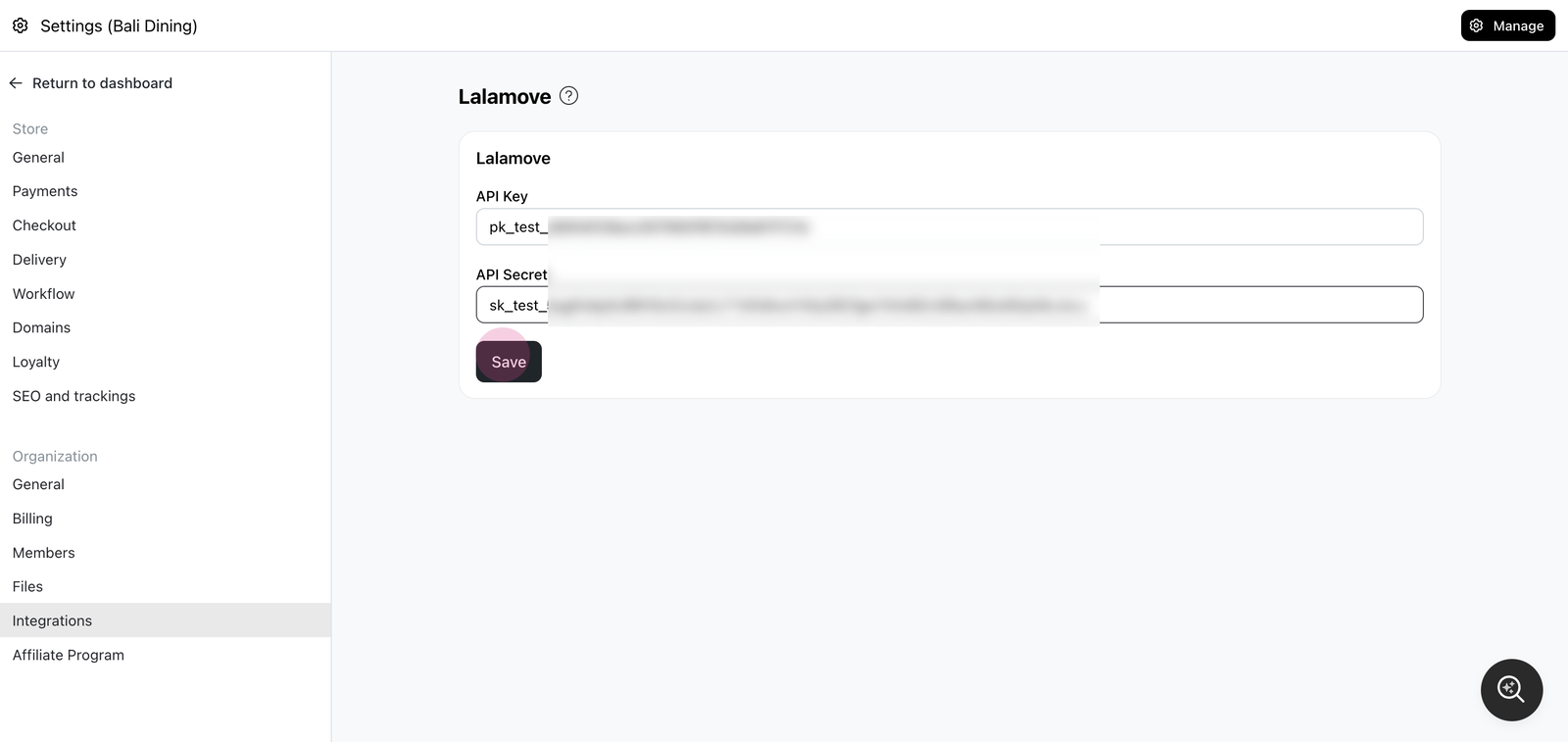
Save API key & secret into Take App Lalamove Setting page.
Open the order that needs fulfillment.
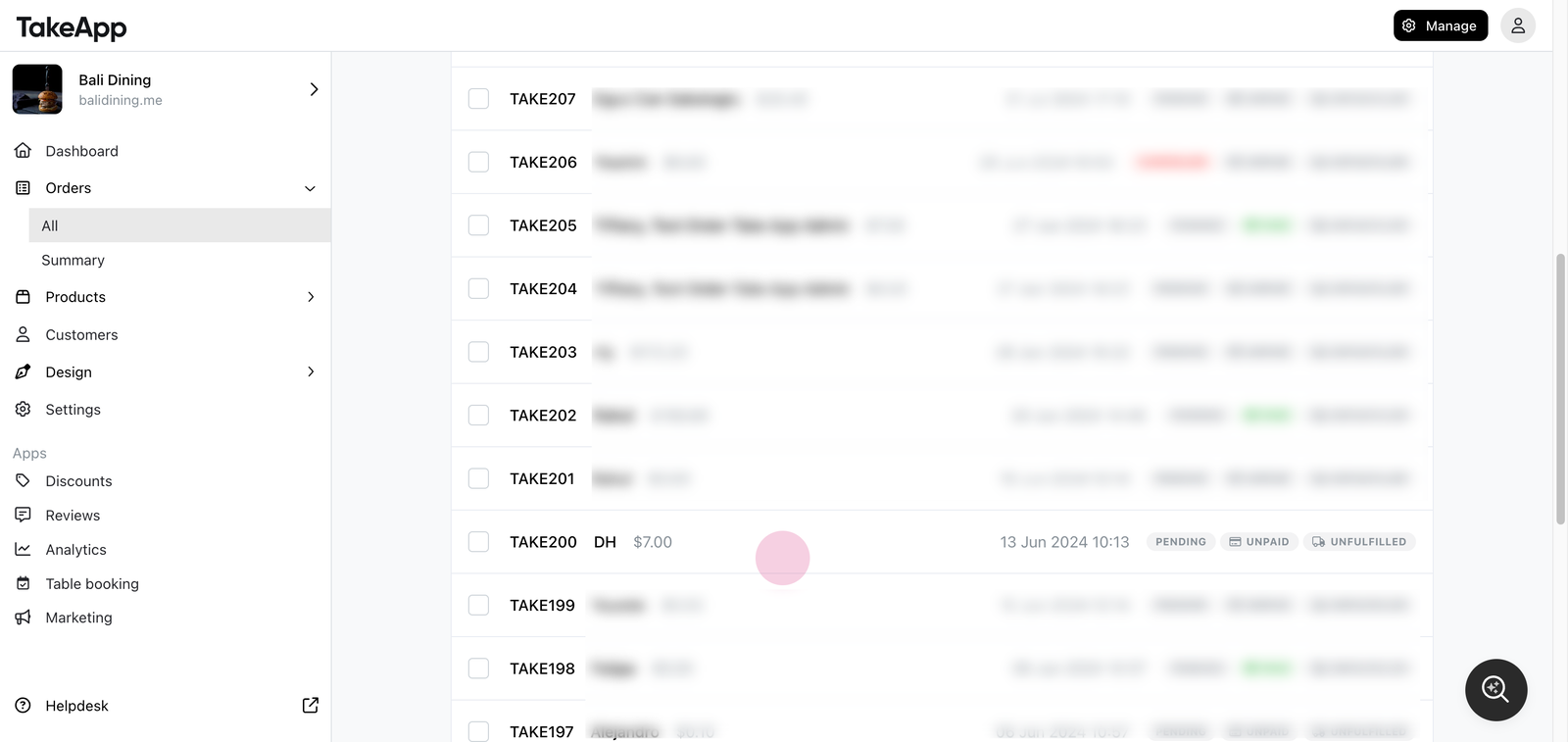
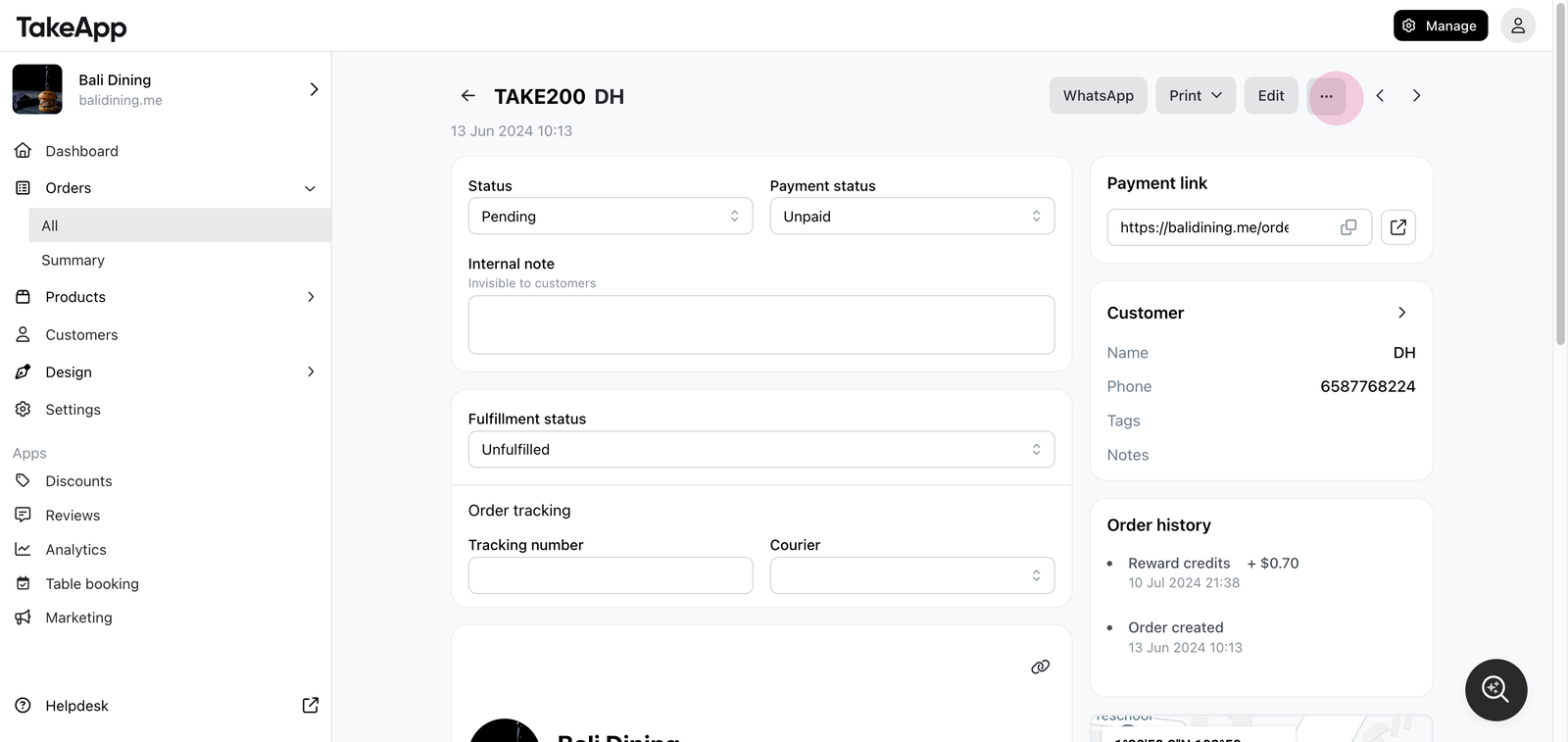
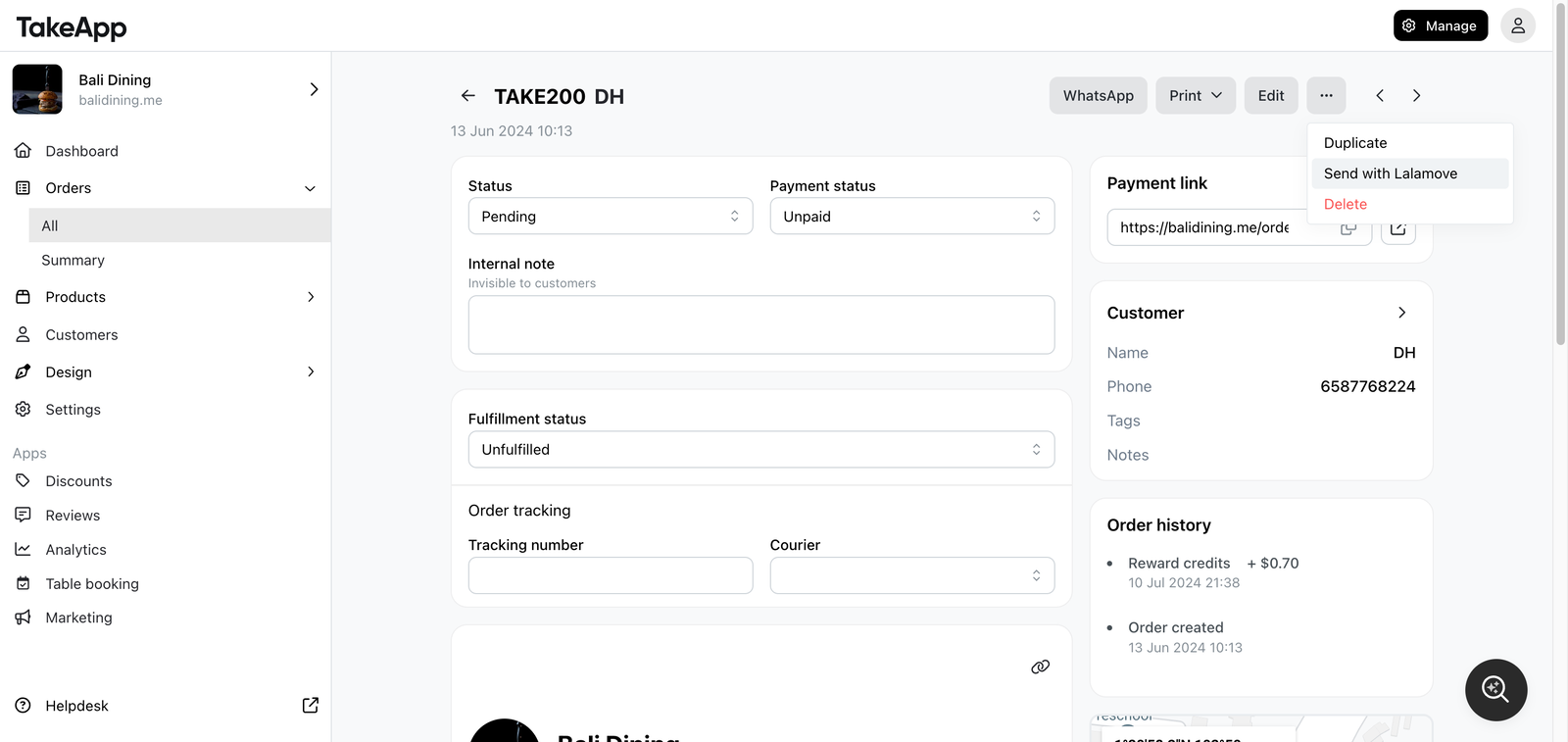
On Order detail page, Click More and select Send with Lalamove.
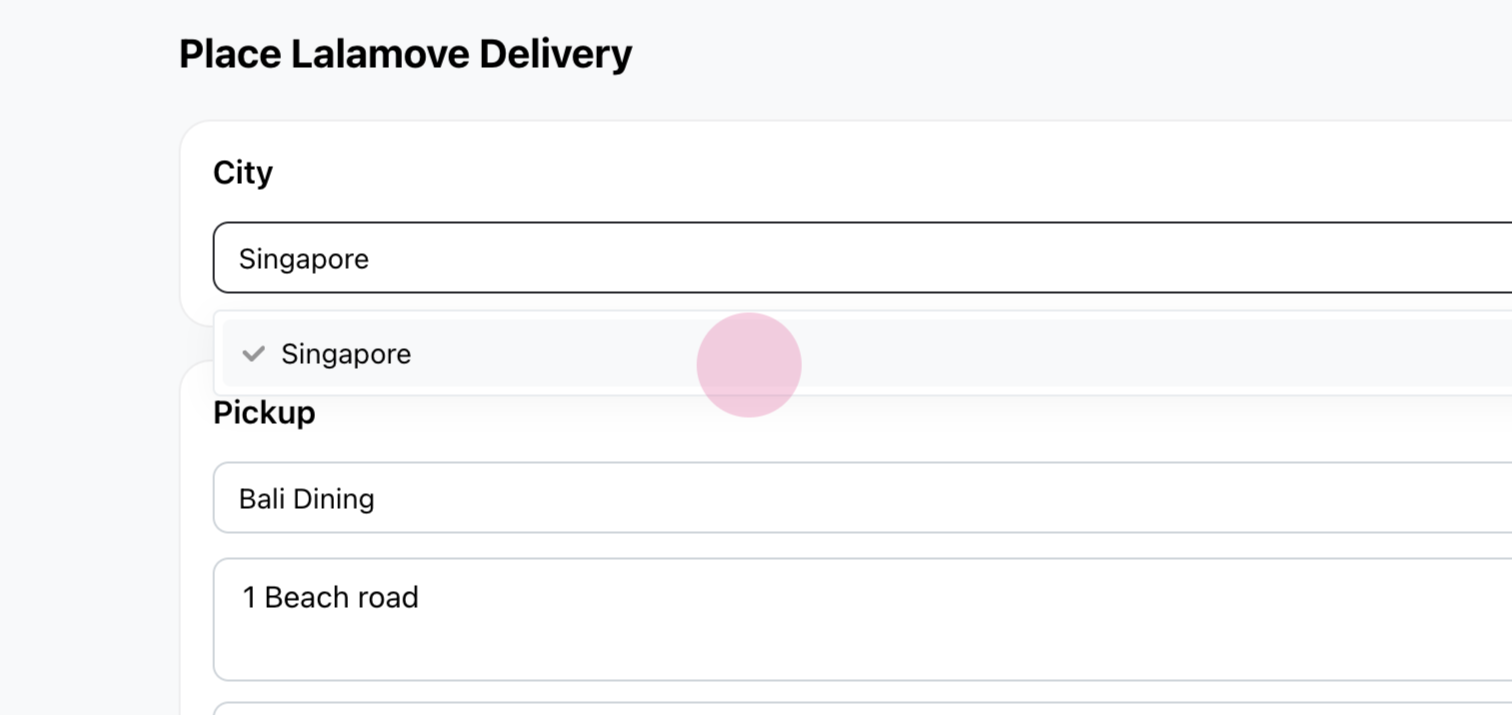
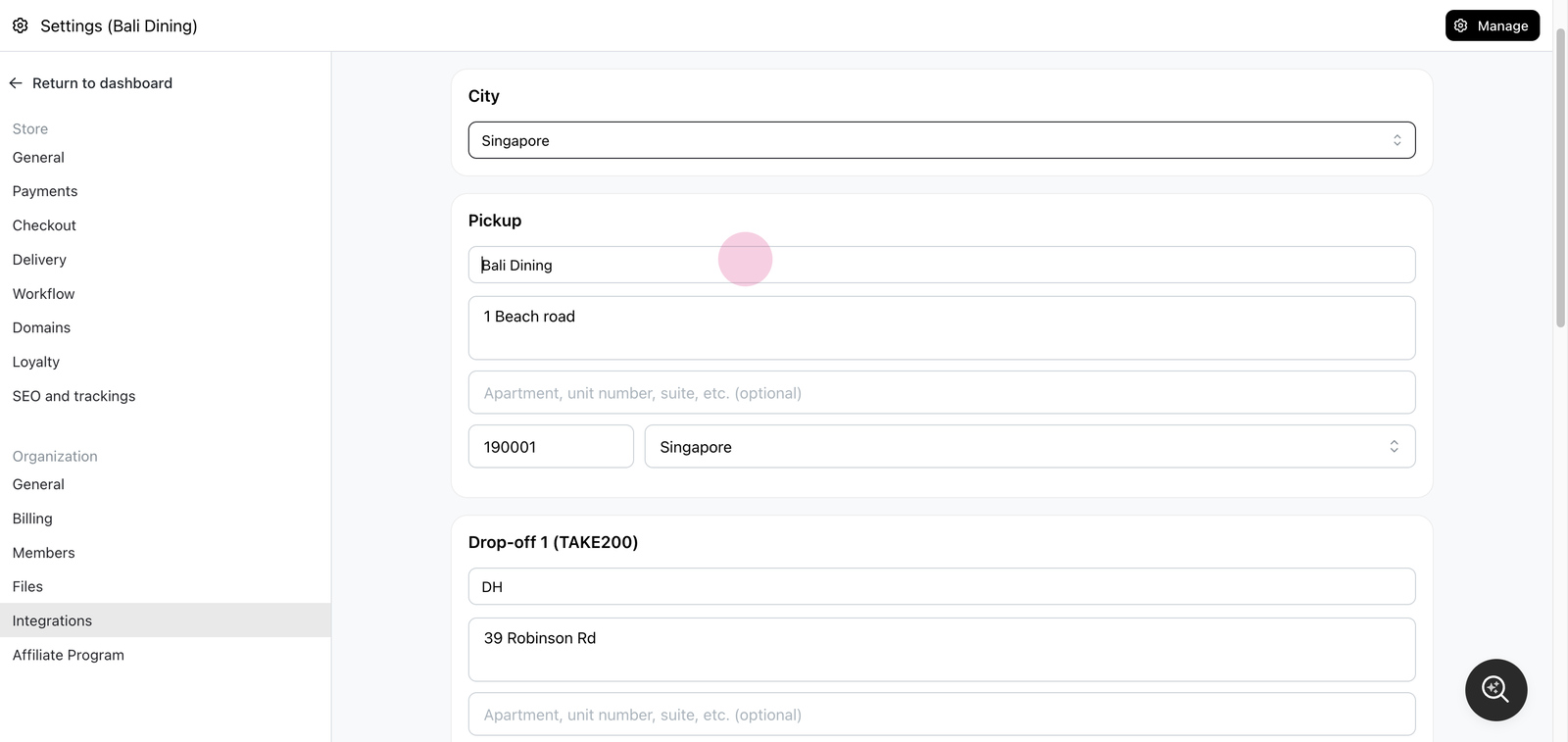
On the Lalamove delivery page, select the city.
Update the name and input your address. Verify the pickup and drop-off addresses. Choose the vehicle type and set the pickup date and time.
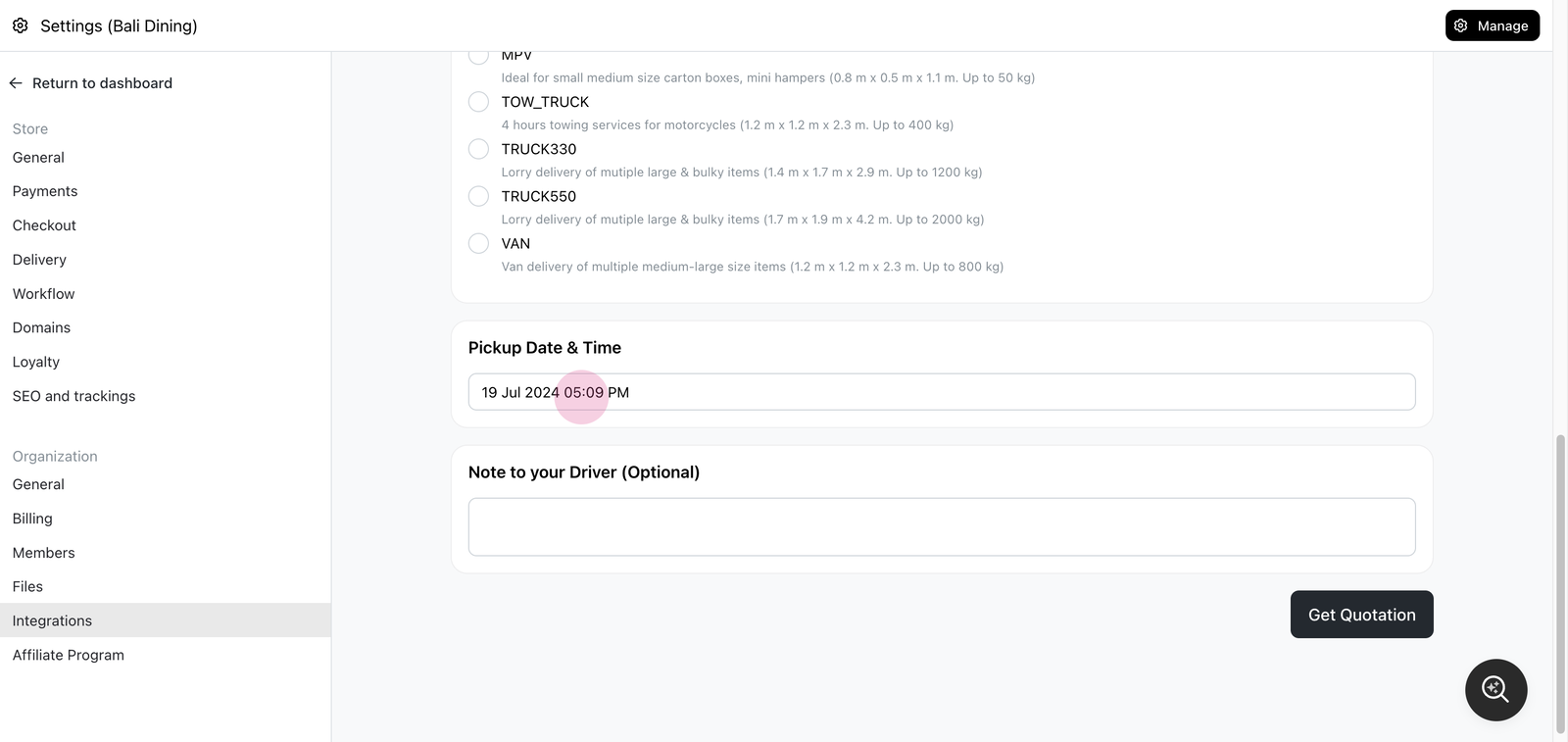
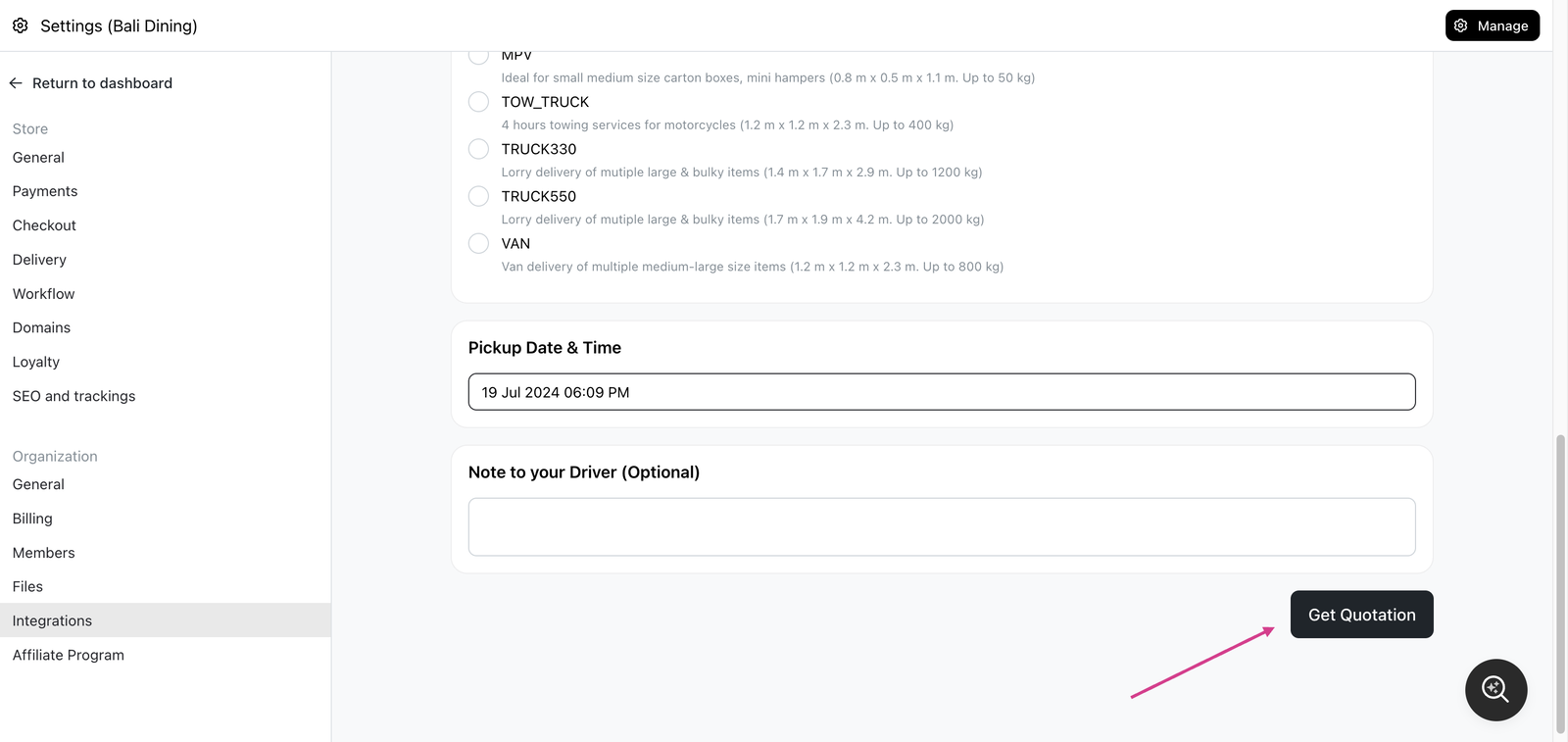
Click Get Quotation.
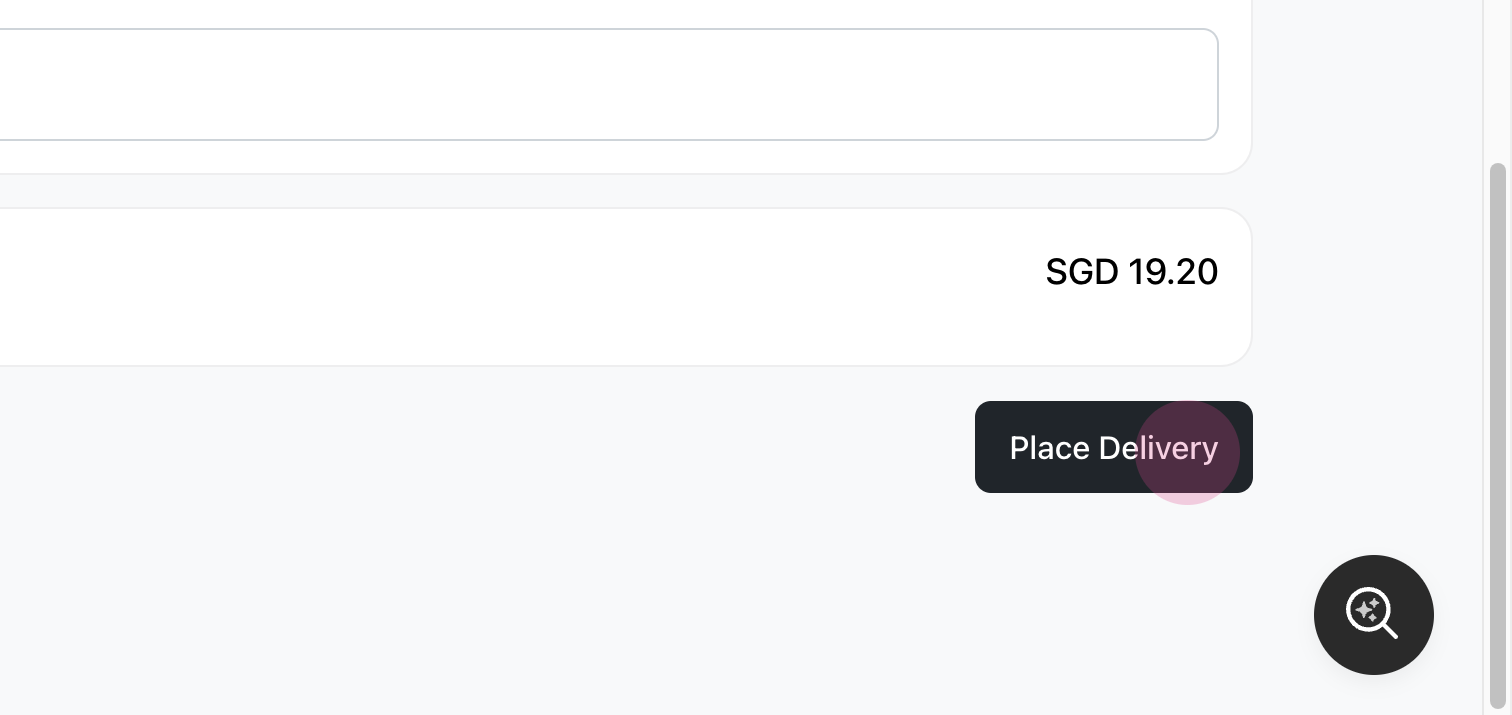
Review your delivery fee and place the delivery.
Choosing delivery cities and vehicle types
When you send an order with Lalamove, you can select cities beyond Singapore. The available vehicle types update automatically to match the city you choose, so you'll only see the options Lalamove supports in that location.
- On the Lalamove delivery page, select the city where the delivery will take place.
- Choose from the vehicle types available for that city. The list adjusts automatically based on your selected city.
- Verify the pickup and drop-off addresses, then continue to get your quotation.
Pickup and drop-off must be in the same supported area
Lalamove delivery only works when the pickup and drop-off addresses are within the same city or country that Lalamove serves. If the two addresses are in different cities or countries that Lalamove does not support, you'll see an error and won't be able to place the delivery. Make sure both addresses fall within the same supported Lalamove service area before getting a quotation.