
How to change the product sequence
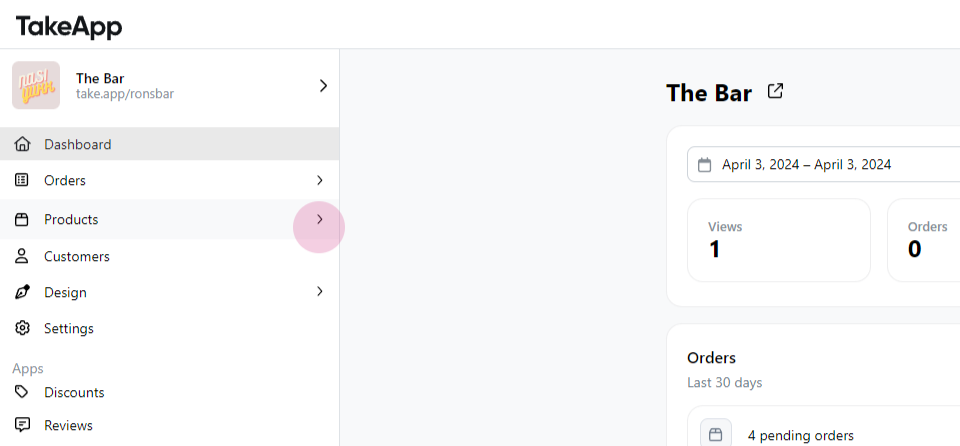
Step 1: Navigate to Products.
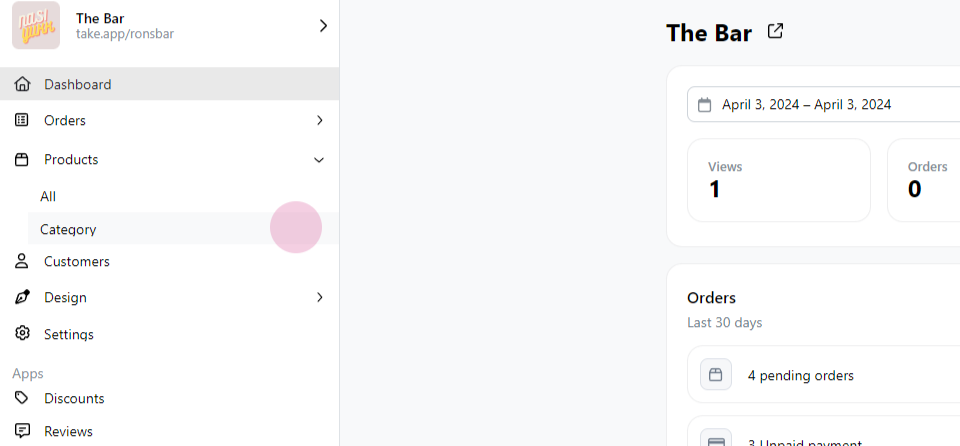
Step 2: Click on Category.
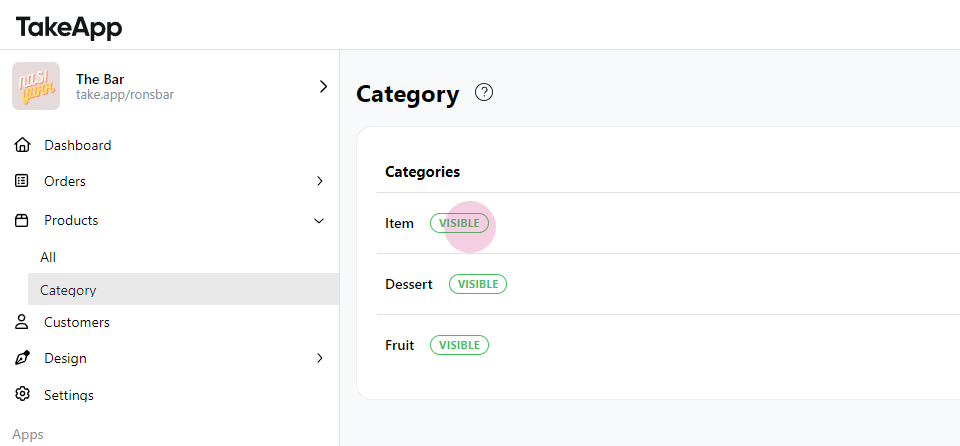
Step 3: Select the desired category.
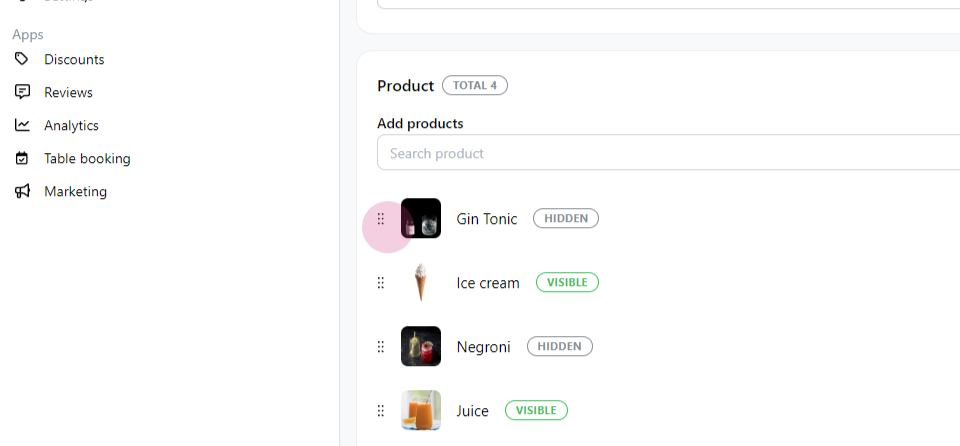
Step 4: Adjust the sequence by dragging and dropping the items.
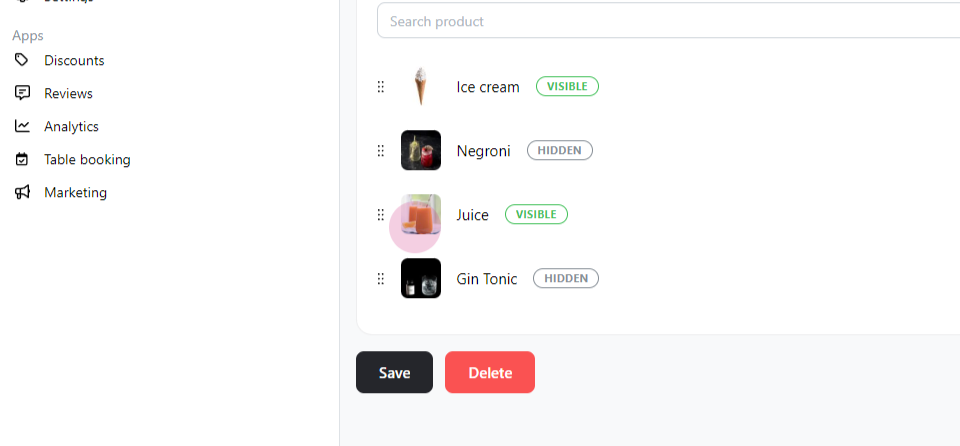
Step 5: Confirm the changes.
Step 1: Navigate to Products.
Step 2: Click on Category.
Step 3: Select the desired category.
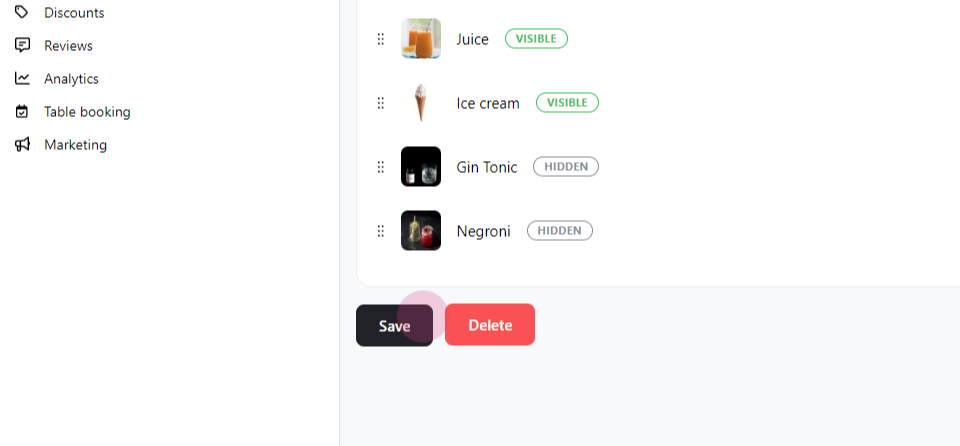
Step 4: Adjust the sequence by dragging and dropping the items.
Step 5: Confirm the changes.
Chat with our team — we're online during business hours.