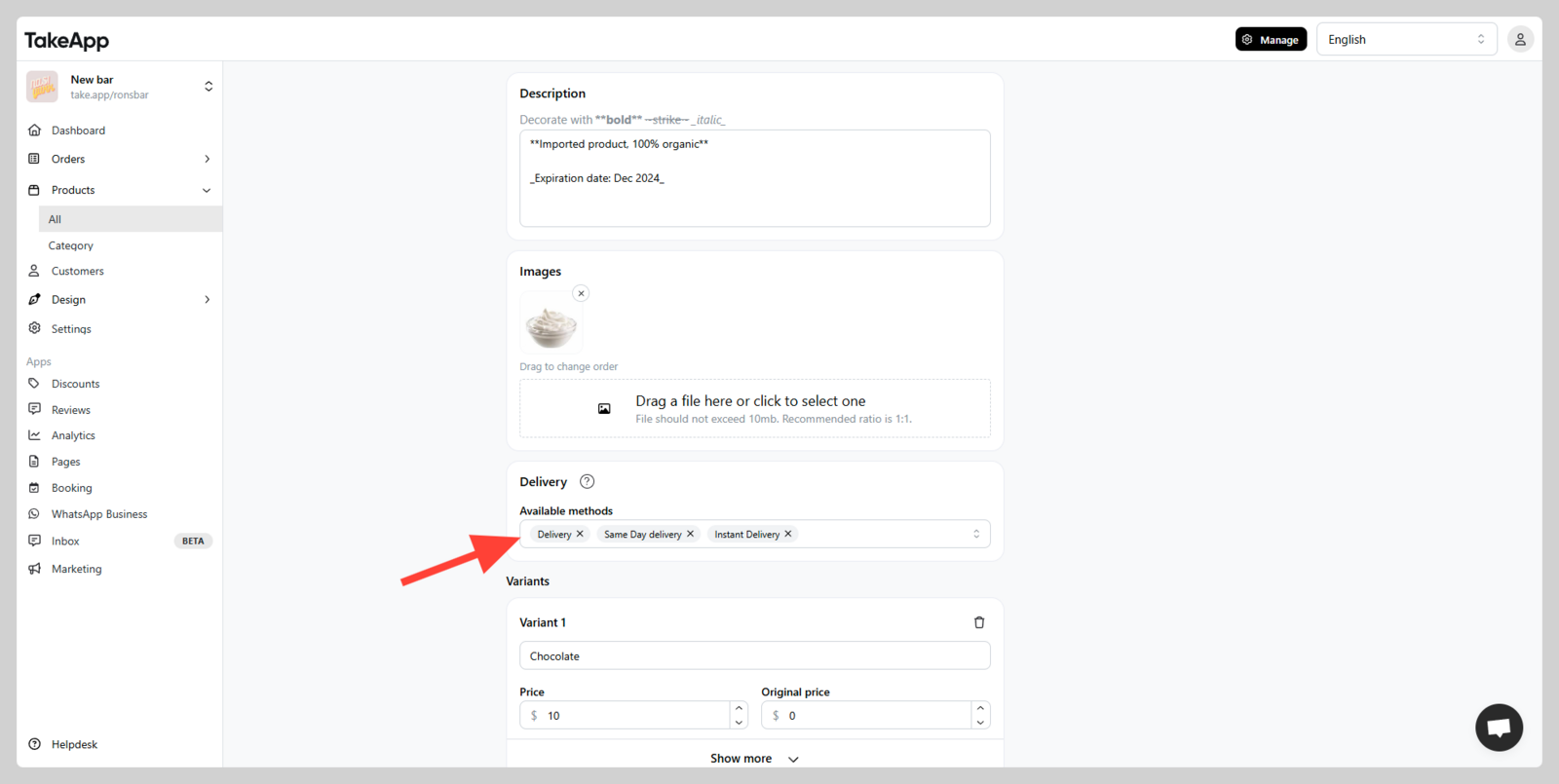
You can assign an available delivery method based on specific products. This is useful for separating delivery methods for:
- Fresh products (require immediate delivery)
- Normal products (can be delivered at any time)
- Pre-order products (require lead time for delivery)
Additionally, delivery methods can be set for products that are only available in certain regions or during specific times (e.g., holidays, weekends, etc.).
How to assign delivery based on product
-
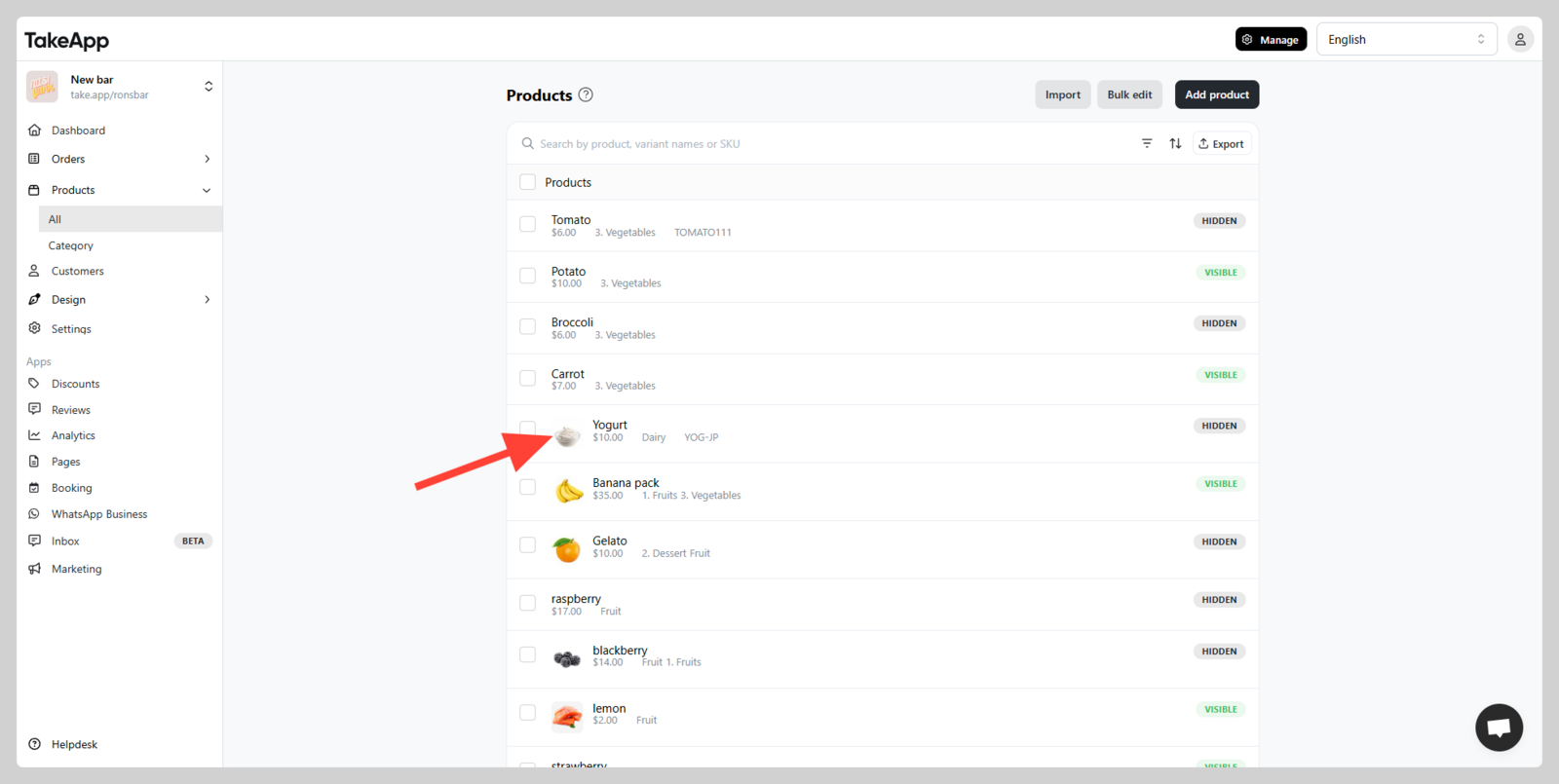
Go to Admin > Products > All and choose the product that you wish to assign its delivery type
-
Scroll down and navigate to the "Delivery" section and assign the delivery method for that product (make sure you have added delivery method). Click
save