
You can arrange your side menu to show a better view of category arrangement with sub-category indentaion
How to set subcategories
-
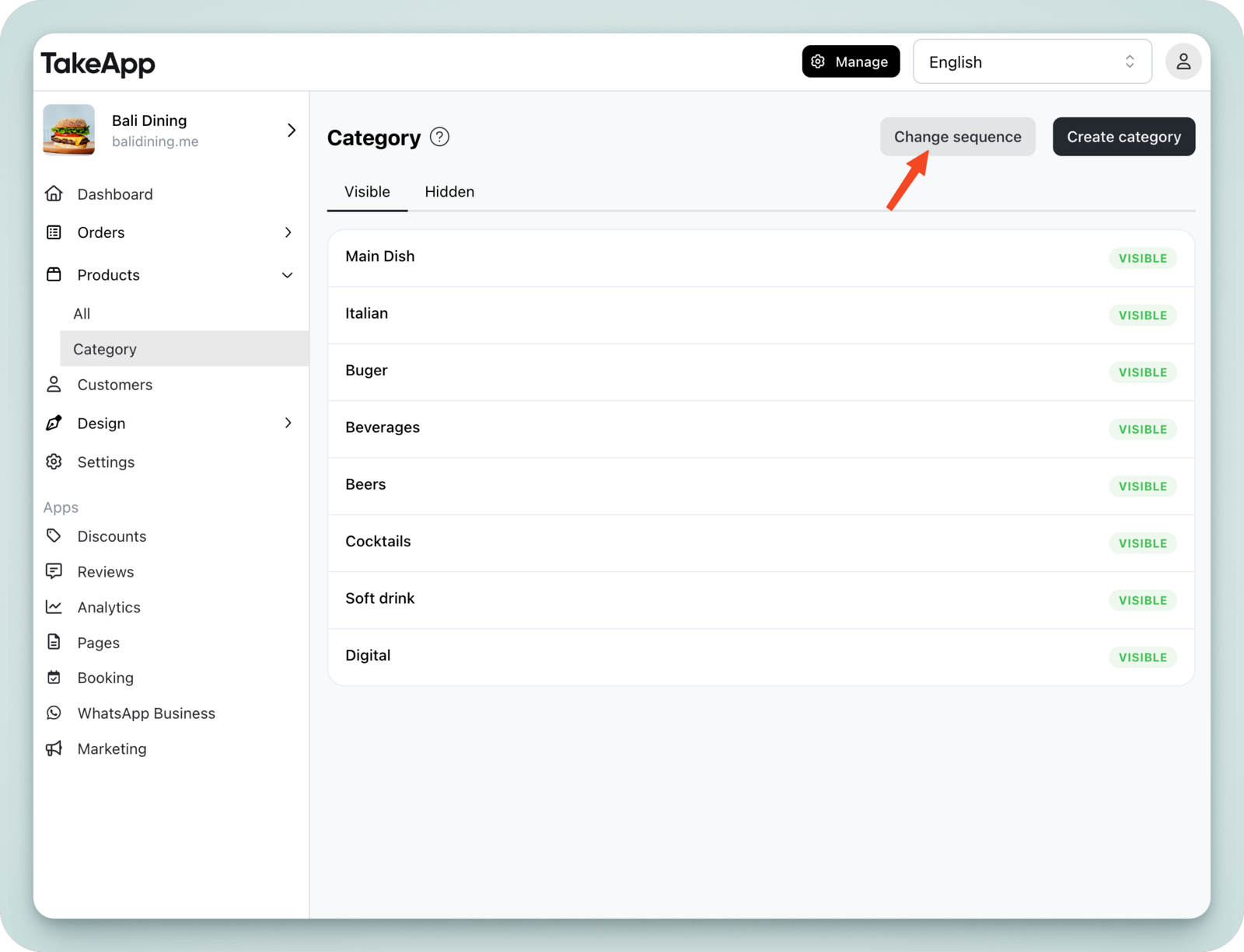
Navigate to Admin > Product > Category.
-
Click Change Sequence.
-
Drag and drop the category to adjust its position, then click the Save button.
You can configure up to 3 levels of depth.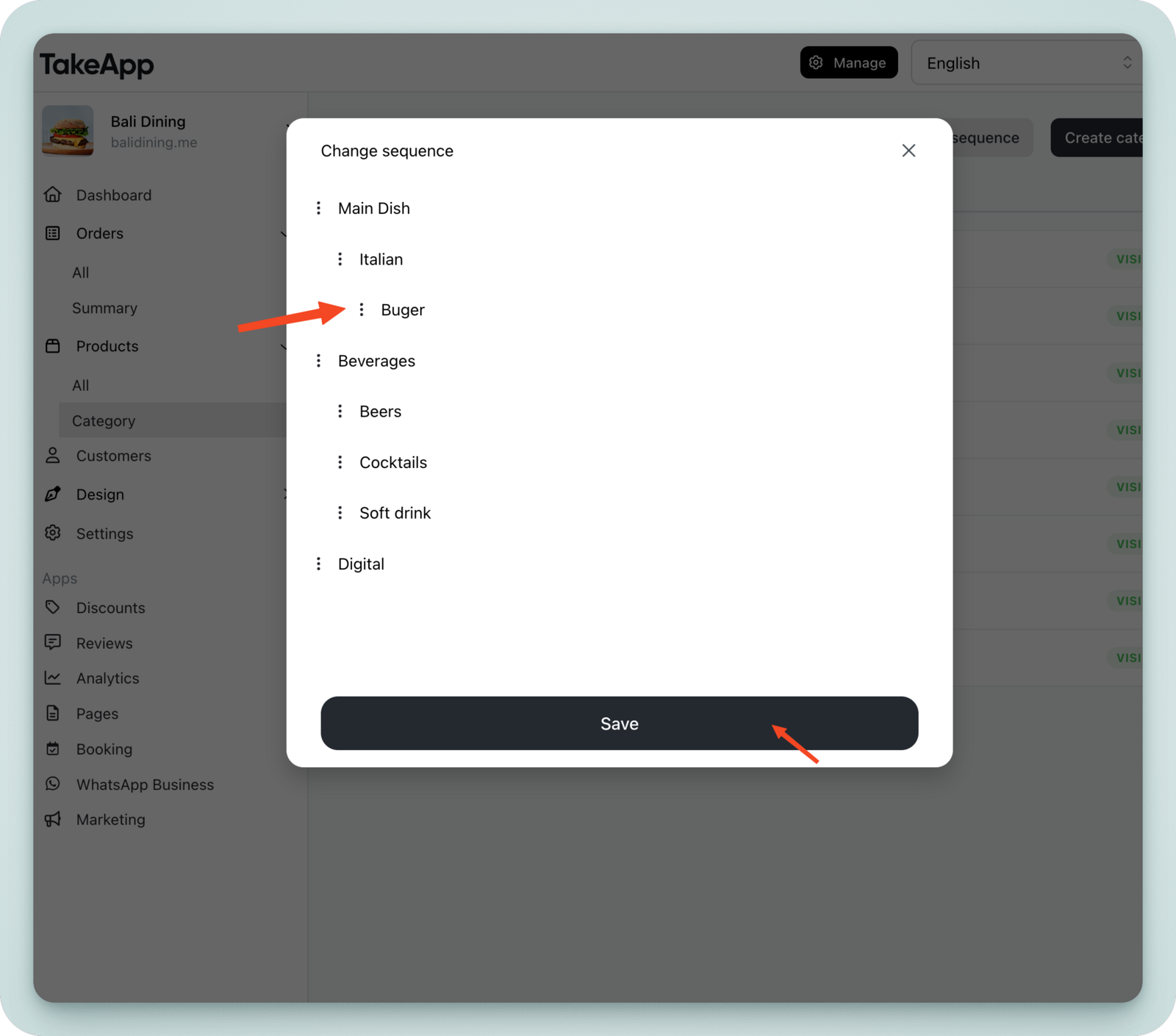
-
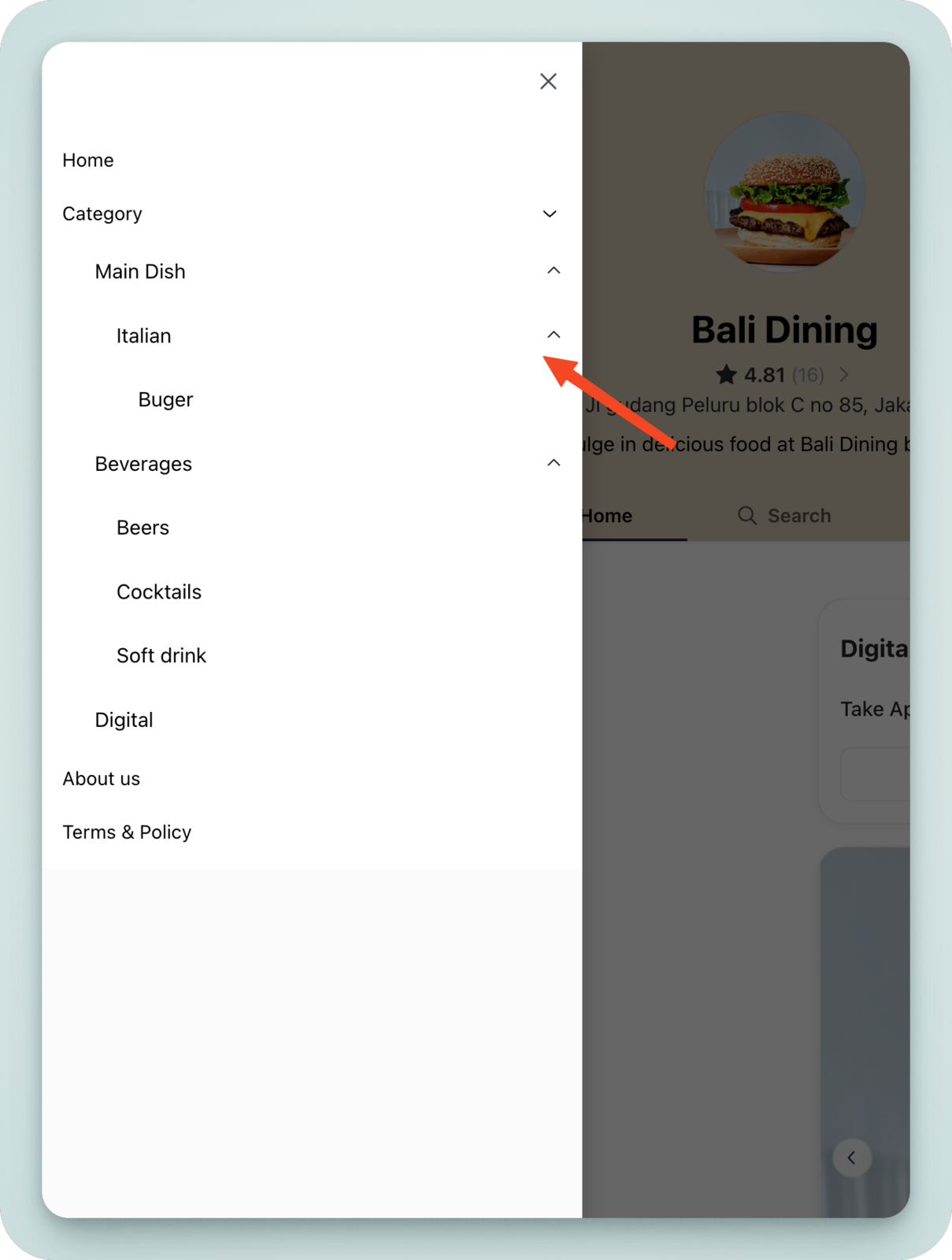
The subcategories will be reflected in your storefront navigation.
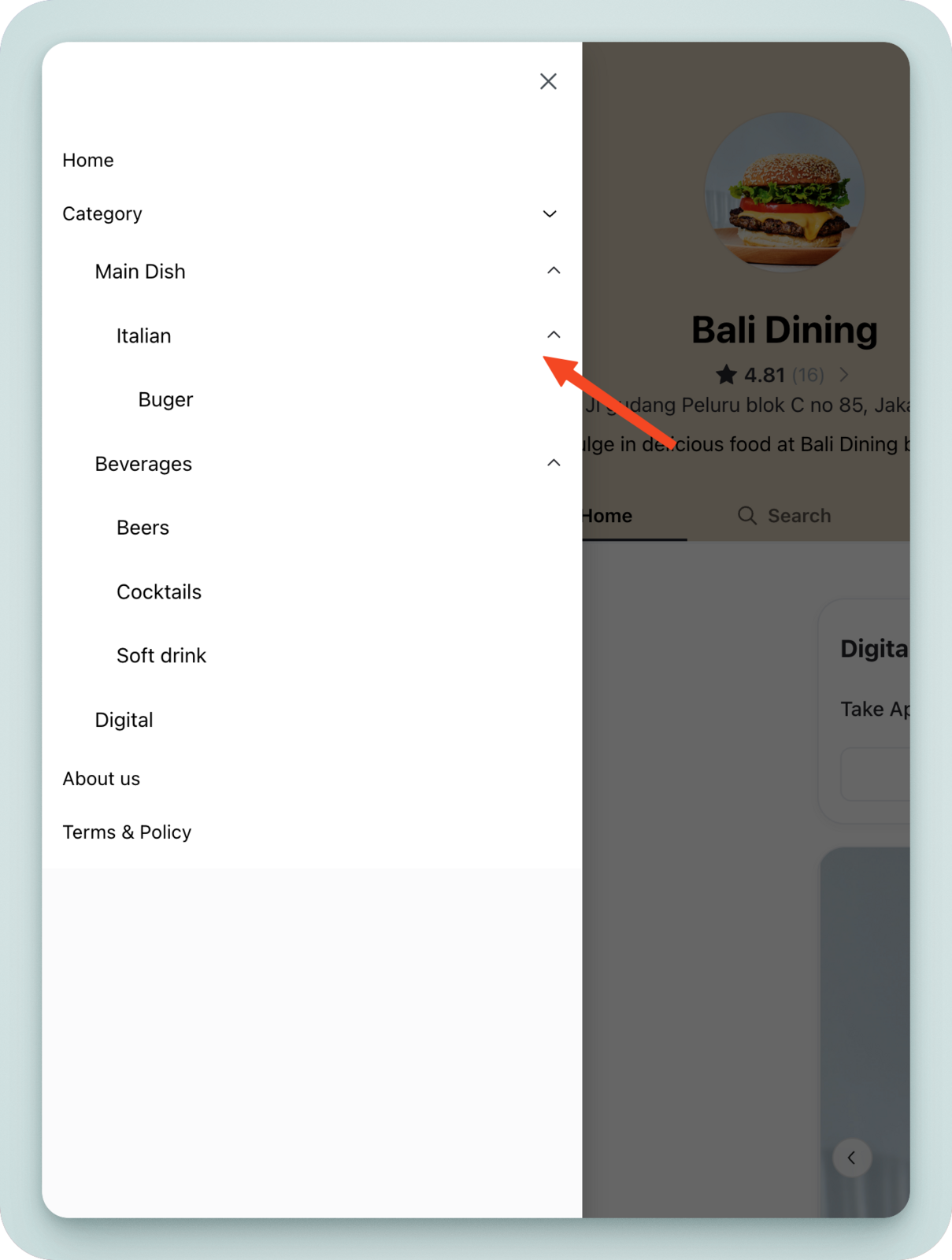
How subcategories work
- You can set categories up to 3 levels of depth.
- When the main category is changed to `hidden`, the subcategory also becomes "hidden."
- If the main category is deleted, the subcategory still exists but its depth is changed to "main."
- Categories are not automatically linked to subcategory products. If you want to display all subcategory products in the main category, you must manually add the main category.