
Telegram Ordering
Share your store in a Telegram channel or conversation. Receive order details in Telegram and manage every order in Take App.
Free plan available. No credit card required.
Choose a Messaging App
Send your order details
#1042
2 × Sourdough loaf
$24.00
- Telegram
- Messenger
- LINE
The order you receive
Telegram
Alex · Customer
Everyday Bakery Order #1042 2 × Sourdough loaf Option: Sliced $12.00 each Total: $24.00 Customer: Alex Pickup: Today, 12:30 PM Payment: Cash on pickup
take.app/everyday-bakery/orders/1042
How Telegram Orders Reach You
A store for ordering, a conversation for the details, and one place to manage the work.
Customers order from your store
They browse your products, choose options and complete checkout. Take App saves the order in your dashboard.
Receive the details in Telegram
After checkout, customers share their order through Telegram. You receive the items, total and collection or delivery details.
Manage the order in Take App
Track payment and fulfillment in your dashboard. Orders stay together, whichever app a customer uses to message you.
Every Order in One Place
Your Telegram conversations have the order details. Your Take App dashboard keeps the order record, payment status and fulfillment together with the rest of your sales.
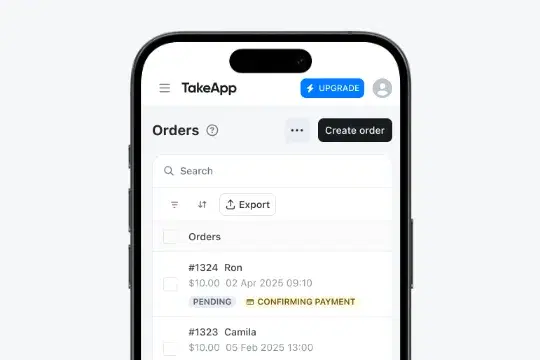
More Ways to Manage Your Orders
Keep every order organized in Take App, from preparing items and checking payments to managing customers and invoices.
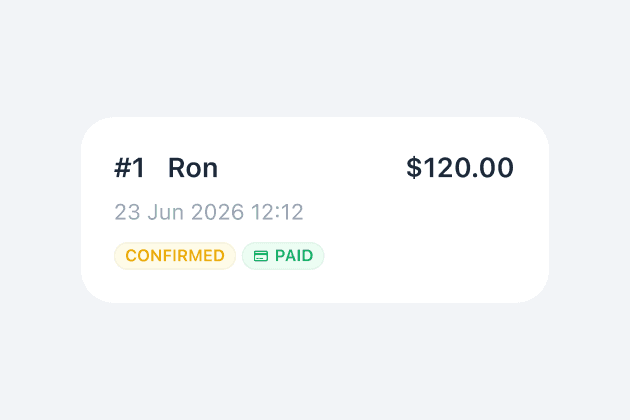
Start receiving orders
Share your store link or create an order manually. New orders will appear here.
Learn more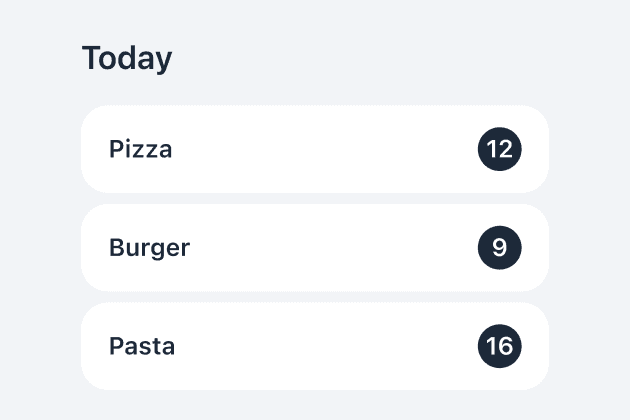
Prepare orders faster
See all orders together and check which products you need to prepare.
Learn more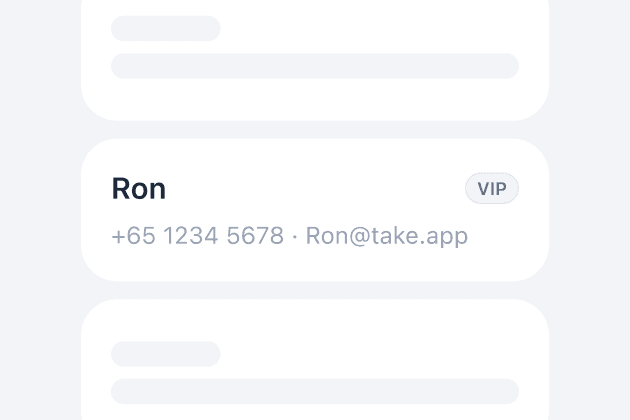
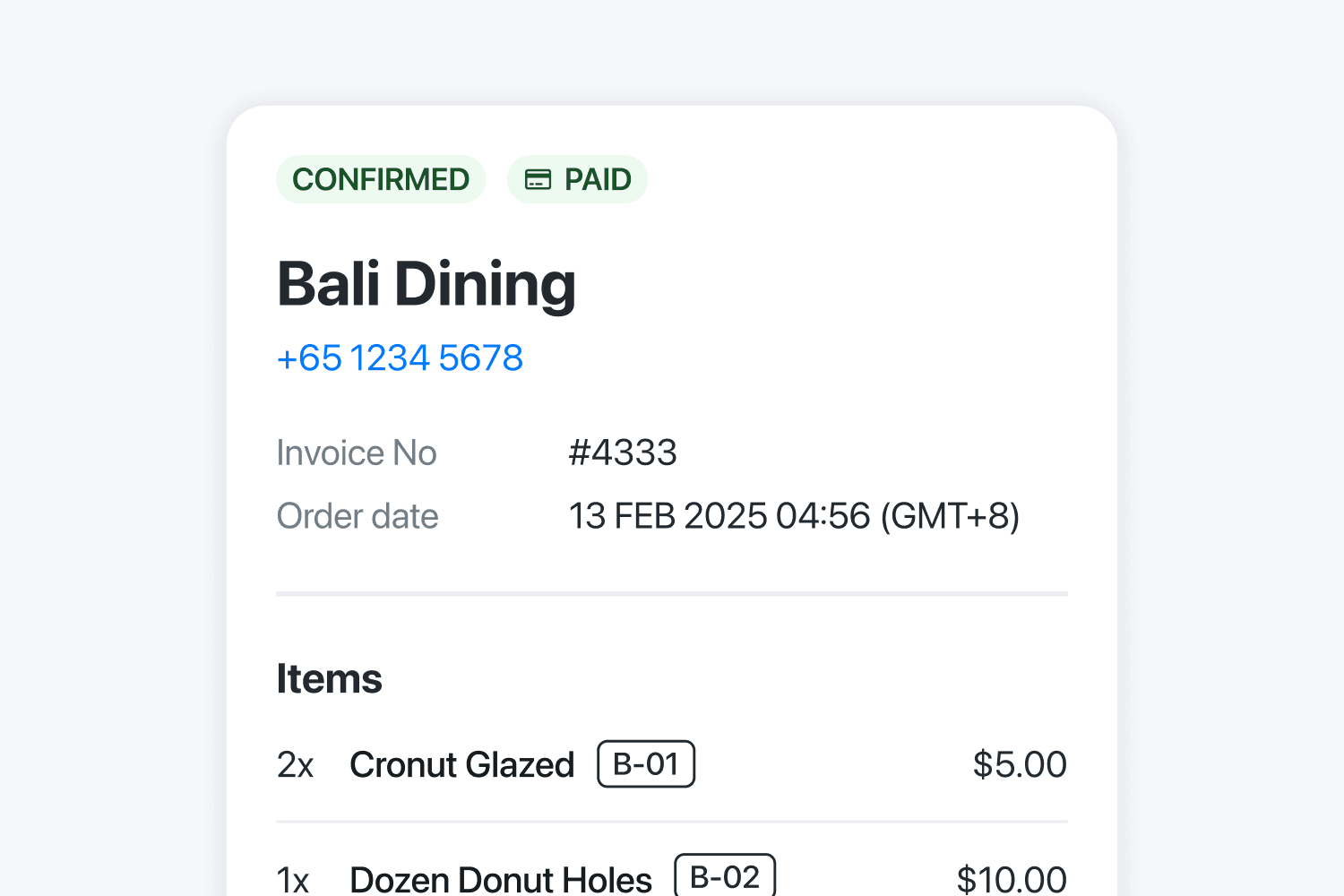
Professional Invoice & PDF
Generate official invoices automatically. Save time and impress clients.
Learn more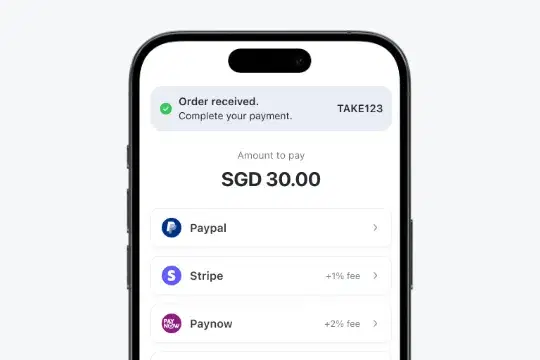
Payment Proof Management
Customers upload payment screenshots. Confirm orders fast, all in one place.
Learn more
Export orders to CSV
Download orders in CSV file to work with third-party vendors or to get a broad overview of your orders.
Learn moreWhat Customers Are Saying
Small businesses in 180+ countries run on Take App.
More Messaging Apps
Start Free, Upgrade as You Grow
Start free. Upgrade when you need more tools to run your store.
Basic
For new stores
Includes
- 50 orders per month
- Unlimited products
- No commissions
- Accept local payments
After 50 orders in a month, you can still receive orders on your registered WhatsApp number. Additional orders that month are not saved to your dashboard.
Essential
For growing stores
Everything in Basic, plus
- Unlimited orders and images
- Custom domain
- Delivery fees by distance and weight
- CSV import and export
- Analytics, SEO and Meta Pixel
Business
Most popularFor busy teams
Everything in Essential, plus
- Card payments (Stripe and more)
- WhatsApp automation & broadcast
- Customer login and membership
- WhatsApp and Instagram inbox
- Take App logo removal
- Multiple stores and staff
- 3rd-party apps, API and webhooks
Includes 5 stores, 5 staff members, 1,000 automated WhatsApp messages and 2,500 automated emails per month.