Take App

Download orders as PDF files

You can download your orders to PDF in bulk

How to download orders as PDF

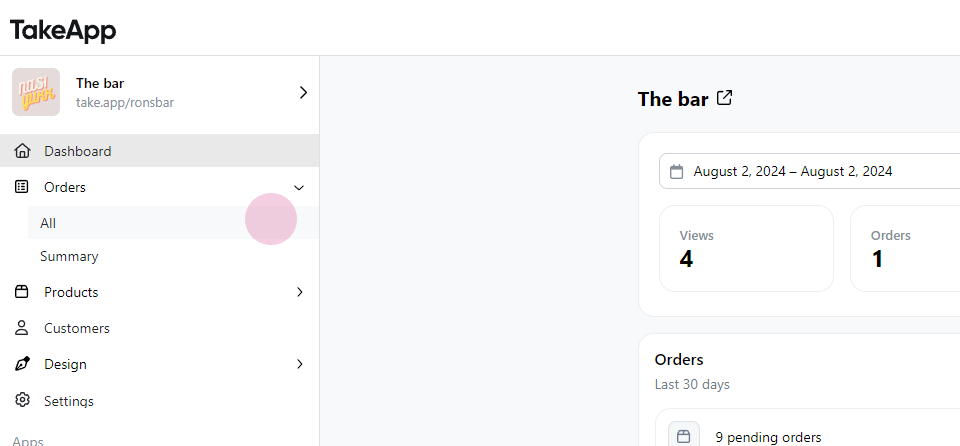
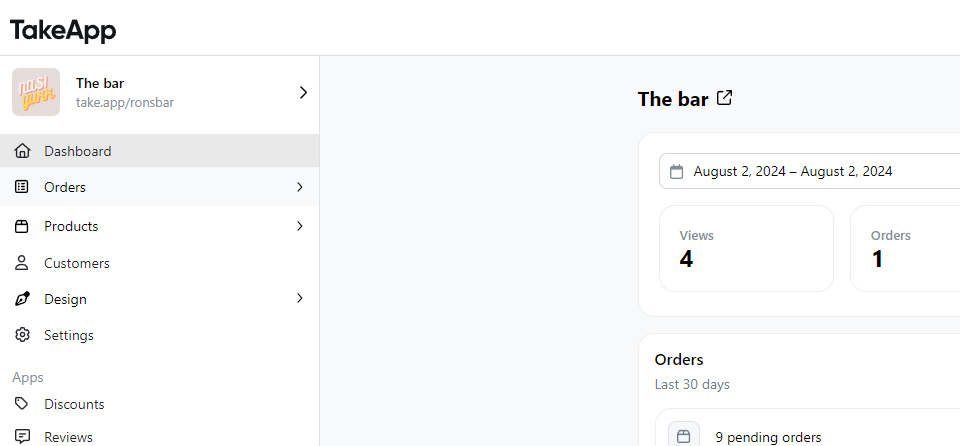
Step 1: Navigate to Order
Download orders as PDF files

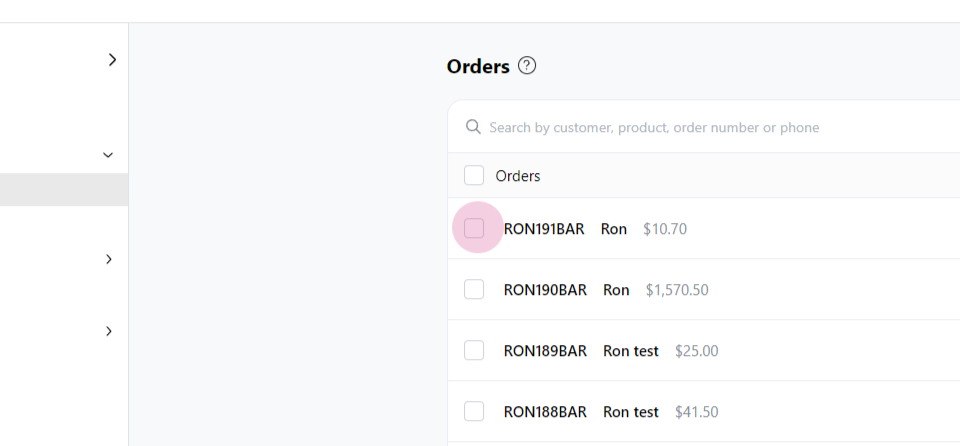
Step 2: Select All

Download orders as PDF files

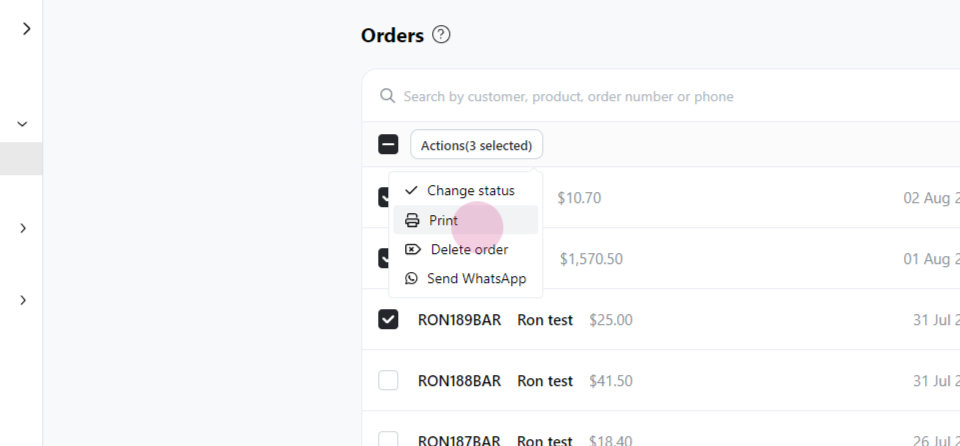
Step 4: Click on Action

Download orders as PDF files

Step 5: Choose Print

Download orders as PDF files

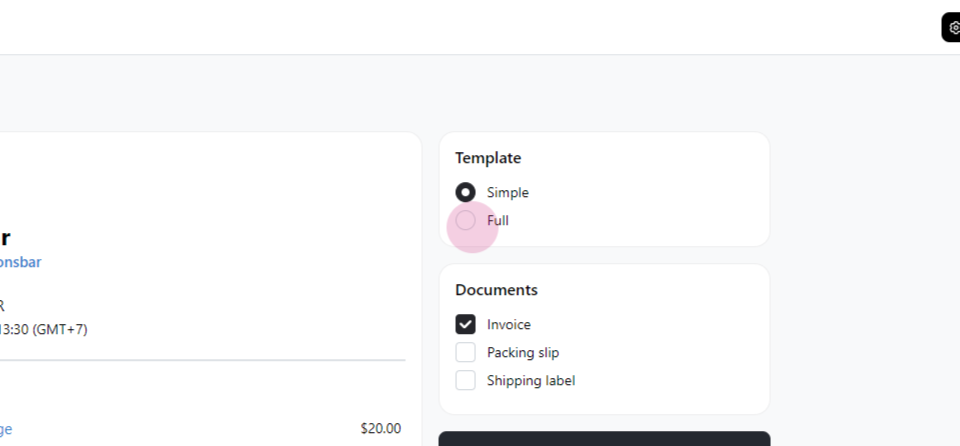
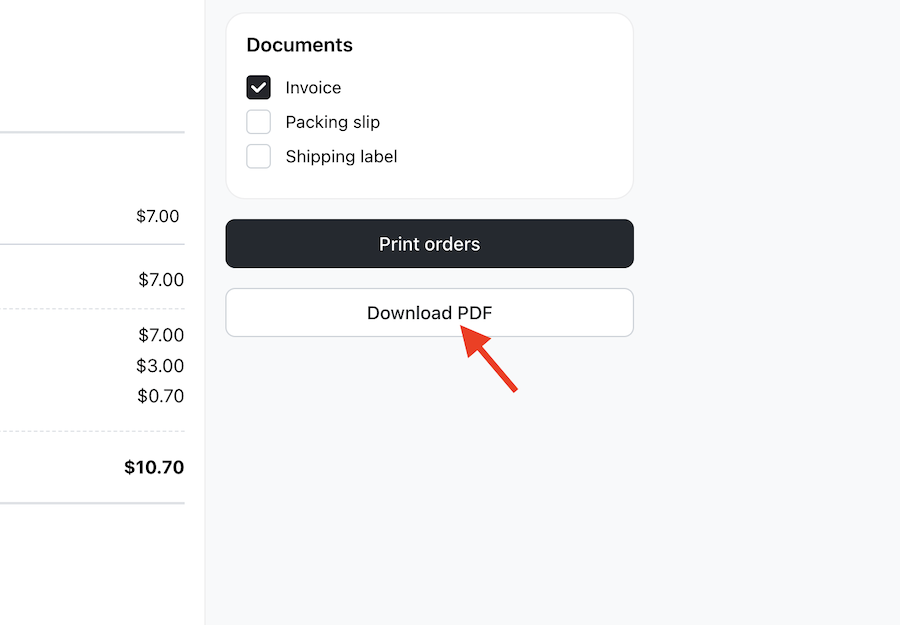
Step 6: Select the template

Download orders as PDF files

Step 7: Click on Download PDF

Download orders as PDF files

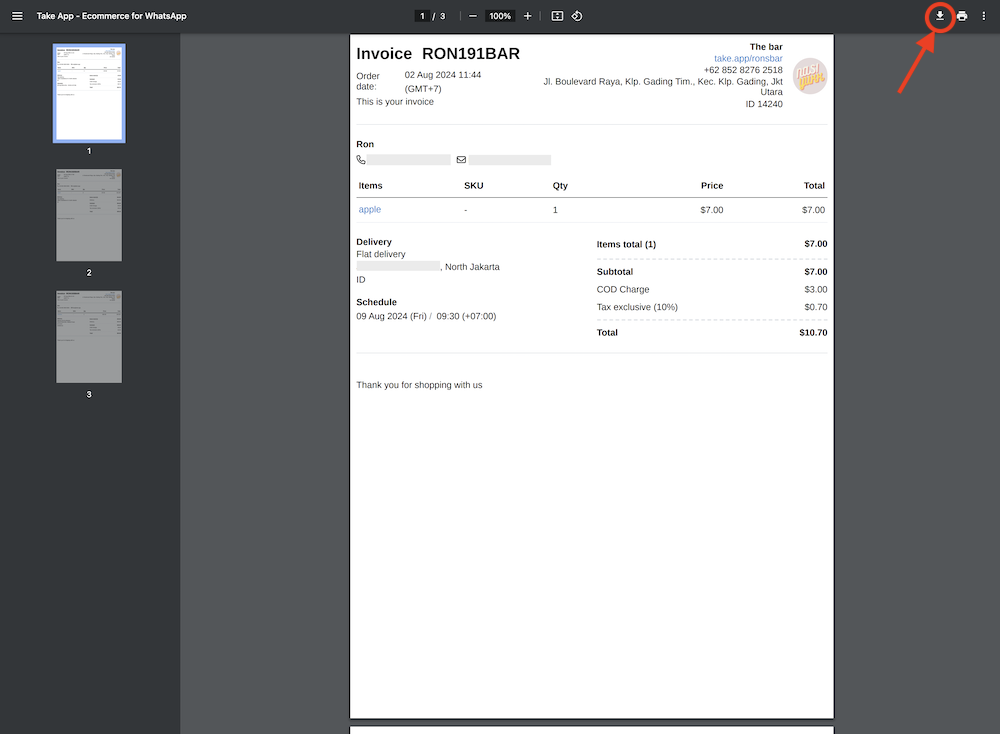
Step 8: Finally, click the download icon to save the PDF
Download orders as PDF files

More in Invoice & Printing

Invoice & Printing

Still need help?

Chat with our team — we're online during business hours.

Contact support