
Order Taking App for Restaurants and Wholesale
Orders from your menu link, QR code, or WhatsApp chat land typed, priced, and paid in the Take App app on iOS and Android. No missed calls, no misheard toppings, no commission. Used by 300,000+ businesses in 180+ countries.
Free plan available. No credit card required.


 PayNow
 PayPal
How to Set Up an Order Taking App
Three steps, no hardware, and nothing for your customers to install.
Build your menu or catalog
Add your items with photos, prices, and options like size, spice level, or add-ons. The catalog is the order form, so anything on it gets ordered exactly as written.
Share the link and the QR code
Drop the link into WhatsApp replies and your Instagram bio, and print the QR code for tables and the counter. Customers order from their own phone — nothing to download, no account to create.
Get every order on your phone
Each order is pushed to the Take App app on iOS and Android, and to the web dashboard, with items, notes, address, and payment attached. Confirm it in one tap and the customer gets the update on WhatsApp.
Orders Arrive Typed, Not Dictated
The customer who used to voice-note their order now picks from your menu and checks out. You get items, quantities, notes, and the address in one structured order — not fifteen messages to re-read during the lunch rush.
Your Menu Is the Order Form
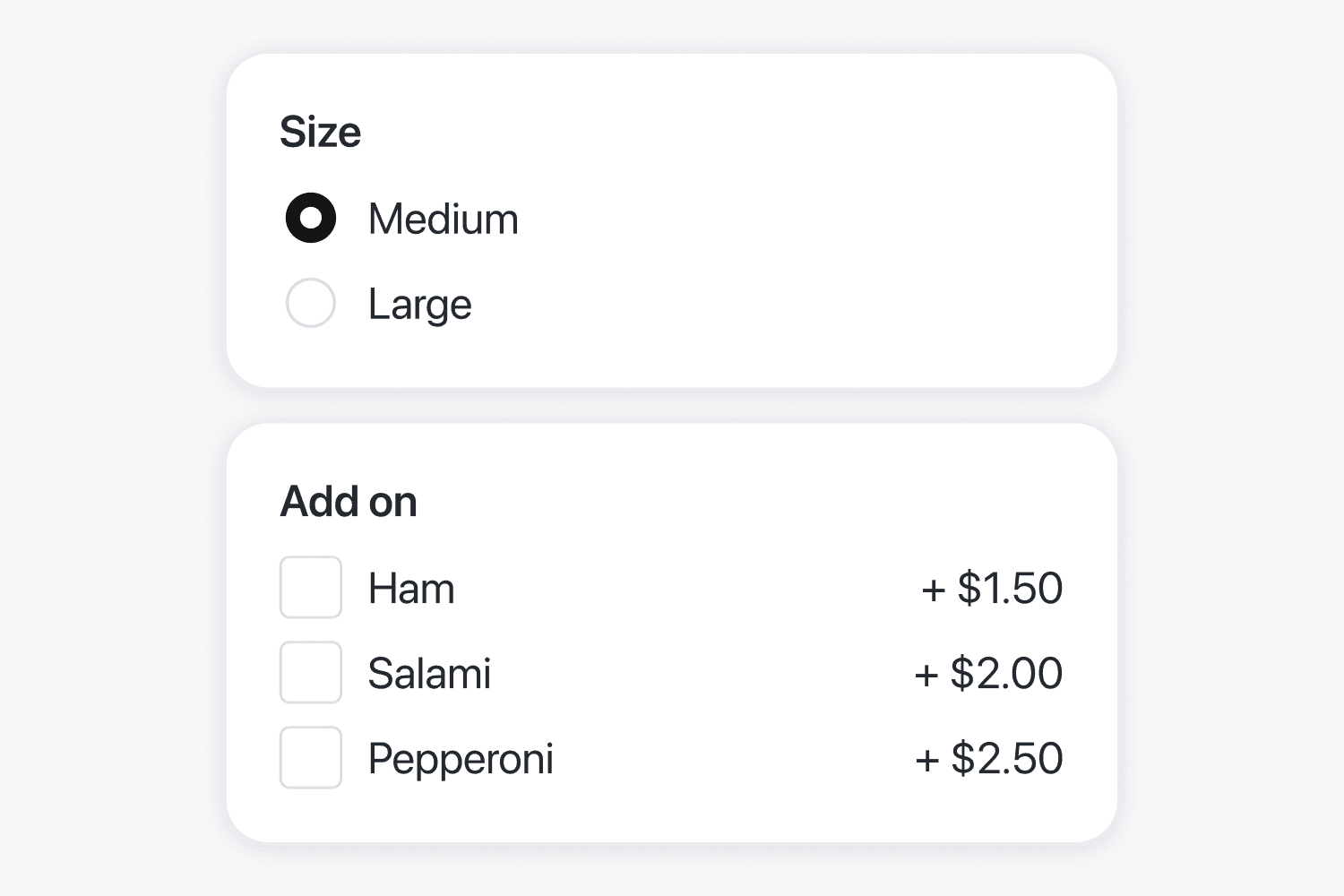
Sizes, add-ons, and stock live on the item, so "large, less ice, oat milk" is three taps instead of three clarifying questions. Change a price once and every order after it is right.
Every Order in One App
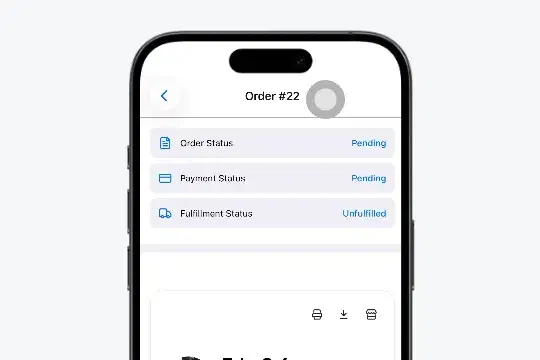
WhatsApp orders, table orders, and the phone order you punched in yourself land in the same app on your phone, and on the web dashboard at the counter. Change the status, print the ticket, mark it done — nobody in the kitchen works from a screenshot again.
A Restaurant Order Taking App on Every Table
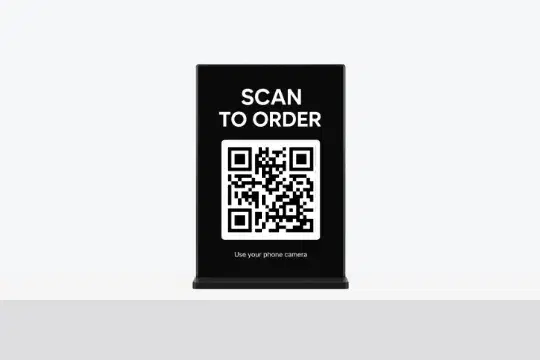
One QR code per table lets guests browse, order, and pay without flagging a server. The order reaches the counter the moment it is placed, on the same list as everything else.
B2B and Wholesale Orders, Same Store
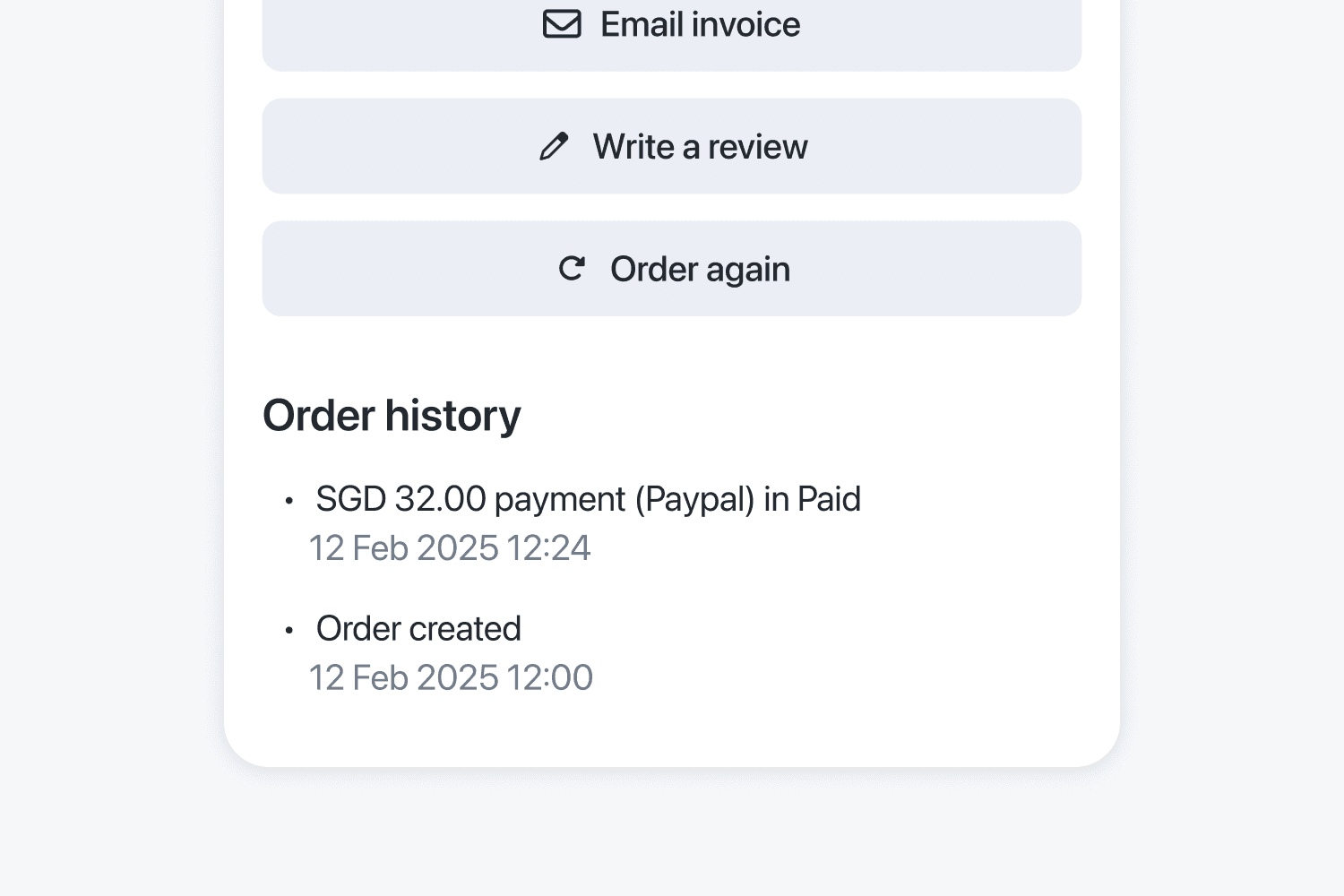
Supplying cafes and shops instead of feeding diners? Buyers reorder last week's list from their order history in two taps, invoices download as PDFs, and the bank-transfer receipt sits on the order it pays for.
Everything After the Order Arrives
A kitchen display, delivery and pickup slots, stock tracking, PDF invoices, and a sales report — taking the order is step one, so the rest is included.
Kitchen Display
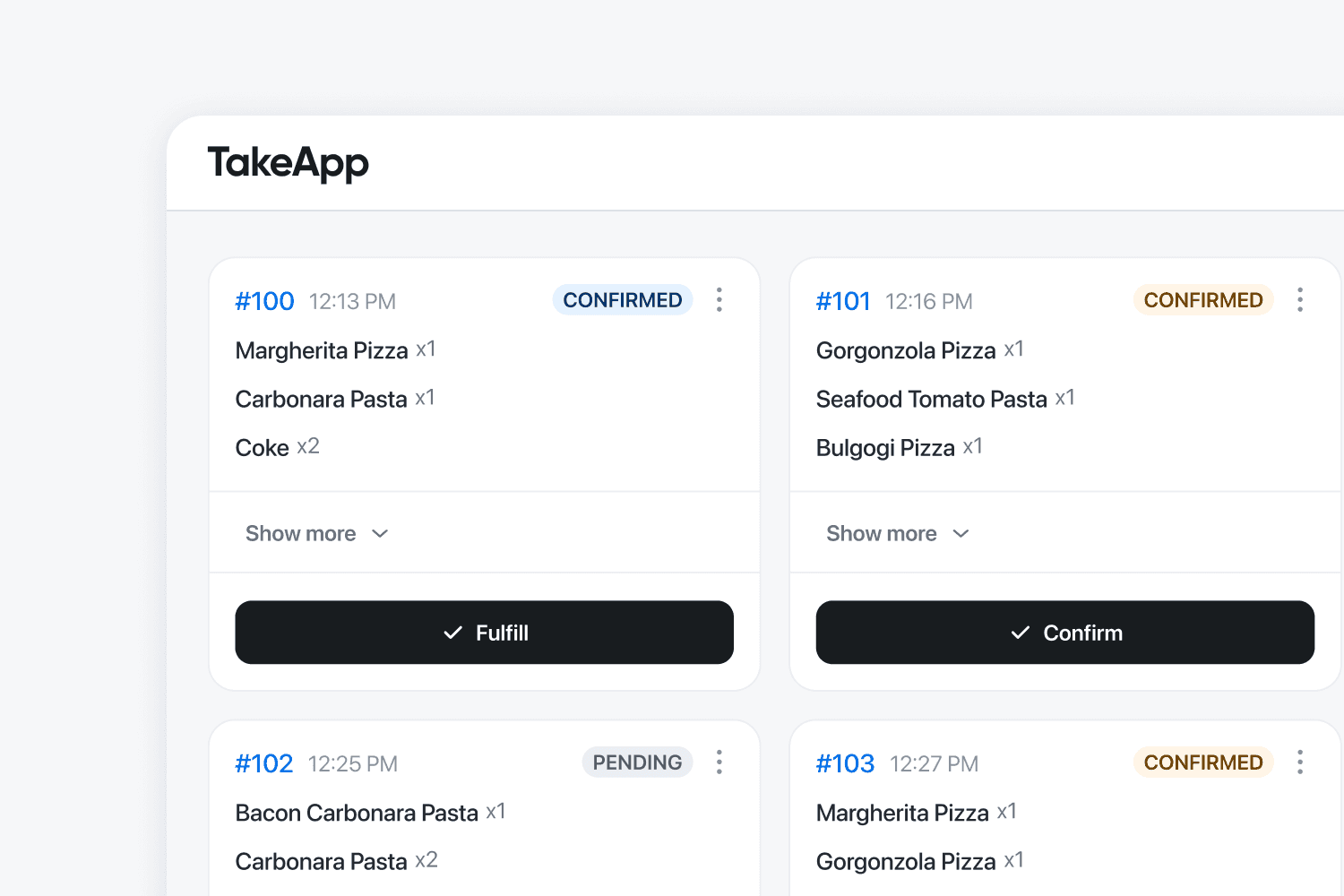
Orders appear on the kitchen screen instantly. Reduce errors and speed up service.
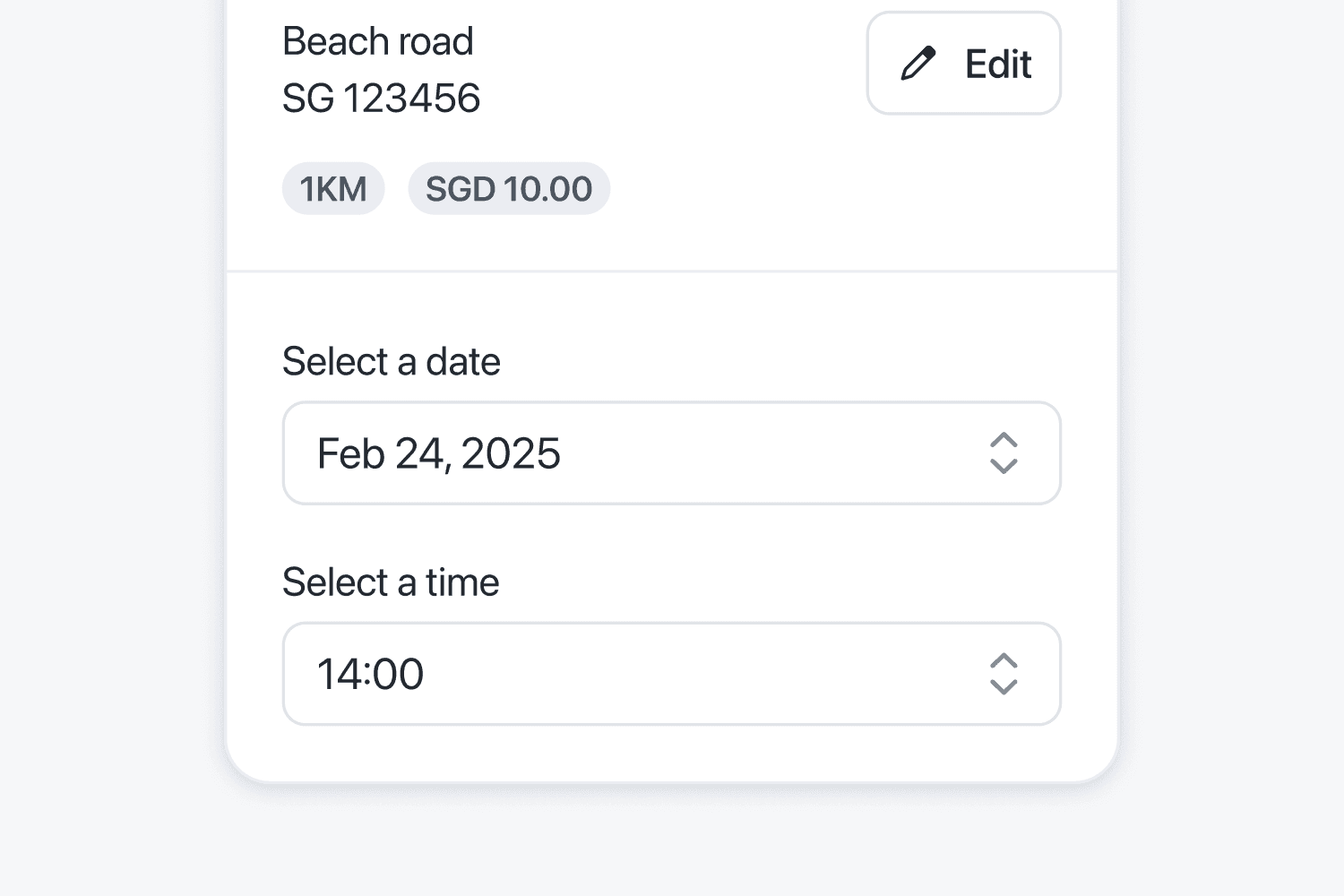
Delivery & Pickup Scheduling
Organize time slots to reduce chaos and wait times.
Local Payment Options
Offer transfers, e-wallets, or COD. Make checkout easy for all buyers.
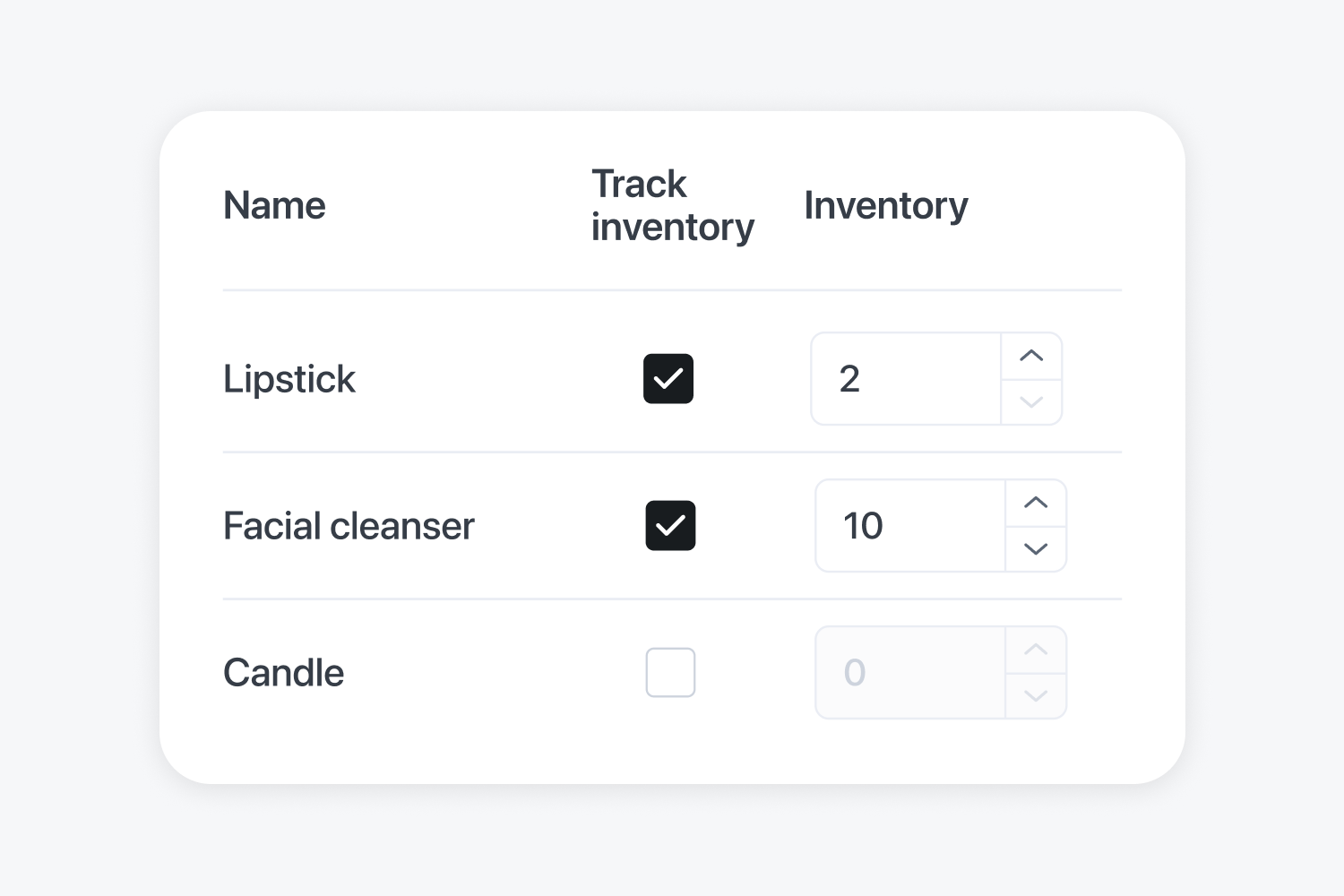
Inventory Tracking
Real-time stock updates prevent overselling. Customers only see what’s truly available.
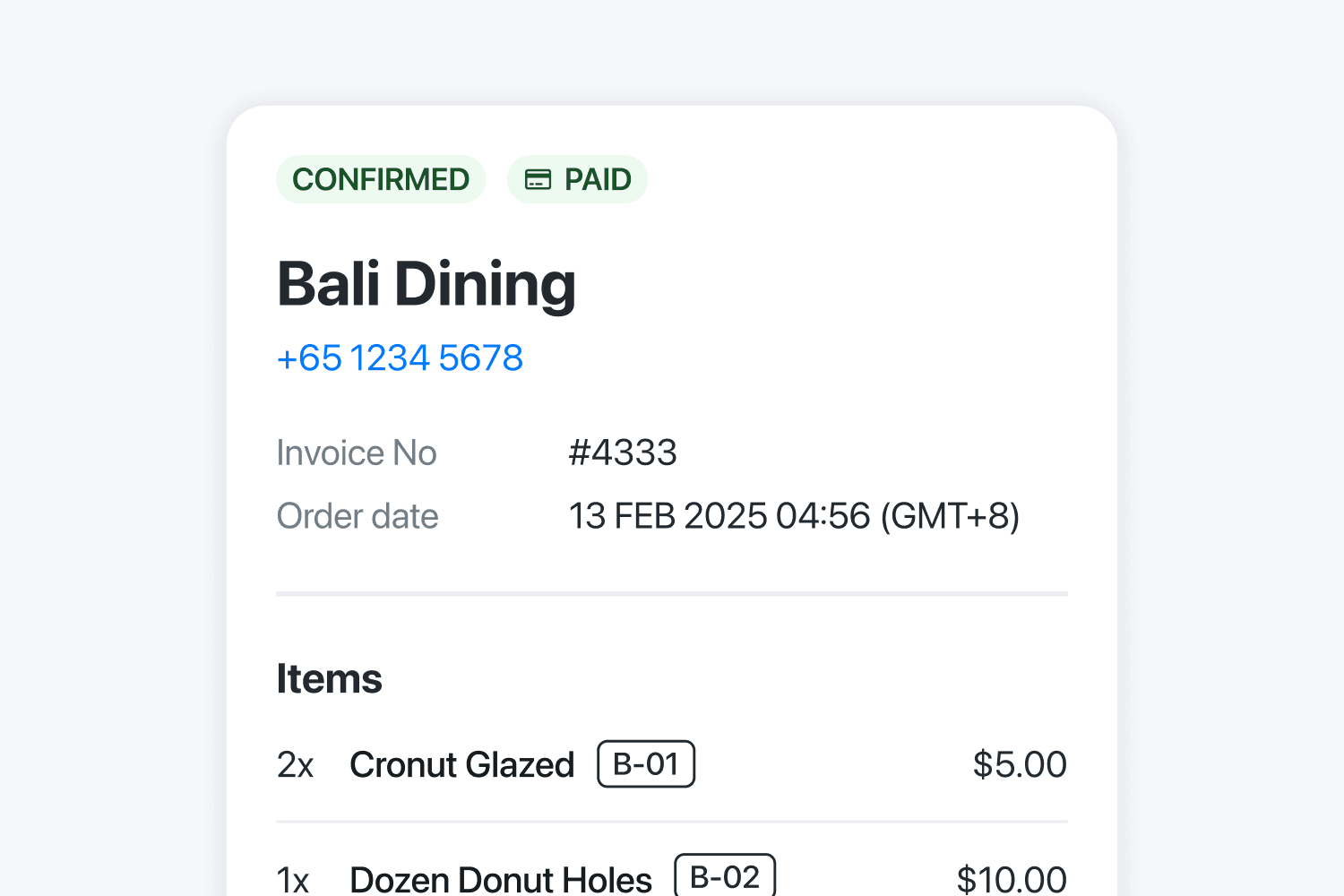
Professional Invoice & PDF
Generate official invoices automatically. Save time and impress clients.
Track your store growth
See best-selling items with real data. Make smarter decisions and maximize profits.
What Customers Are Saying
Small businesses in 180+ countries run on Take App.
Built for How You Sell
Start Free, Upgrade as You Grow
Start free. Upgrade when you need more tools to run your store.
Get your first month of Business for $1
Then $50 USD / month. For first-time paid subscribers only.
Basic
For new stores
Includes
- 50 orders per month
- Unlimited products
- No commissions
- Accept local payments
After 50 orders in a month, you can still receive orders on your registered WhatsApp number. Additional orders that month are not saved to your dashboard.
Business
For busy teams
first month, then $50 USD / month
Everything in Basic, plus
- Unlimited orders
- Card payments (Stripe and more)
- Automated WhatsApp updates & broadcasts
- Custom domain & Take App logo removal
- Multiple stores and staff
Includes 5 stores, 5 staff members, 1,000 automated WhatsApp messages and 2,500 automated emails per month.
Bigger operation? Enterprise adds a custom build, a dedicated account manager and tailored pricing. Contact sales · See what people build · See the reseller program