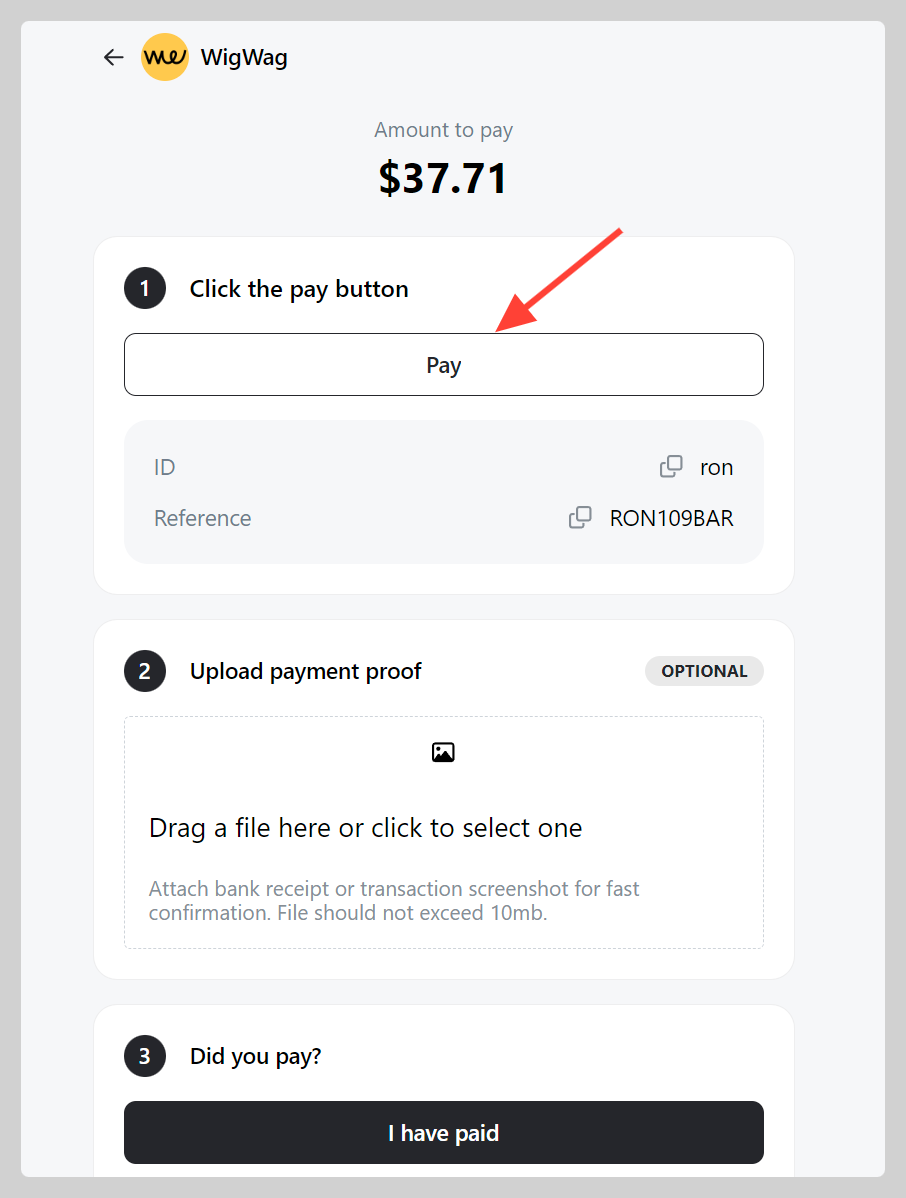
WigWag is a popular payment method for South African SME. You now can connect your WigWag account to Take App.
How to set up WigWag as a payment method
-
Go to Admin > Settings > Payments and click
Add payment method. -
Choose payment with "WigWag", Register your username (e.g. just.wigwag.me) then click
Save.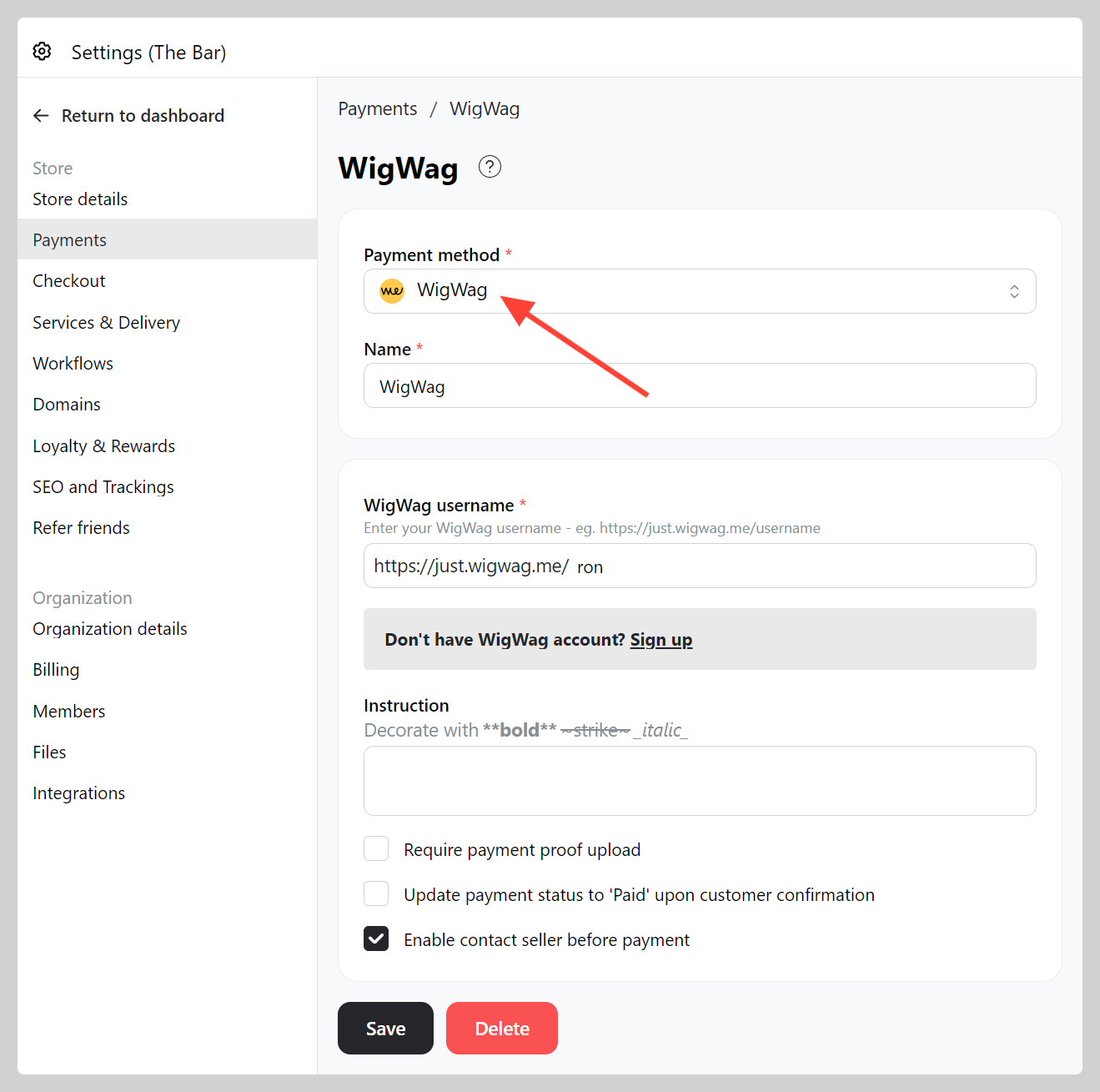
-
Make a test order and check if your WigWag account has been connected properly.