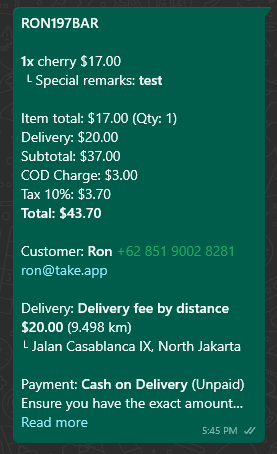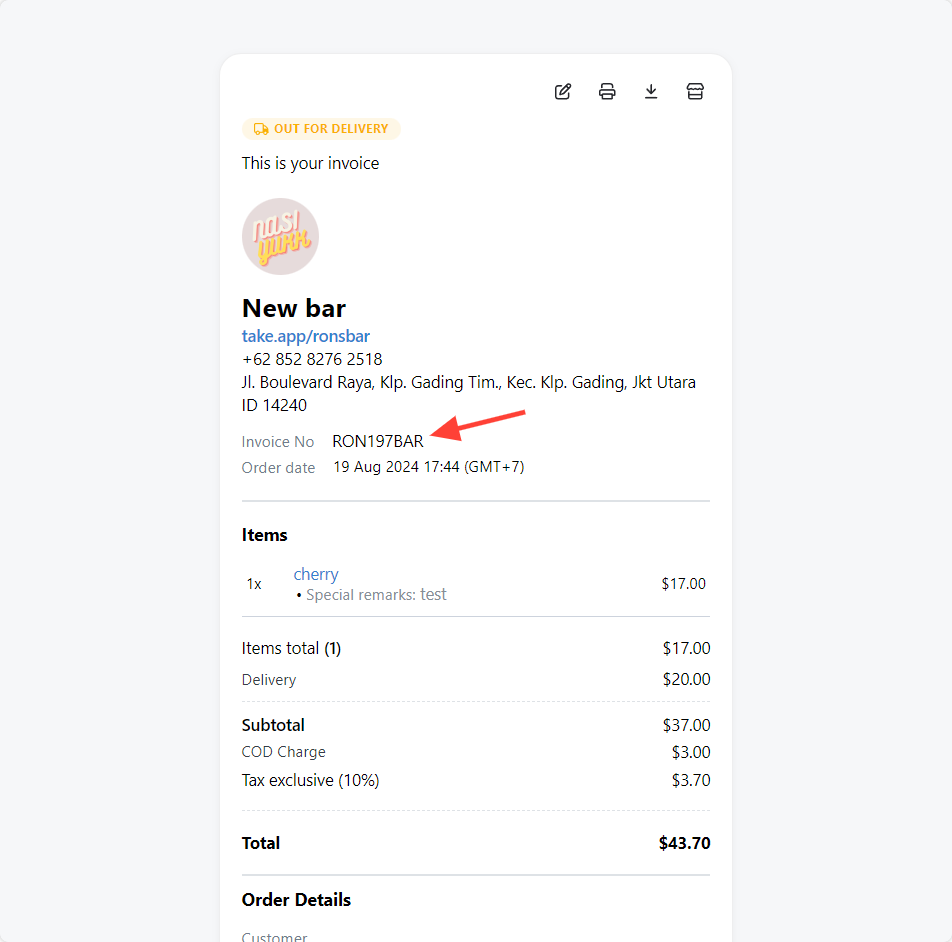
You can assign a unique order number to each customer purchase for accurate tracking and management throughout the fulfillment process.
How to rename order number
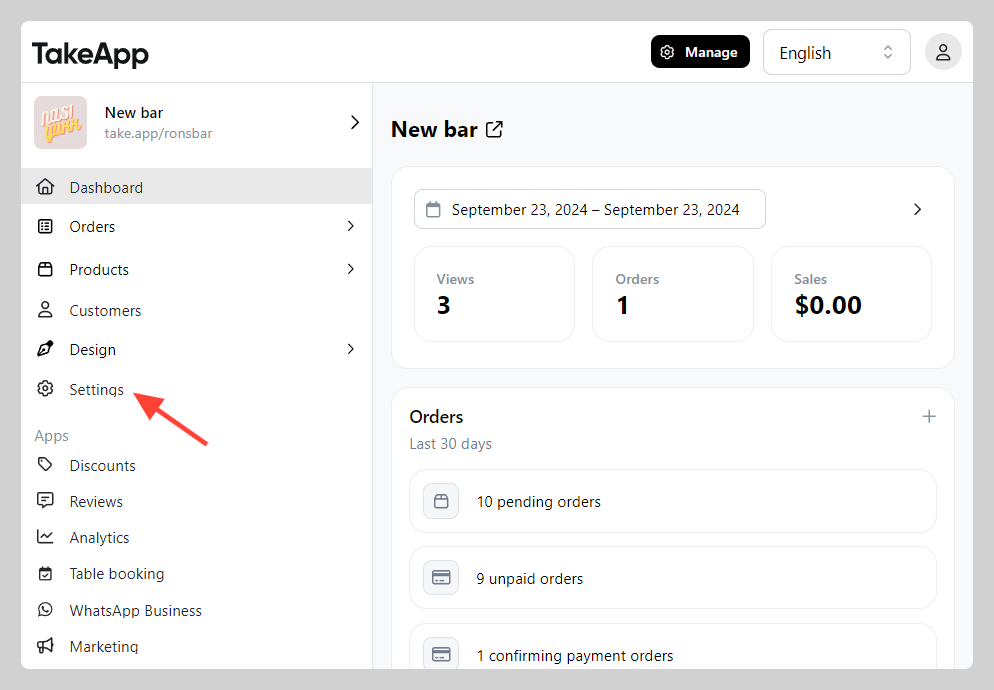
- Go to Admin > Settings
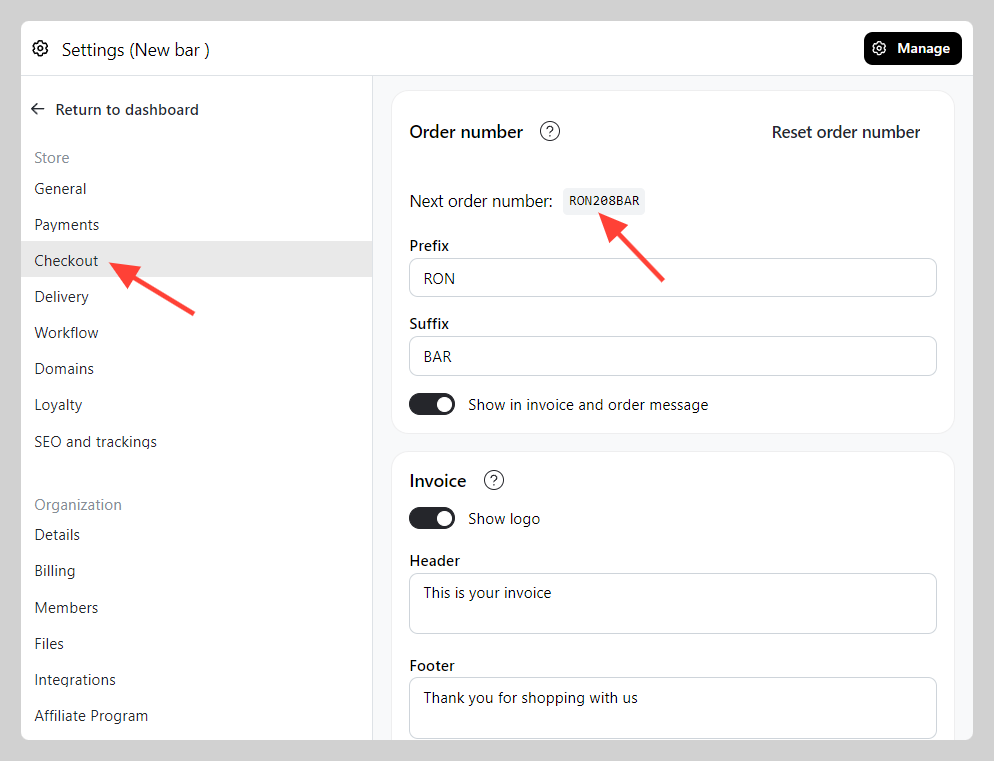
 2. Go to Checkout and navigate to "Order number" section. Put your prefix and suffix to customize the format of order number.
 3. You can see the order number in Invoice + Order message