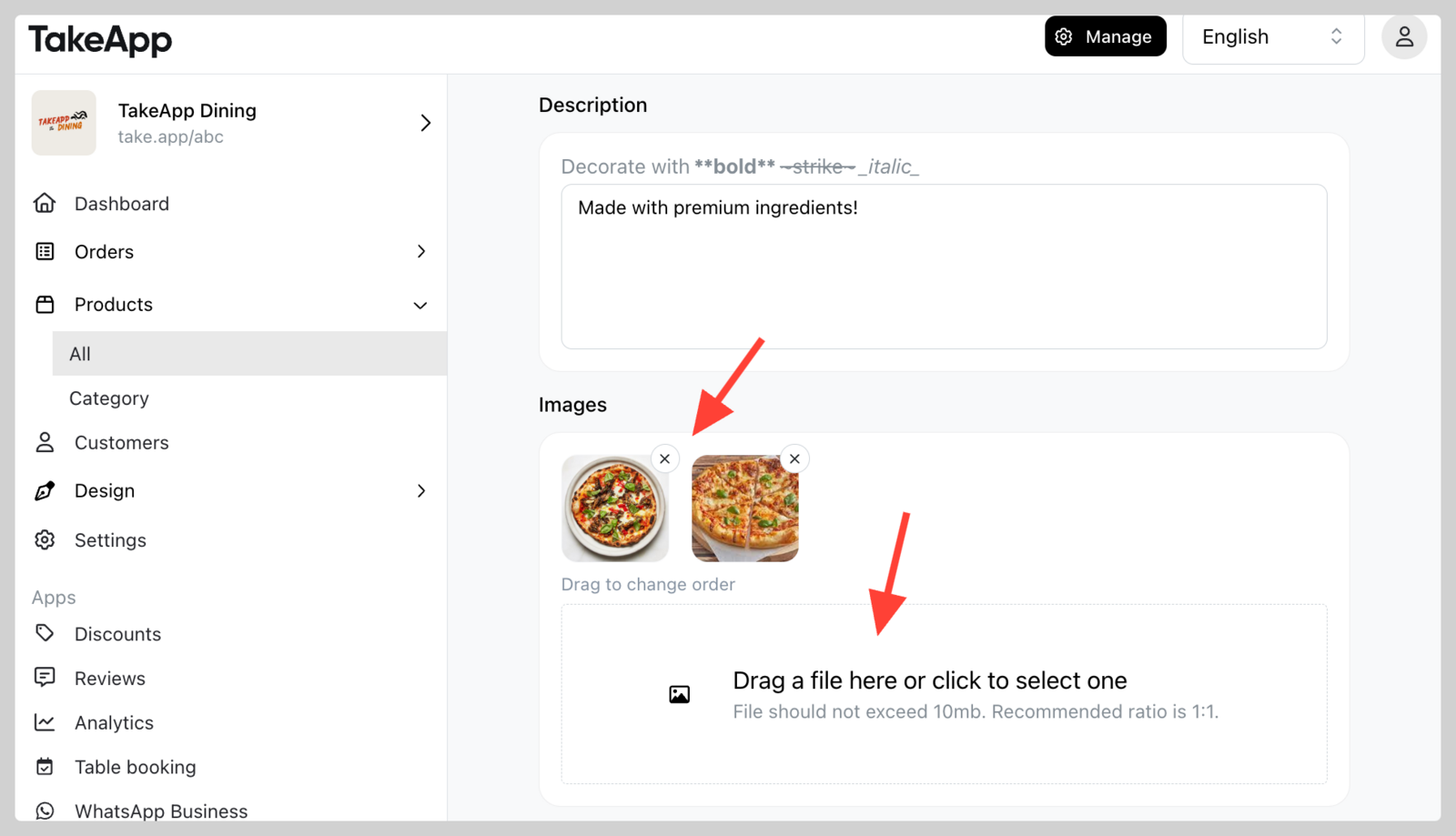
You can upload, modify, or remove images on each product.
How to add images to products
-
Find your product from Admin > Products and click on the specific product you wish to modify.
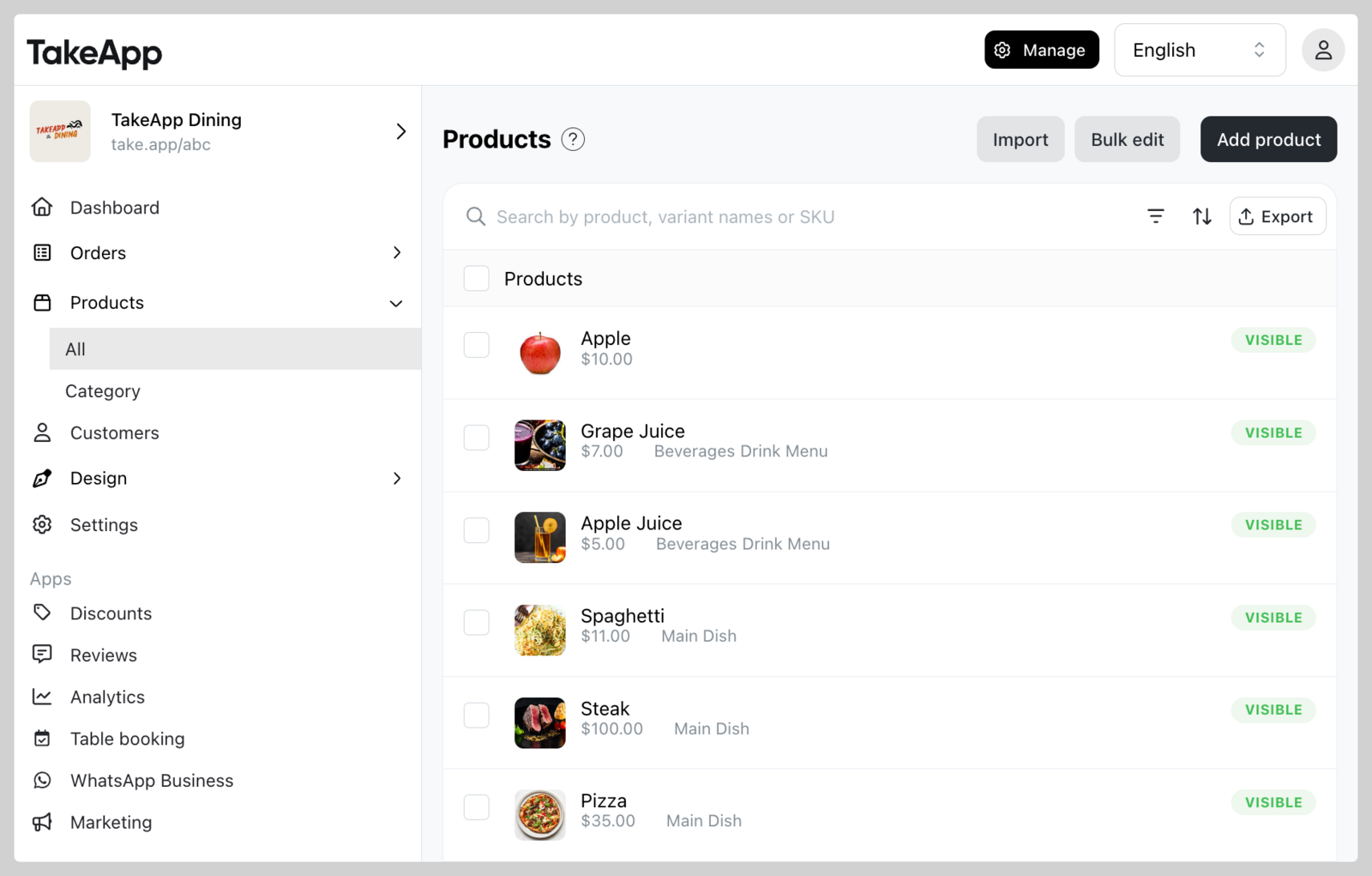
-
Navigate to the image section below and upload your image. You can also delete an image by clicking the
Xicon on the image. Lastly, clickSave.