
What is payment proof?
Customers can upload a bank receipt or transaction screenshot after making a payment. This helps you confirm they've actually paid for their order.
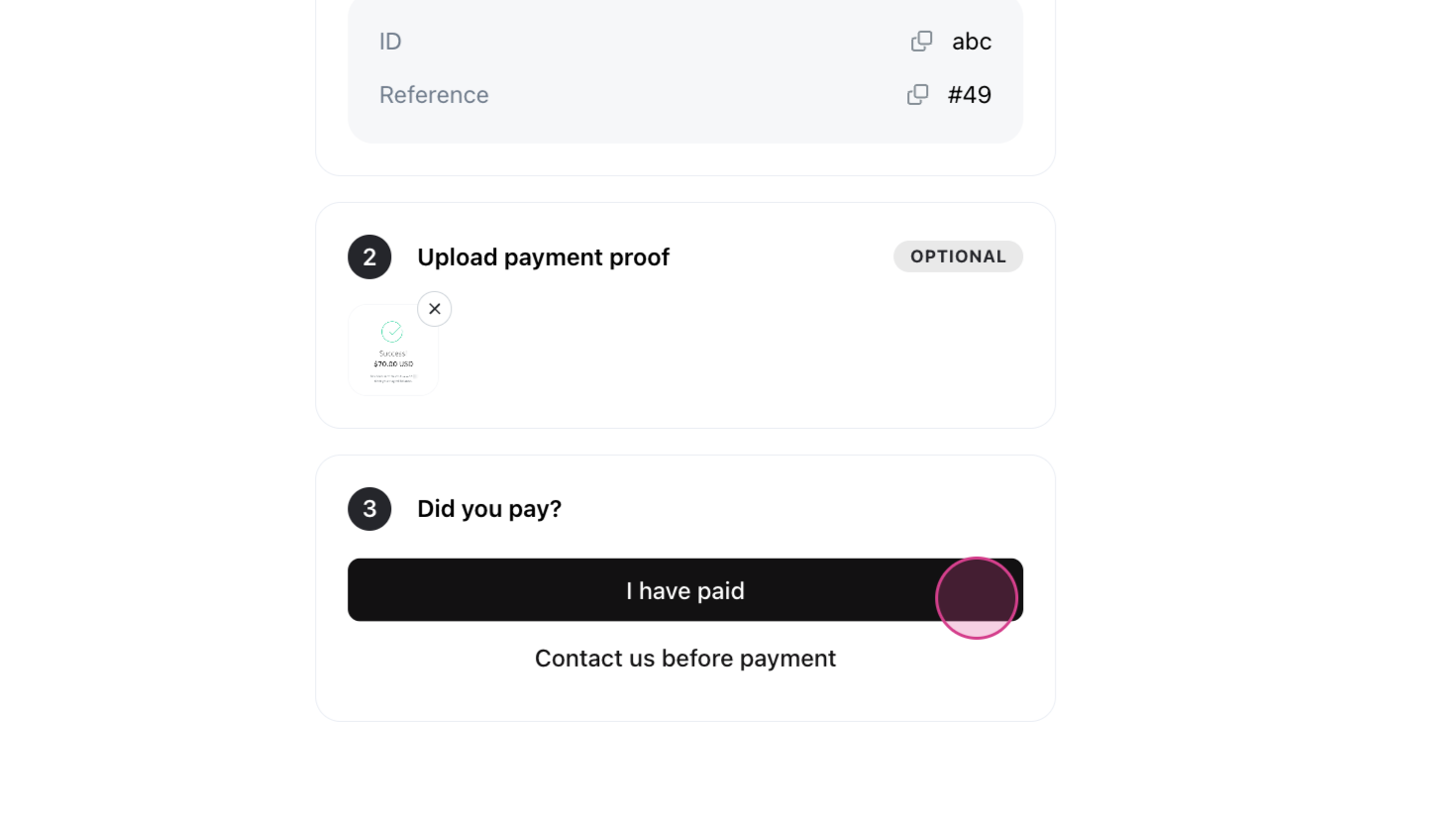
How to check payment proof?
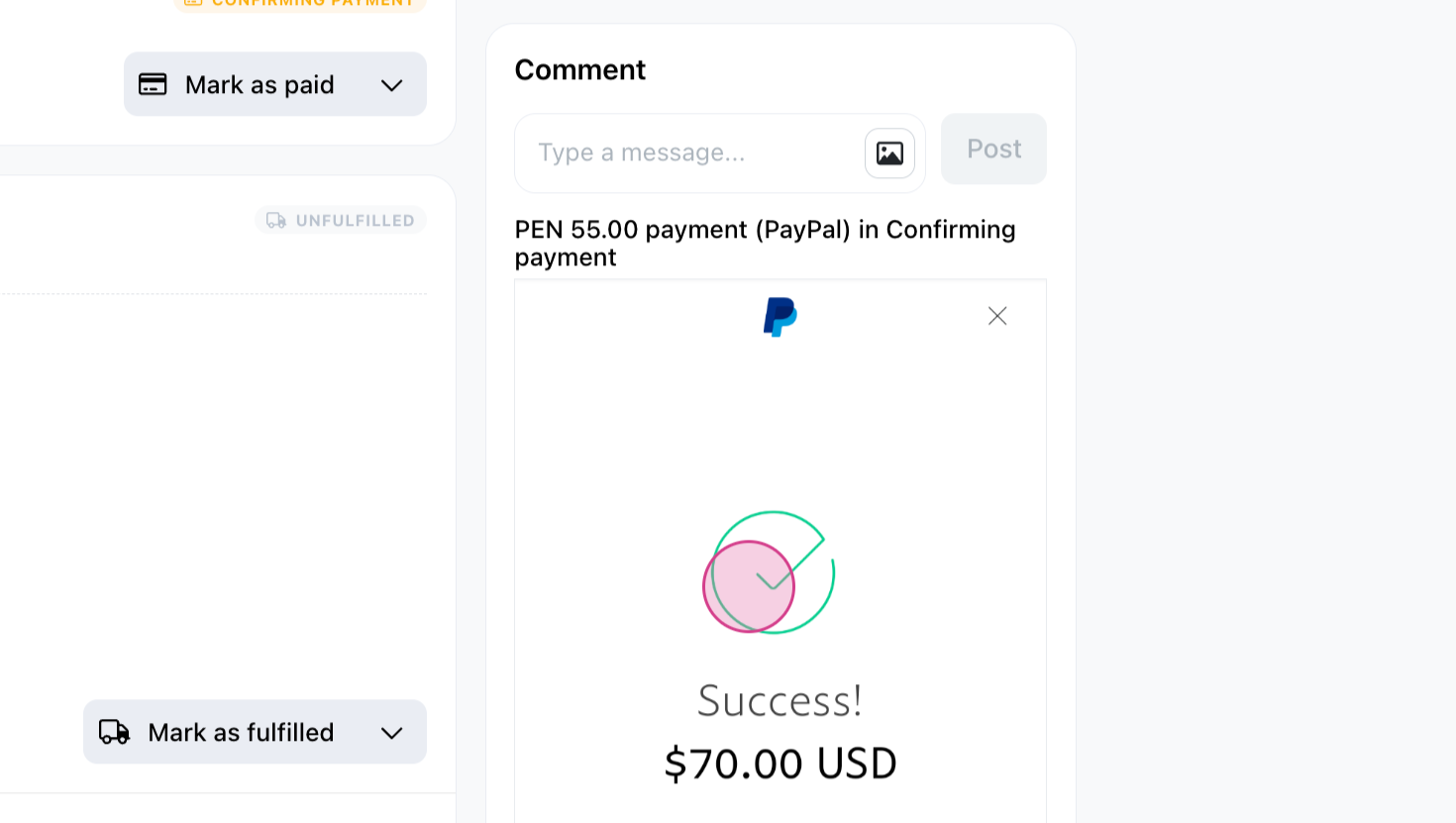
Step 1: To check payment status, go to Orders > All. Click on the specific order you wish to check. The payment status will show as "Confirming payment", and you'll see the uploaded payment proof on the right.
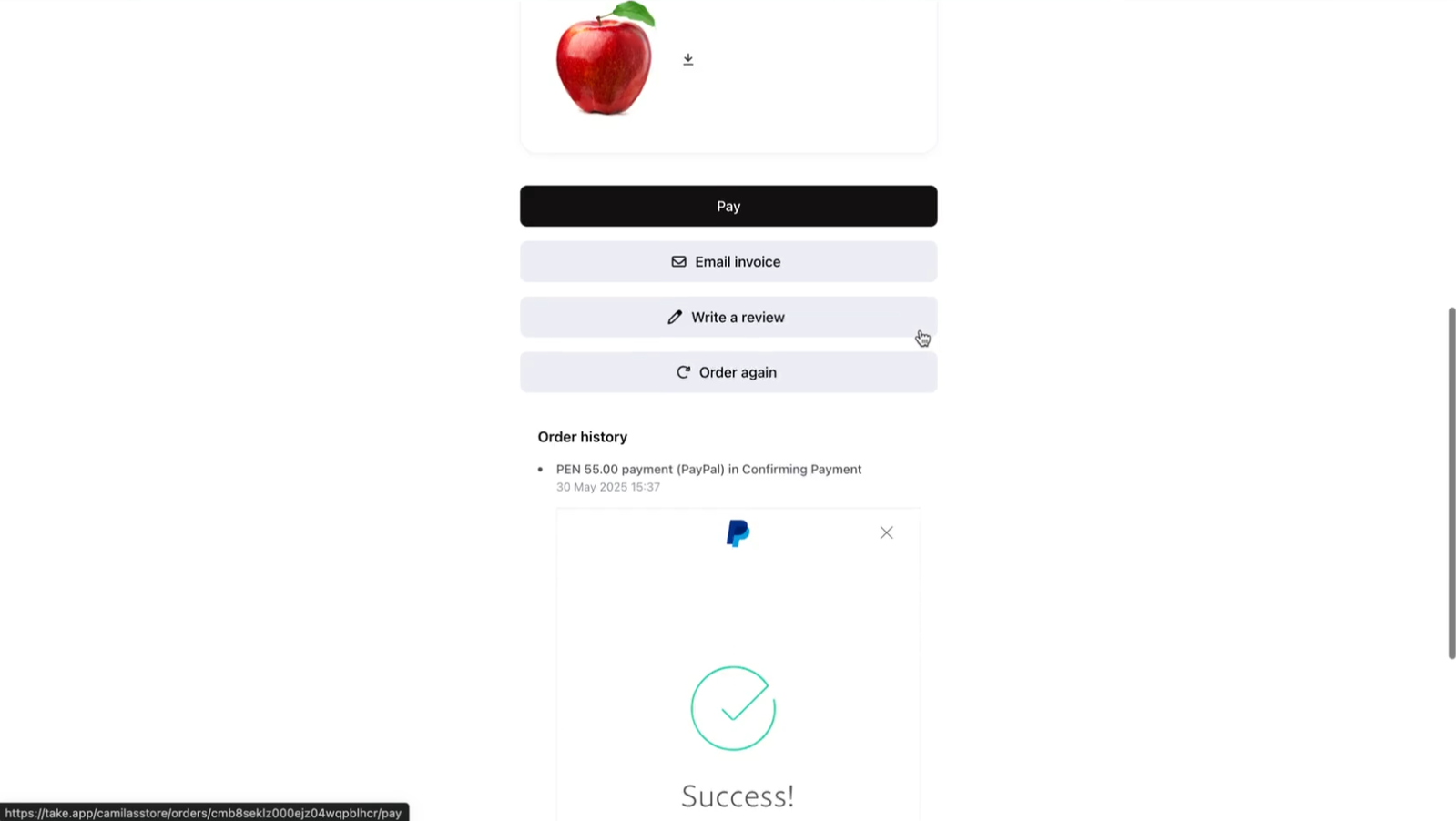
You can also find the payment proof in the order Invoice, under the Order history section.
How to make payment proof mandatory?
Step 1: Go to Settings > Payments and choose the payment method you wish
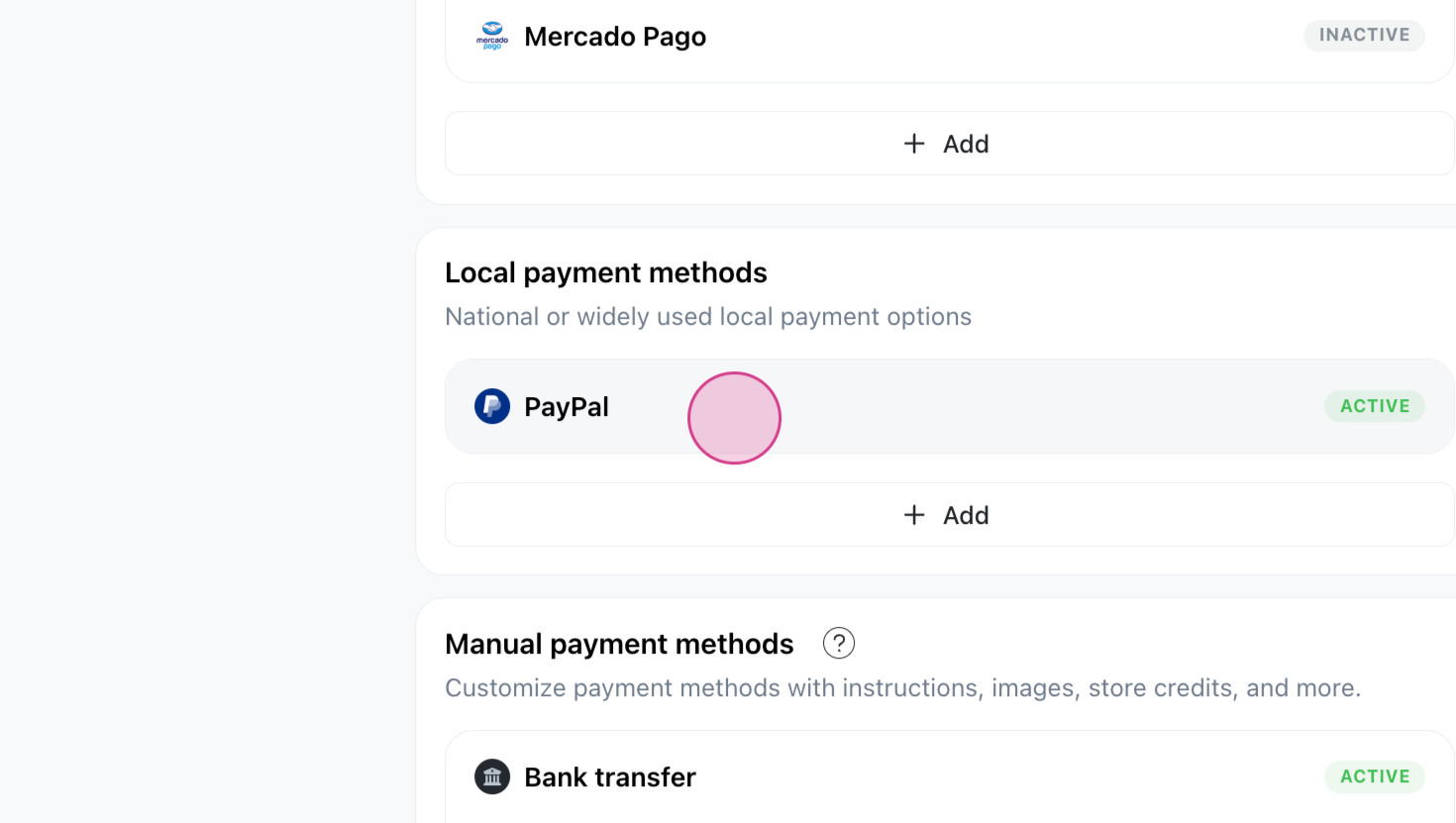
Step 2: Check the Require Payment Proof option and click Save.
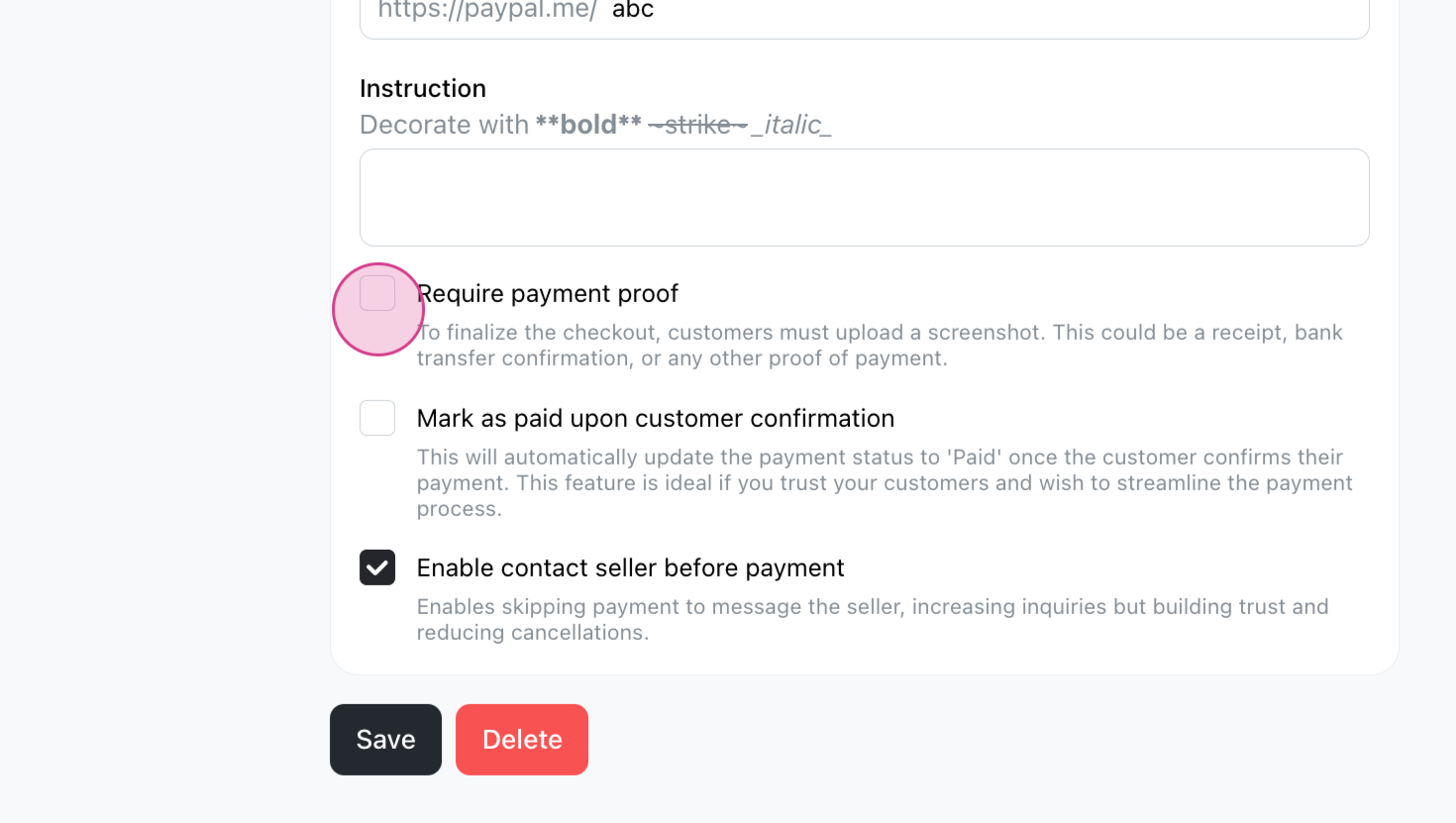
Now, customers must upload payment proof before clicking I have paid. If they don't, an error message will stop them.
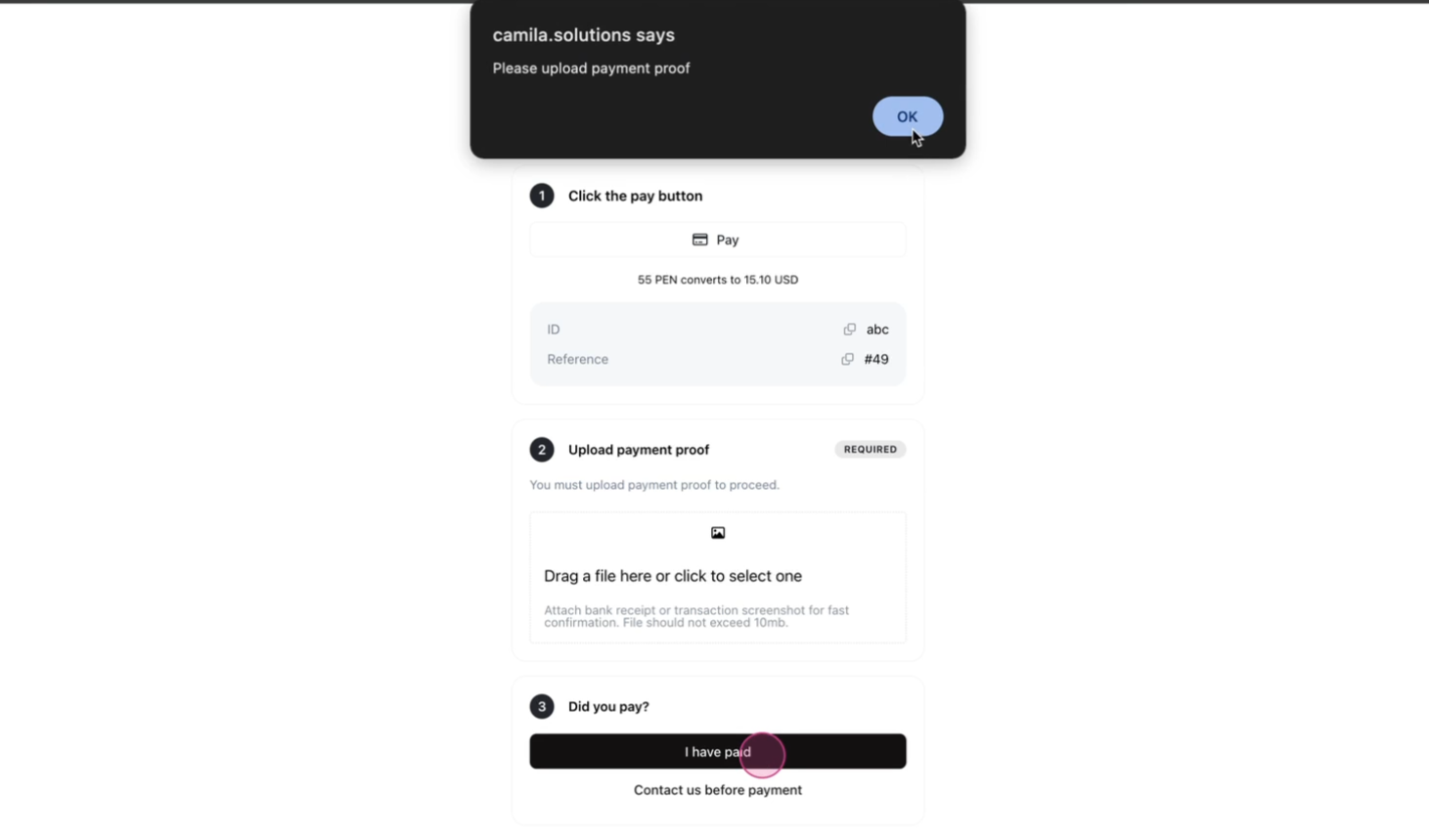
Requiring payment proof ensures payments are verified and reduces errors.
AI-powered payment proof handling
When a customer uploads their payment proof, we’ll automatically detect the amount and ask them to confirm the payment. The file is also linked to their order for easy tracking. Available with WhatsApp Inbox integration on the Business plan