
In this article, you'll learn how to limit the payment methods available for a specific delivery service.
How to limit payment method on specific delivery
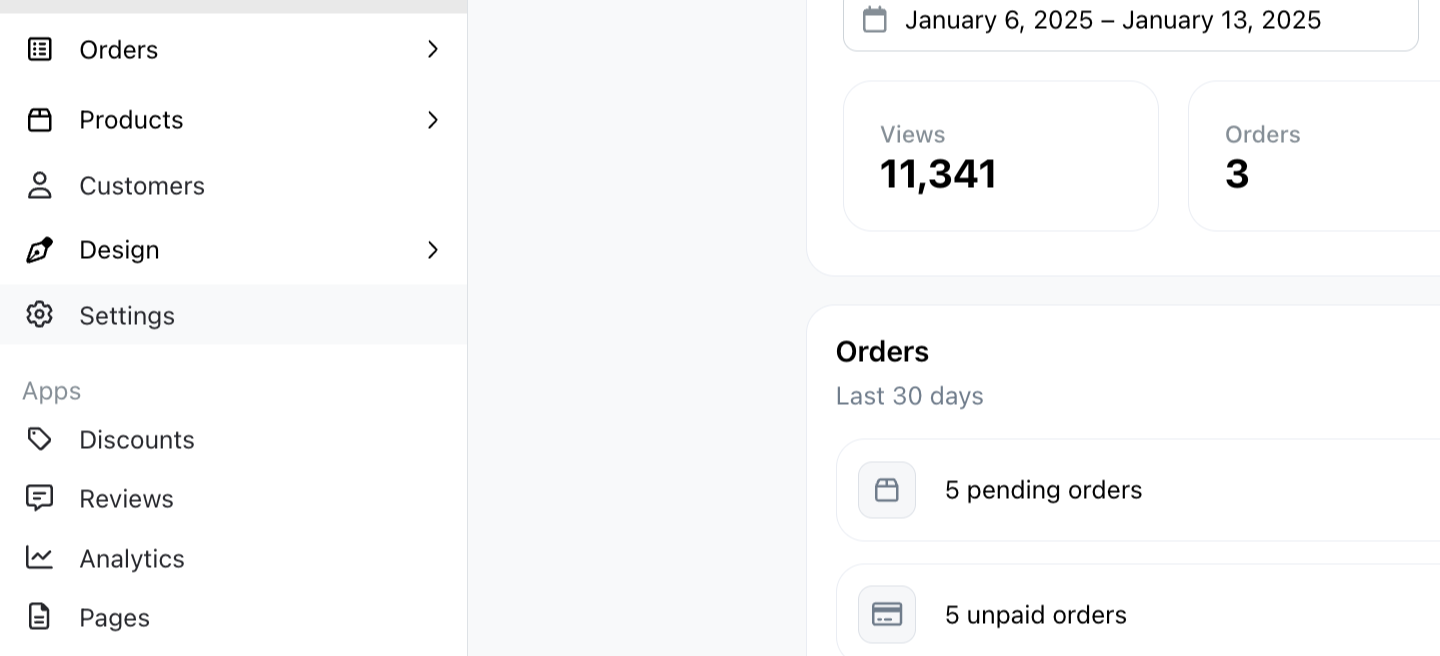
Step 1: Navigate to Settings.
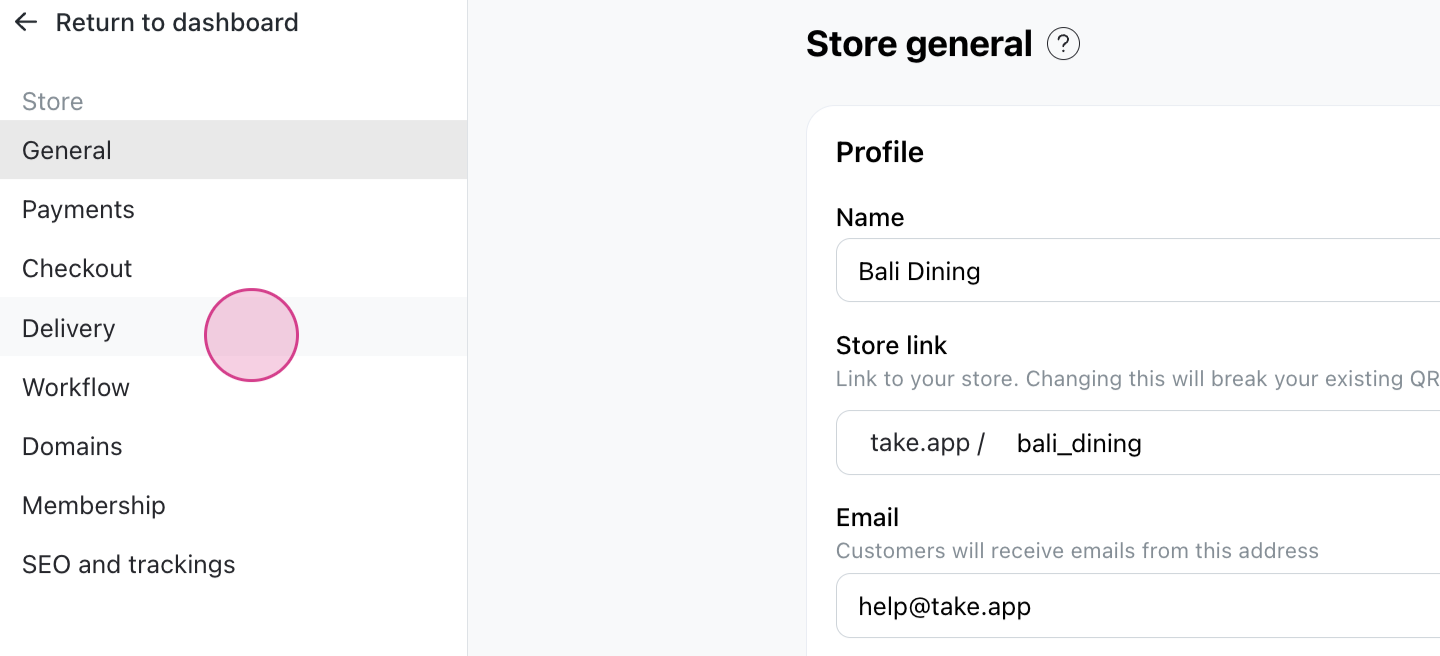
Step 2: Proceed to the Delivery section.
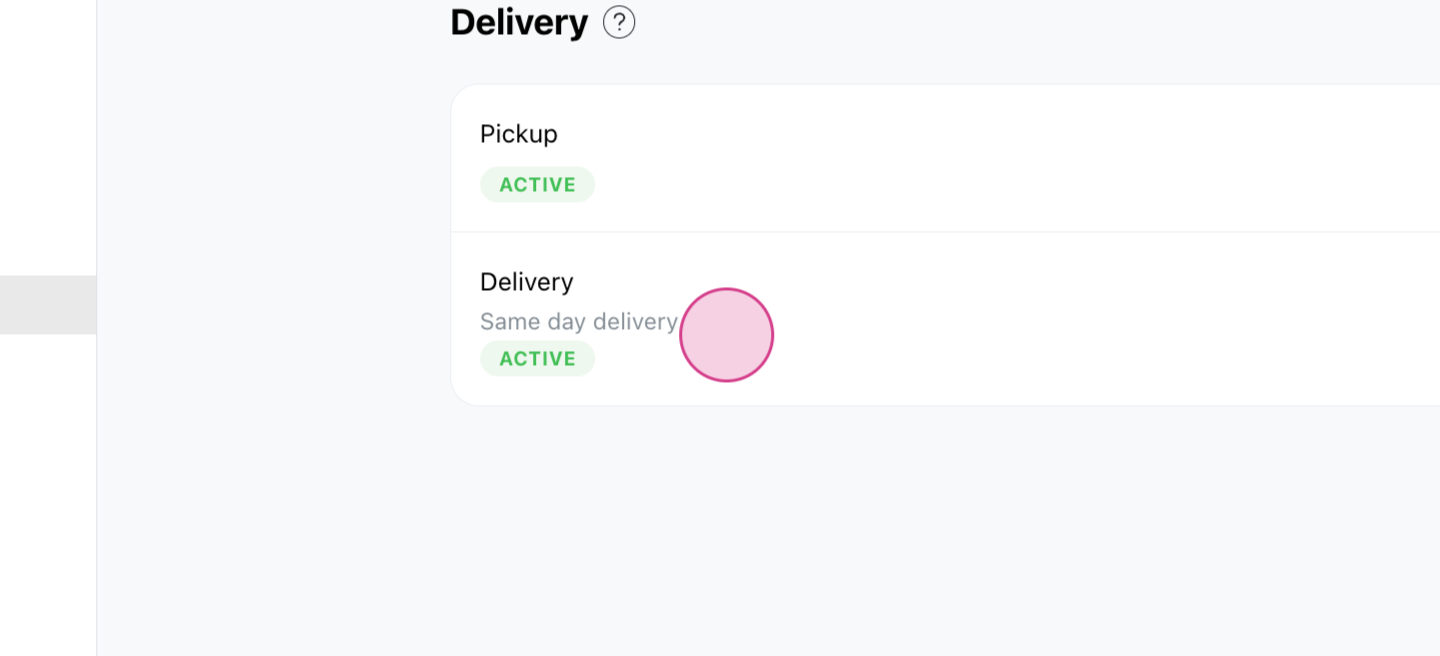
Step 3: Select your delivery method by clicking on it.
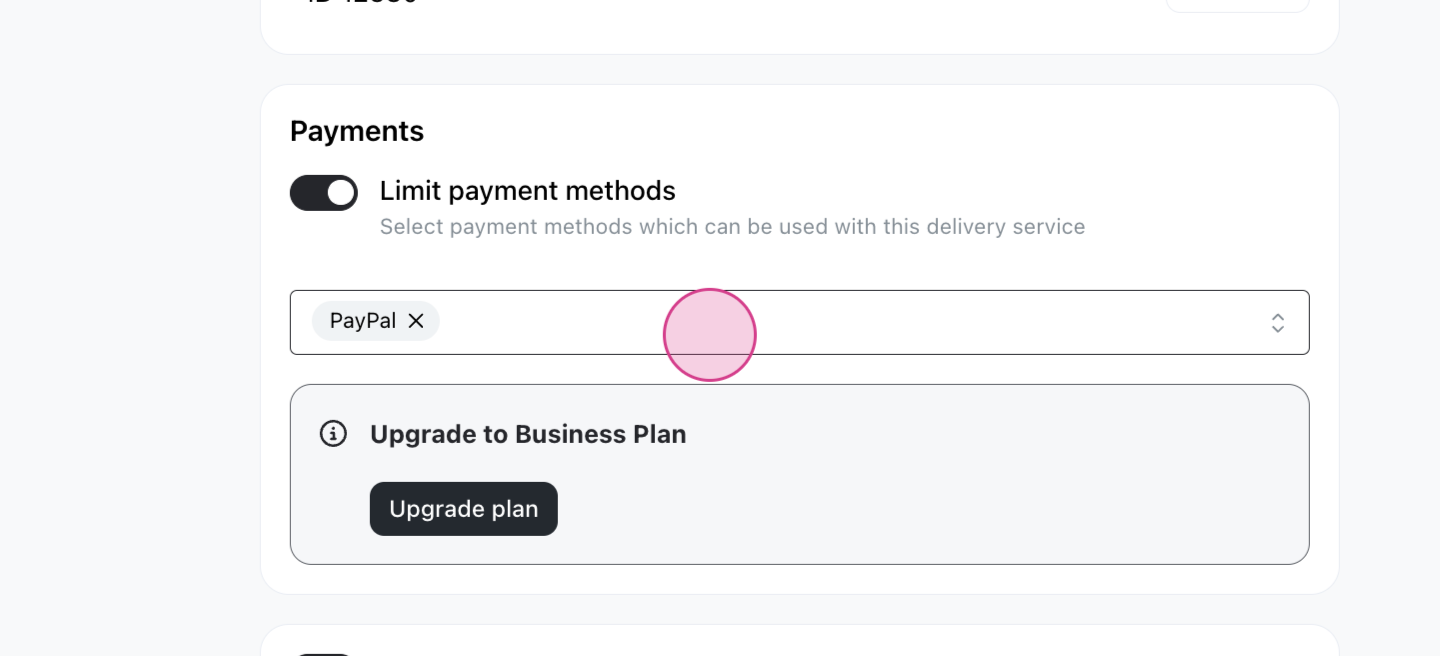
Step 4: Scroll down to the Payments section.
Step 5: Turn on the Limit Payment Methods option.
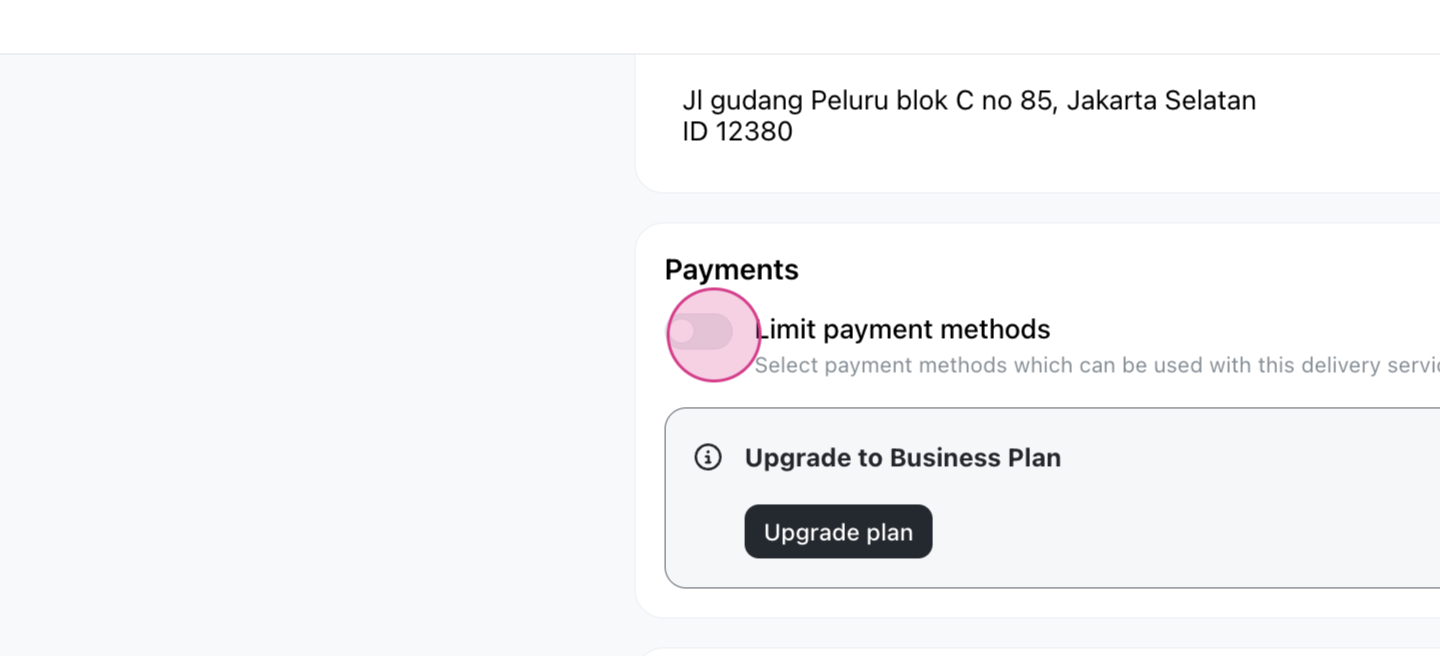
This allows you to specify the payment methods for the delivery service.
Step 6: Choose the payment methods for the delivery service.
Step 7: Click Save.
Now, whenever you create an order using this delivery method, you'll notice that only the selected payment methods are available.
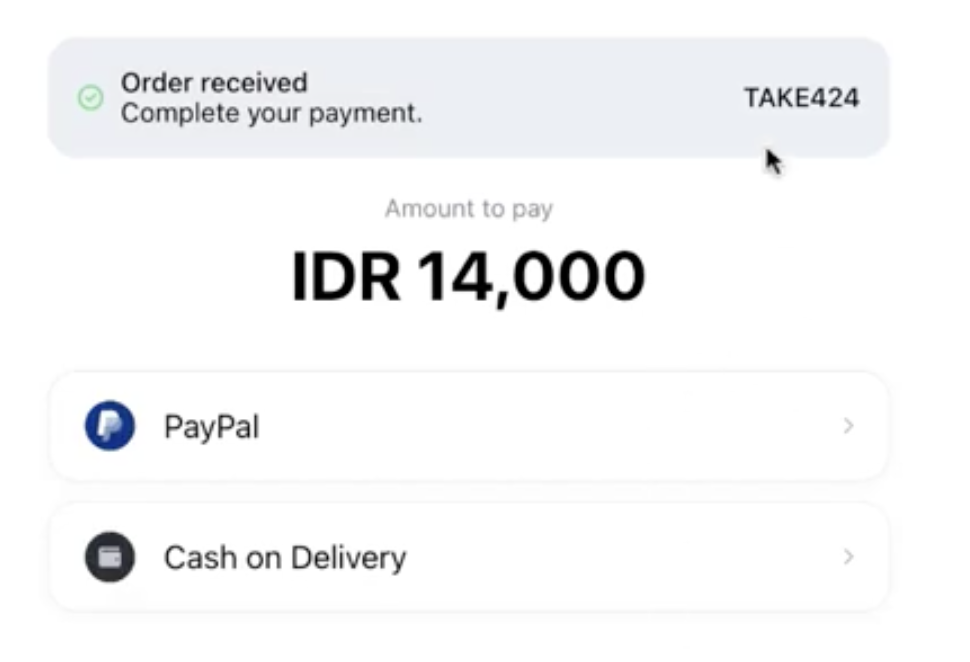
When customers check out using this delivery method, they'll only see the options you specified
Even on the invoice, customers will only have the option to pay using these two methods.