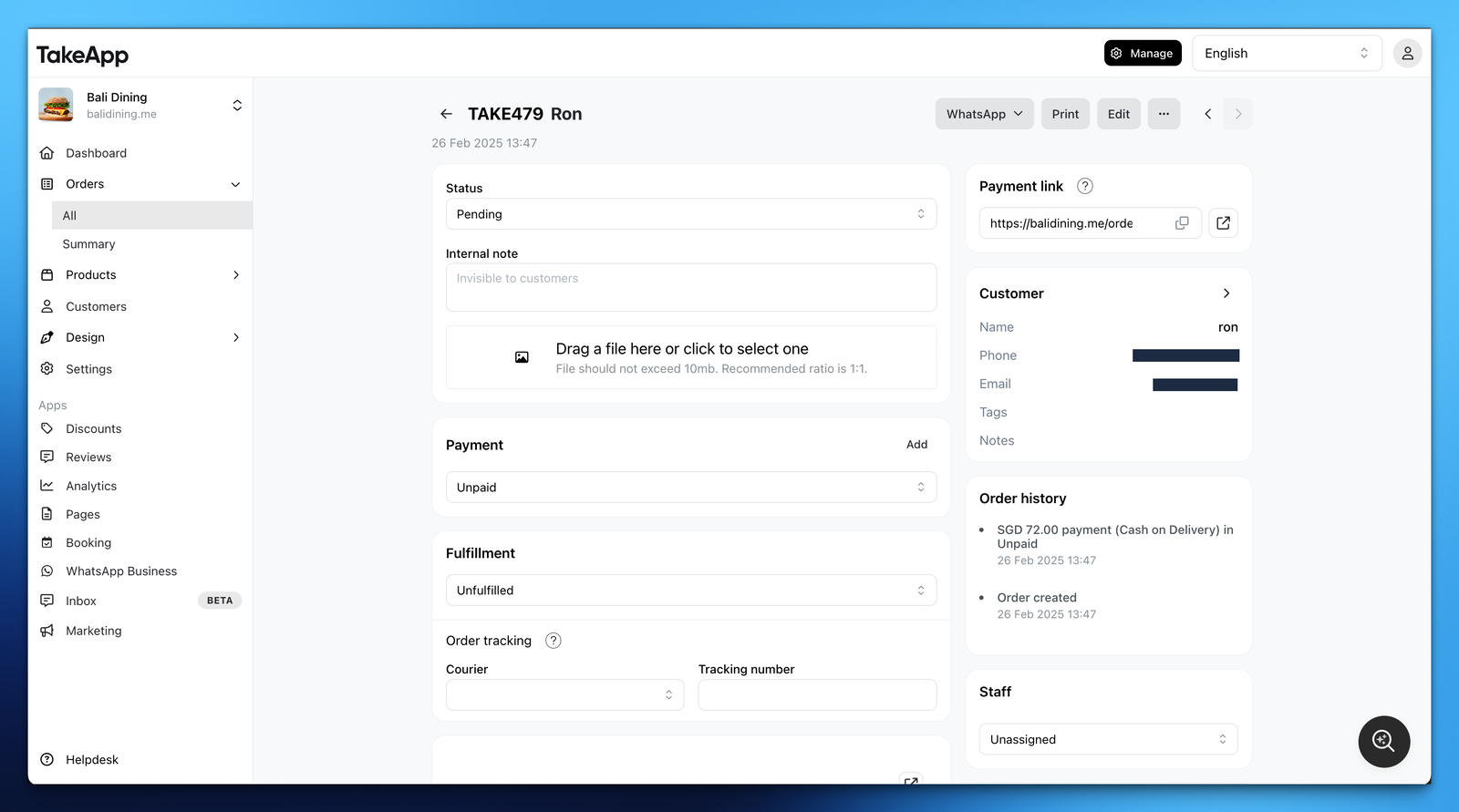
In the admin's order detail page you can see order details and manage orders. You can:
- Change order or payment status
- Edit, delete, or duplicate order
- Send customers order details via WhatsApp
- Print order details or packing slip
- Assign staff to the order
- Add order tracking number
- Add internal notes and files
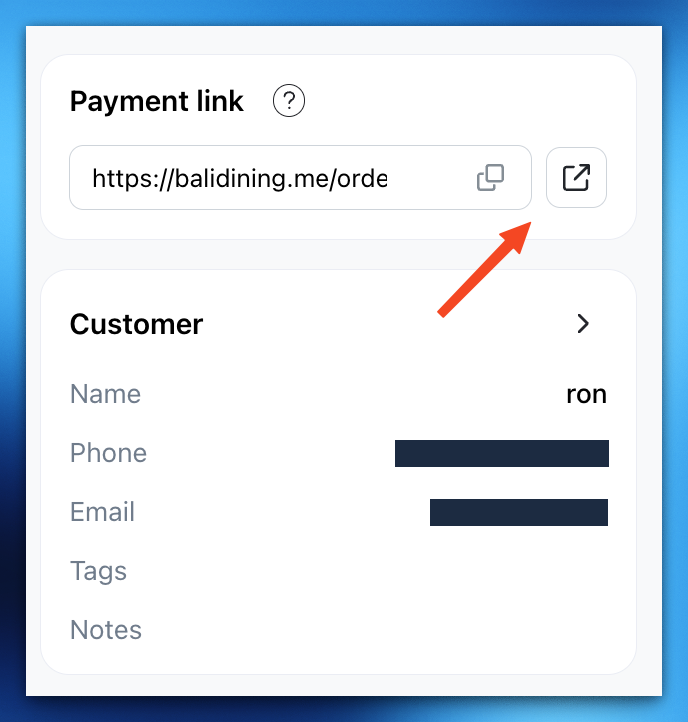
You can also copy and share payment link to your customers. The payment link will show available payment methods customers can pay.