
Learn how to invite team members to your Take App store
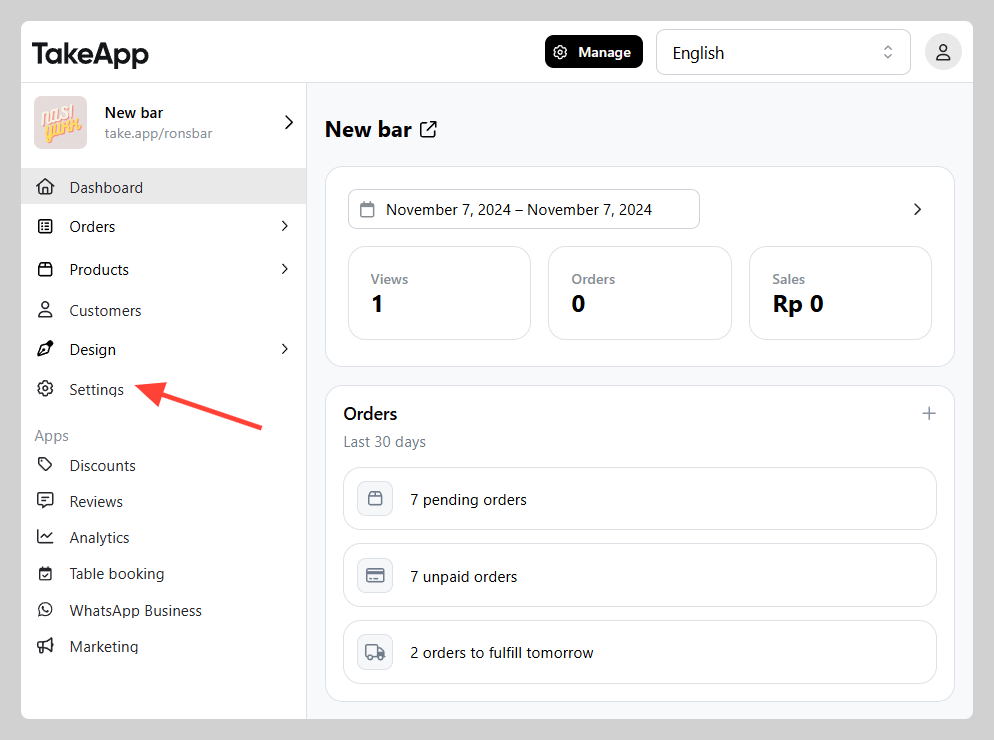
- Navigate to Settings.
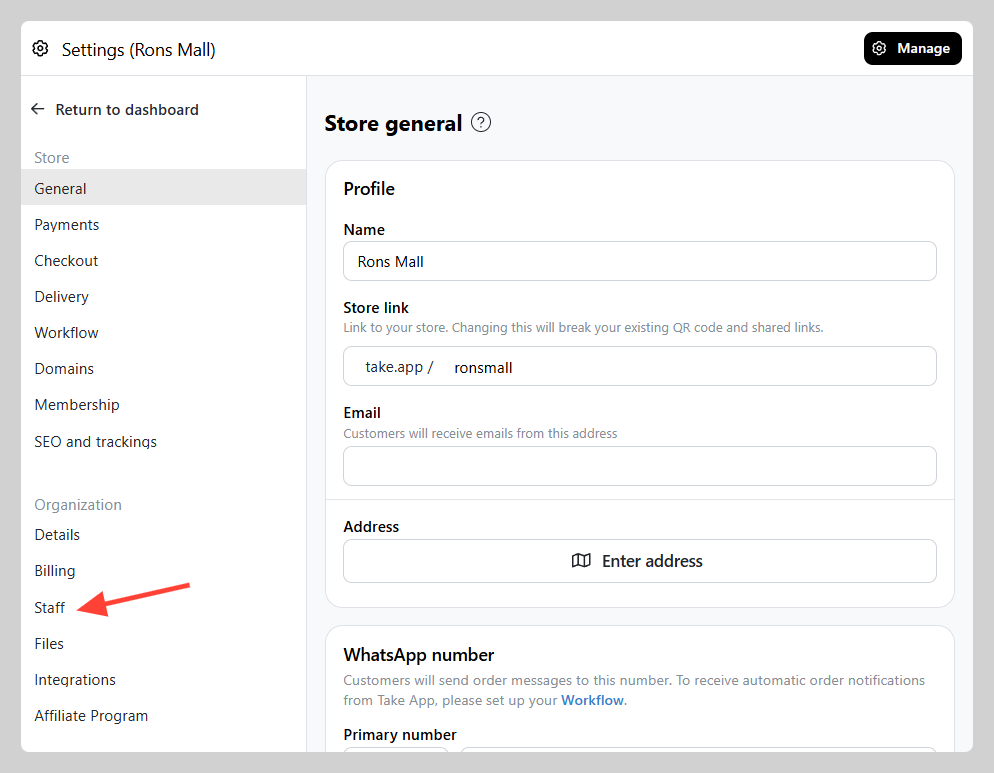
 2. Proceed to **Staff**.
 3. Click on **Add** button and Input the email addresses of the members you want to invite. Select Invite as "Viewer" Click **Send Invite**
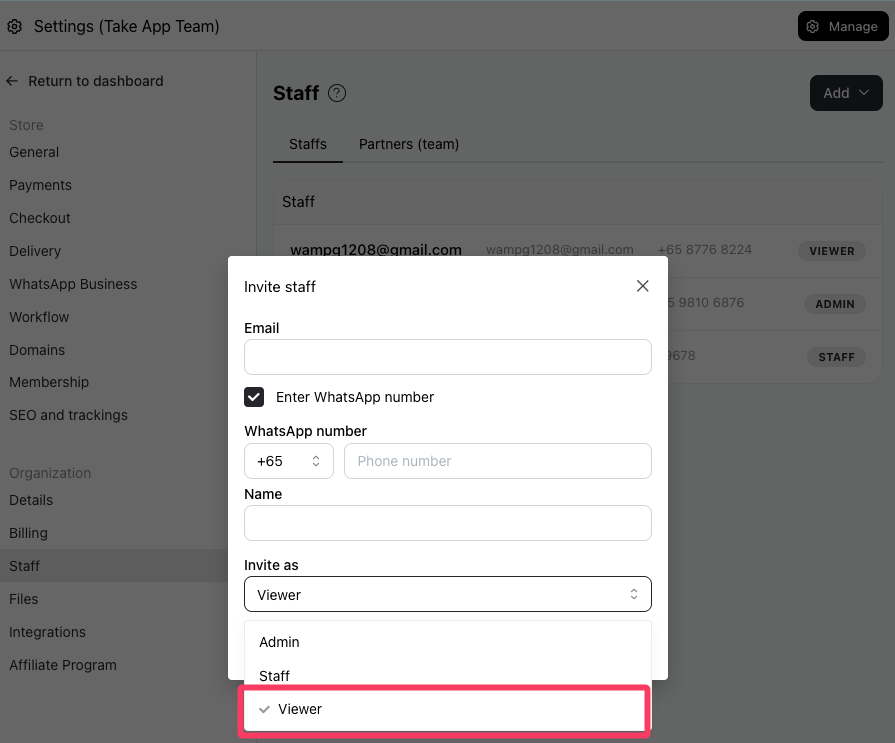
Viewers will