
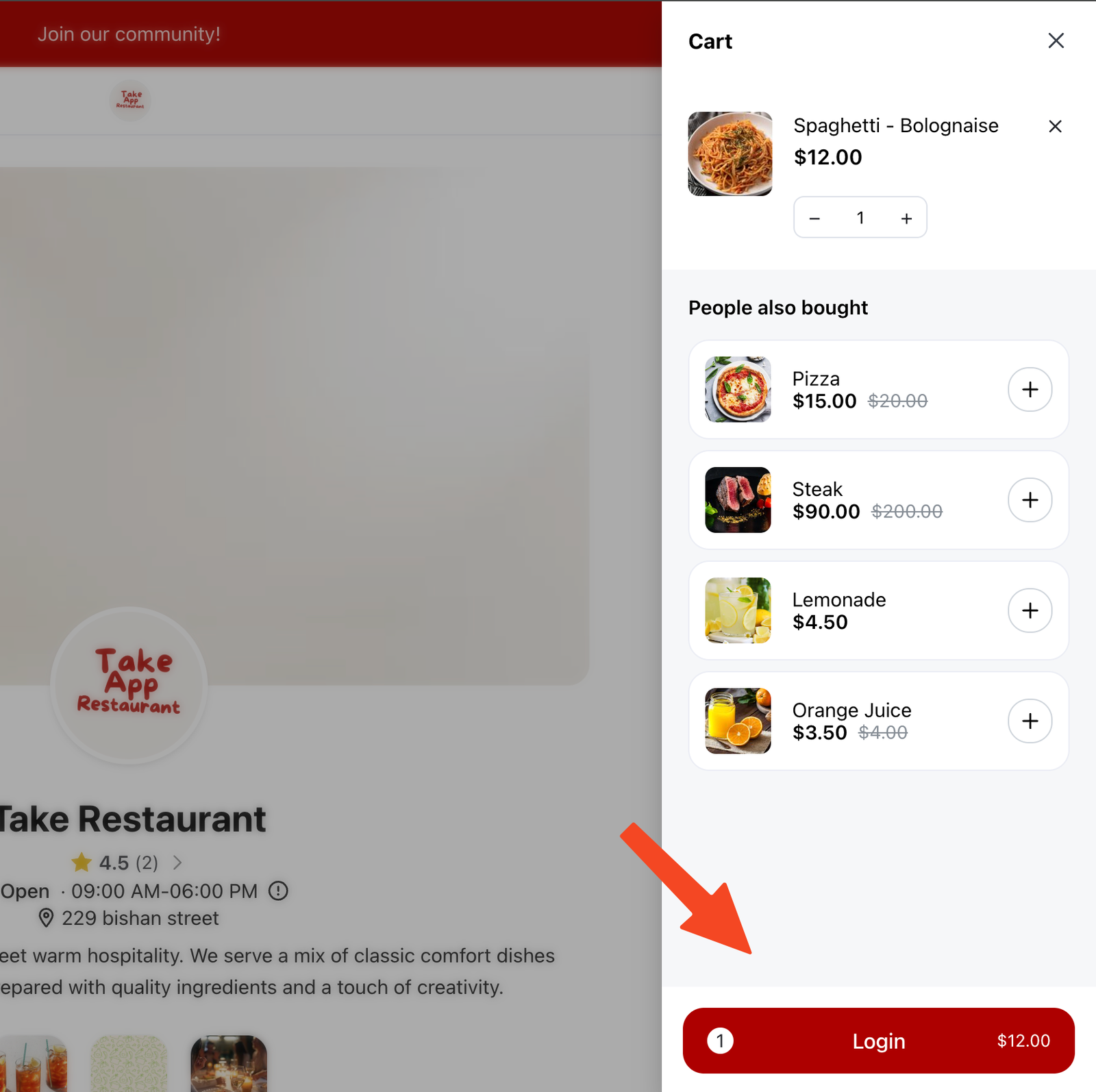
Checkout Login is a feature that requires customers to log in before they can proceed to checkout. This helps prevent dummy or fraudulent orders by ensuring only registered customers can place orders.
What Happens When Checkout Login Is Enabled
When this setting is turned on:
-
The login prompt appears on the checkout page. Customers are no longer asked to log in from the cart.
-
Customers must log in before they can continue to checkout
-
Guests cannot place orders without an account
How to Enable Checkout Login
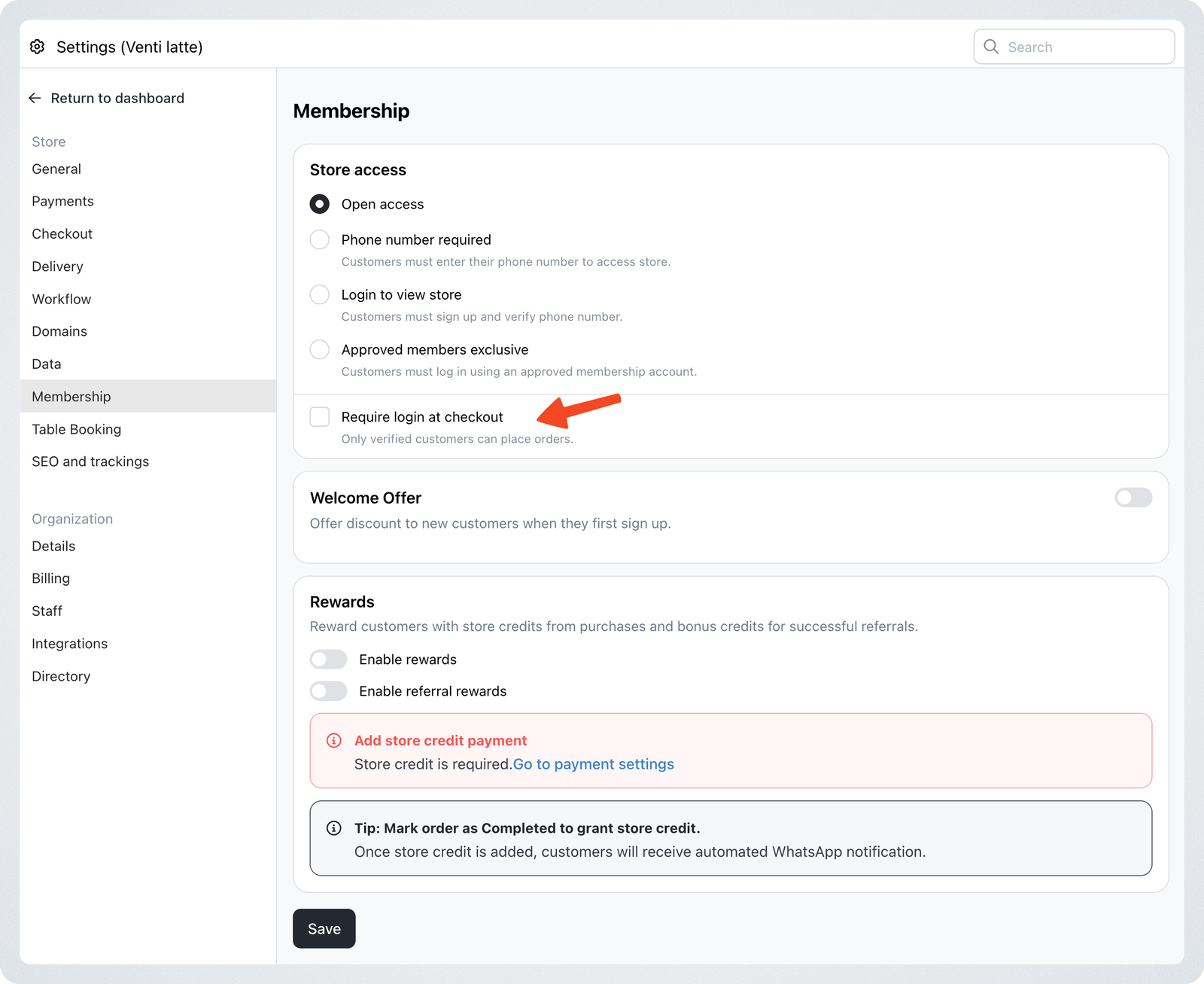
- Go to Settings > Membership
- Enable "Require login at checkout"
- Save your changes
Benefits of Requiring Login at Checkout
- Prevents dummy and fake orders by blocking anonymous checkouts
- Improves order quality by ensuring each order is linked to a real customer account
- Helps stores with membership-based or repeat-customer business models