You can modify your store link if you wish to use a different URL instead of the initial one that you have registered.
How to change the store link
-
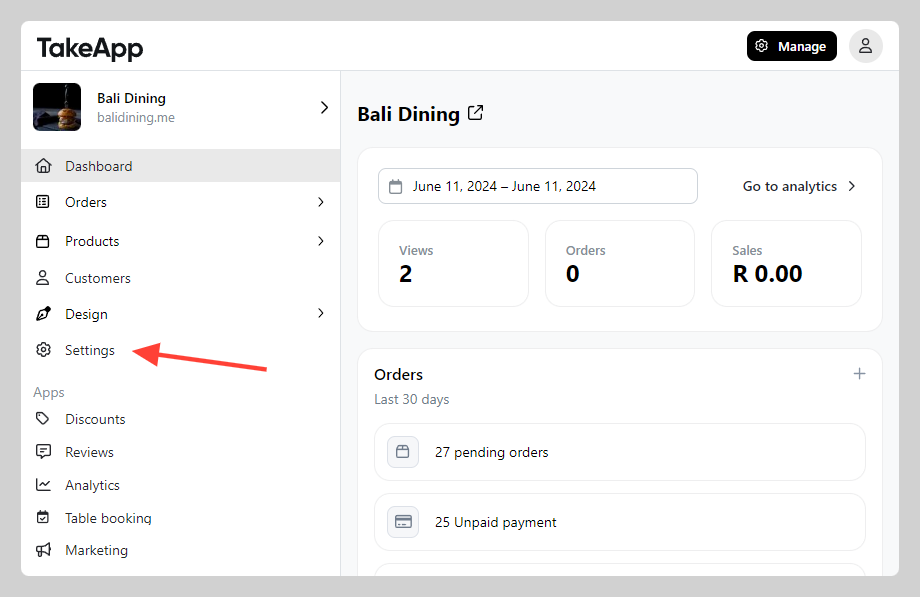
Go to Admin > Settings
-
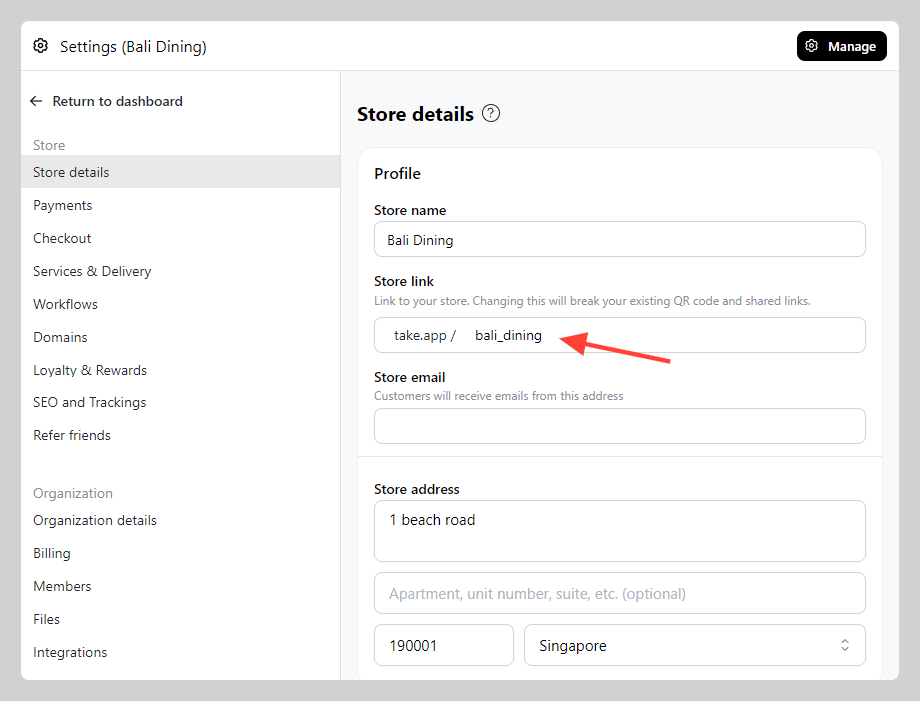
In Store Detail, navigate to "Profile" section and find store link field. Modify to your preferred name, click
save.