
How to print orders in bulk
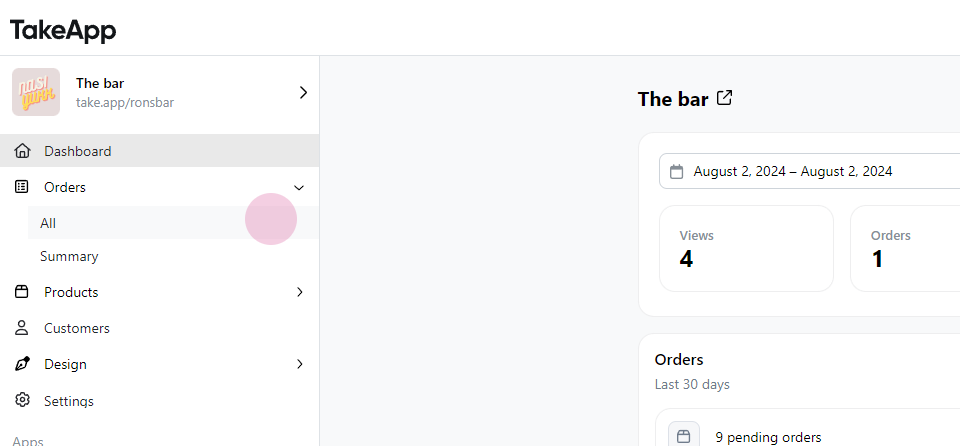
- Navigate to Order and select All.
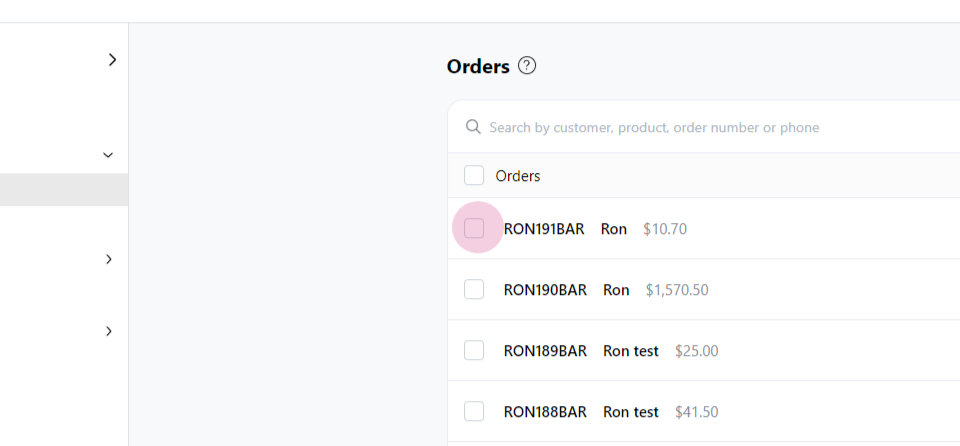
 2. Tick all the orders that need printing.
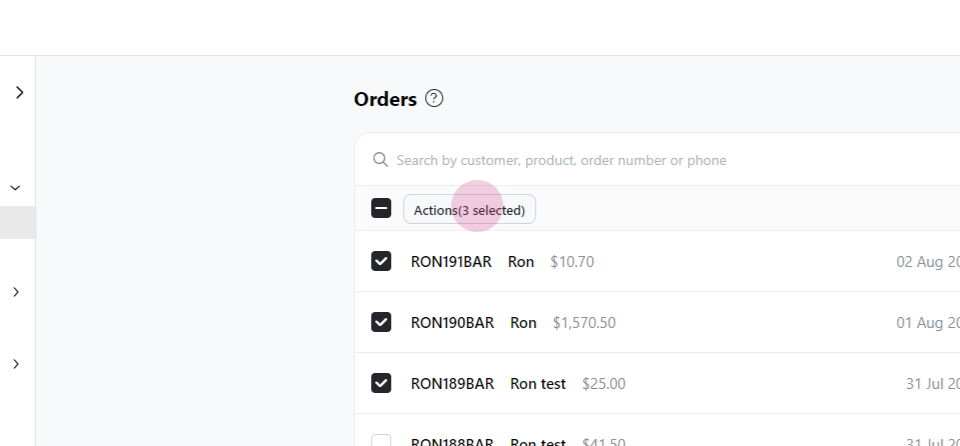
 3. Click on **Action**.
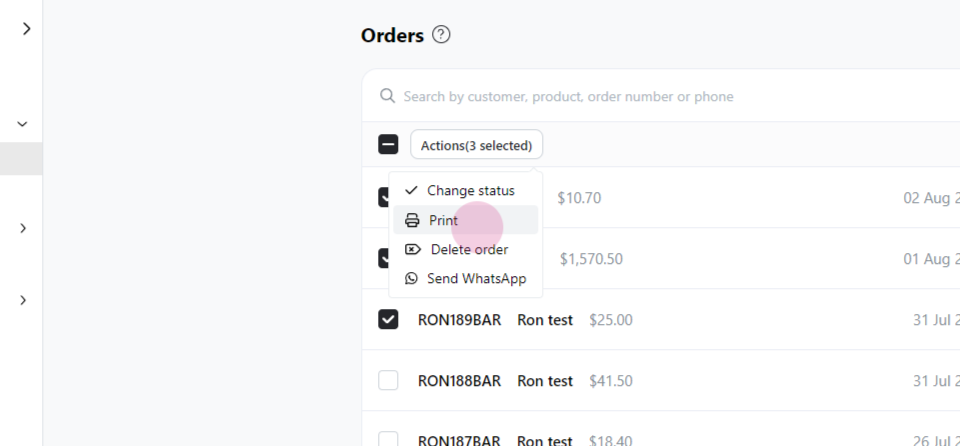
 4. Choose **Print**.
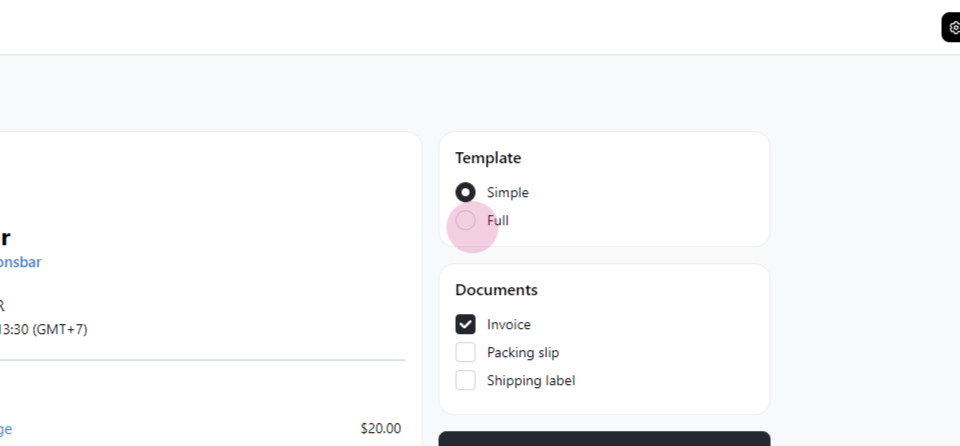
 5. Select the full template.
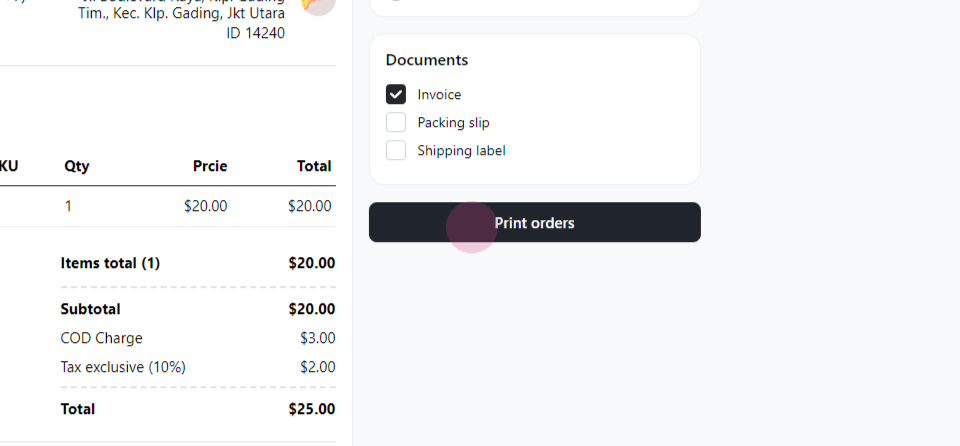
 6. Finally, click on **Print Orders**.
 2. Tick all the orders that need printing.
3. Click on **Action**.
4. Choose **Print**.
5. Select the full template.
6. Finally, click on **Print Orders**.
2. Tick all the orders that need printing.
3. Click on **Action**.
4. Choose **Print**.
5. Select the full template.
6. Finally, click on **Print Orders**.
Chat with our team — we're online during business hours.