
You can assign zone based delivery fee by postal code. Each zone will have separate fee based on the postal code assigned to the zone.
How to set up a delivery fee based on postal codes
-
Navigate to the settings of your platform.
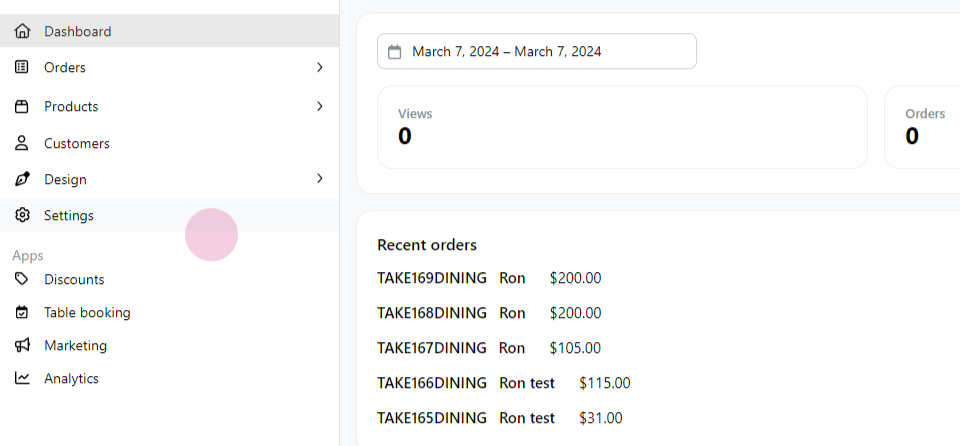
-
From there, proceed to the 'Delivery' section.
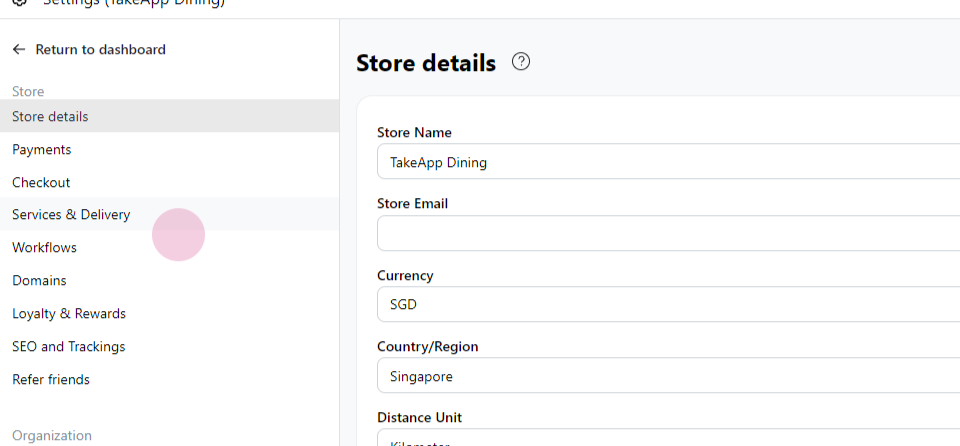
-
Click on
Add delivery.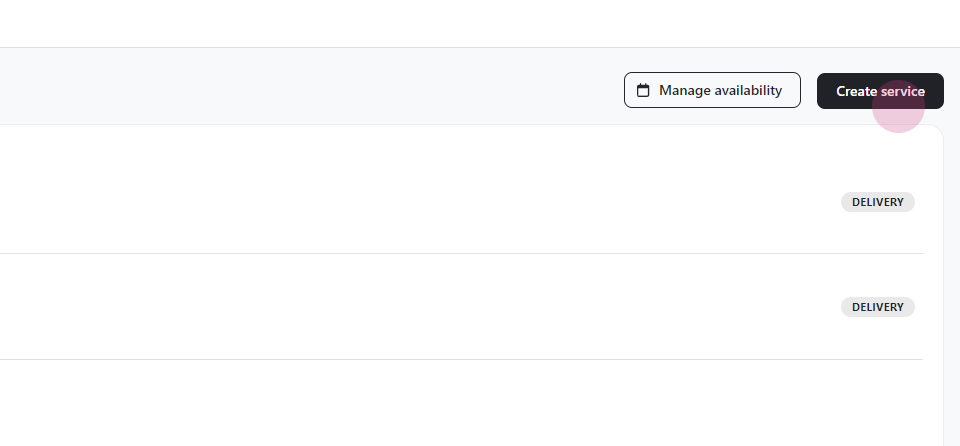
-
Assign a title to the service you are creating.
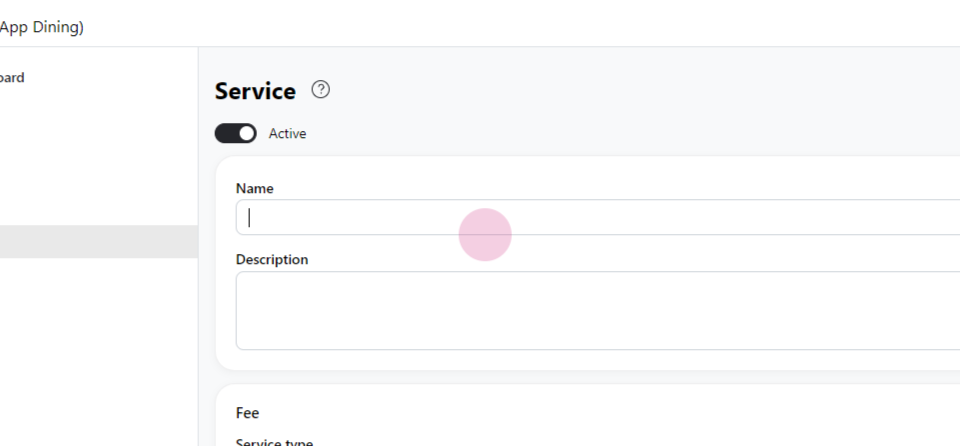
-
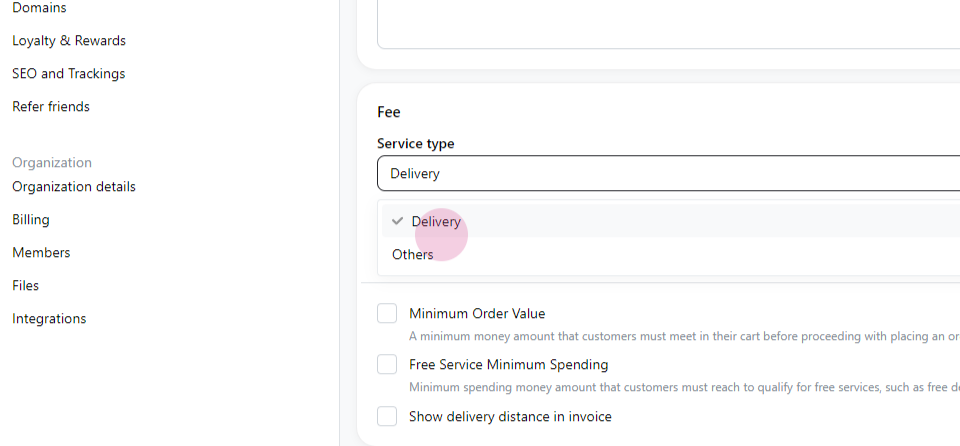
Choose 'Delivery' as the service type.
-
Change the charge method to
Delivery by postal code.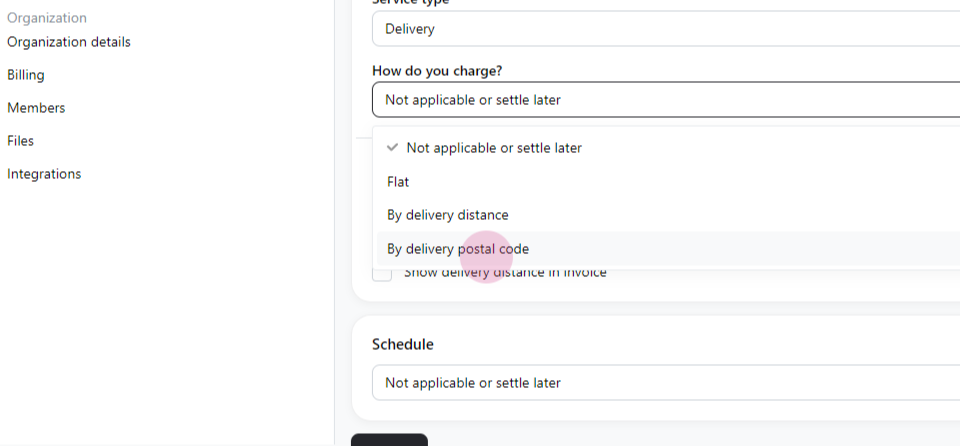
-
Click on
Add zone.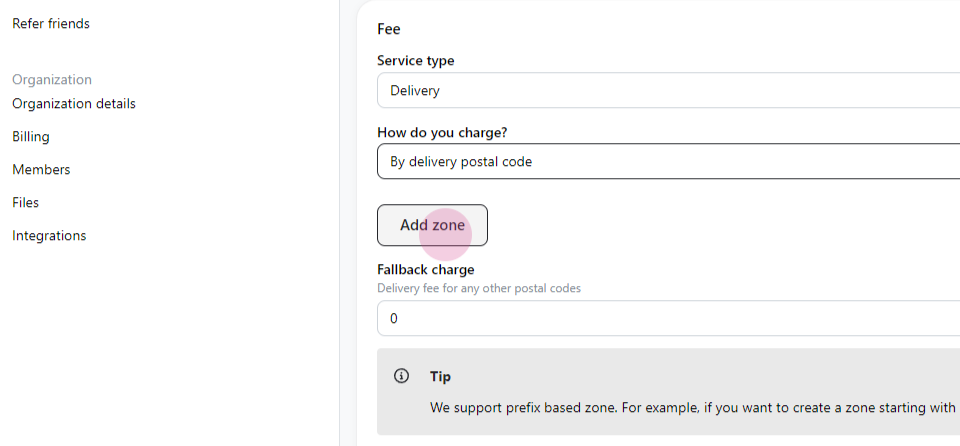
-
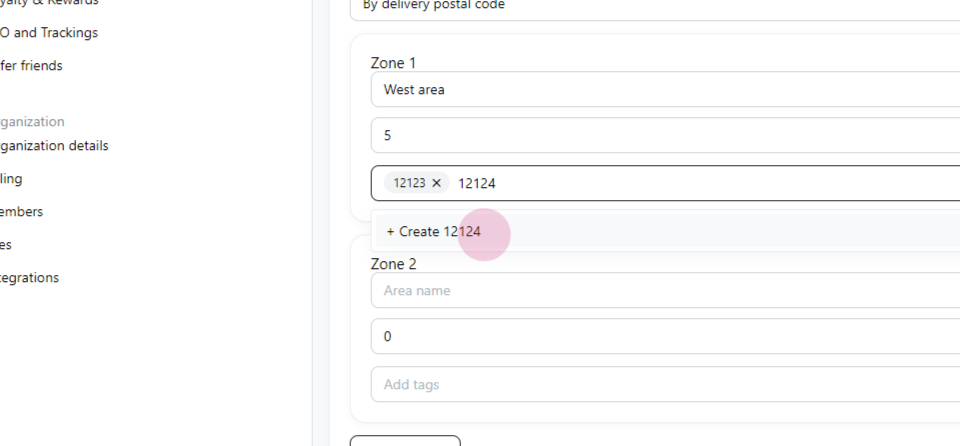
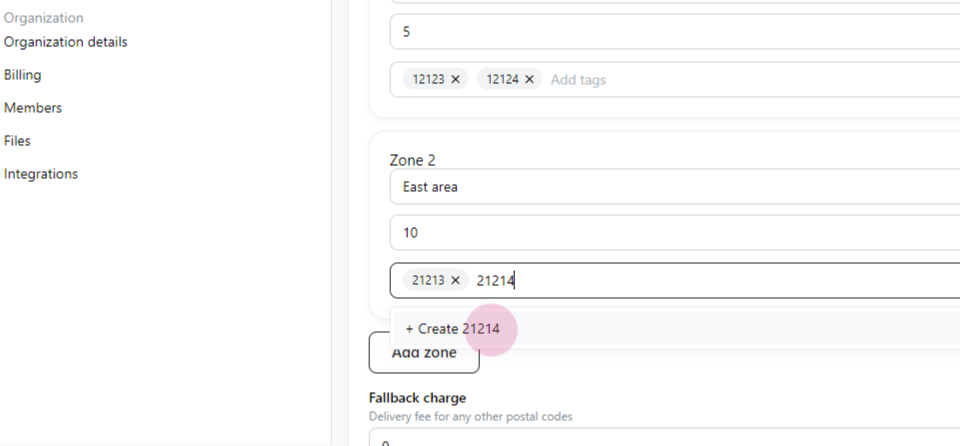
Enter the name, fee, and postal code for the area.
-
Repeat the process for the second area - enter the area name, the delivery fee, and the postal code.
-
Once all the information is filled in, click
Save.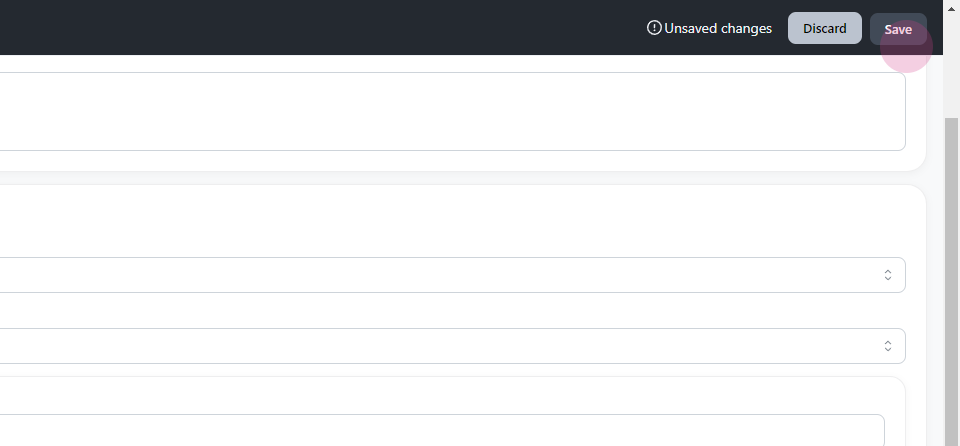
-
The delivery method and fee will be shown on the "Checkout" page.