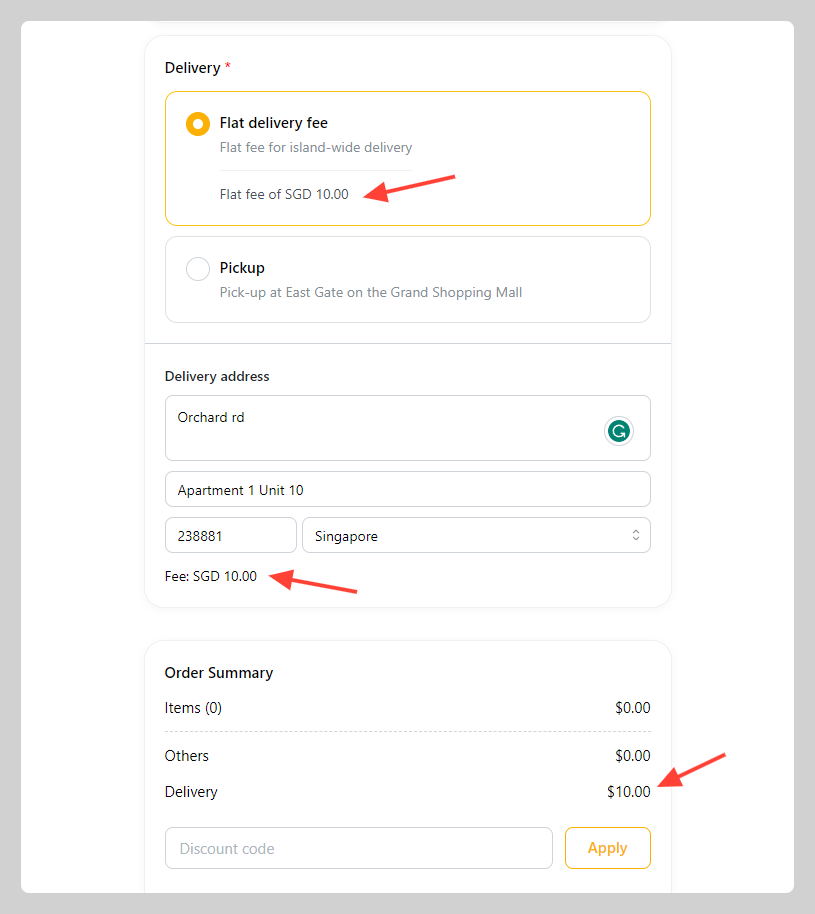
How to set a flat delivery fee
Step 1: Begin by navigating to the settings section of your platform.
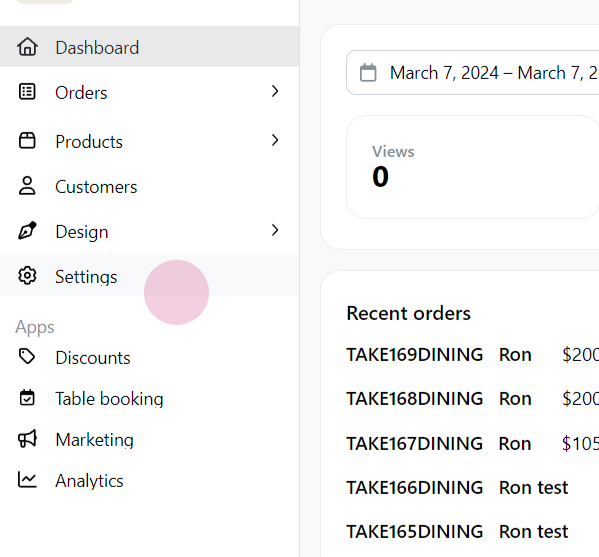
Step 2: Once in settings, proceed to the Delivery section.
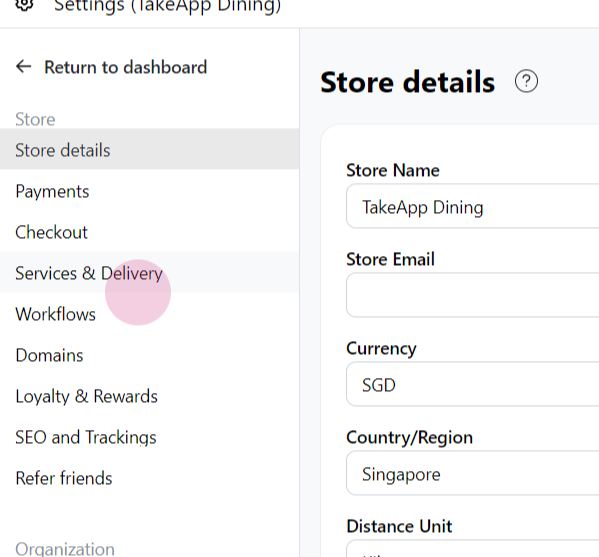
Step 3: In the 'Service and Delivery' section, select the Create delivery option.
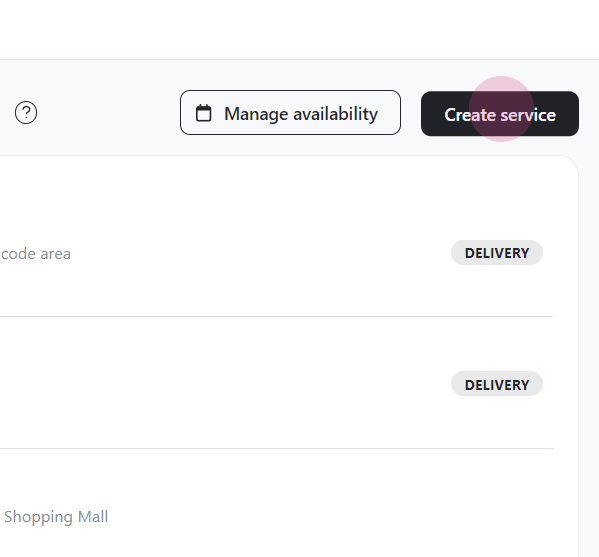
Step 4: You will then need to fill in the details for your service. Start by entering a title for your service.
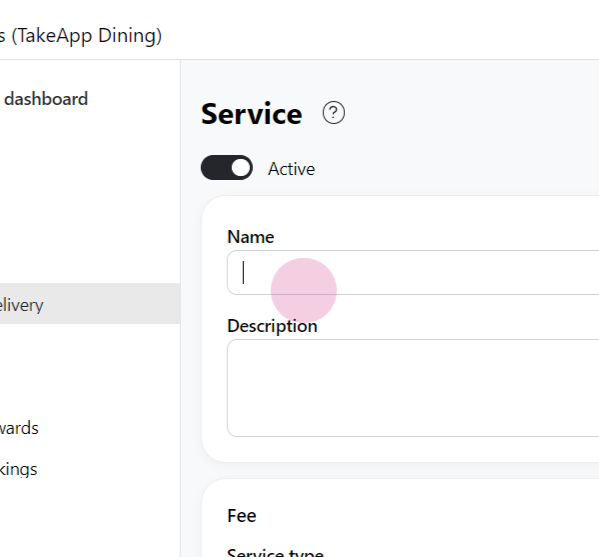
Step 5: Next, select delivery as your service type.
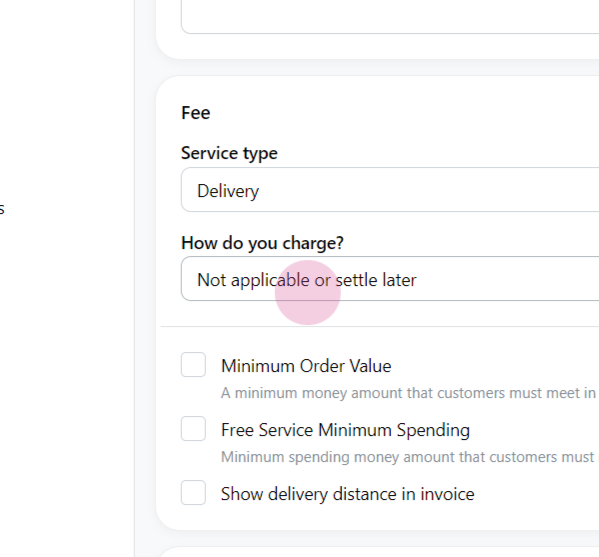
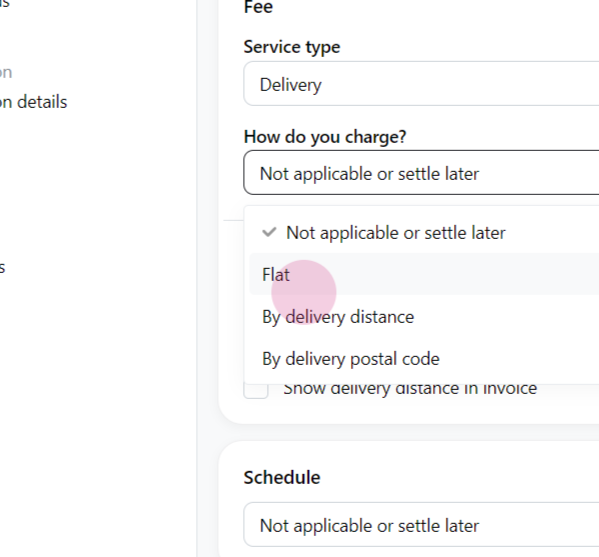
Step 6: Set the fee and how do you charge
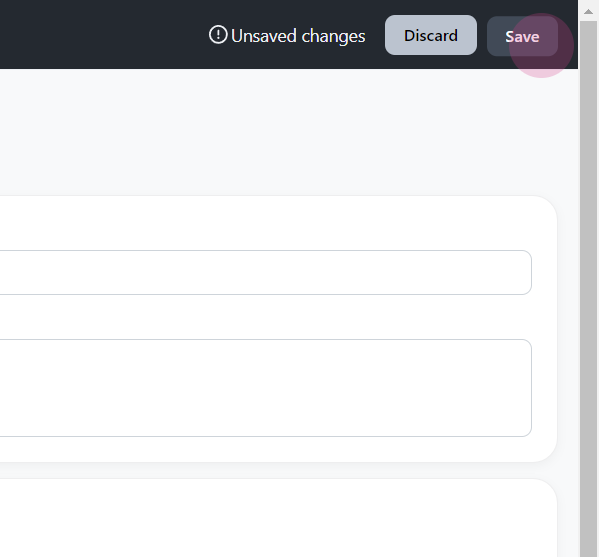
Step 7: Once all the necessary information has been filled in, click 'save' to finalize the setup of your flat delivery service.
The delivery method and fee will be shown on the "Checkout" page