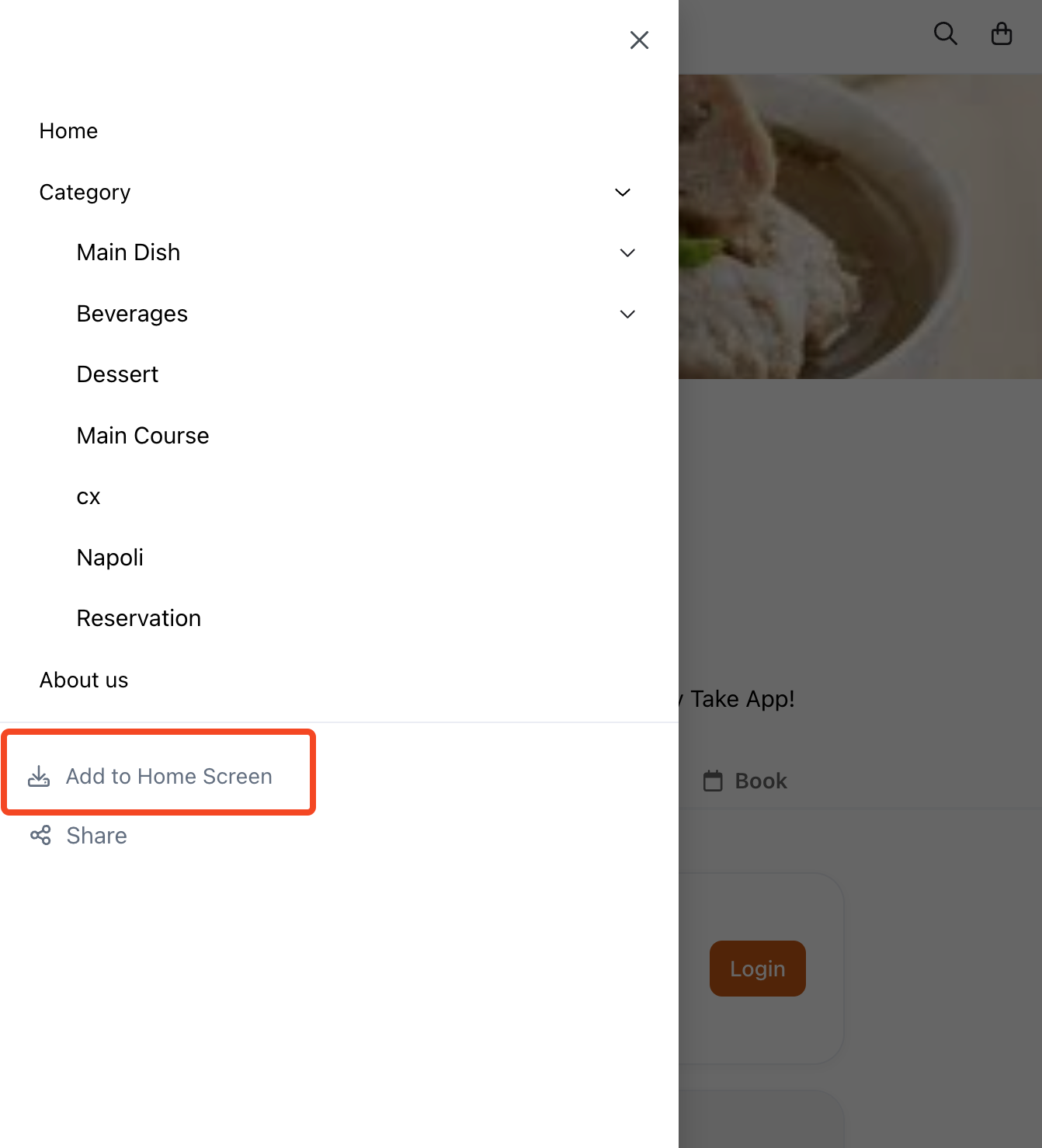
Take App offer PWA (Progressive Web App) installation of your stores for your customers. You can now show "Install to Home Screen" to your customer for your store.
How to activate PWA setting
This option is already activated by default in all stores.
How it looks on your store
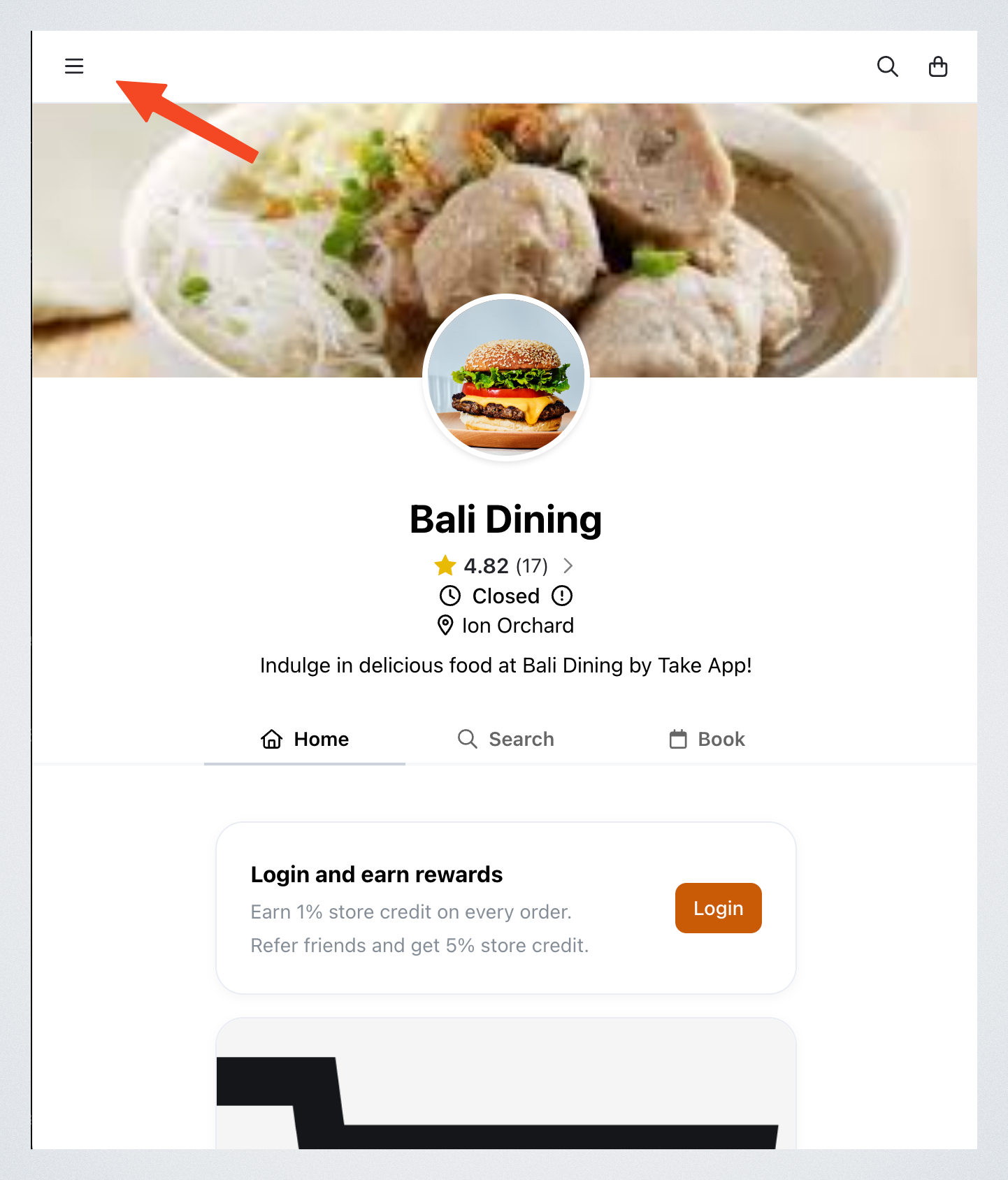
You can find this option in the side menu of your store.