
You can disable "WhatsApp message" button in checkout when you do not want to receive WhatsApp order messages from your clients. This will be useful if you are not selling products on WhatsApp.
How to disable WhatsApp message
-
Go to Admin > Settings > Checkout and navigate to "Message" section. Switch off
WhatsApp. ClickSave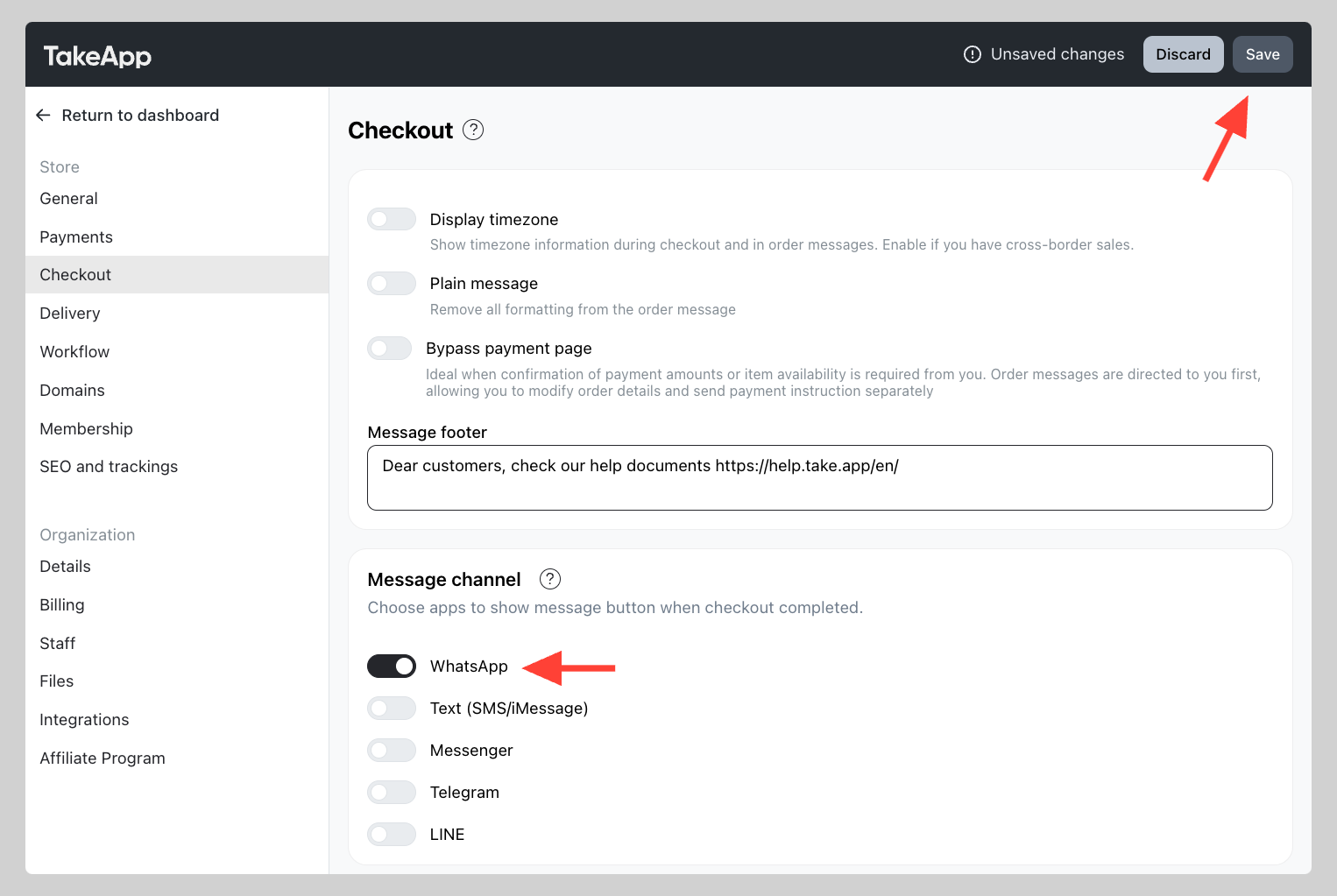
You will no longer receive WhatsApp order messages from your customers. You may still receive automated WhatsApp messages (workflows) if you have these active.