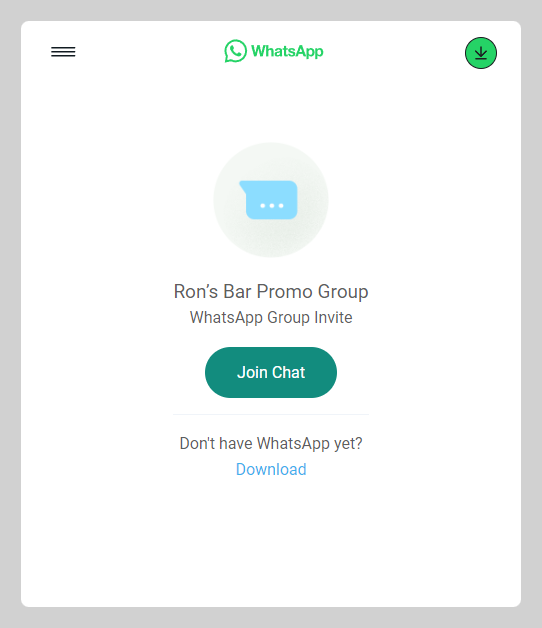
You can invite your customers to your WhatsApp group (maybe for marketing or future campaigns)
How to add an announcement banner
-
Go to Admin > Website > Appearance
-
Navigate to the Banner section and input the announcement title + WhatsApp group link. Click
save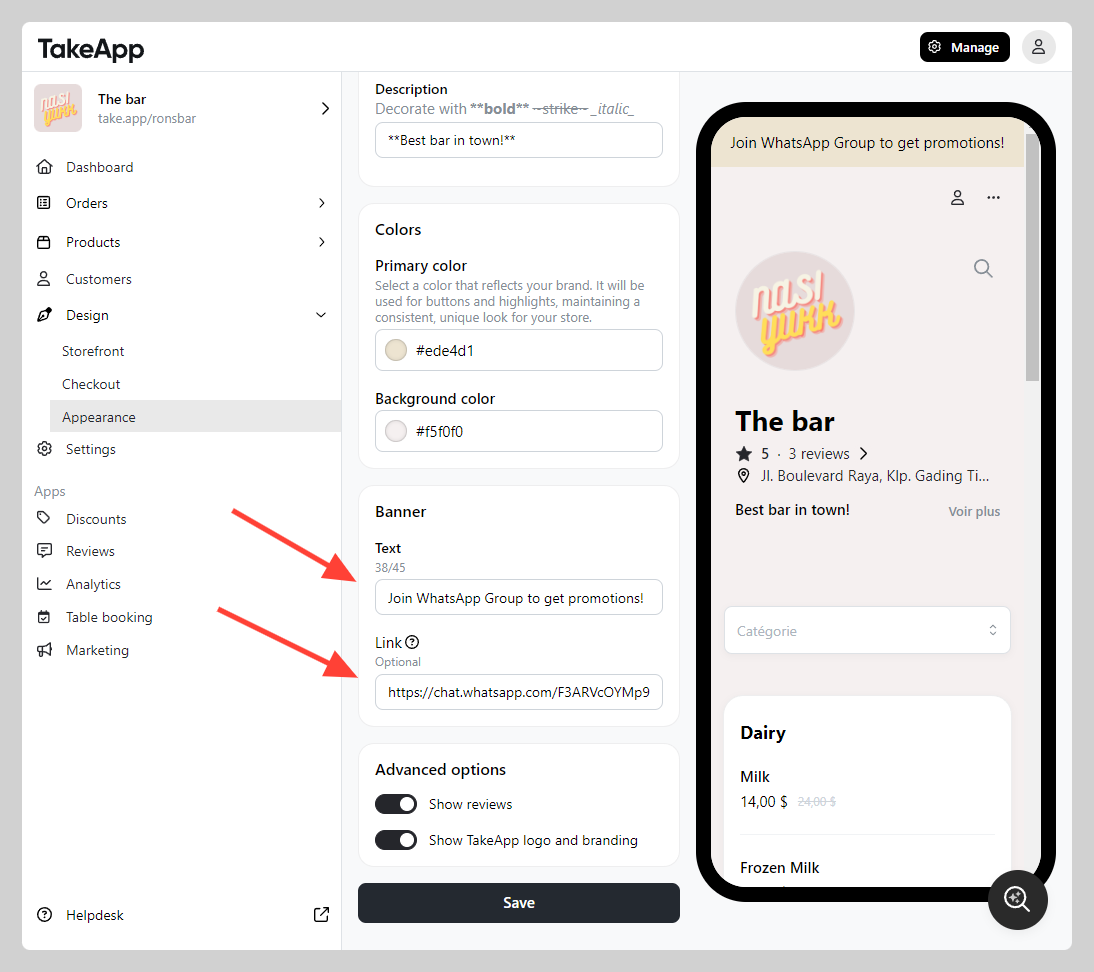
How do customers join your WhatsApp group from the announcement banner?
-
Customer will be able to see the announcement banner at the storefront
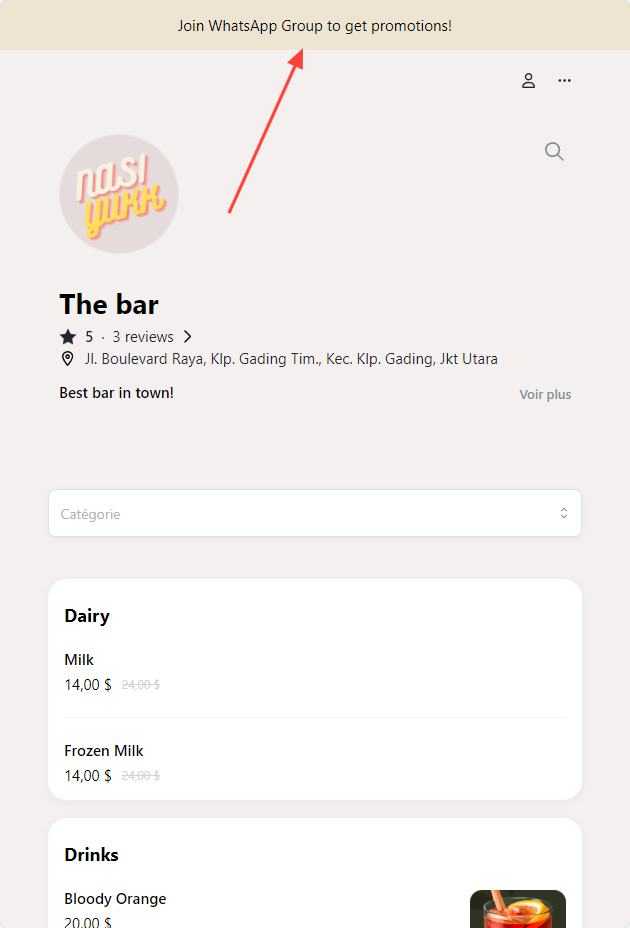
-
The invitation link will redirect your customer to your WhatsApp group