
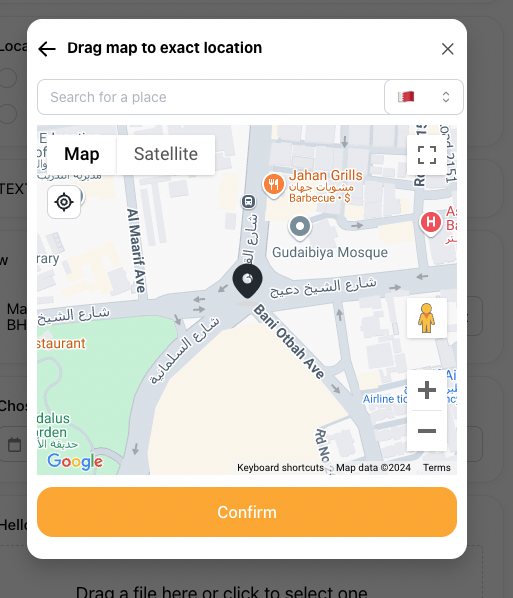
By default, Take App uses Open Street Maps (OSM) to search for your coordinates and calculate the distance between two places. It also displays OSM to your users so they can pinpoint their location.
However, if you'd like to improve the map search functionality or distance calculation, you can try using Google Maps or other map services under settings.
How to change Map Service Provider
-
Go to Admin menu > Settings > General
-
Under "Regional", choose a Map Provider that best suits your needs.
-
Currently, you can choose between "Google" and "OpenStreetMaps". Click
save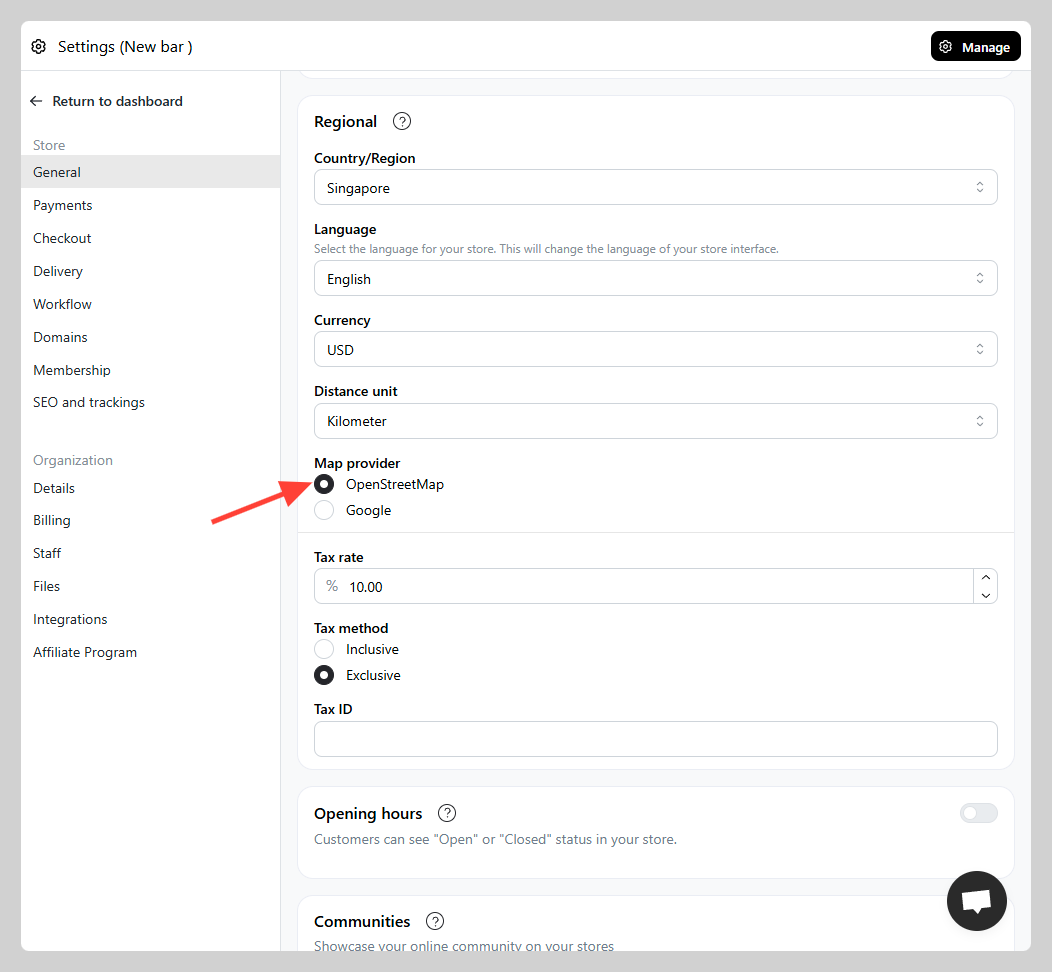
You should now notice that the map provider will switch to your chosen provider.