
Take App vs OlaClick
OlaClick and Take App agree on the important thing: the order belongs in the chat, and nobody should take a cut of it. Where they differ is how far past the restaurant the product goes.
All comparisons
 PayNow
 PayPal
Short answer
OlaClick is the closest thing to Take App on this list — free, WhatsApp-first, no commission — and for a restaurant in Lima or Bogotá it is a fair choice. Take App is the wider one: 100+ payment methods across 180+ countries, bank transfer with receipt confirmation, courier integrations, broadcasts to past customers, and it is not restaurant-only, so a shop or a service business fits too. Stay with OlaClick if you run a delivery kitchen and its free plan already does everything you need.
Why businesses pick Take App
One product for a shop, a kitchen or a service business — OlaClick is built for restaurants specifically.
100+ payment methods across 180+ countries, including bank transfer with a receipt the customer uploads and you confirm.
Broadcast to past customers, courier integrations, and a till that shares stock with your online orders — all on the same plan.
Feature by feature
The rows are what chat-first businesses ask us about most. Where OlaClick covers something through a paid add-on, or only in some countries, the cell says so instead of a cross.
| The monthly bill | Take App | OlaClick |
|---|---|---|
| Starts at | Free, then $50 / month | Free, paid plans on request |
| Free plan | Yes | Yes |
| Add-ons you also pay for | None — everything in the table below is included | Premium features on the paid tiers; the payment provider's own rate applies |
| Commission on orders | None | None — OlaClick takes no cut per order |
OlaClick's price gets searched in the local language, usually as “olaclick precios”, “olaclick planes” — and the table above is the answer, checked on the date below.
| Feature | Take App | OlaClick |
|---|---|---|
| Selling in the chat | ||
| Order form inside the WhatsApp chat | Yes | Yes |
| Automatic order & payment messages | Yes | Order flow and its AI attendant, with the deeper automation on paid tiers |
| Broadcast to past customers | Yes | Customer records are there; sending to them depends on the plan |
| Support & delivery updates in the same chat | Yes | Yes |
| Getting paid locally | ||
| Local wallets & bank transfer | Yes | Local methods through connected providers, varying by country |
| Transfer receipt upload & confirmation | Yes | Transfer is supported; confirming the receipt is manual |
| Cash on delivery | Yes | Yes |
| Card payments | Yes | Through connected payment providers |
| Orders, delivery & counter | ||
| Dine-in QR ordering | Yes | Yes |
| Delivery & pickup scheduling | Yes | Yes |
| Local courier integrations | Yes | Its own delivery module rather than courier integrations |
| Point of sale | Yes | Yes |
| Online store with custom domain | Yes | A restaurant menu site rather than a general catalog |
| Cost & getting started | ||
| Multiple stores & staff accounts | Yes5 stores & 5 staff | Depends on the plan tier |
| Live without a developer or agency | Yes | Yes |
How we compared
OlaClick plan prices and features were checked on August 28, 2026 against the pages linked below. Prices change and vary by country, so confirm with OlaClick before deciding. Take App's own plan details come from our pricing page.
Sources: olaclick.com/software-para-restauran…, olaclick.com/menu-digital
Built for the market you actually sell in
100+ payment methods and local couriers across 180+ countries — the wallets, bank transfers, and cash on delivery your customers already use, not just cards.
Where OlaClick draws the line
OlaClick is built for Latin America and covers it well: Spanish and Portuguese first, WhatsApp ordering with no bot in the middle, and no commission. Take App covers 180+ countries, so the same product works whether your customers pay by Yape, PIX, a bank transfer with a receipt, a wallet or cash on delivery — and it is not limited to food.
Why WhatsApp, and not email
Across Southeast Asia, Latin America, Africa and the Middle East, a customer messages a shop long before they would open an email. Take App puts the order form, the payment reminder, the delivery update and the follow-up in that same thread — so nothing waits on an inbox nobody checks.
What you get on day one
No add-ons to install, no theme to build — every plan starts with the whole ordering flow.
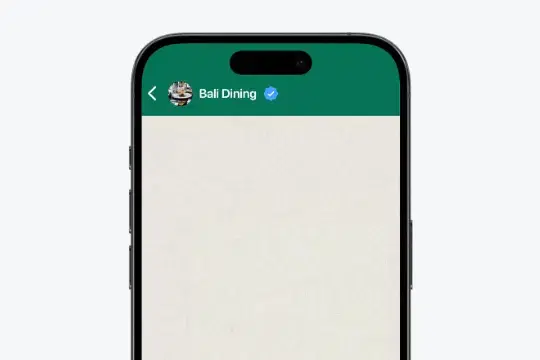
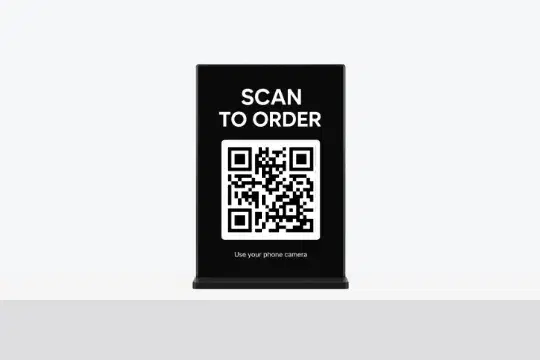
QR Ordering
Set up one QR code customers scan at your store to open your menu and place an order.
Learn more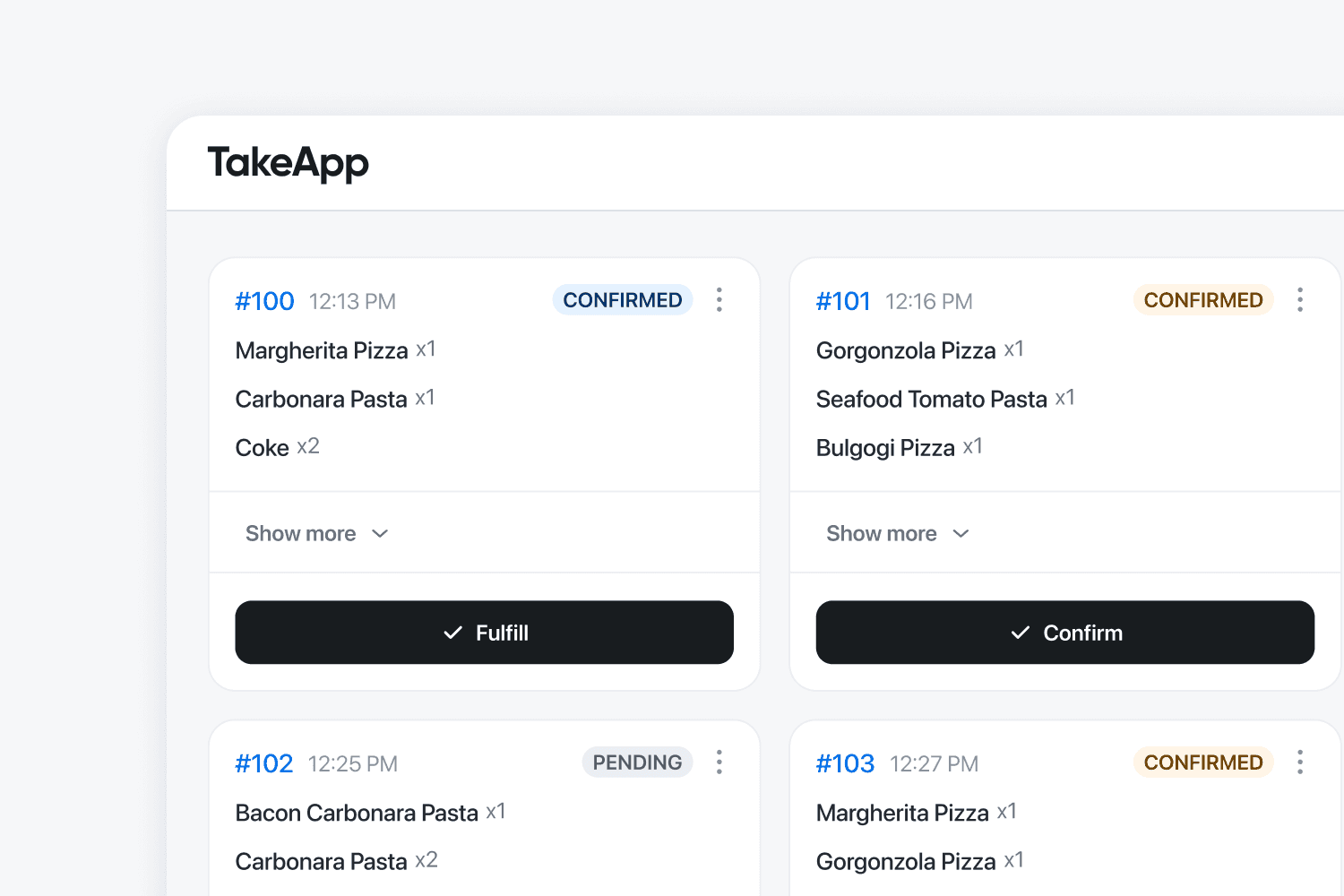
Kitchen Display
BusinessOrders appear on the kitchen screen instantly. Reduce errors and speed up service.
Learn more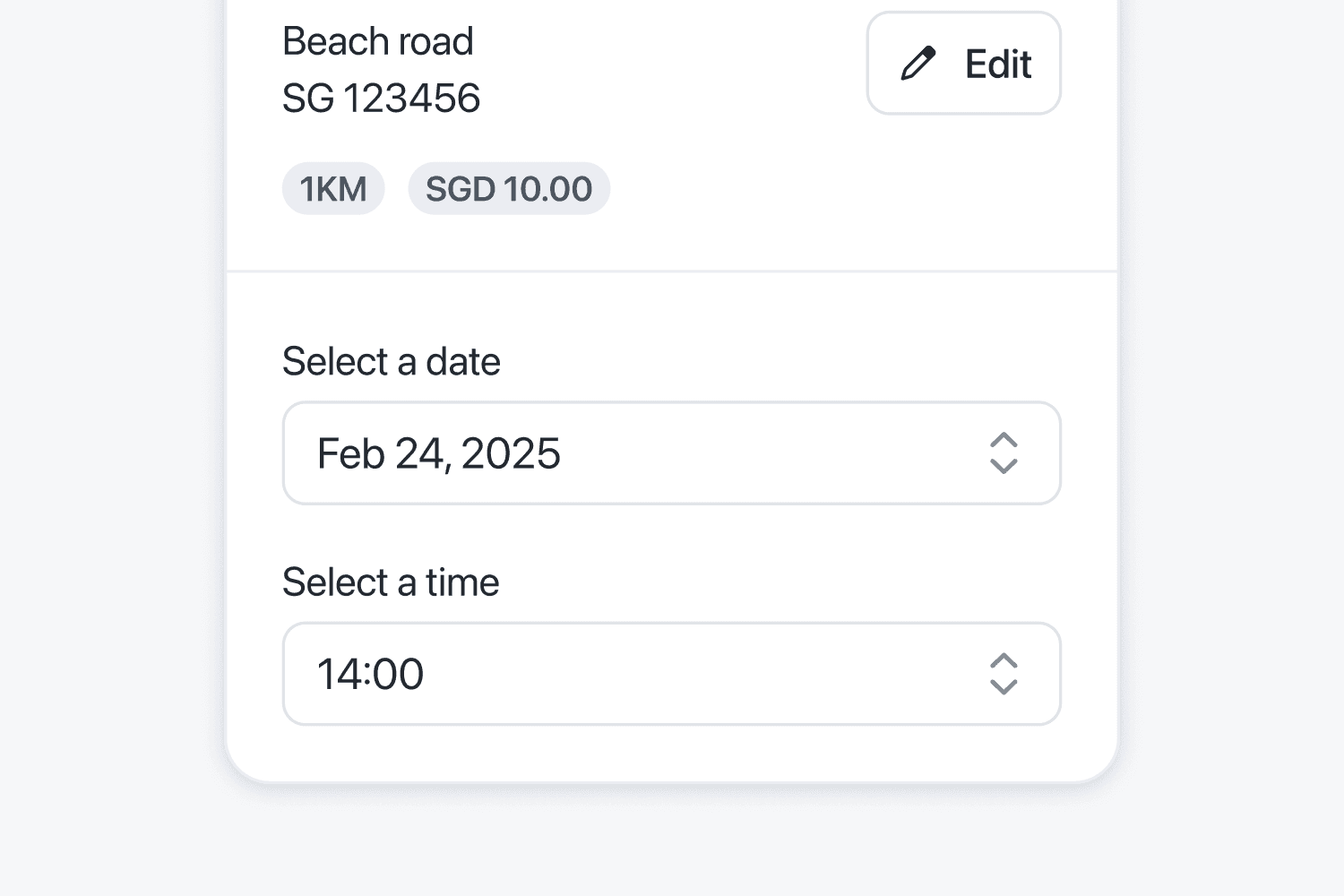
Local Payment Options
Offer transfers, e-wallets, or COD. Make checkout easy for all buyers.
Learn more
Build trust with reviews
BusinessShow real feedback from past buyers. Boost trust and increase conversions.
Learn moreWhen OlaClick is the better choice
No tool wins everywhere. Choose OlaClick if this sounds like your business.
- You run a restaurant or delivery kitchen in Latin America and its free plan covers you.
- You want the interface and the support in Spanish or Portuguese first.
- Its AI attendant and QR menu are the two features you actually need.
- You would rather stay with a team focused only on restaurants than one that also serves shops and services.
What Customers Are Saying
Small businesses in 180+ countries run on Take App.
Compare in your market
Local payment methods and prices differ by country. See how Take App works in yours.
Other comparisons
Common questions
Something out of date or unfair? Tell us and we'll fix it