
Send a WhatsApp Payment Link, Get Paid Today
Stop reading your bank app and chasing screenshots. Send one link in the chat, let the customer pay the way they already pay, and watch the order mark itself paid — 100+ payment methods across 180+ countries.
Free plan available. No credit card required.







 PayNow
 PayPal
How to Send a Payment Link on WhatsApp
Three steps, and none of them involve typing your bank details into a chat again.
Create the order
Add the items and the amount yourself, or let the customer check out from your catalog. Either way you end up with one order and one total.
Send the link
Take App writes the message and the payment link. The customer taps it inside WhatsApp — nothing to download and no account to create.
See it confirmed
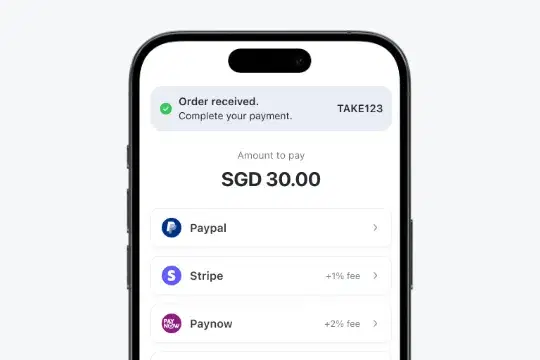
Payments by wallet or card confirm themselves. For a bank transfer, the customer attaches the receipt and you approve it in one tap.
One Link, Any Amount
Charge for an order, a deposit, a repair or a custom job: create the amount, send the link, get paid. The link belongs to the order, so what was paid and what is still owed is never a guess.
The Payment Methods Your Customers Already Have
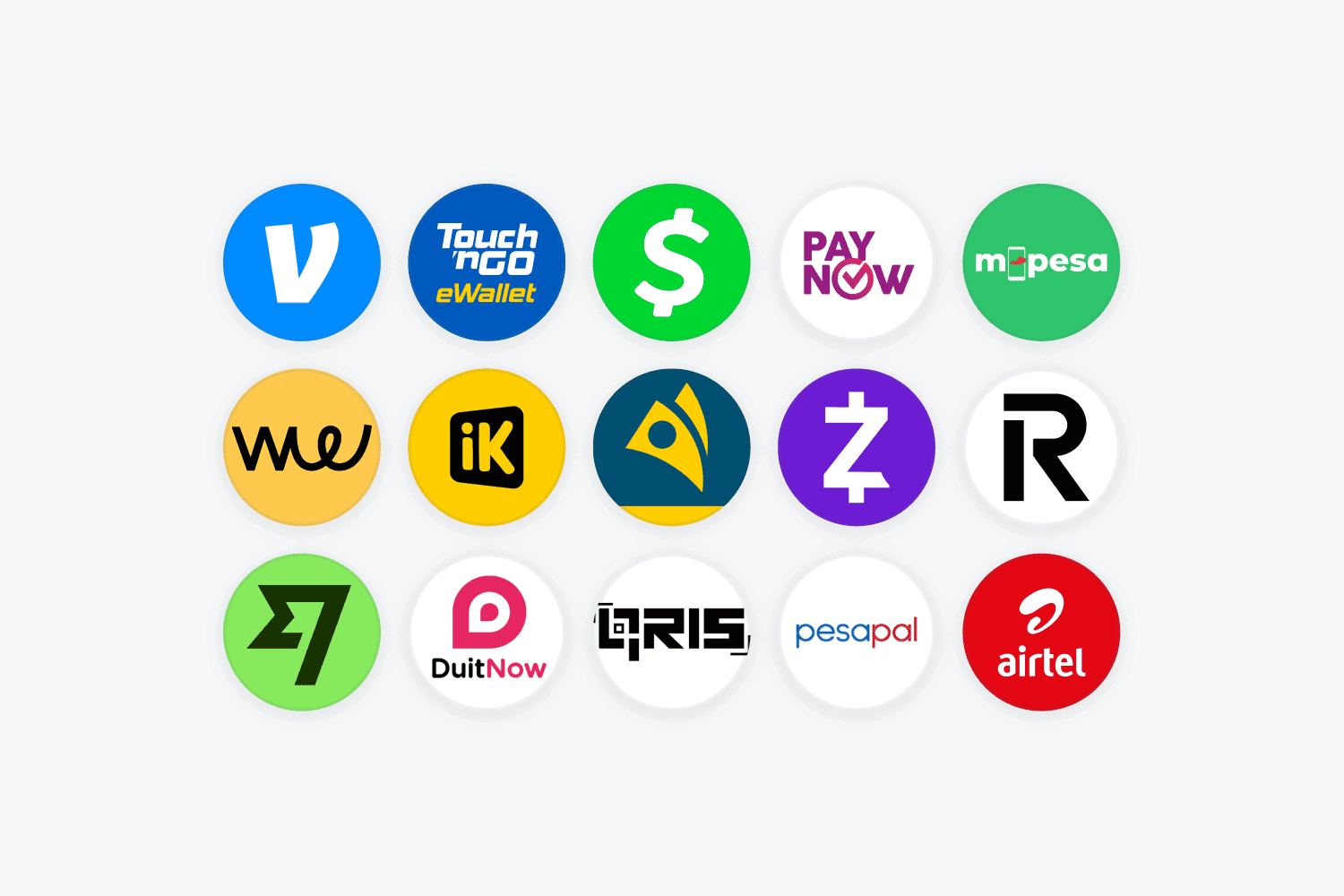
Local wallets, bank transfer, QR standards, cards and cash on delivery — 100+ methods across 180+ countries. Customers pay with the app already on their phone instead of hunting for a card.
Bank Transfers Without the Screenshot Hunt
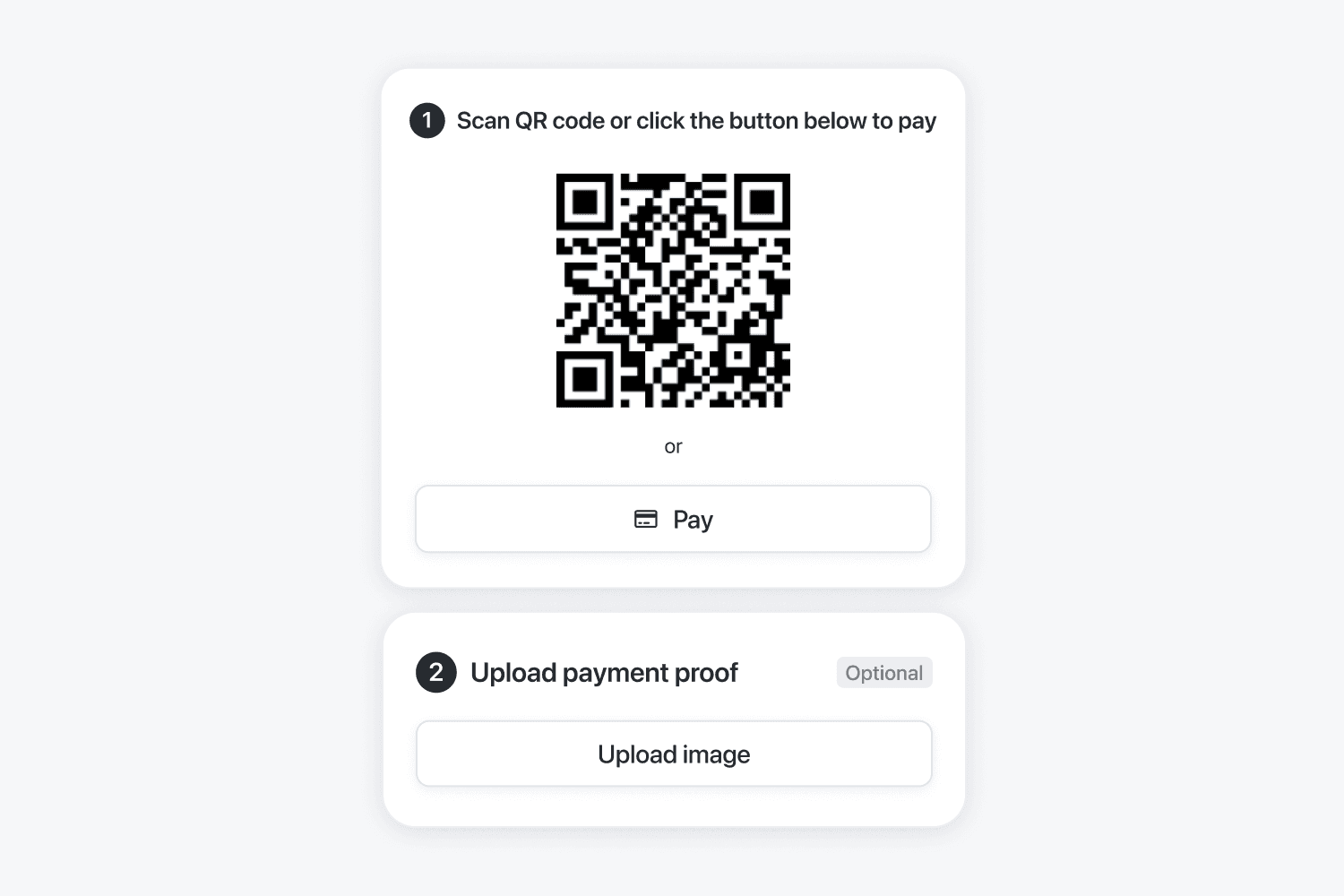
The customer uploads the transfer receipt at checkout and it sits on the order, next to the amount and the customer's details. You approve or reject it in one tap, and your books reconcile themselves.
Unpaid Orders Chase Themselves
Payment reminders and order updates go out on WhatsApp automatically, so the polite third follow-up is no longer your job. Fewer abandoned orders, and no awkward messages to write.
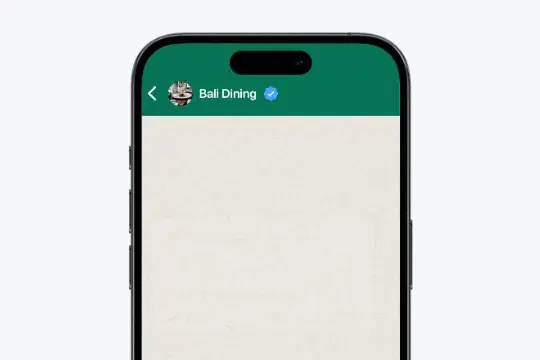
A QR Code for the Counter
Print the QR code and let walk-in customers pay by scanning it. The payment lands on the same order list as everything you sold online, so the day's takings are one number.
Everything Around Getting Paid
Card payments, PDF invoices, order summaries, loyalty and a sales report — so the money side of the business needs one place, not five.
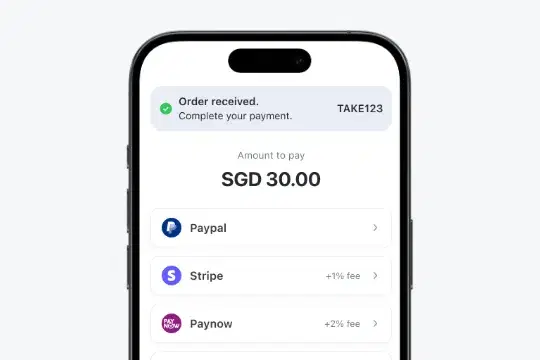
Accept Credit / Debit Card
Fully automate payments with secure global payment gateway partners like Stripe, PayPal, Xendit and Payfast.
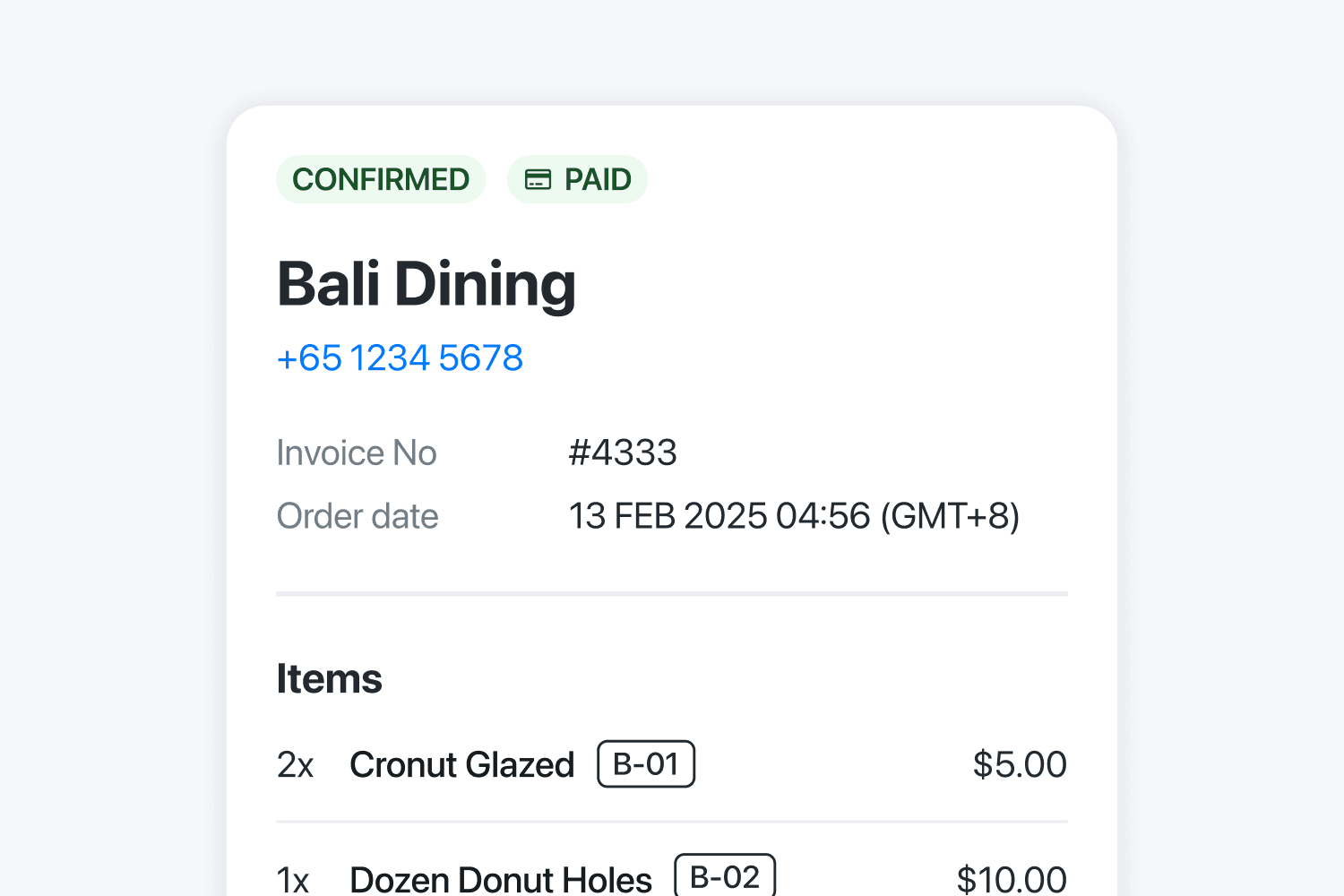
Professional Invoice & PDF
Generate official invoices automatically. Save time and impress clients.
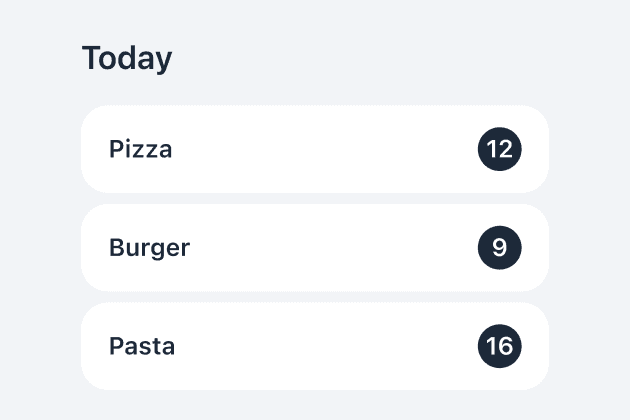
Prepare orders faster
See all orders together and check which products you need to prepare.
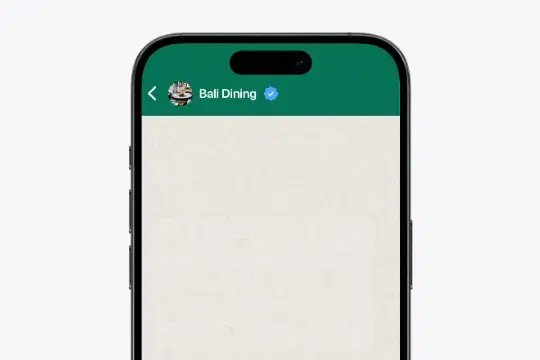
Membership & Loyalty
Reward regulars with points. Keep customers coming back for more.

Track your store growth
See best-selling items with real data. Make smarter decisions and maximize profits.
Export orders to CSV
Download orders in CSV file to work with third-party vendors or to get a broad overview of your orders.
What Customers Are Saying
Small businesses in 180+ countries run on Take App.
Keep Setting Up
Start Free, Upgrade as You Grow
Start free. Upgrade when you need more tools to run your store.
Get your first month of Business for $1
Then $50 USD / month. For first-time paid subscribers only.
Basic
For new stores
Includes
- 50 orders per month
- Unlimited products
- No commissions
- Accept local payments
After 50 orders in a month, you can still receive orders on your registered WhatsApp number. Additional orders that month are not saved to your dashboard.
Business
For busy teams
first month, then $50 USD / month
Everything in Basic, plus
- Unlimited orders
- Card payments (Stripe and more)
- Automated WhatsApp updates & broadcasts
- Custom domain & Take App logo removal
- Multiple stores and staff
Includes 5 stores, 5 staff members, 1,000 automated WhatsApp messages and 2,500 automated emails per month.
Bigger operation? Enterprise adds a custom build, a dedicated account manager and tailored pricing. Contact sales · See what people build · See the reseller program