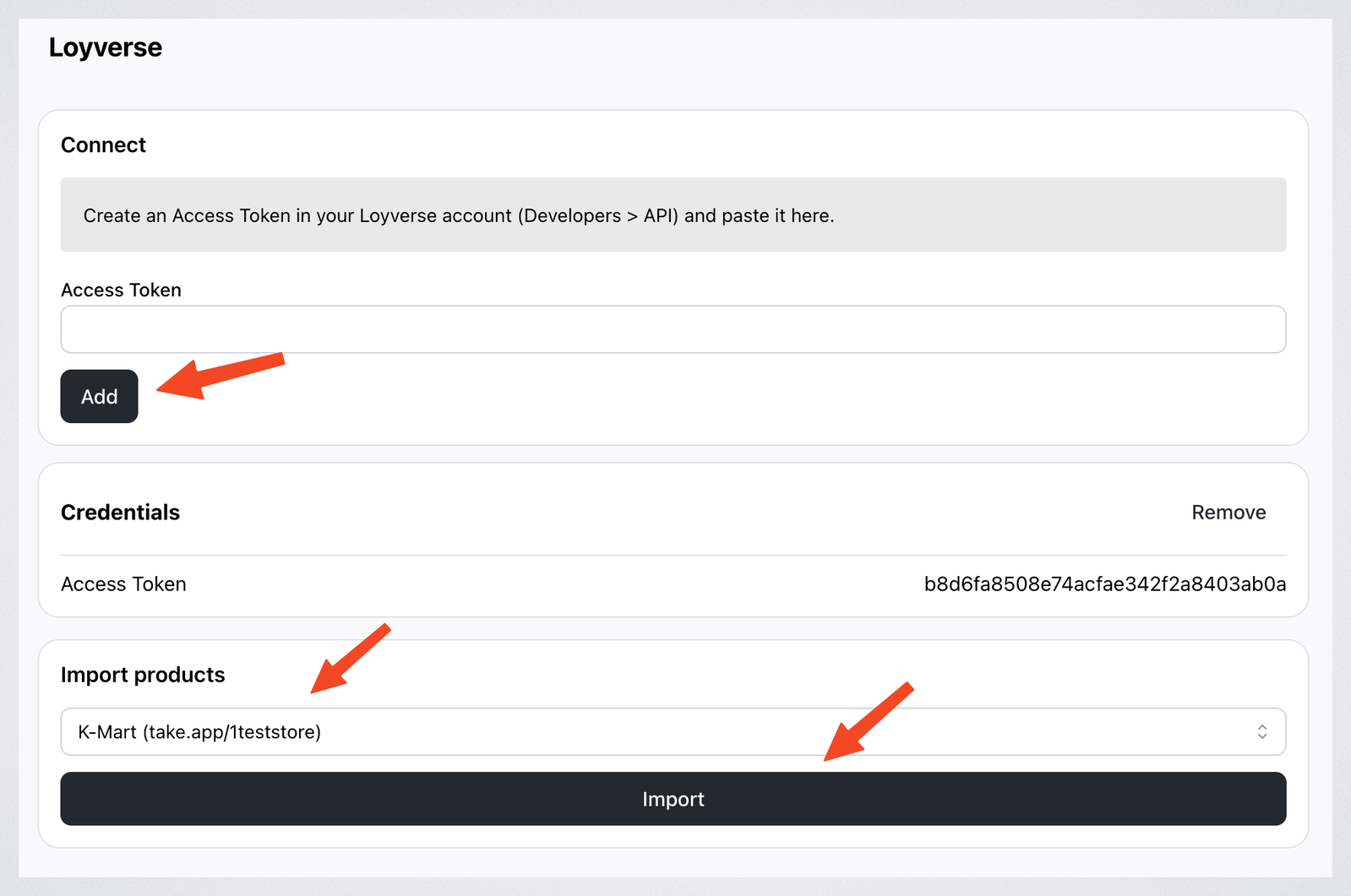
Import products from Loyverse store to your Take App store.
Get your Access Token from Loyverse
-
Login to your Loyverse account
-
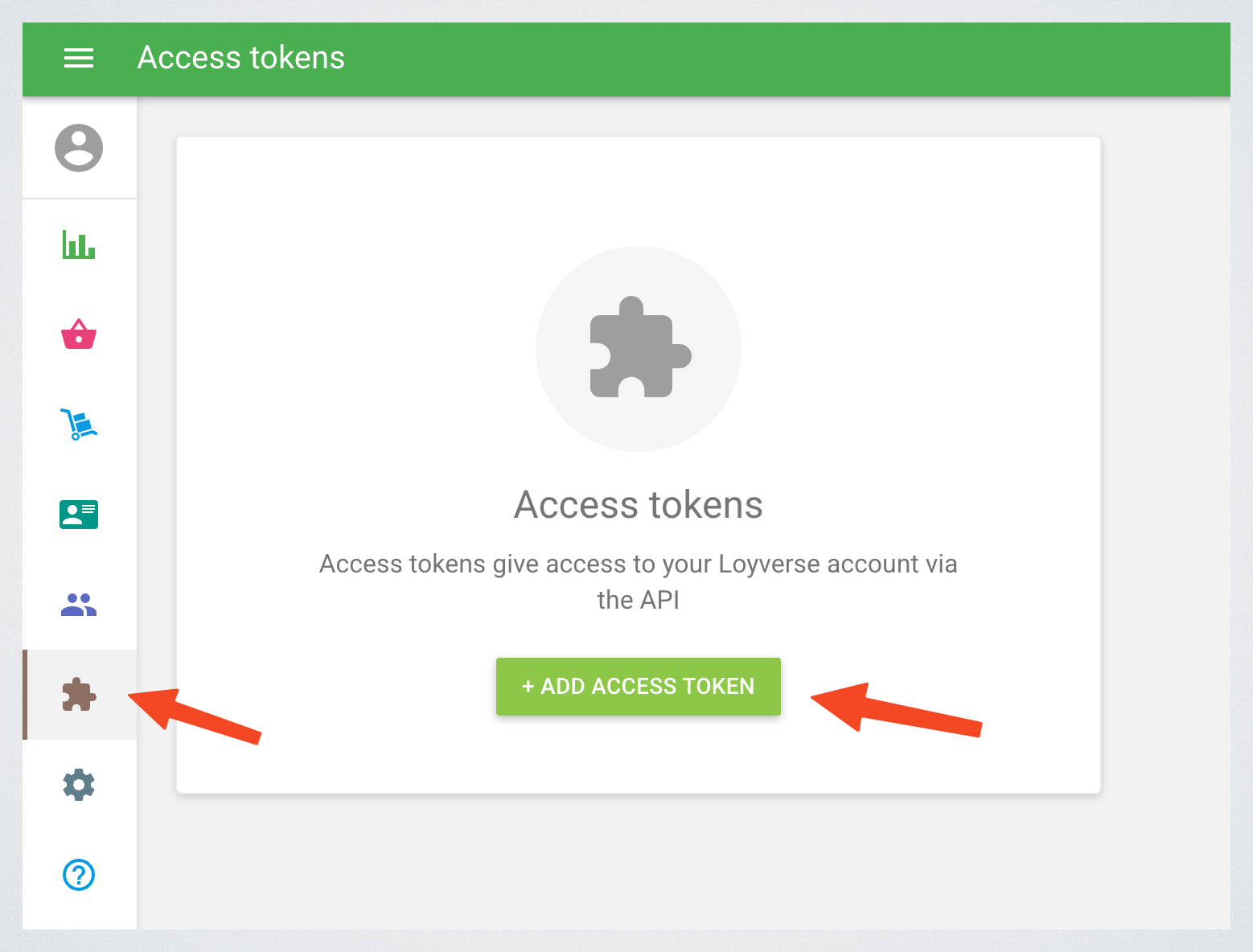
Go to Integrations > Access tokens. Click on "Add access token"
-
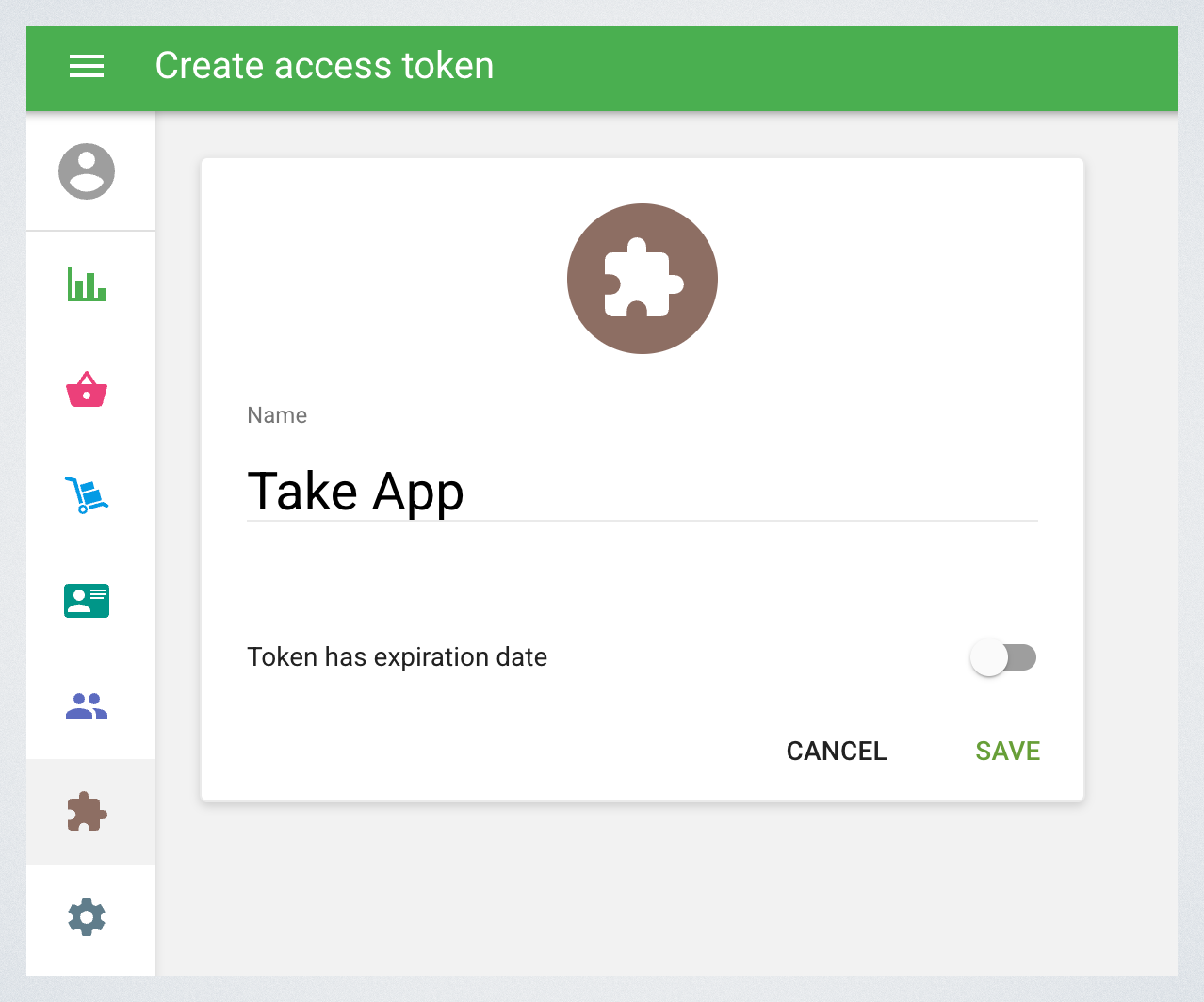
Enter token name and click "Save"
-
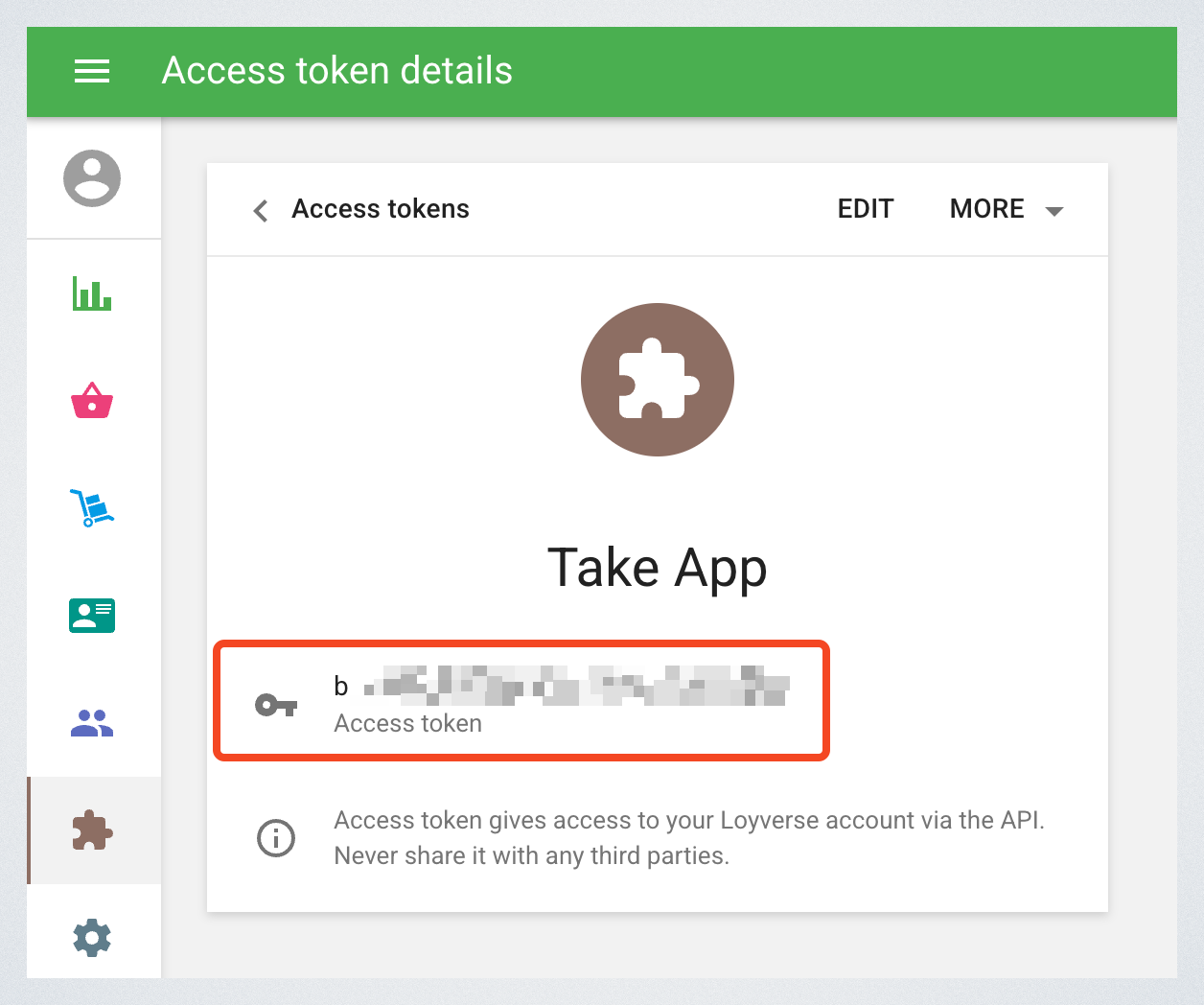
Copy the access token
Connect Loyverse to Take App
-
In your Take App admin dashbord, go to Admin > Settings > Integrations > Loyverse.
-
Enter your access token and click on "Add"
-
Select a store to import products
-
Click
Importbutton.