Order rolling function circulates phone numbers in a round-robin manner, allowing multiple staff members to evenly distribute incoming orders. Here's an example:
- Let's say you have order rolling numbers A, B, and C.
- If you receive a total of 60 orders in a day:
- Number A will handle 20 orders. Number B will handle 20 orders. Number C will handle 20 orders.
- This distribution ensures that each number receives an equitable share of orders, resulting in a balanced workload.
How to setup order rolling
-
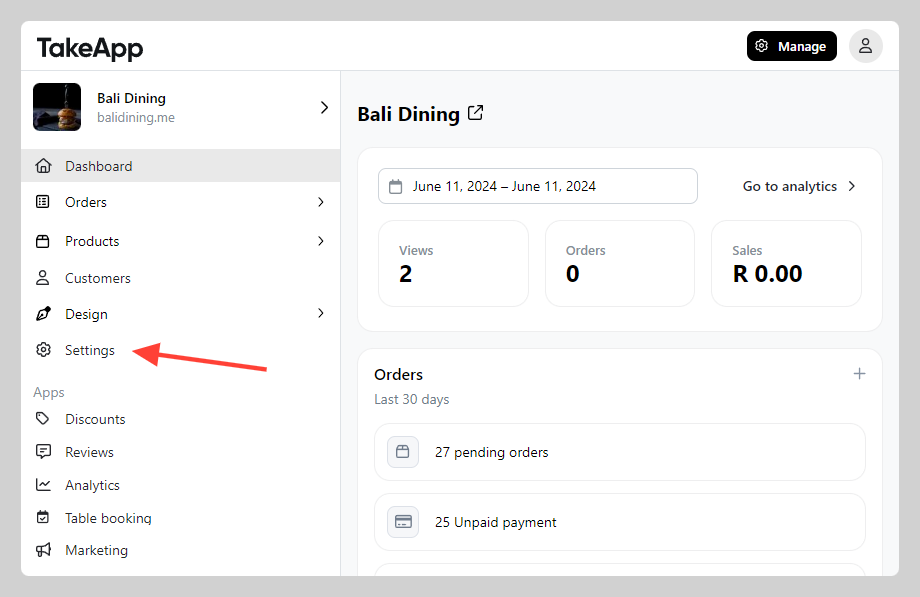
Go to Admin > Settings
-
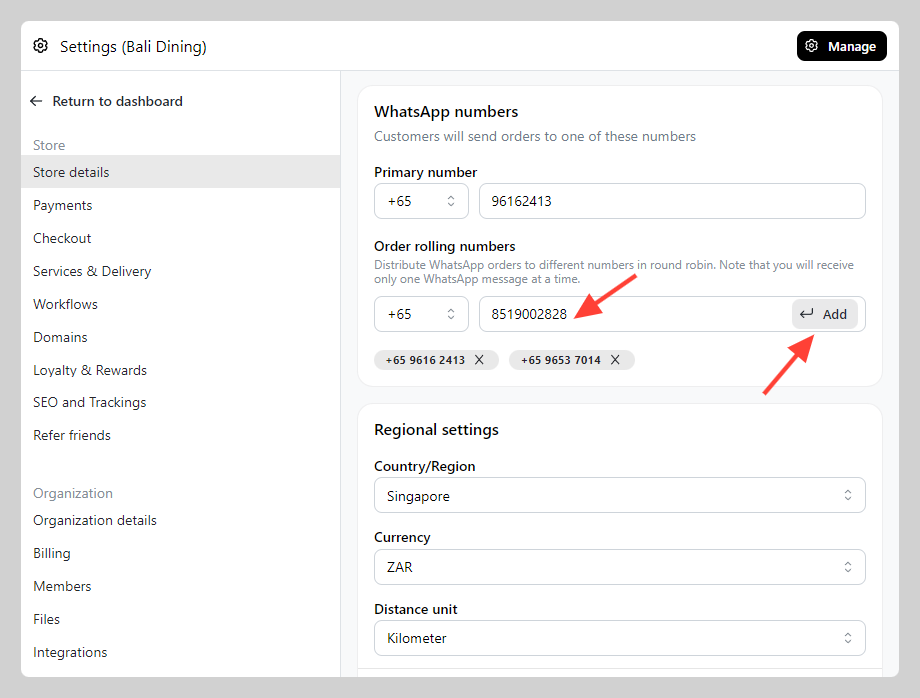
In General, navigate to "WhatsApp number" section. Type in the numbers for order rolling and press
Add. Repeat the process if you have more than 1 number. ClickSave.