
How to create self pick-up
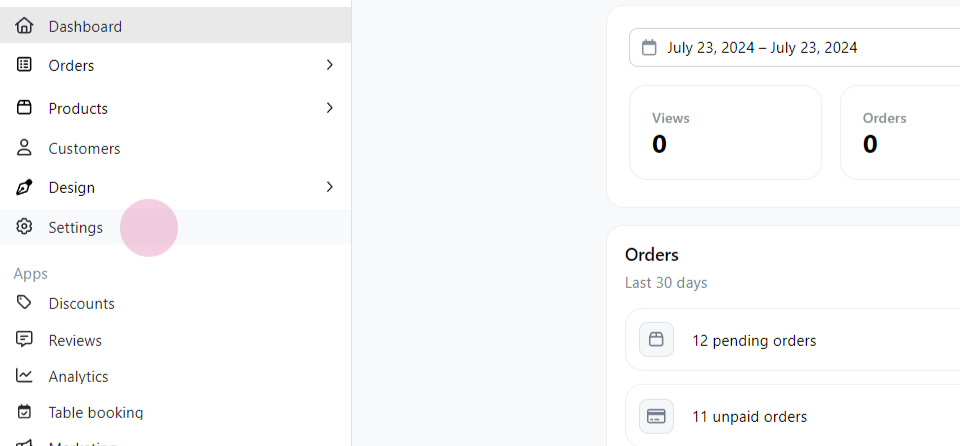
Step 1: Begin by navigating to the settings.
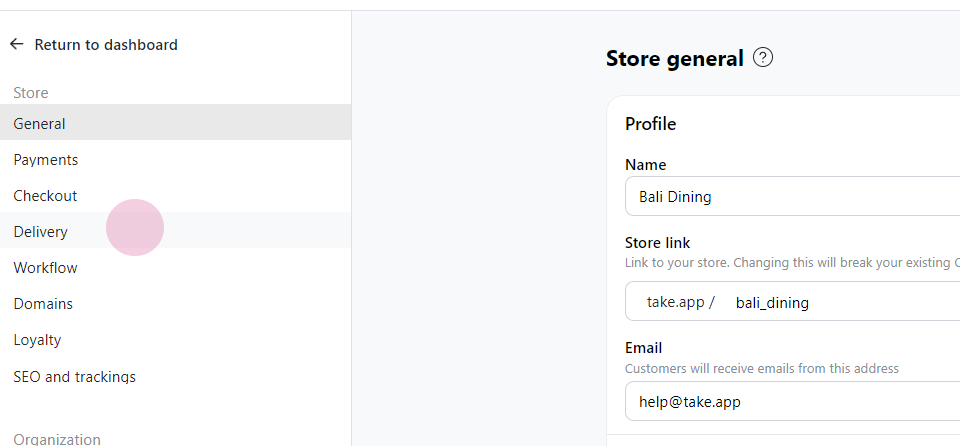
Step 2: Go to Delivery
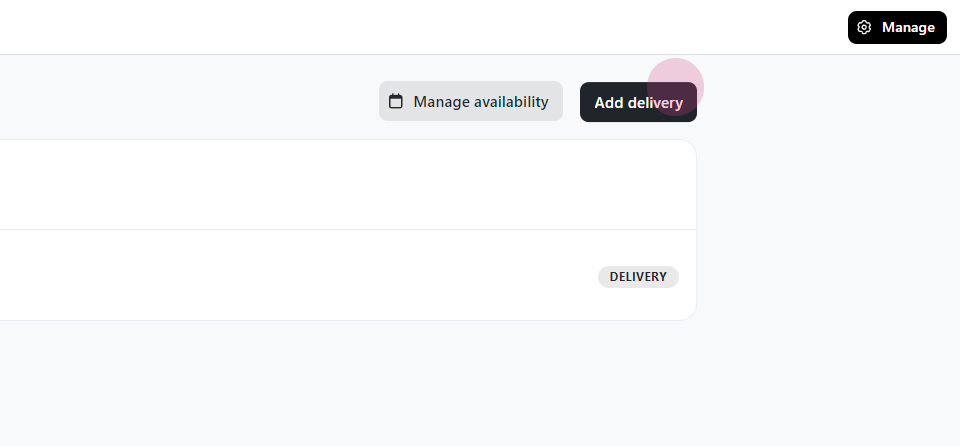
Step 3: Select Add Delivery
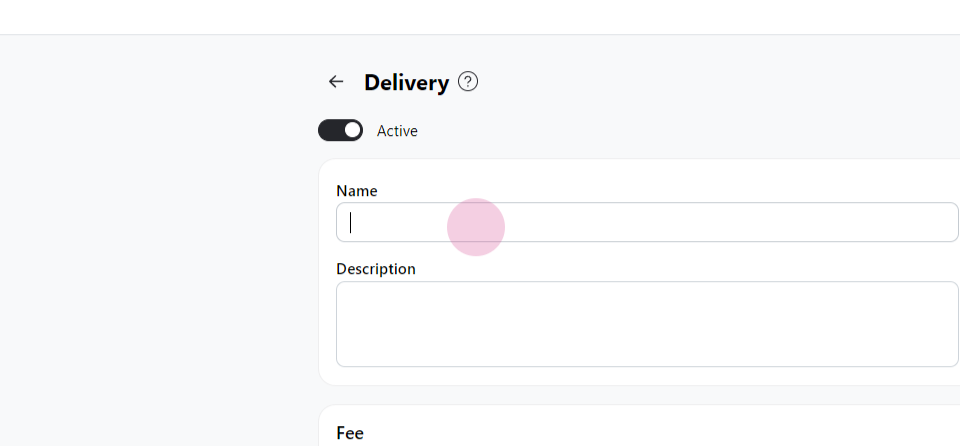
Step 4: Input "Self Pickup" as the name.
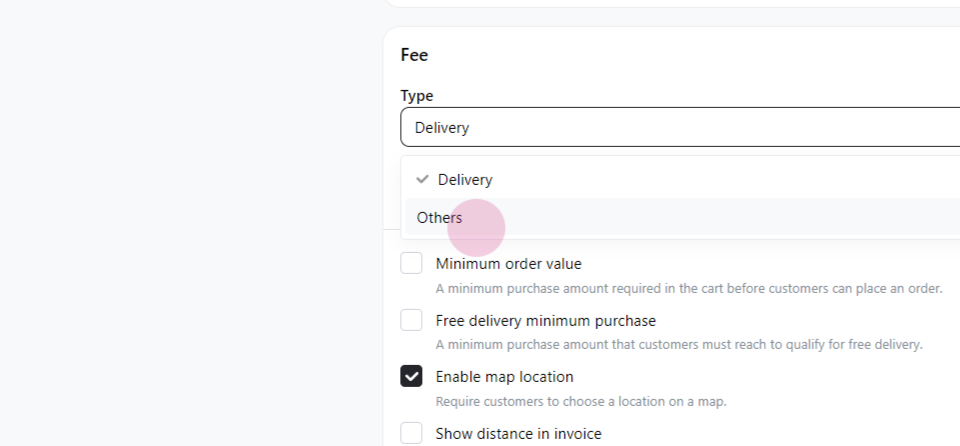
Step 5: Change the type to Others
Step 6: Click on Save
Step 1: Begin by navigating to the settings.
Step 2: Go to Delivery
Step 3: Select Add Delivery
Step 4: Input "Self Pickup" as the name.
Step 5: Change the type to Others
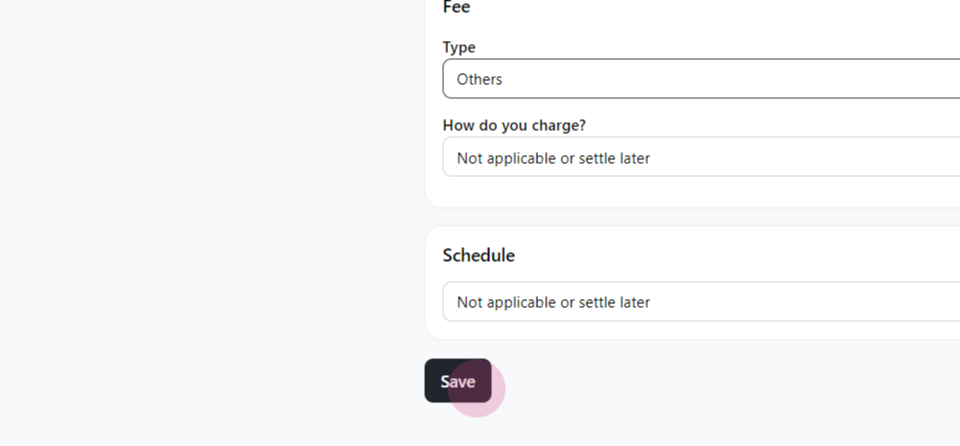
Step 6: Click on Save
Chat with our team — we're online during business hours.