
CSV's imported into TakeApp need to be in the UTF-8 Format.
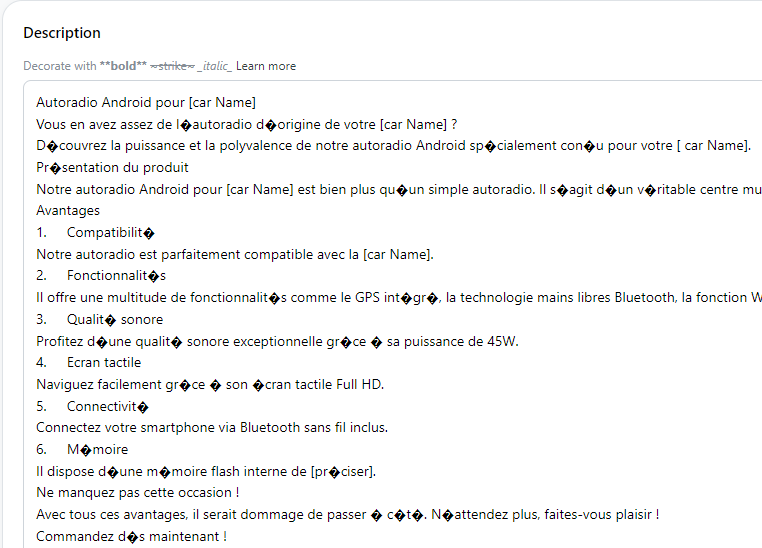
If you just uploaded a CSV, and find that there are missing characters, follow the instructions below:
UTF-8 Encoding in Microsoft Excel (Windows)
- Open your CSV file in Microsoft Excel.
- Click File in the top-left corner of your screen.
- Select Save as...
- Click the drop-down menu next to File format.
- Select CSV UTF-8 (Comma delimited) (.csv) from the drop-down menu.
- Click Save. Your new CSV file is now encoded using the UTF-8 format and is ready to be imported into TakeApp.
UTF-8 Encoding in Numbers (macOS)
- 1Open your CSV file in Numbers.
- Click File in the top-left corner of your screen.
- Select Export to... -> CSV...
- Click Advanced options.
- Click the drop-down menu next to Text Encoding.
- Select Unicode (UTF-8).
- Click Next
- Choose a name and location for your new file and click Save. Your new CSV file is now encoded using the UTF-8 format and is ready to be imported into TakeApp.