
Automate your payment with Xendit (for Indonesia and Philippines).
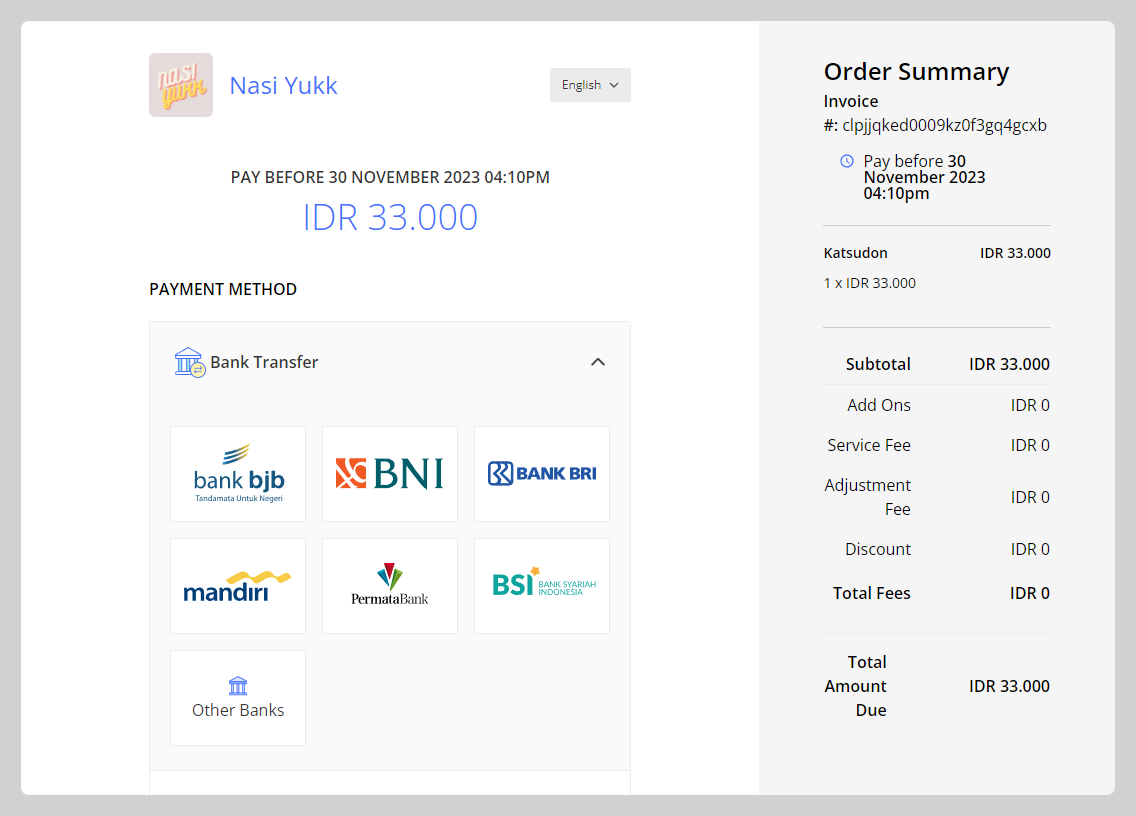
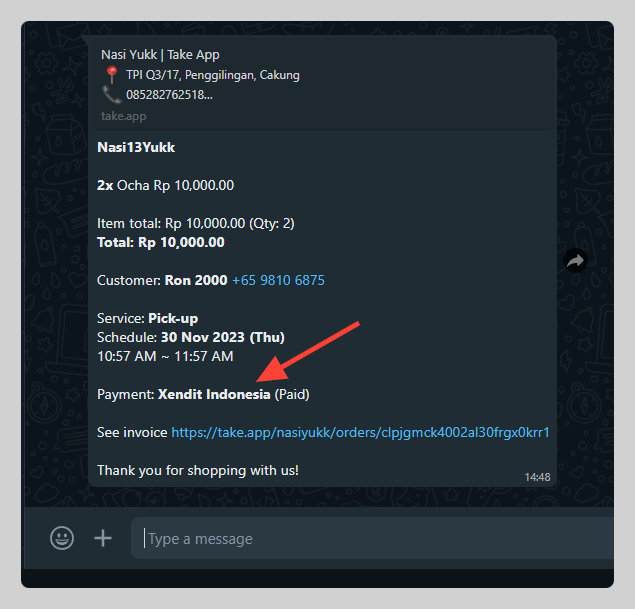
How to set up Xendit as a payment method
-
Go to Admin > Settings > Payment > Click
Add payment methodand choose Xendit Indonesia or Philippines then clickSettings.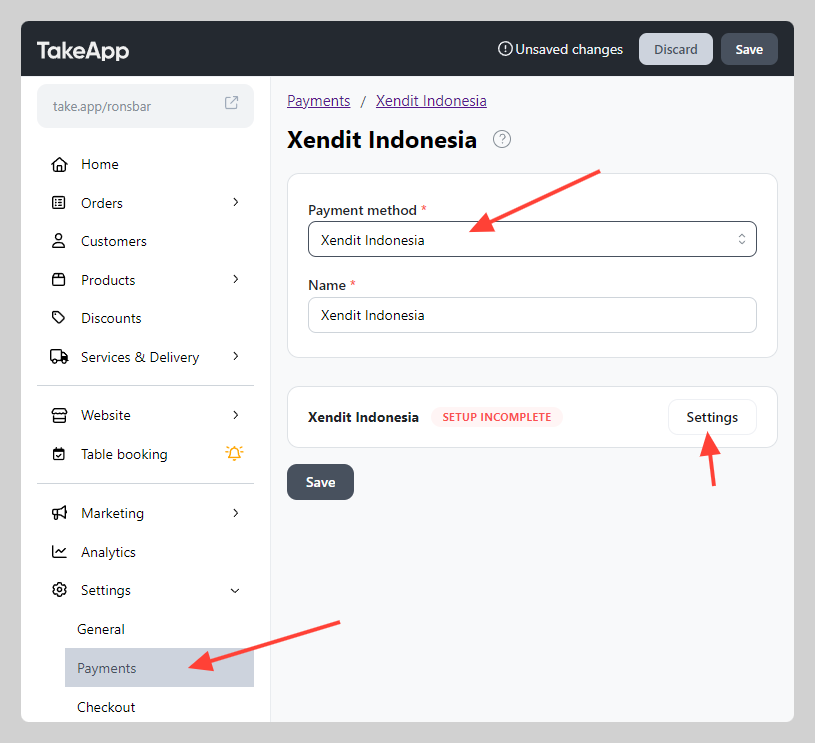
-
Type your email to create a Xendit account with Take App (existing Xendit account can't be use) and press
Connect to Xendit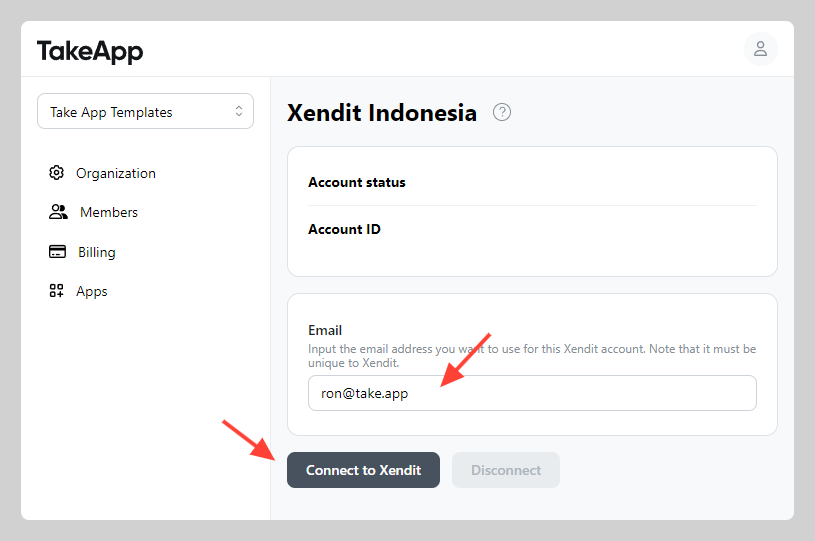
-
Follow the verification process from your Xendit Dashboard
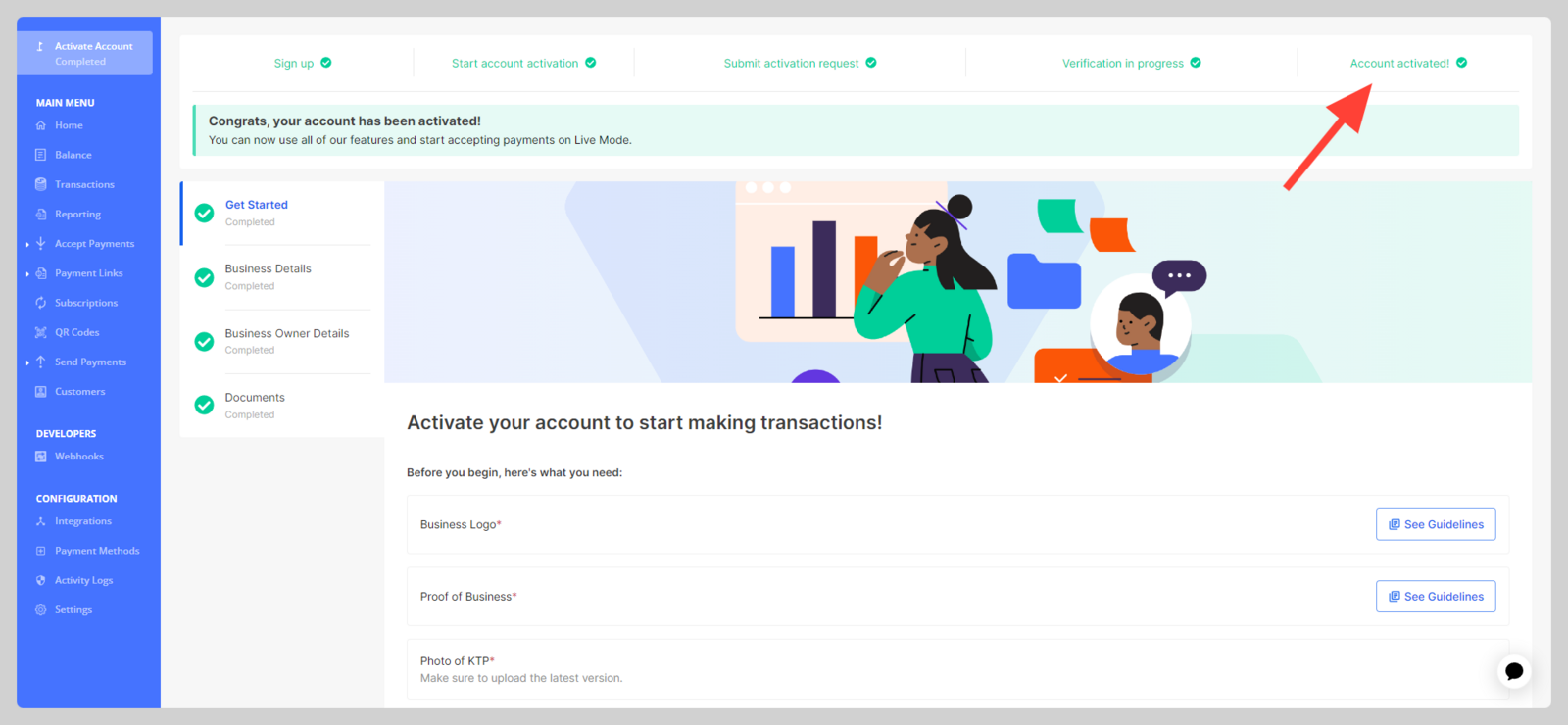
- Tips: before starting verification process, make sure your Take App storefront showing these element:
Product name and price,Store address,Store phone number, andOperation hour.
- Tips: before starting verification process, make sure your Take App storefront showing these element:
-
Once all verification has been completed by Xendit team, the account status will change to
Live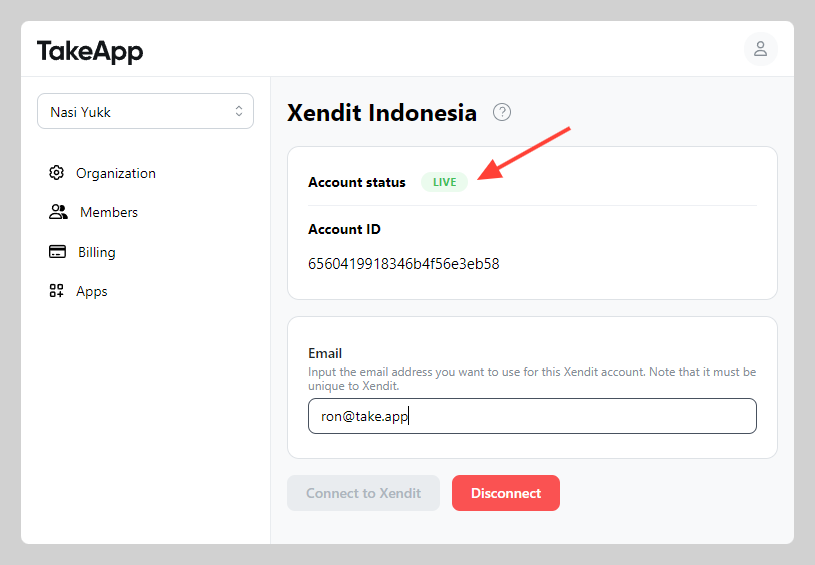
-
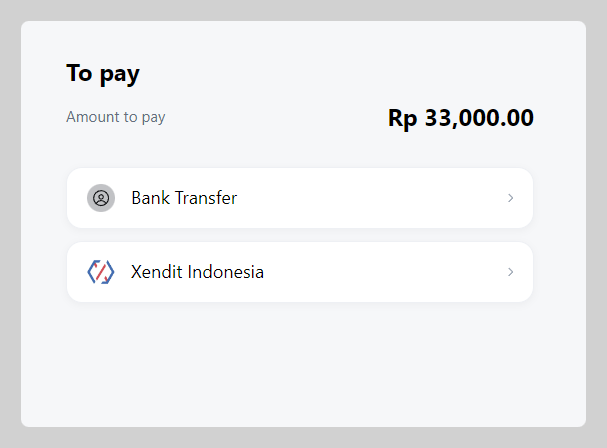
Now you can receive payments by Xendit from your Take App store
If you need to migrate your existing Xendit account to be Take-App sub-account please connect to Xendit Support team at help@xendit.co.