How to add Flutterwave as a payment method
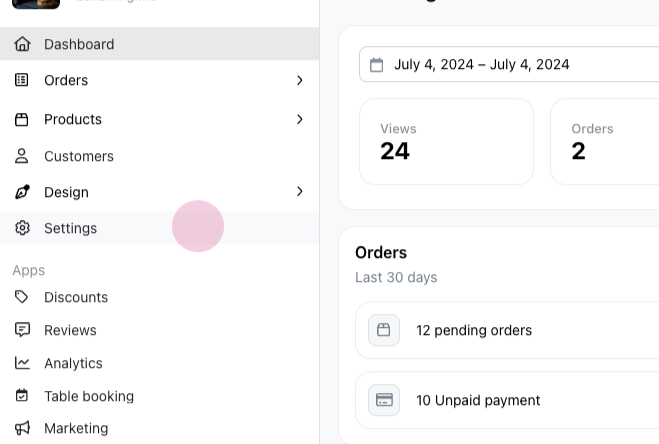
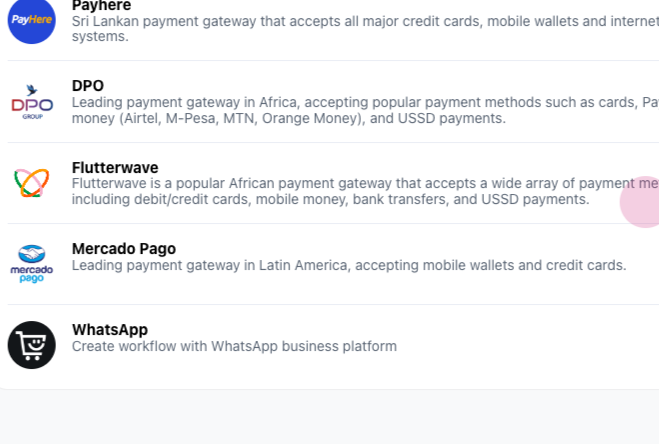
Step 1: Start by navigating to the settings. From there, proceed to the integrations section and select Flutterwave.
Step 2: Next, locate Flutterwave's public and secret key. Copy the public key and paste it in the designated area.
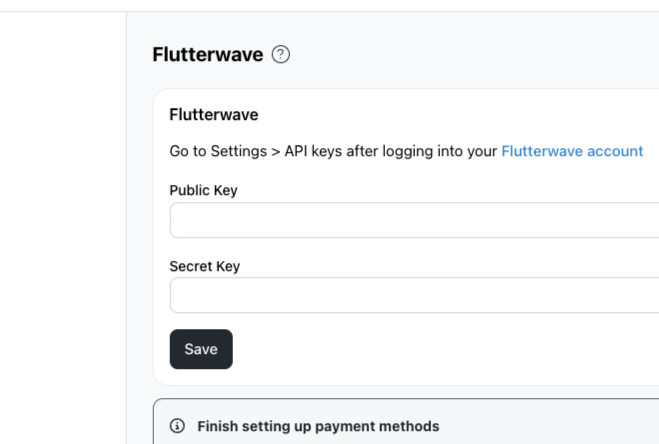
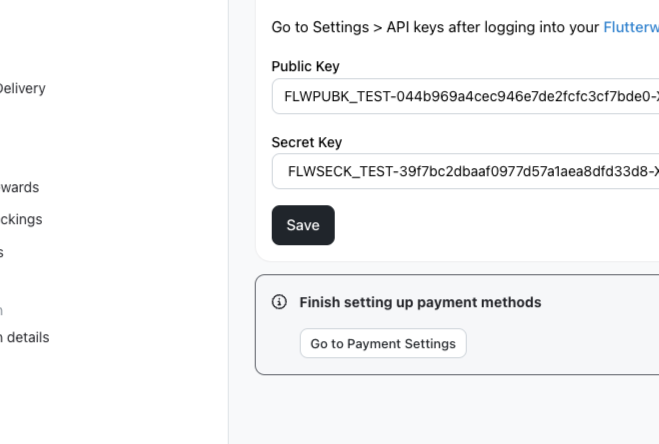
Step 3: Do the same for the private key. After pasting, hit save.
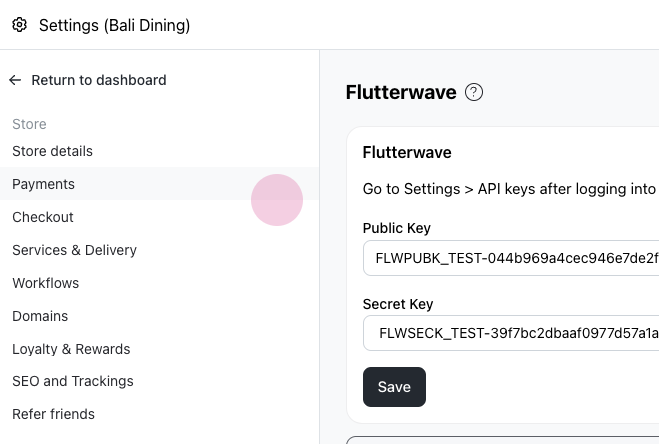
Step 4: The next step involves going to the payment section.
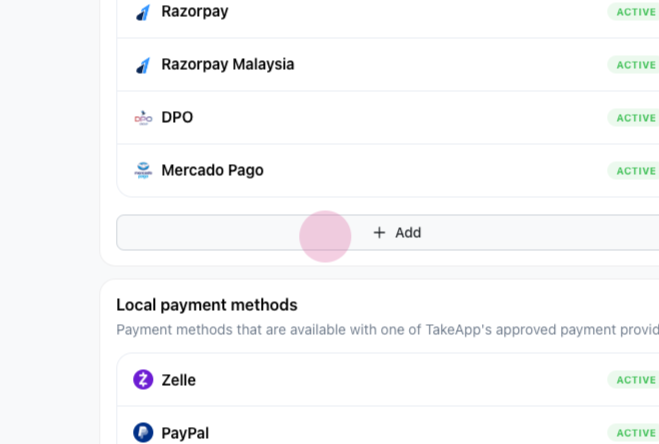
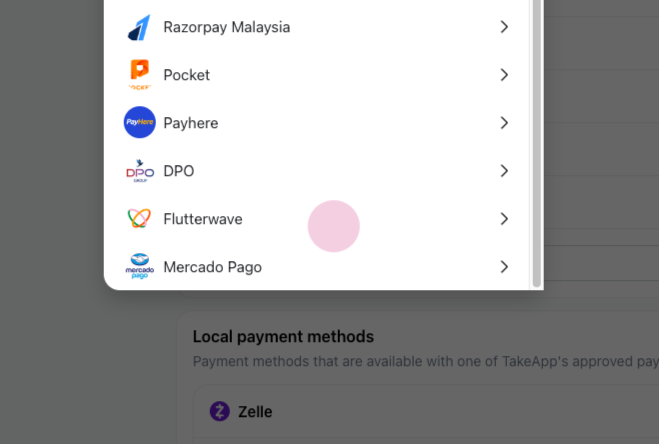
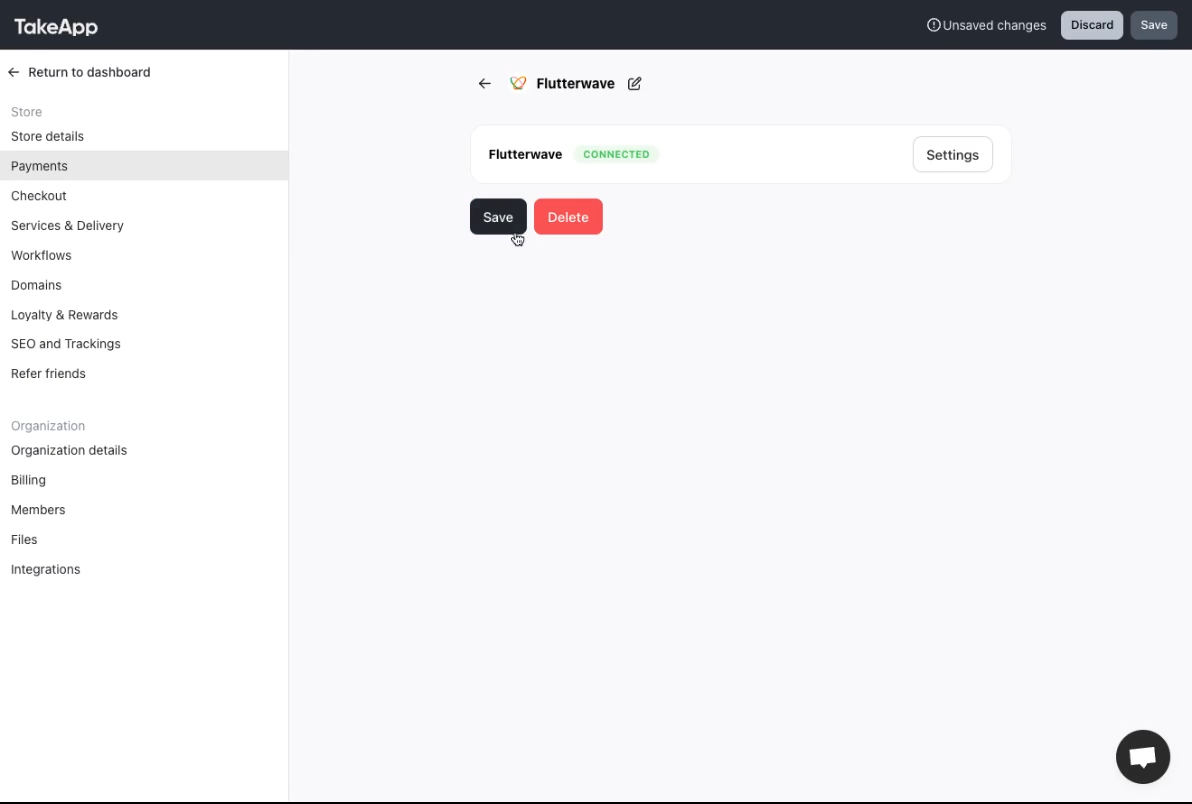
Step 5: Under the automated payment method, select add. Choose Flutterwave from the options and then hit save.