
Booking alerts on WhatsApp, and advance notice
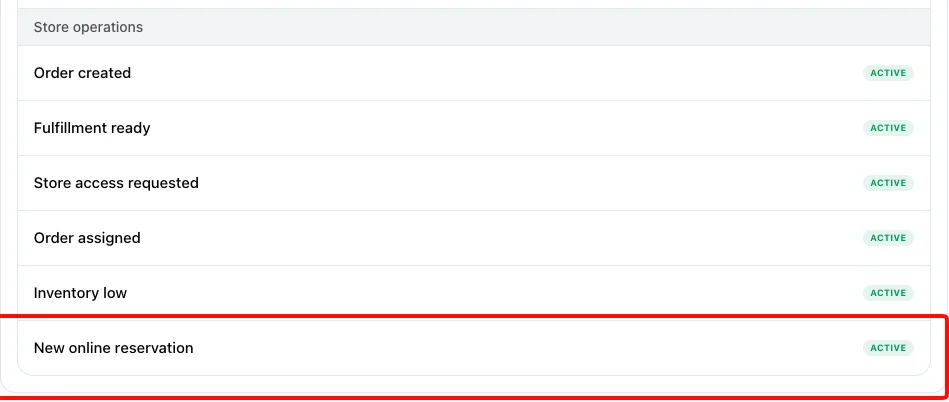
When a customer books a table online, your staff now get a WhatsApp with the guest's name, time and party size, a link to message them, and a button that opens the booking. It's already on, as New online reservation in Settings > Workflow — or click Notifications on the Reservations header.
You can also decide how far ahead customers must book. Reservations > Opening hours has Advance notice, from No notice up to 1 day. It starts at 2 hours, the rule until now, and bookings you add yourself aren't limited.
A faster, steadier website and image uploads
Your storefront now loads 30–40% faster the first time, with the biggest difference on slow or patchy 2G and 3G connections. It carries less code, product images arrive already resized for the screen so previews show up sooner, and a page that loses a piece of itself on a weak connection reloads instead of breaking. Admin is quicker to load too.
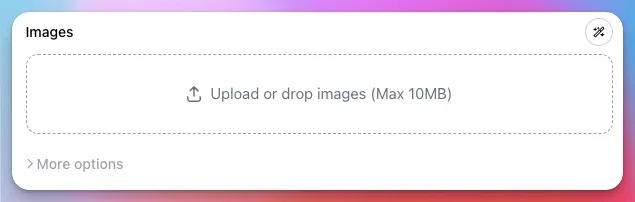
Uploads got the same treatment. Photos customers upload — payment proof, review photos, order form files — are shrunk on their phone first, often to a tenth of the size, so big photos go up quickly even on mobile data. And an upload that drops halfway now picks up where it stopped instead of starting over, in Admin as well as on your store.
Message us on any app
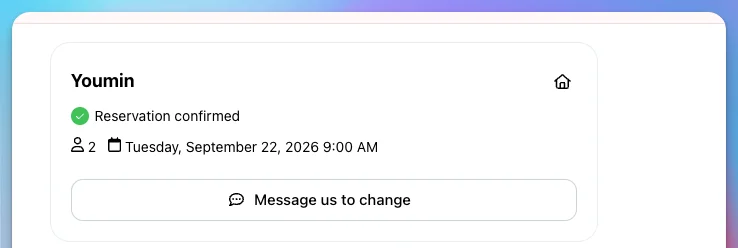
Customers changing a booking could only message you on WhatsApp. Message us to change now offers every app you've turned on in Settings > Checkout — Messenger, LINE, Viber, Telegram, Text and more — and so do your store's share menu, group orders and a new Send us a message page. If your customers use another messenger, turn it on and they'll reach you there.
Learn more about order message buttons
Top up with PayNow, DuitNow, QRIS, QRPH or UPI
Pay Take App ahead with your local QR, powered by HitPay. In Settings > Billing, click Topup under Prepaid balance, enter an amount and scan the QR with your banking app — you're charged in your own currency and the balance goes up by itself.
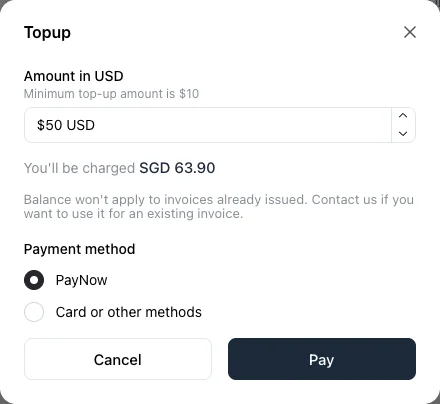
The balance pays your next invoices, both your plan and usage like WhatsApp messages. If card payments are unreliable where you are, this keeps your plan running. Singapore, Malaysia, Indonesia, the Philippines and India.
Learn more about prepaid balance
Reply to Instagram comments from Take App
Read and answer the comments on your Instagram posts without opening Instagram. Open Admin > Instagram, filter to Needs reply, and reply as your business — your staff can too.
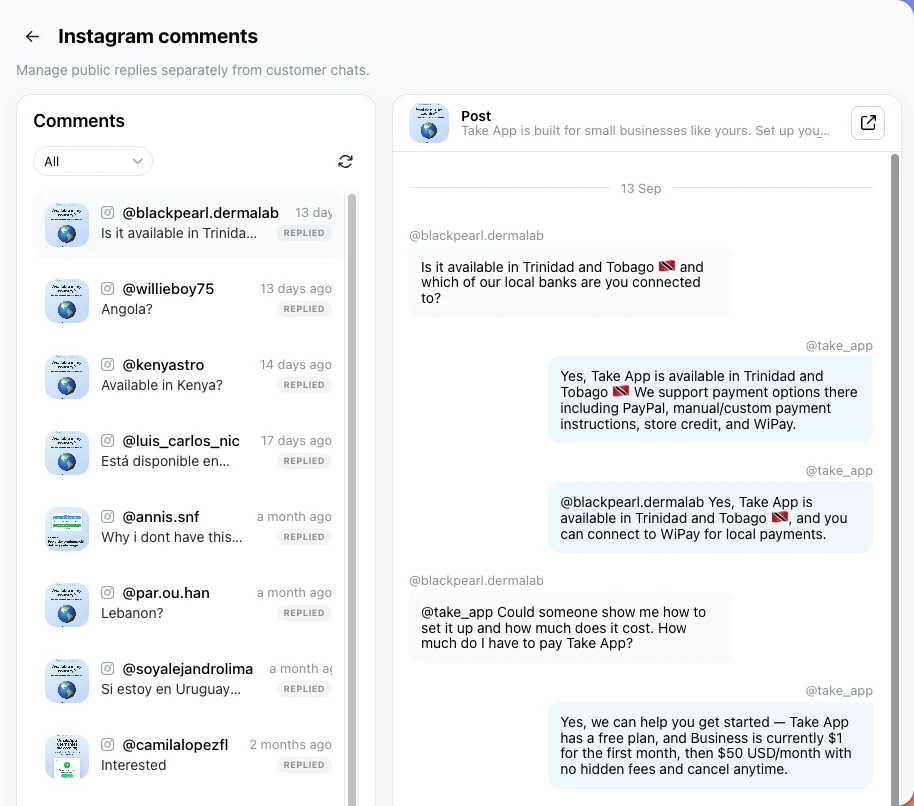
Learn more about Instagram comment management
Others
- A WhatsApp by store card in Analytics > Usage shows each store's automated WhatsApp messages, for accounts with more than one store.
- Orders from a Click-to-WhatsApp ad now carry the ad's click ID in the API and webhooks, ready for Meta's Conversions API. Business plan.
- MTC Maris for stores in Namibia, and Bolivian stores can now save a Yape QR.
- The booking page's Guests list now goes up to your largest table, not a fixed 10, with a Contact us for large groups option at the end.
- Placing an order straight from the cart now shows a loading spinner while it goes through.
- Table QR orders no longer arrive without their table.
- Mobile app: Guatemala's 8-digit numbers and Jamaica's +1 658 numbers are accepted, and a receipt sent to a known number goes on that customer's record.