
More courier integrations
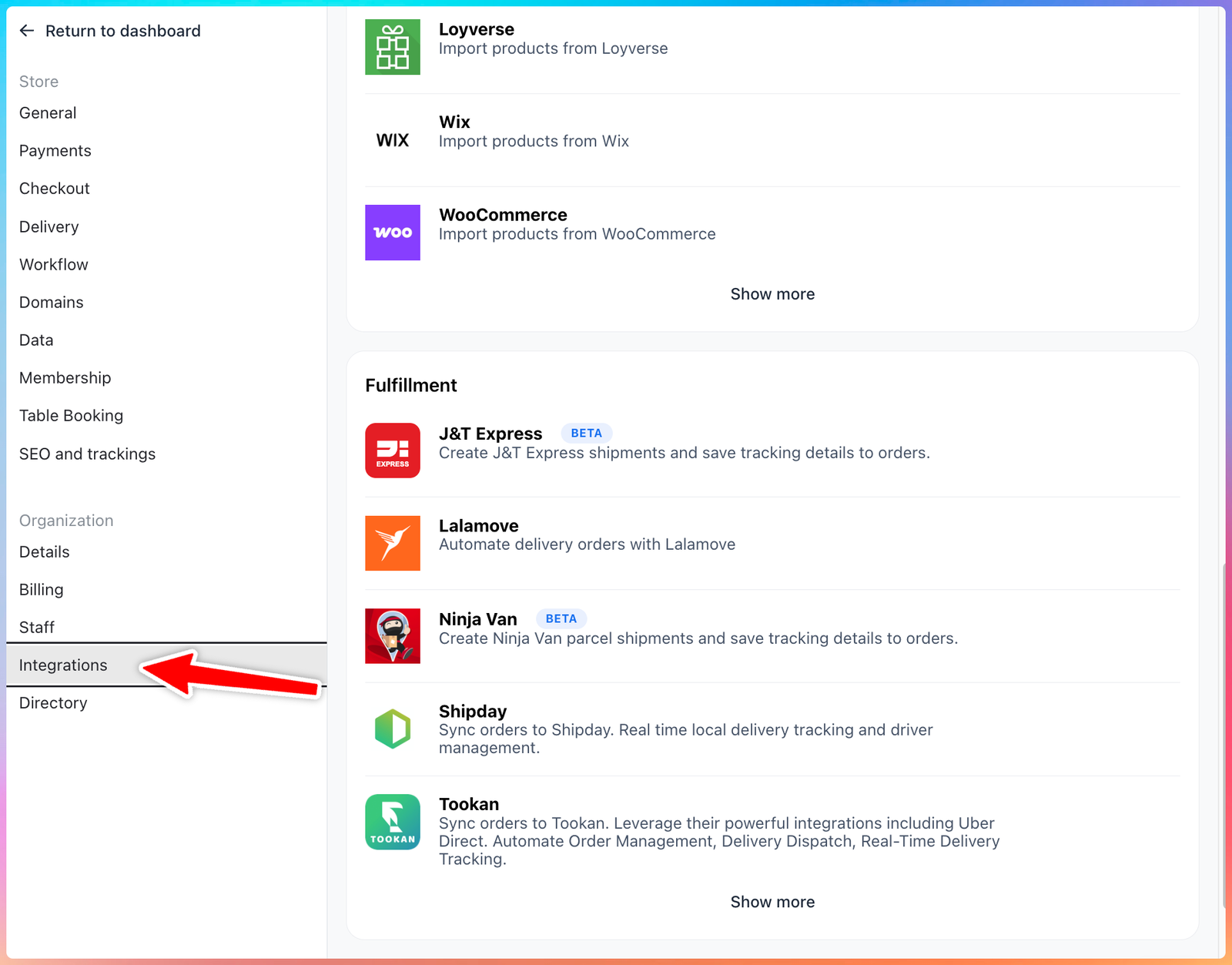
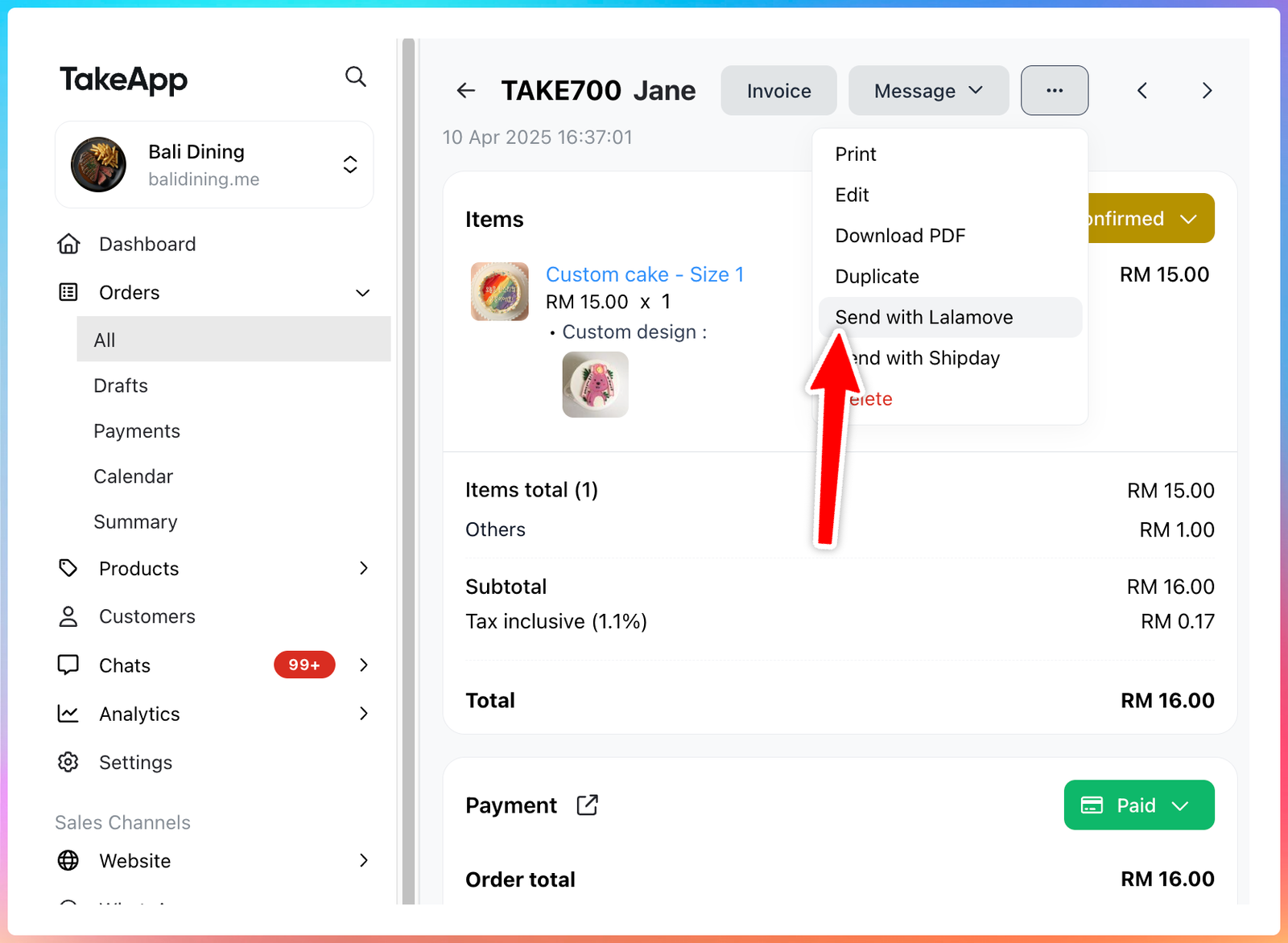
Courier integration setup has expanded for The Courier Guy (ZA), Ninja Van (SG/MY/ID), J&T Express (ID/SG), Delhivery (IN), JNE (ID), and RAM (ZA). Merchants can connect supported courier accounts with an API key from Admin → Settings → Integrations, then use the “Send with courier” action from the order detail page to create shipments and update tracking details. Learn more
Create payment links from Admin
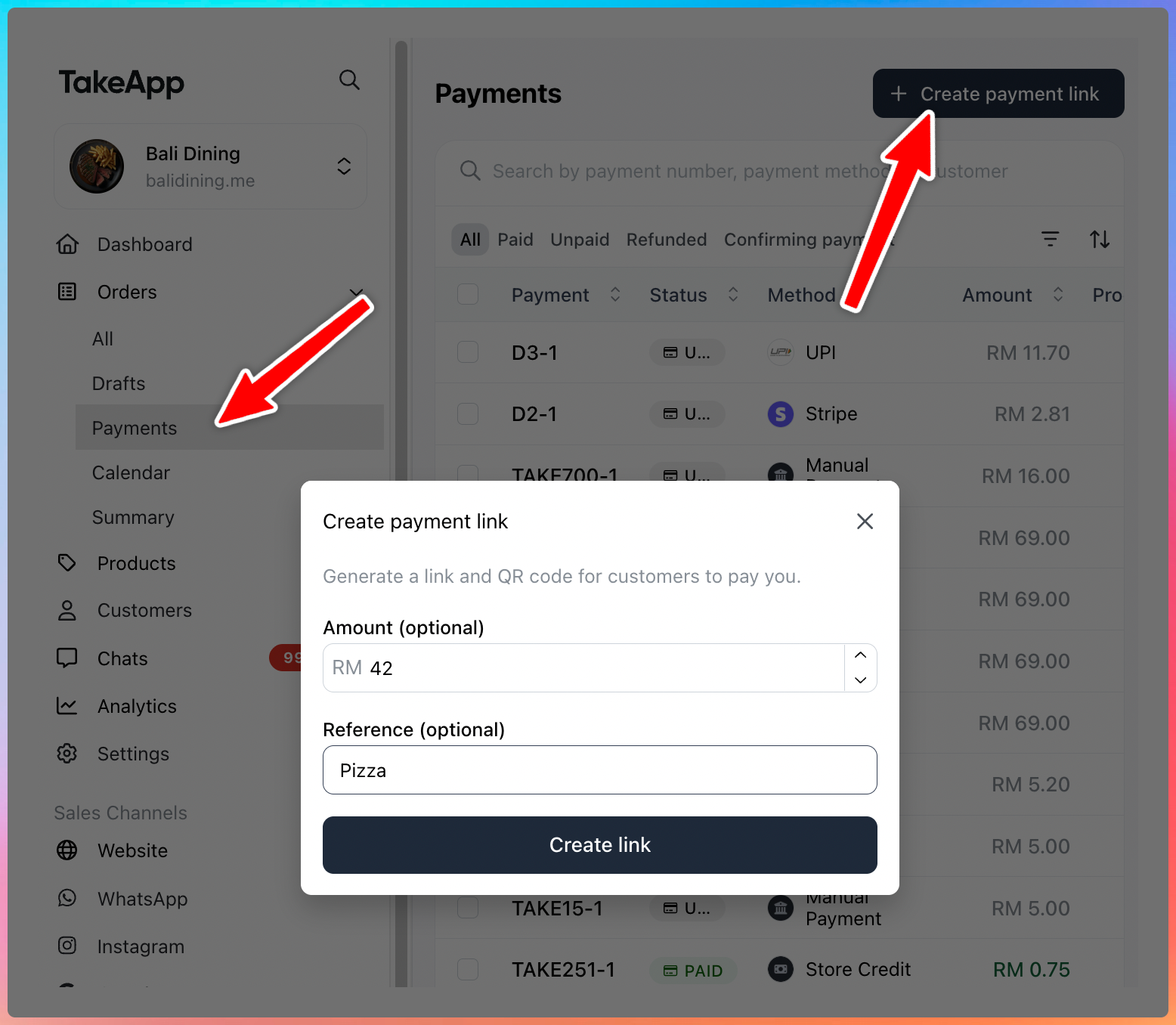
Merchants can now create a payment link from Admin → Orders → Payments without creating an order first. Add an amount or reference, then share the link or QR code with customers for deposits, offline sales, custom amounts, or manual follow-up payments. Learn more
QR ordering is easier to discover
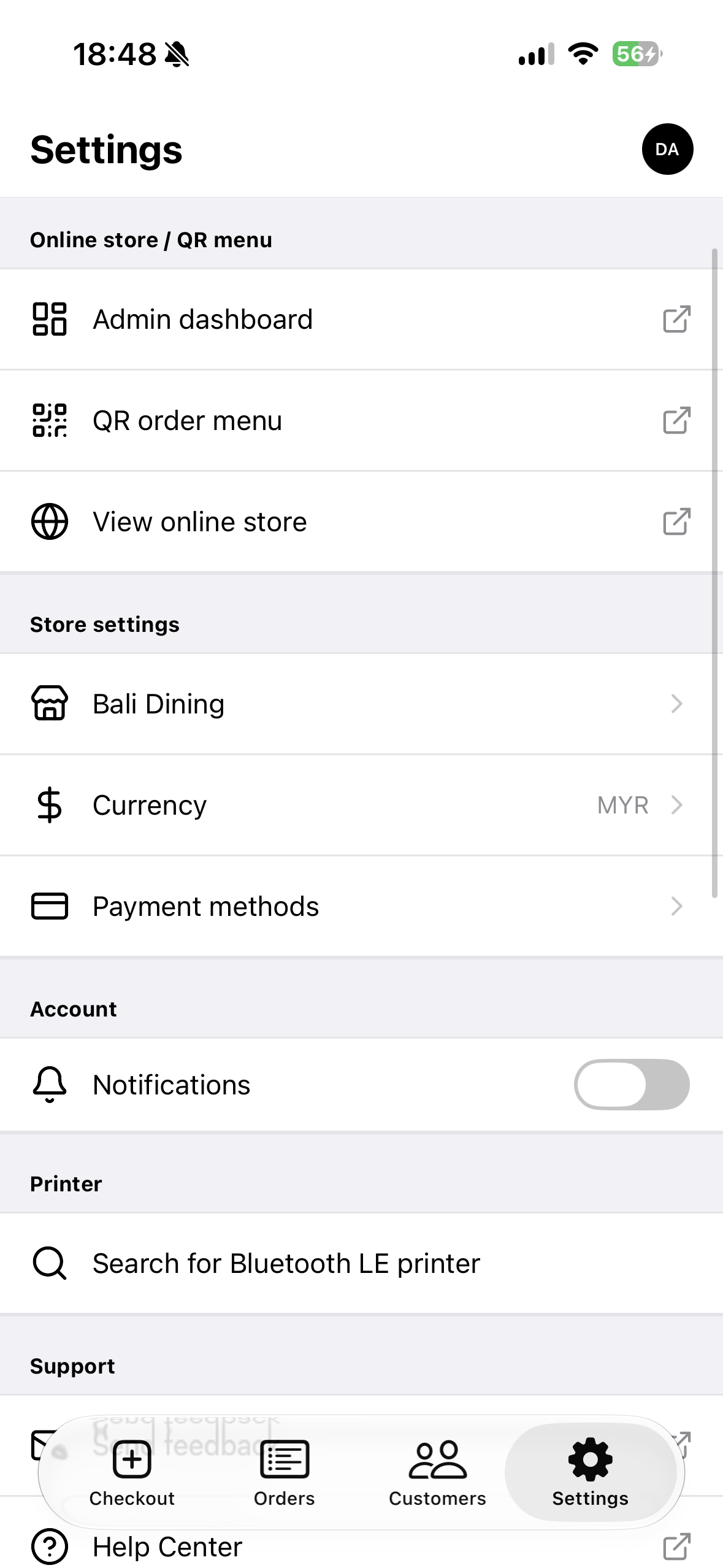
POS staff can now open the dine-in QR menu from Settings → Online store / QR menu → QR order menu in the mobile app. QR menus now show discounted prices correctly. Learn more
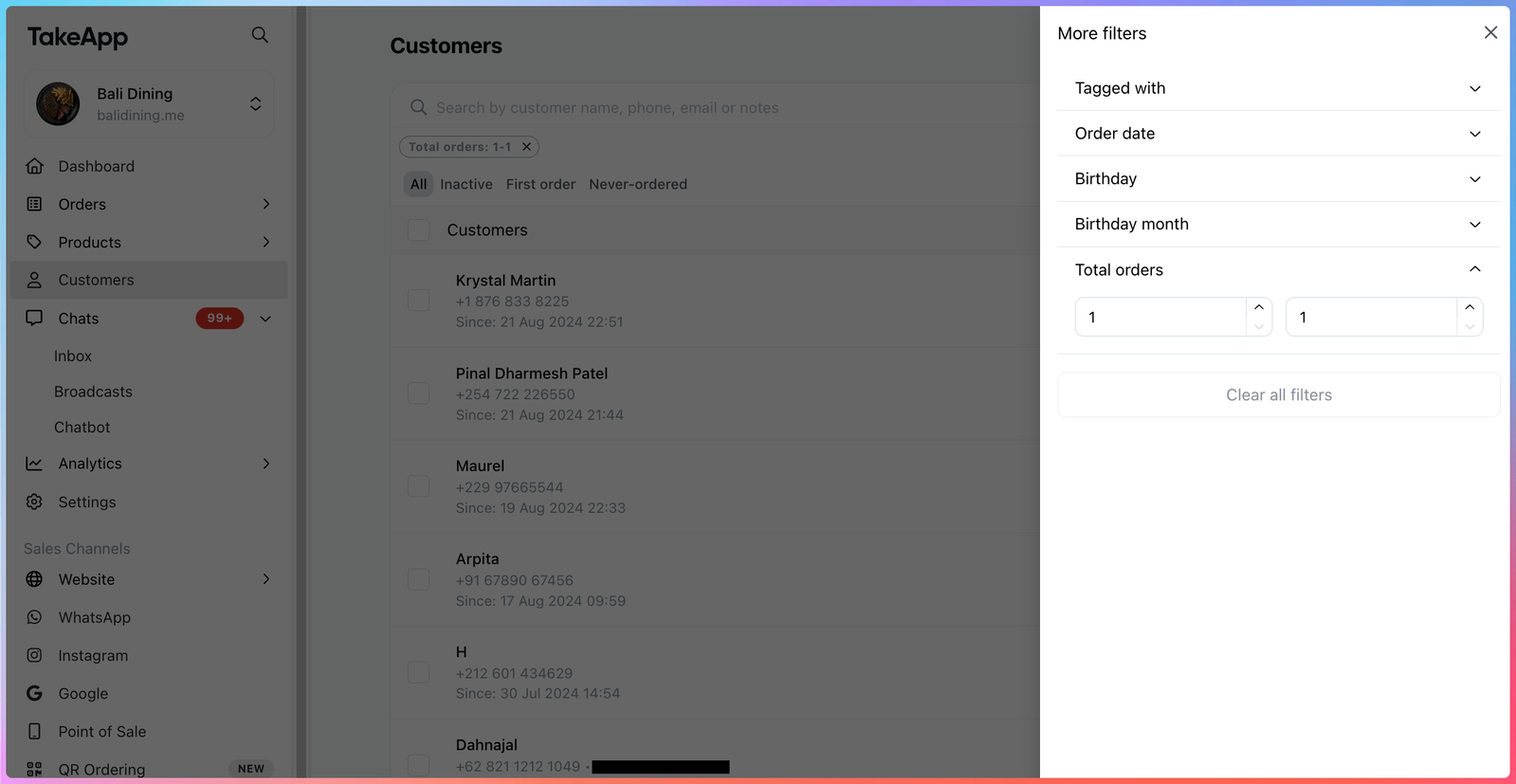
More precise customer filters
The customer total-orders filter now supports a maximum value. Merchants can target exact customer groups like “customers with exactly 1 order” or define tighter order-count ranges for follow-ups and campaigns.
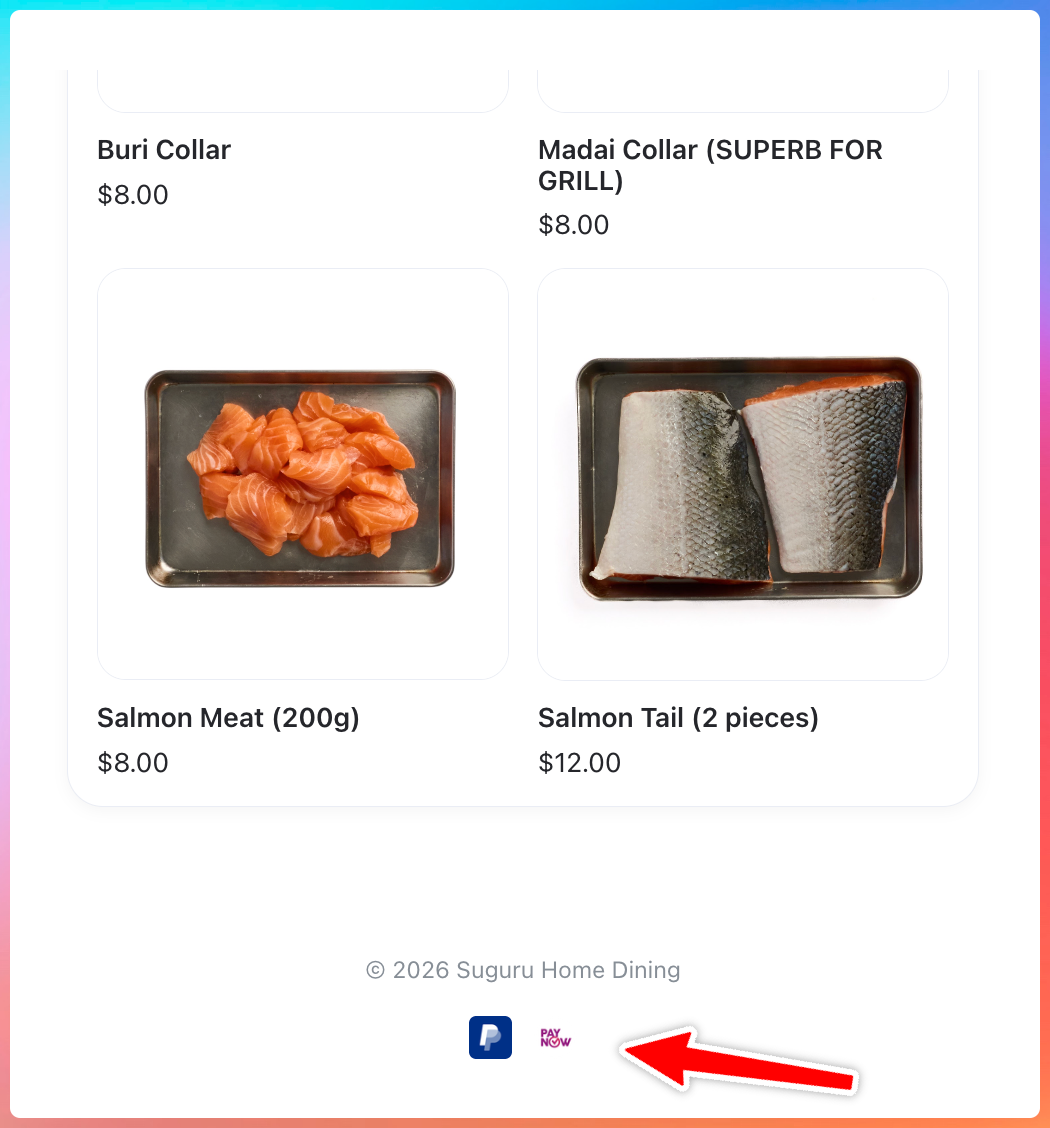
Show accepted payment methods on your storefront
Enabled payment methods now appear at the bottom of your storefront. This gives customers a clearer signal that your store can accept their preferred payment option before they order.
Others
- Platform API v2 can now send WhatsApp template messages using broadcast templates.
- Lalamove now supports map pin confirmation and better city/country handling for Malaysia and Indonesia.
- Custom DNS records now support underscore-prefixed TXT records such as _vercel.
- WigWag in South Africa was renamed to Stitch Express.
- Custom-domain sync has stronger retry protection for expired or conflicting domains.