
Messenger 주문 받기
Facebook 페이지에 스토어를 공유하세요. 주문 세부 내용은 Messenger로 받고, 모든 주문은 Take App에 정리됩니다.
무료 플랜이 있습니다. 신용카드는 필요 없습니다.
메신저 앱 선택
주문 세부 정보 보내기
#1042
2 × 사워도우 식빵
$24.00
- Messenger
- Telegram
- LINE
받게 되는 주문
Messenger
Alex · 고객
Everyday Bakery 주문 #1042 2 × 사워도우 식빵 옵션: 슬라이스 개당 $12.00 합계: $24.00 고객: Alex 픽업: 오늘 오후 12:30 결제: 픽업 시 현금
take.app/everyday-bakery/orders/1042
Messenger 주문이 들어오는 방법
주문은 스토어에서, 세부 내용은 대화로, 관리는 한곳에서.
고객이 스토어에서 주문합니다
고객이 상품을 둘러보고 옵션을 고른 뒤 주문서를 작성합니다. Take App이 주문을 대시보드에 저장합니다.
Messenger로 세부 내용을 받습니다
주문서를 작성한 뒤 고객이 Messenger로 주문을 공유합니다. 상품, 합계, 픽업 또는 배달 정보를 받게 됩니다.
Take App에서 주문을 관리합니다
대시보드에서 결제와 풀필먼트를 추적하세요. 고객이 어떤 앱으로 메시지를 보내든 주문은 한곳에 모입니다.
모든 주문을 한곳에서
Messenger 대화에는 주문 세부 내용이 남고, Take App 대시보드에는 주문 기록, 결제 상태, 풀필먼트가 다른 판매와 함께 정리됩니다.
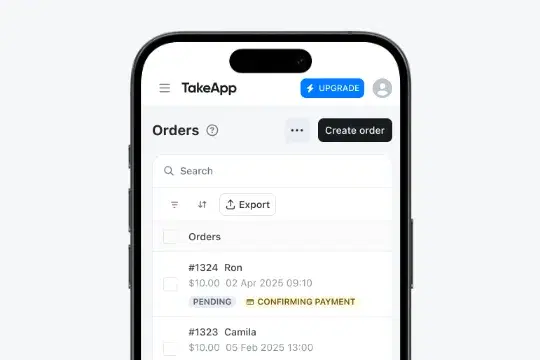
수신함과 워크 플로우
주문을 관리하면서 고객에게 답장하고 진행 상황을 알리세요.
수신함
고객 대화를 Take App에 모아 두세요. 팀이 수신함 하나에서 답장하고, 주문 세부 정보를 공유하고, 후속 연락을 할 수 있습니다.
- Messenger출시 예정
진행 중인 대화
Alex
12시 30분에 주문 찾으러 가도 될까요?
Alex
나에게 할당됨
12시 30분에 주문 찾으러 가도 될까요?
네! 사워도우 식빵 두 개 준비해 둘게요. 그때 뵐게요.
워크 플로우
주문 확인, 결제 리마인더, 상태 업데이트를 자동으로 보내 고객이 다음 단계를 알 수 있게 하세요.
- Messenger출시 예정
트리거
어떤 일이 일어났을 때
조건
이 조건에 맞을 때만 실행
액션
작업이 수행됩니다
템플릿
주문을 관리하는 더 많은 방법
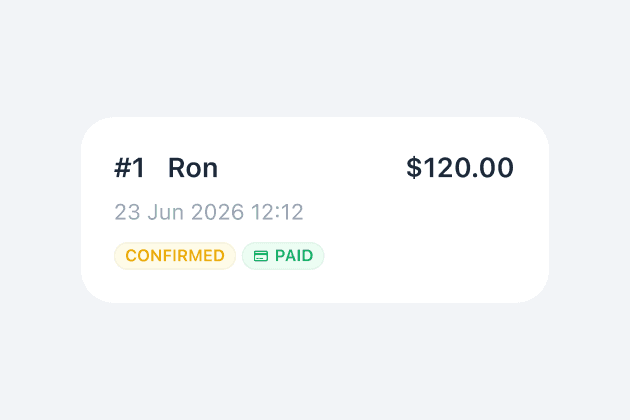
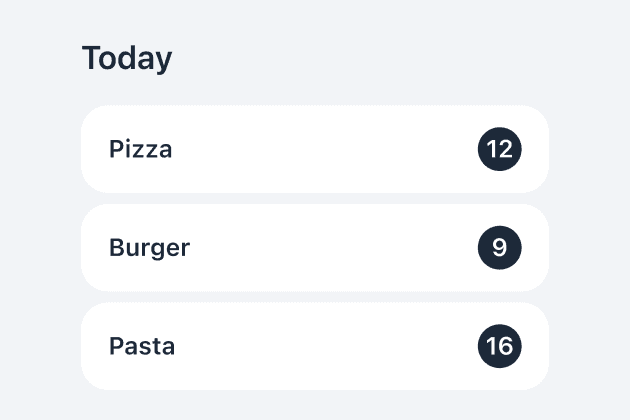
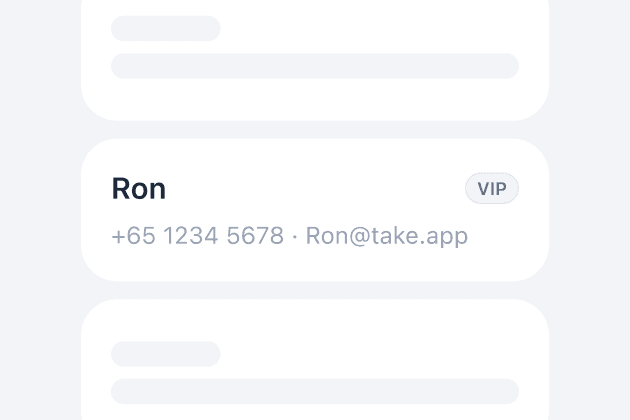
상품 준비와 결제 확인부터 고객과 송장 관리까지, 모든 주문을 Take App에서 정리하세요.
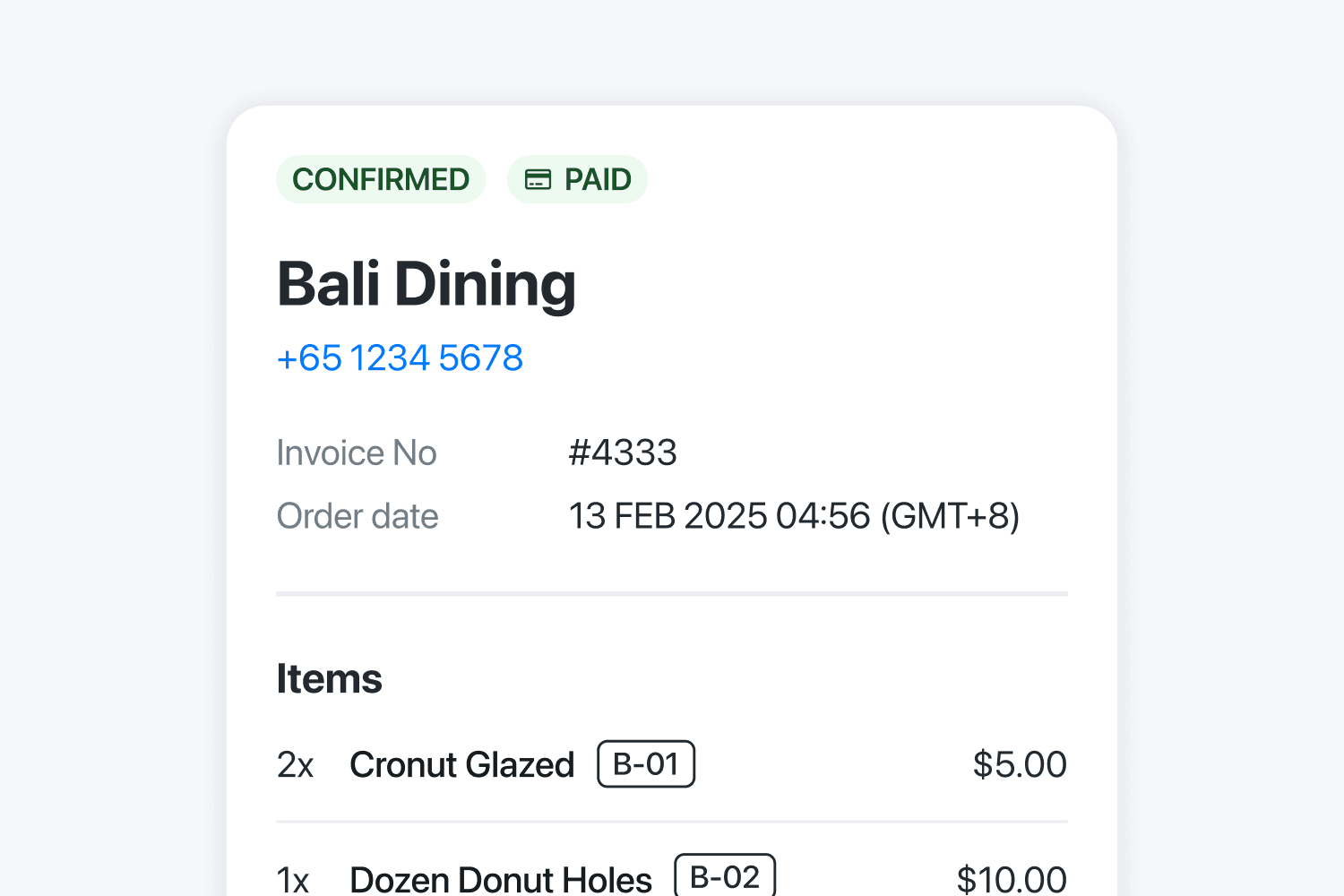
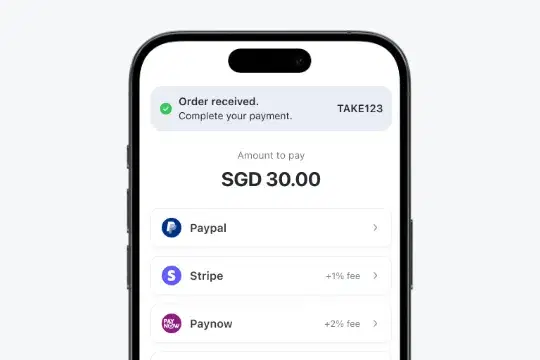
고객들의 이야기
180+개국의 소상공인이 Take App으로 비즈니스를 운영합니다.
무료로 시작하고, 성장하면 업그레이드하세요
무료로 시작하세요. 스토어 운영에 더 많은 도구가 필요할 때 업그레이드하세요.
Basic
신규 스토어
포함 항목
- 월 주문 50건
- 상품 무제한
- 수수료 없음
- 현지 결제 수단 지원
한 달에 주문이 50건을 넘어도 등록된 WhatsApp 번호로 계속 주문을 받을 수 있습니다. 다만 그달의 추가 주문은 대시보드에 저장되지 않습니다.
Essential
성장하는 스토어
Basic의 모든 기능에 추가로
- 주문 및 이미지 무제한
- 커스텀 도메인
- 거리 및 무게별 배달 요금
- CSV 가져오기 및 내보내기
- 애널리틱스, SEO 및 메타 픽셀
Business
가장 인기주문이 많은 팀
Essential의 모든 기능에 추가로
- 카드 결제(Stripe 등)
- WhatsApp 자동화 및 방송
- 고객 로그인 및 회원 자격
- WhatsApp 및 Instagram 수신함
- Take App 로고 제거
- 다중 스토어 및 직원
- 외부 앱, API 및 웹훅
스토어 5개, 직원 5명, 월 자동 WhatsApp 메시지 1,000건과 자동 이메일 2,500건이 포함됩니다.