
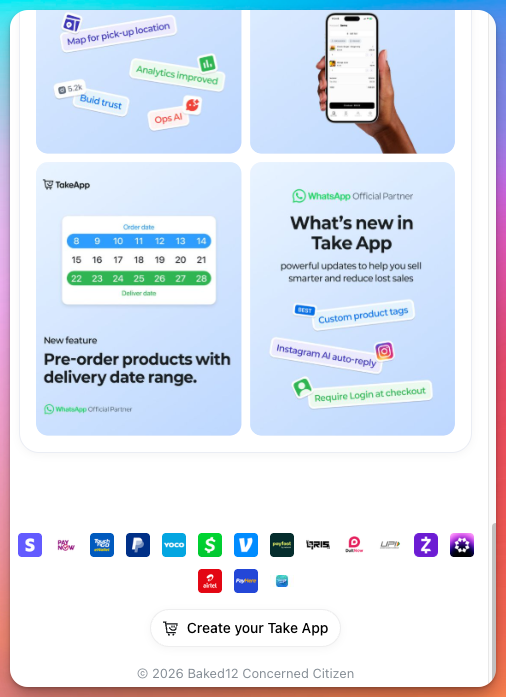
Your enabled payment methods are automatically displayed at the bottom of your storefront. This helps build customer trust by showing shoppers which payment options are accepted before they reach checkout.
No extra setup is needed — once you've added and enabled a payment method in Admin → Settings → Payments, it will appear in your storefront automatically.
To manage your payment methods, check Add payment methods.