
You can add or modify your storefront logo to enhance your brand.
How to add or change store logo
-
Go to Website > Appearance and navigate to the "Profile" section. Upload your logo, then click
Save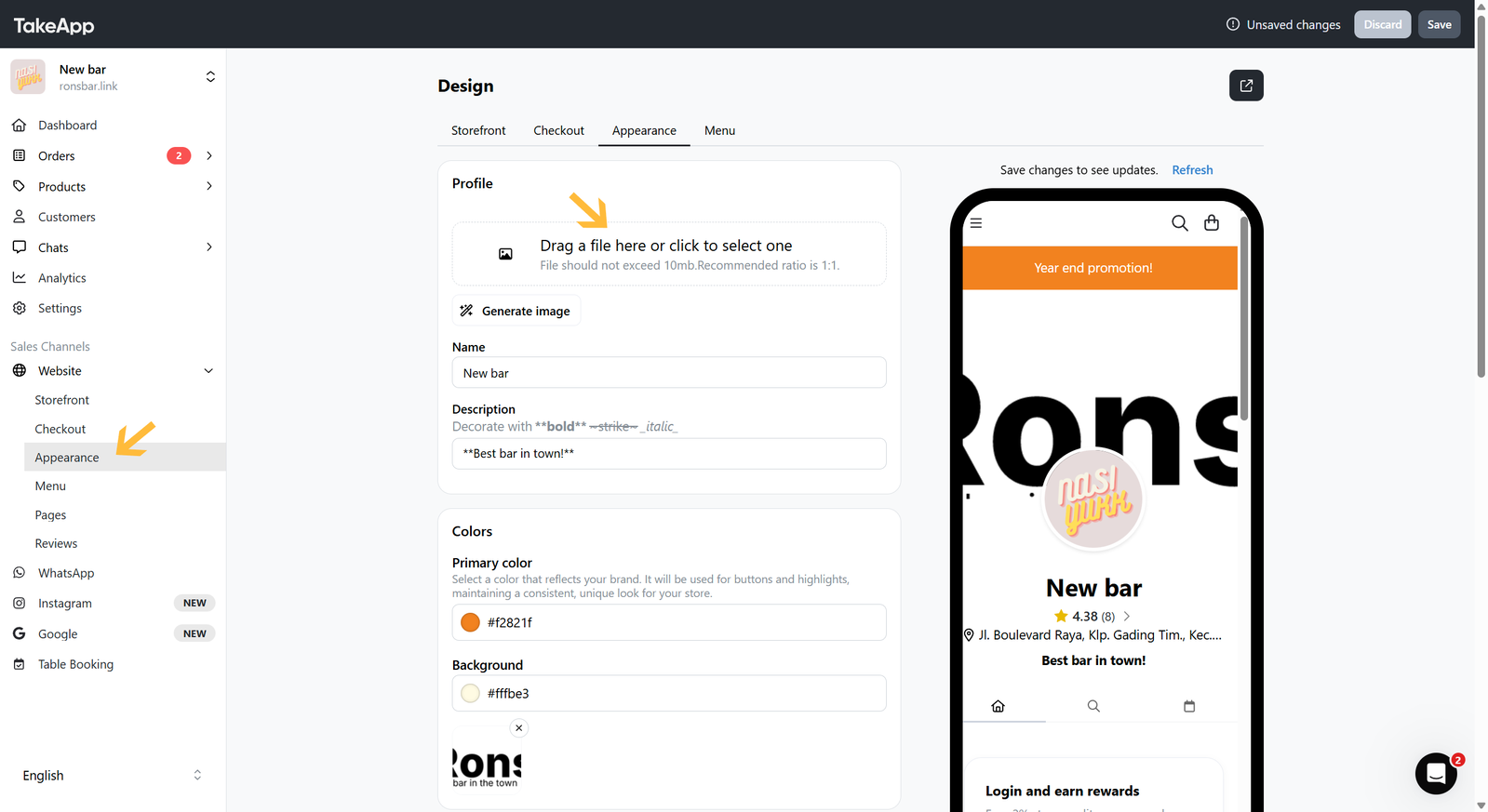
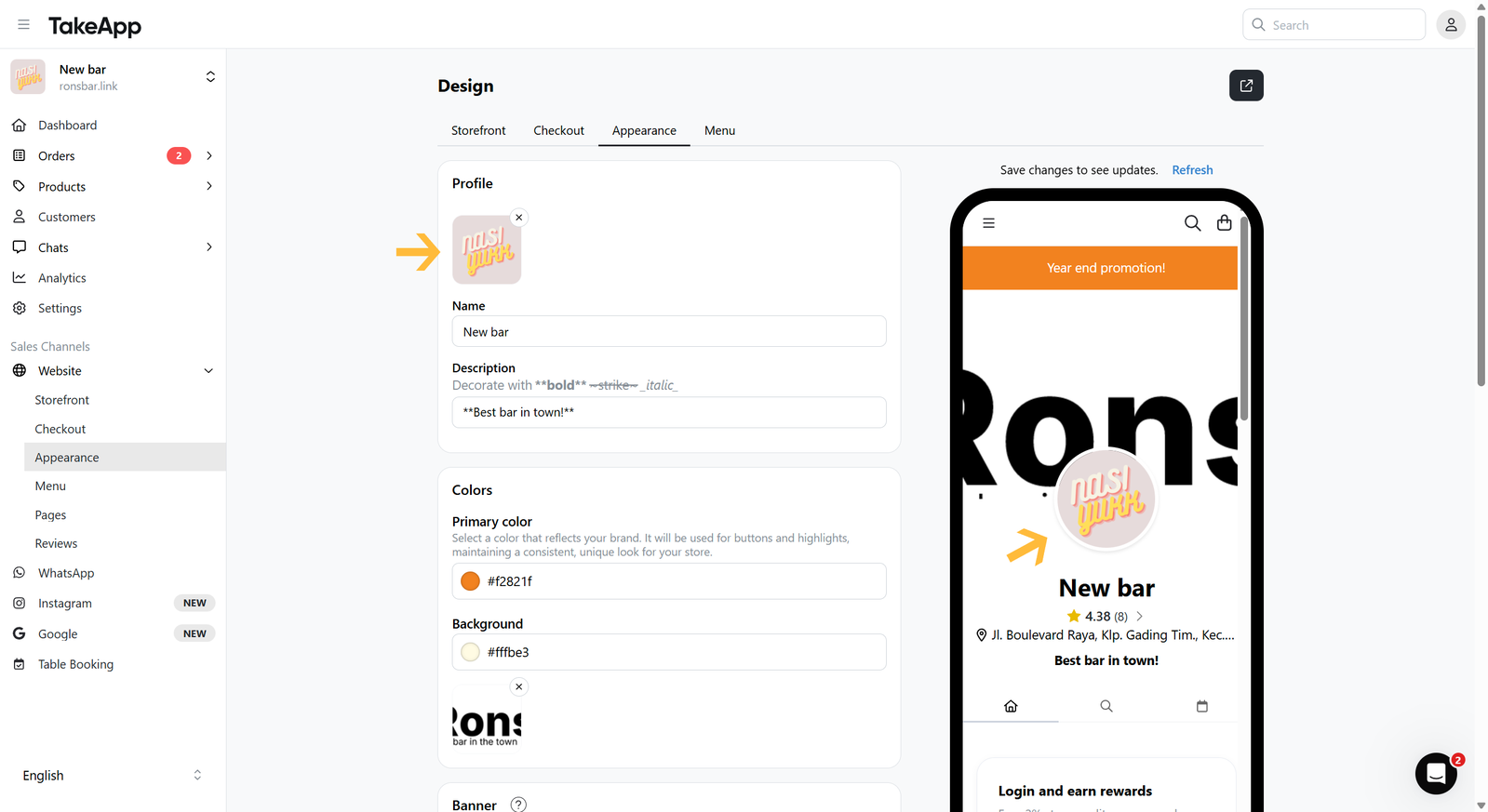
You can add or modify your storefront logo to enhance your brand.
Go to Website > Appearance and navigate to the "Profile" section. Upload your logo, then click Save
질문을 남기시면 바로 답변해 드립니다. 팀과 대화하셔도 됩니다.